Screenshots
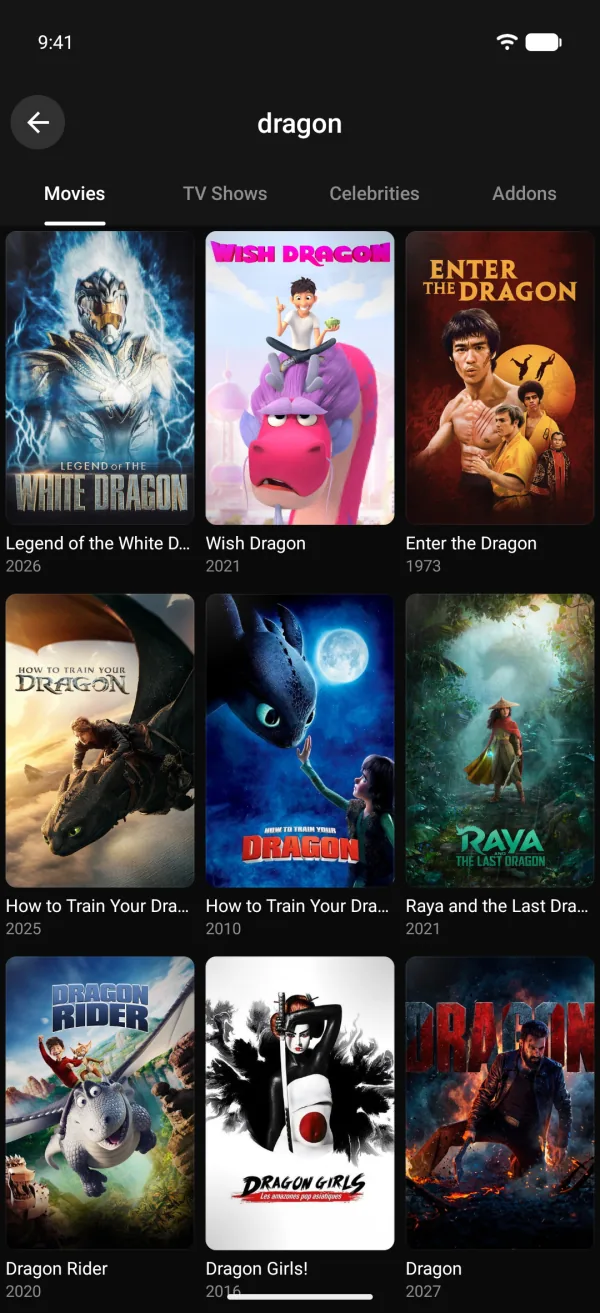
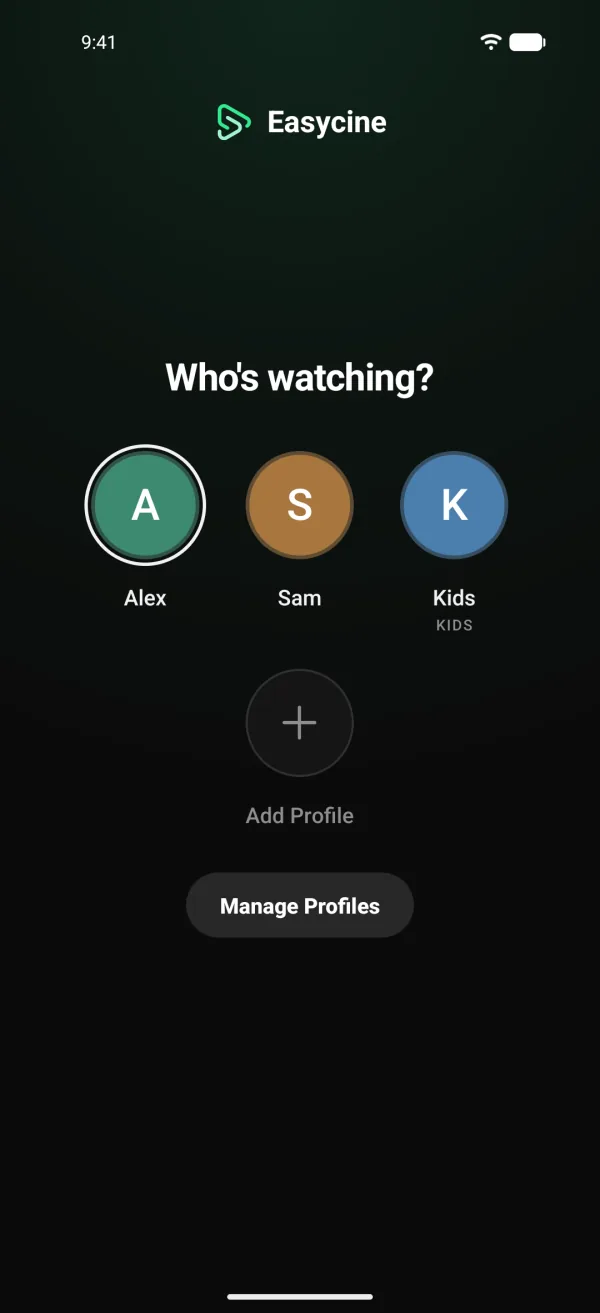
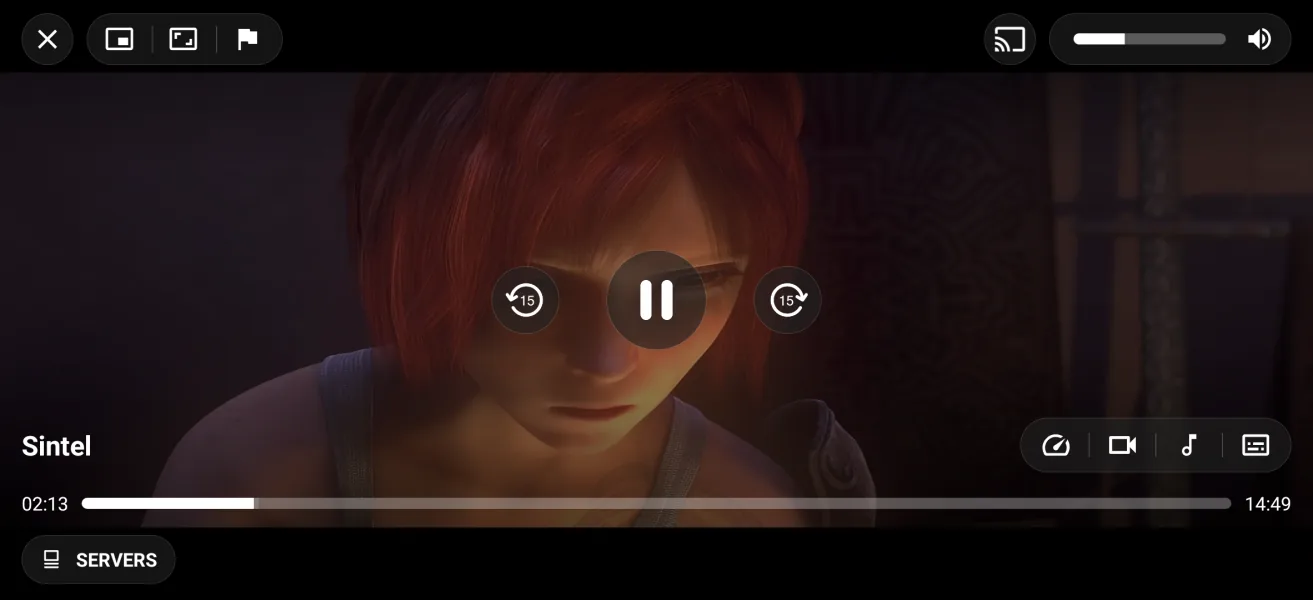
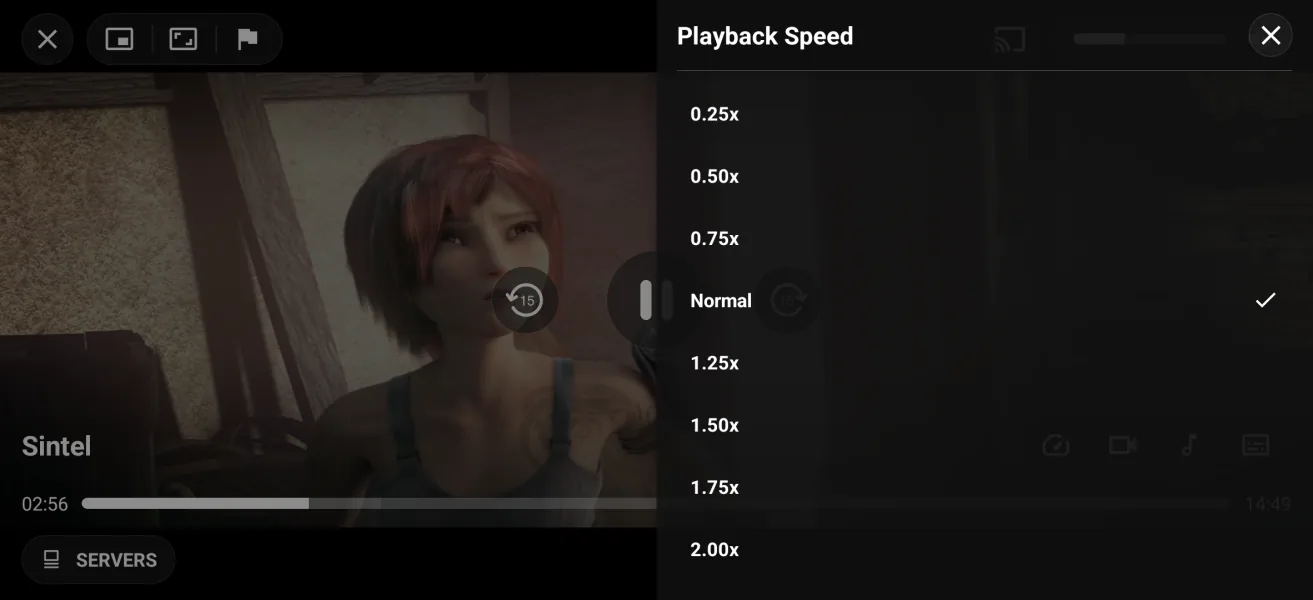
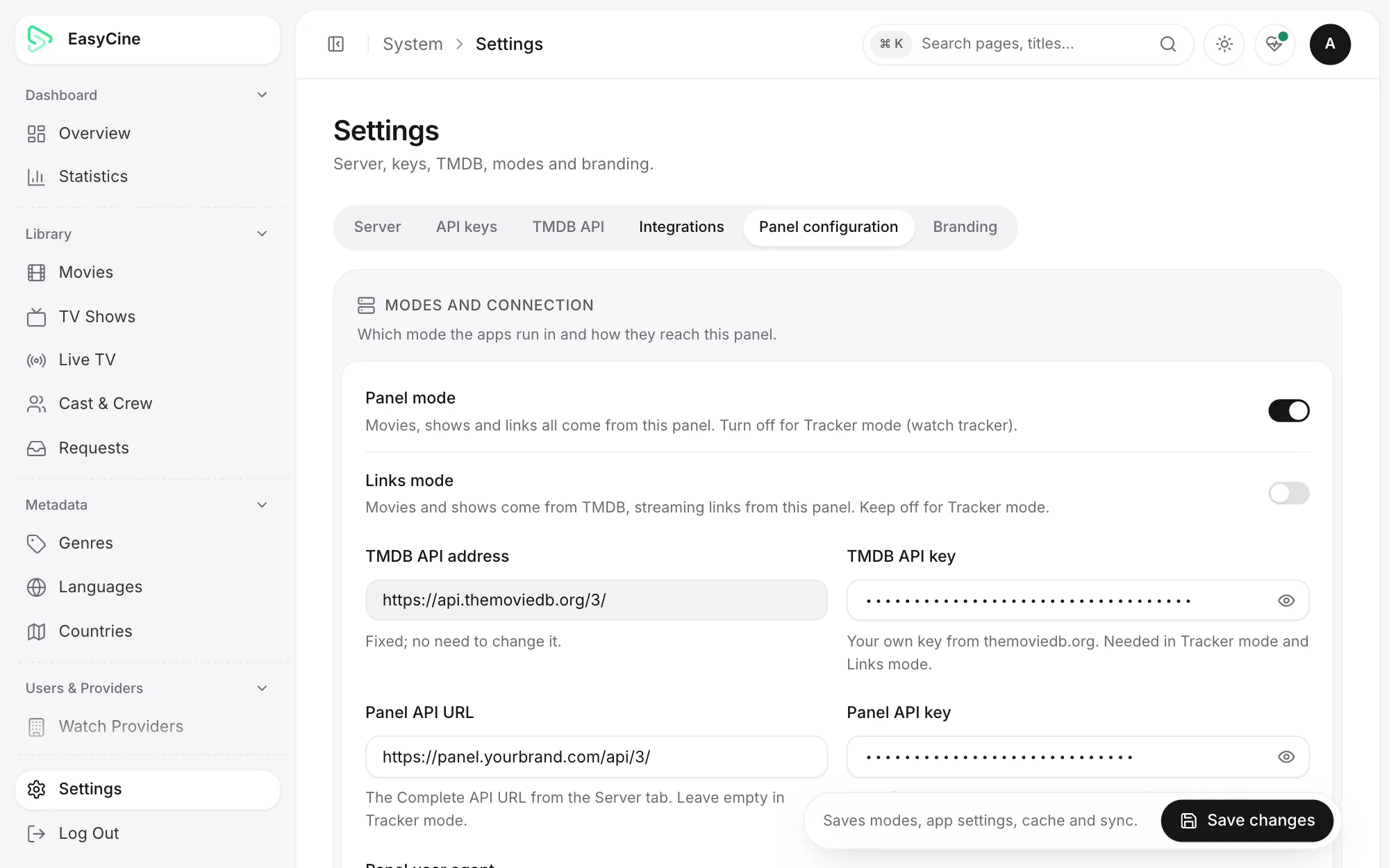
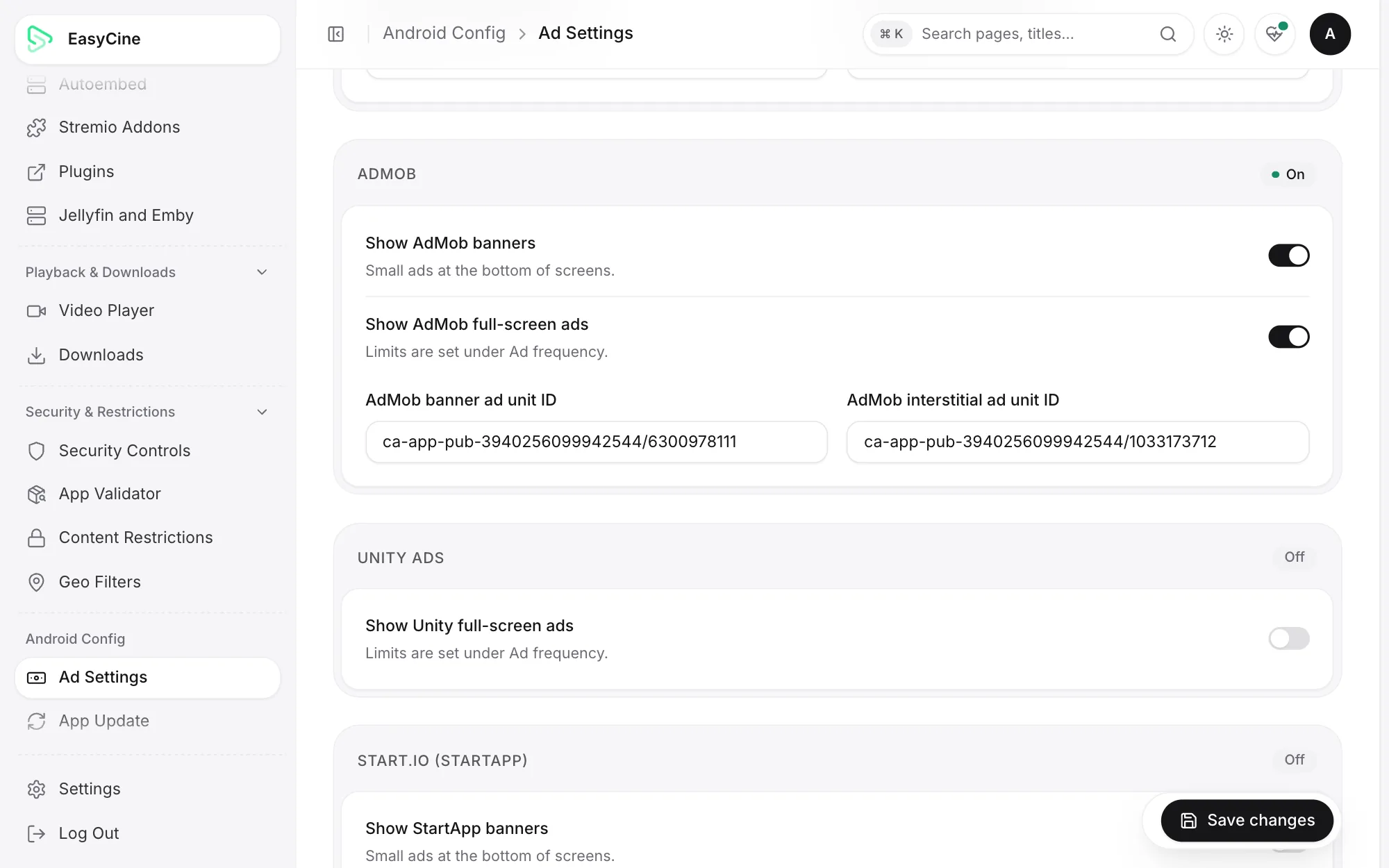
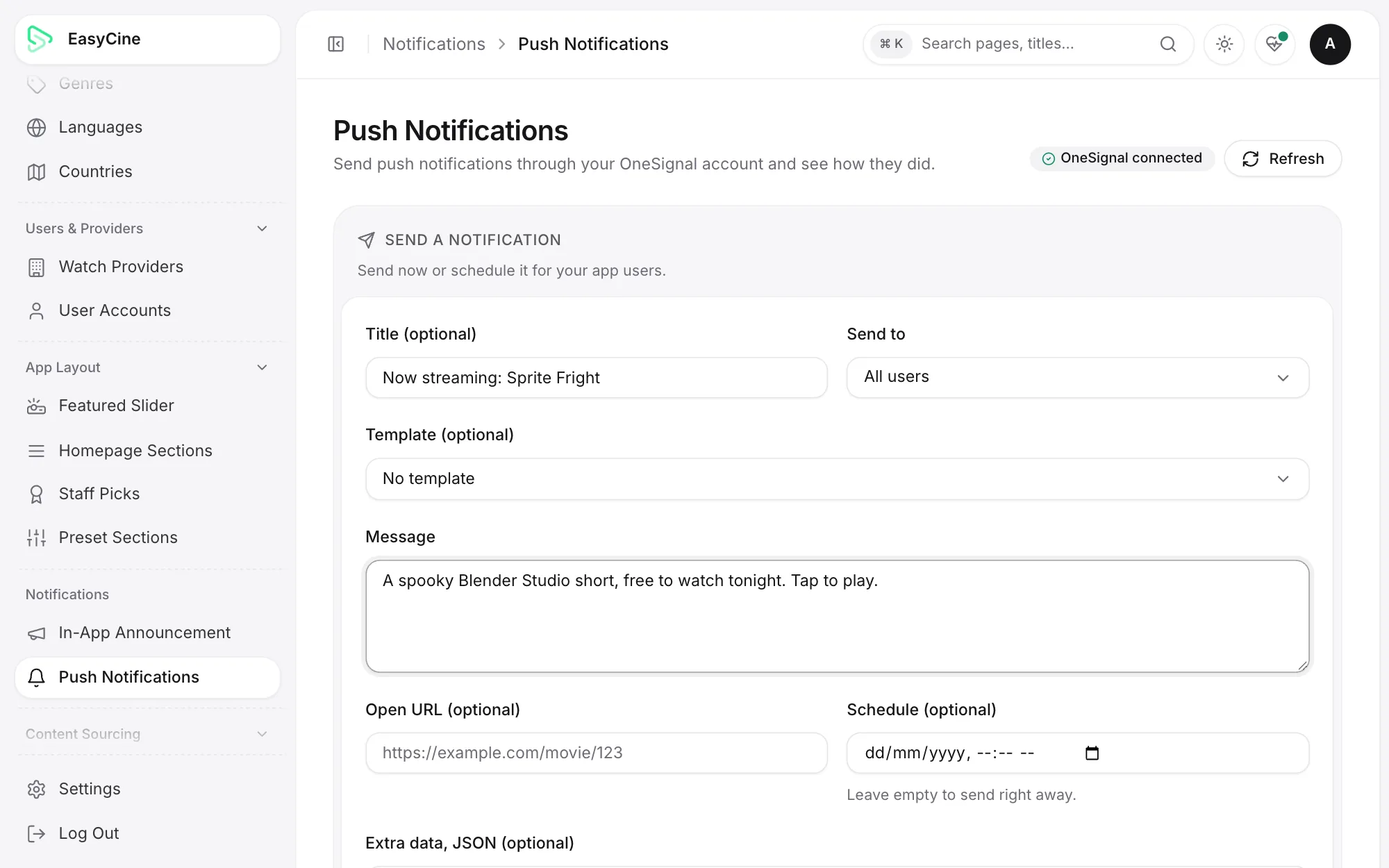
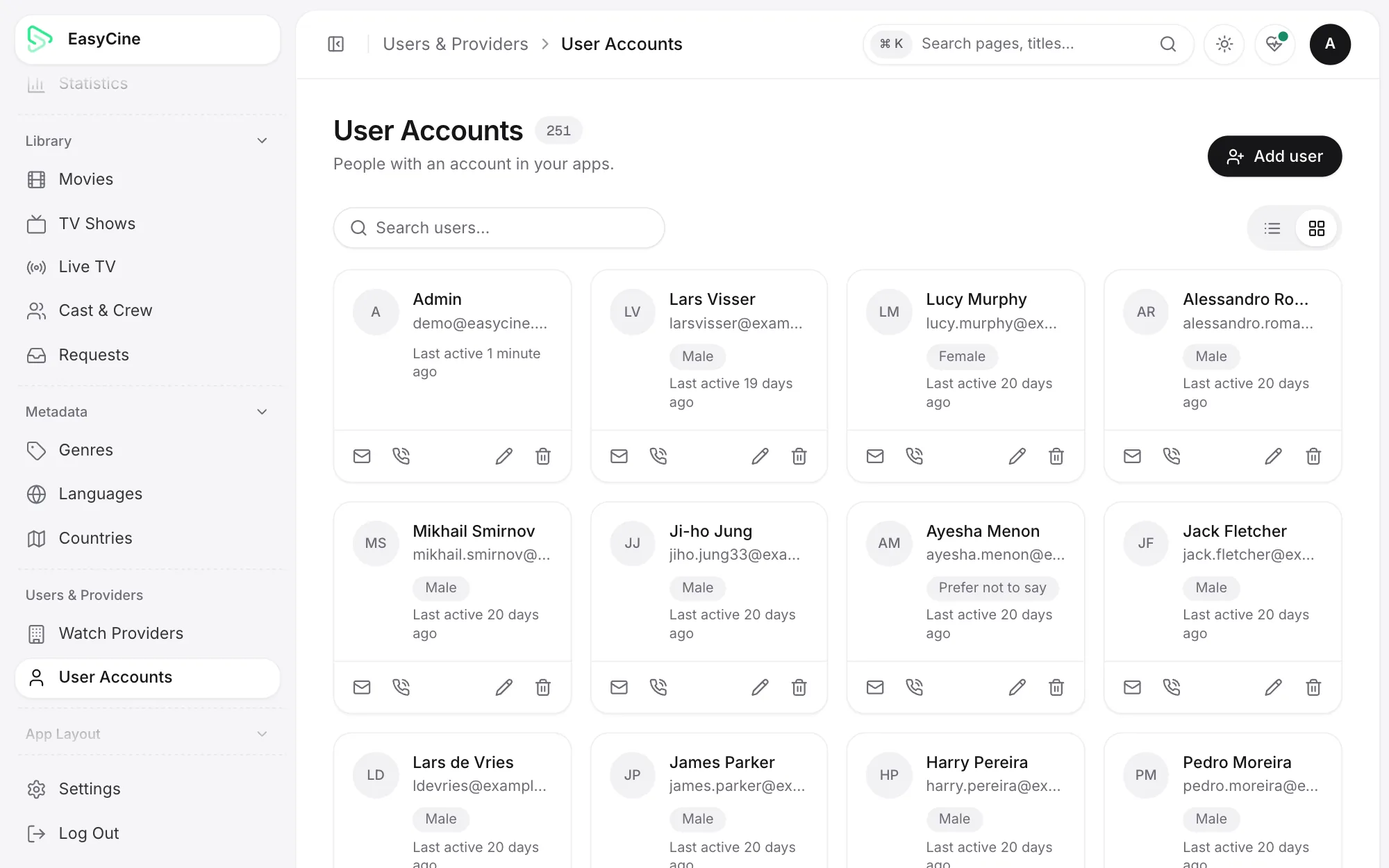
Every screen, as it ships. Phone, Android TV, admin panel and Builder.
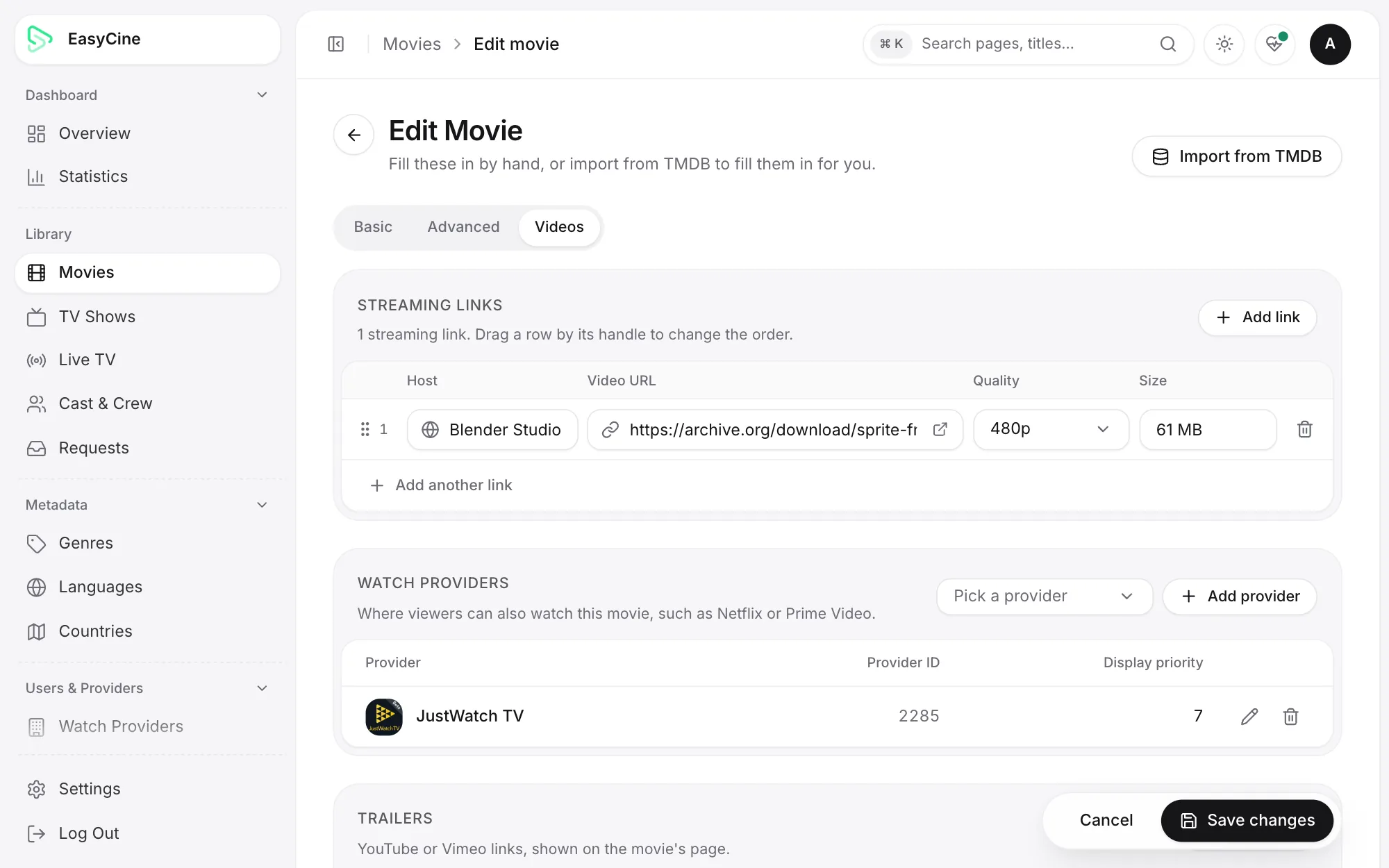
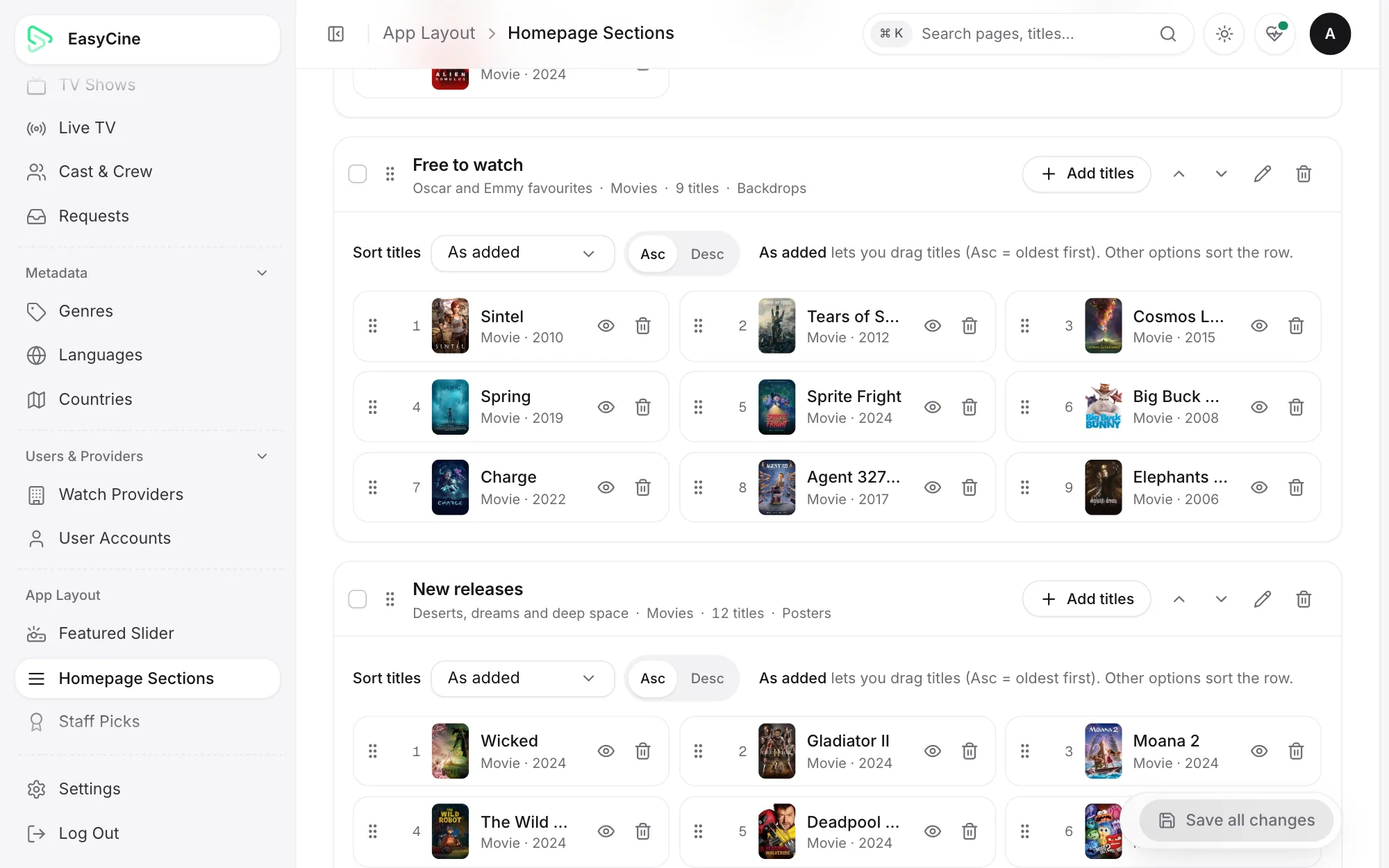
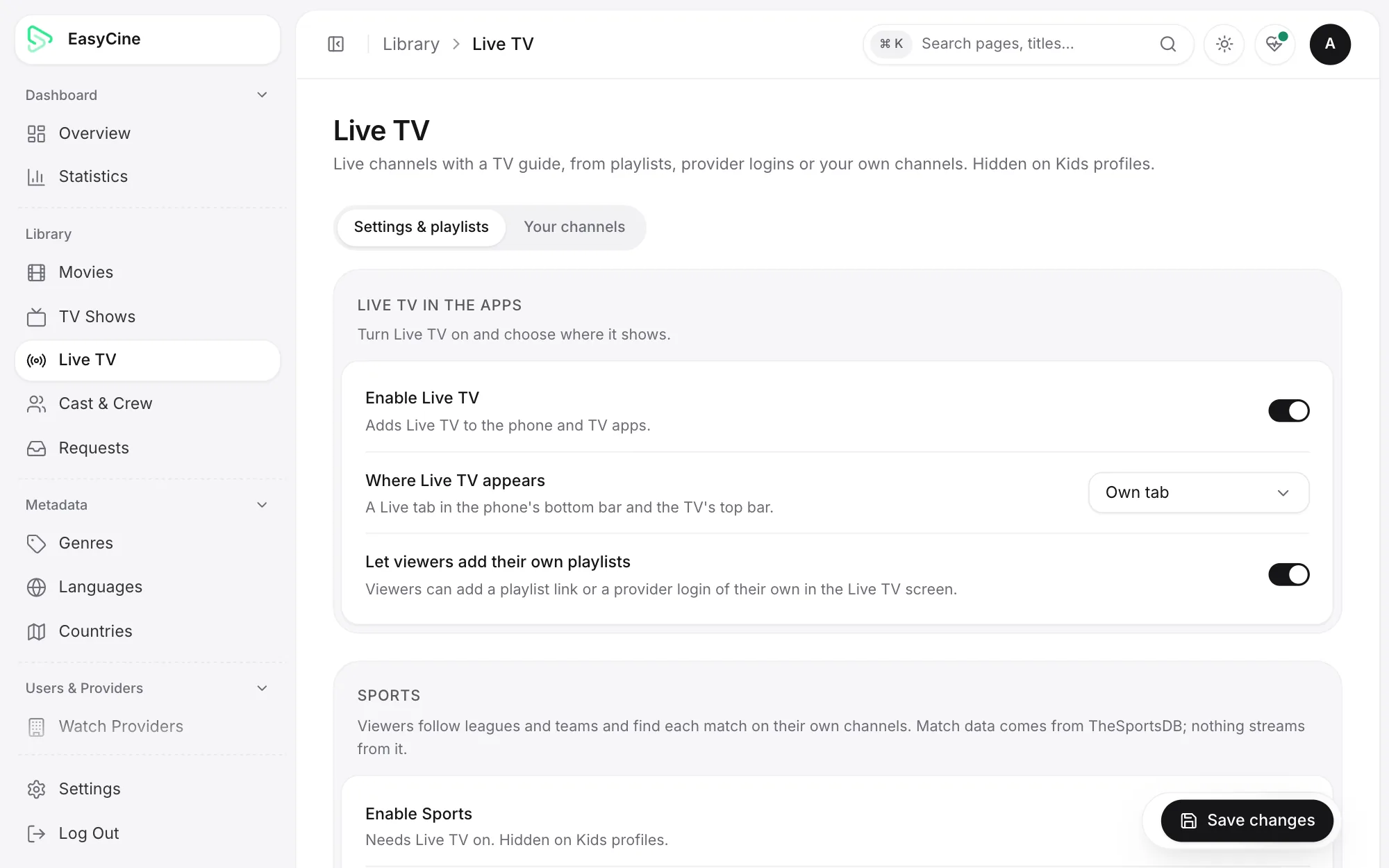
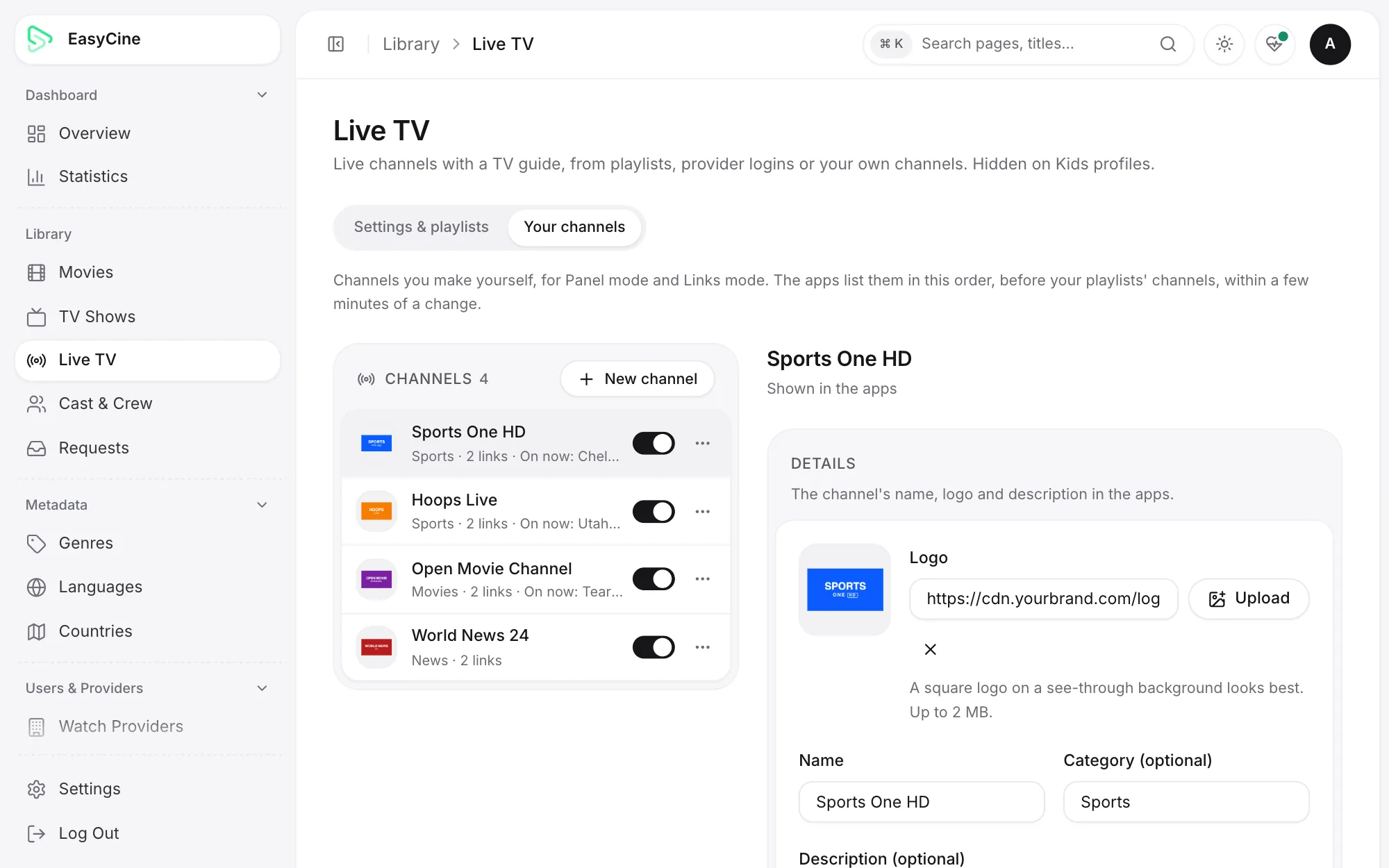
Real screenshots from the current version, with demo data, fictional channels and open-licence films from the Blender Studio.
- Phone app
- Android TV app
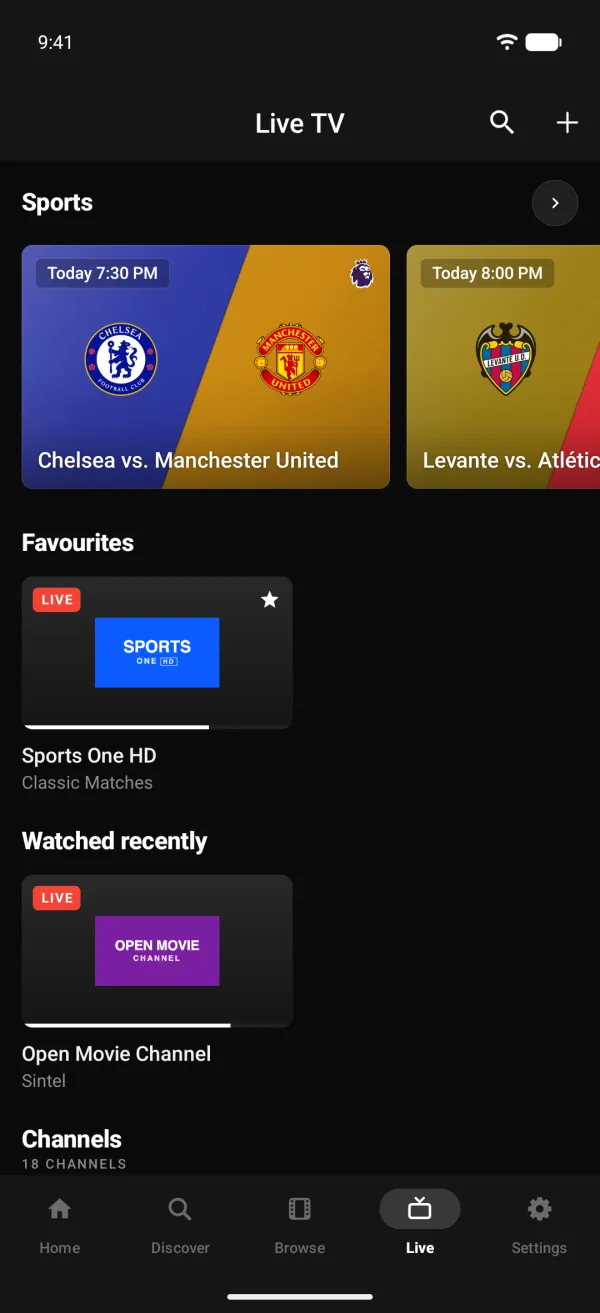
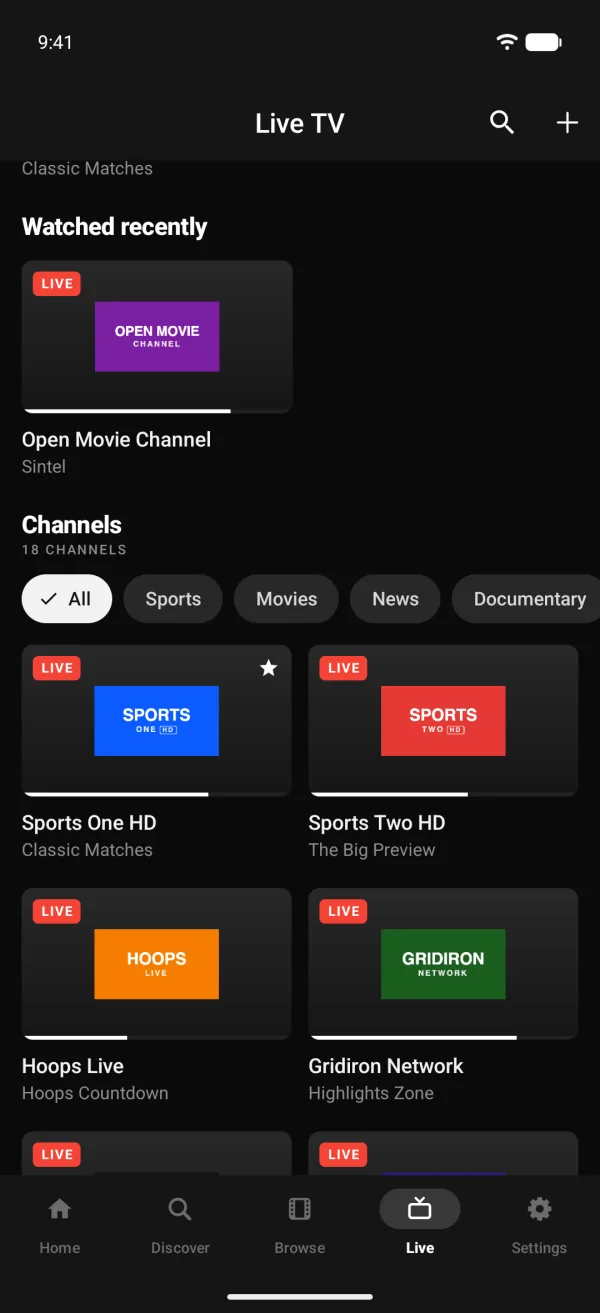
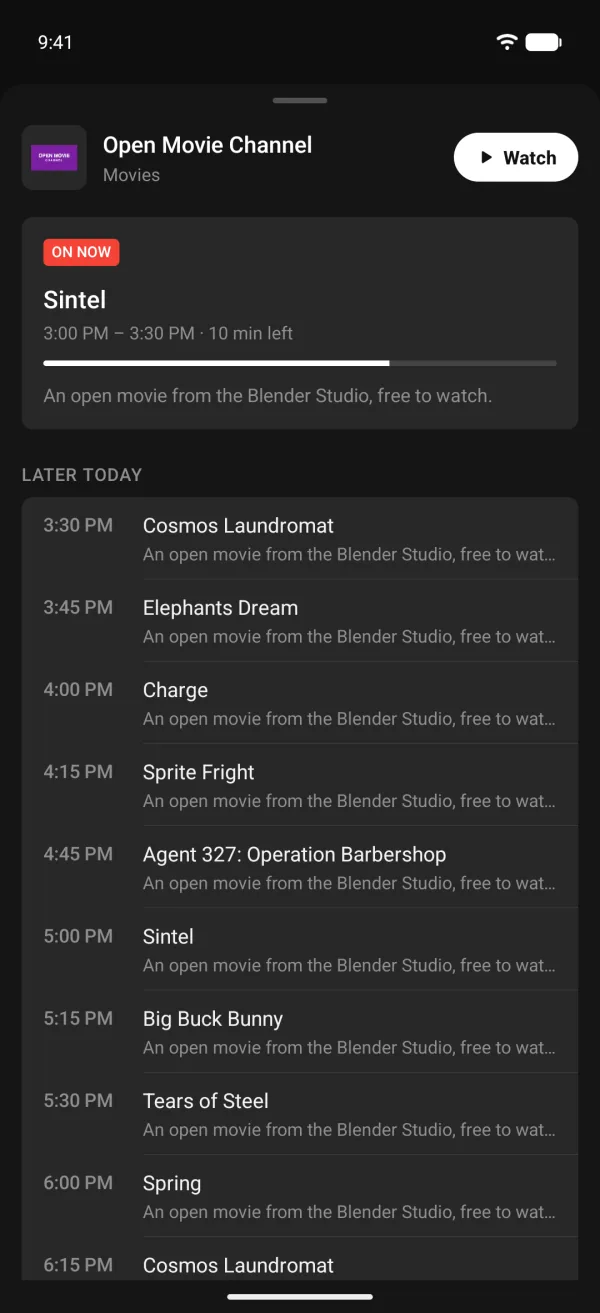
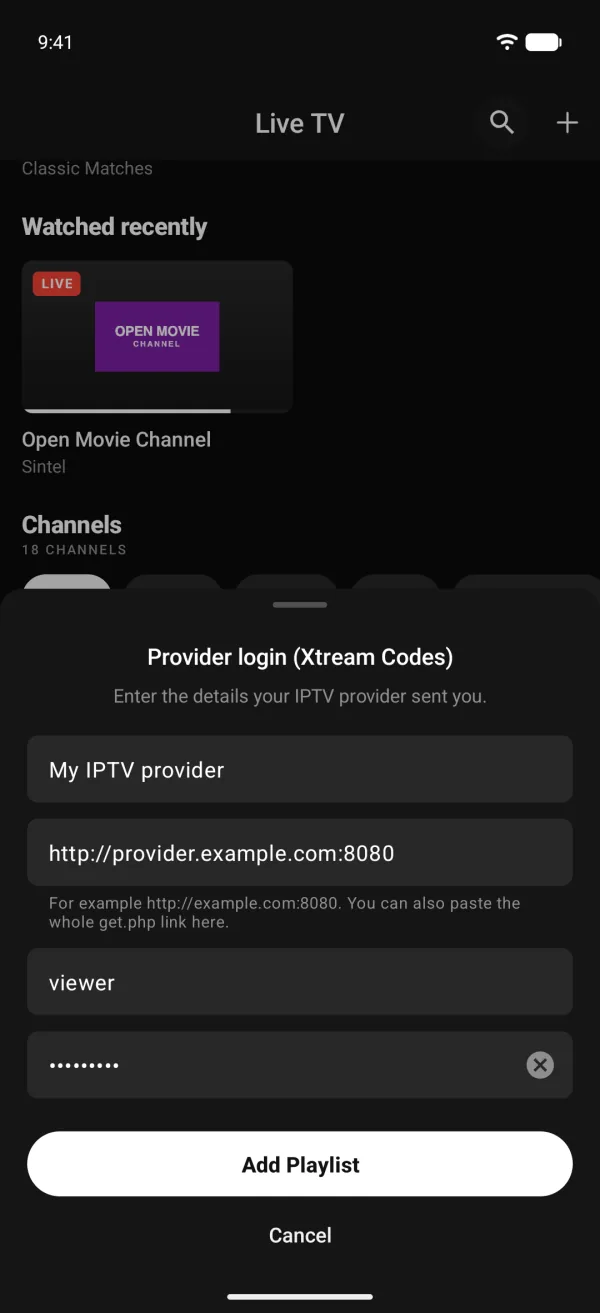
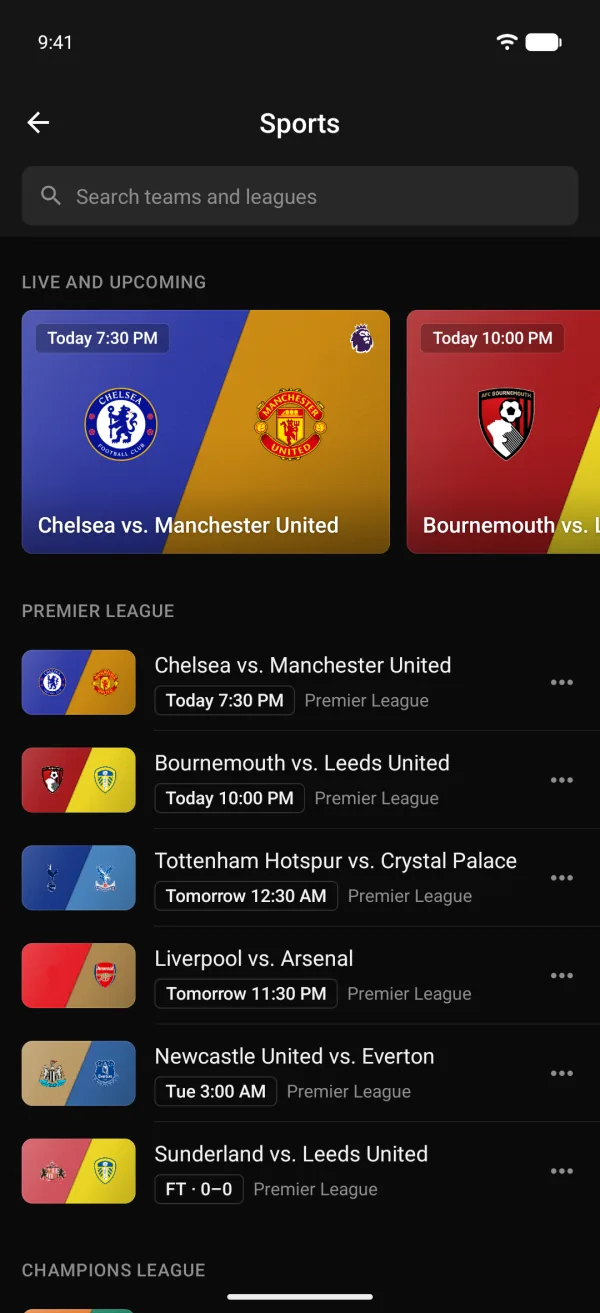
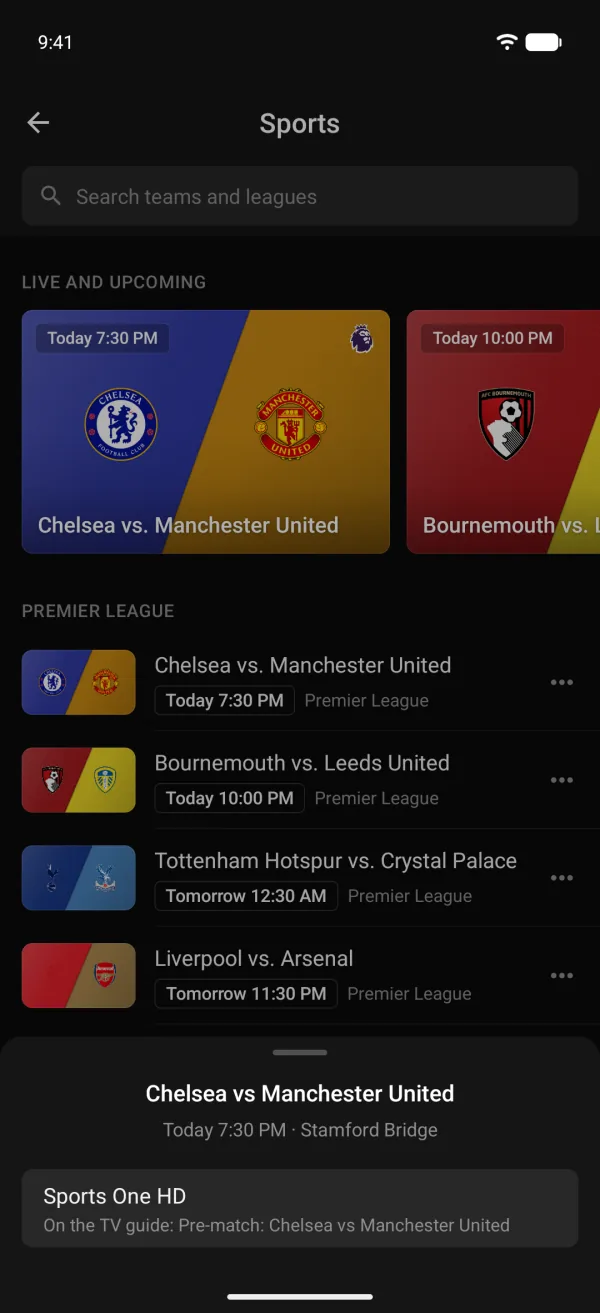
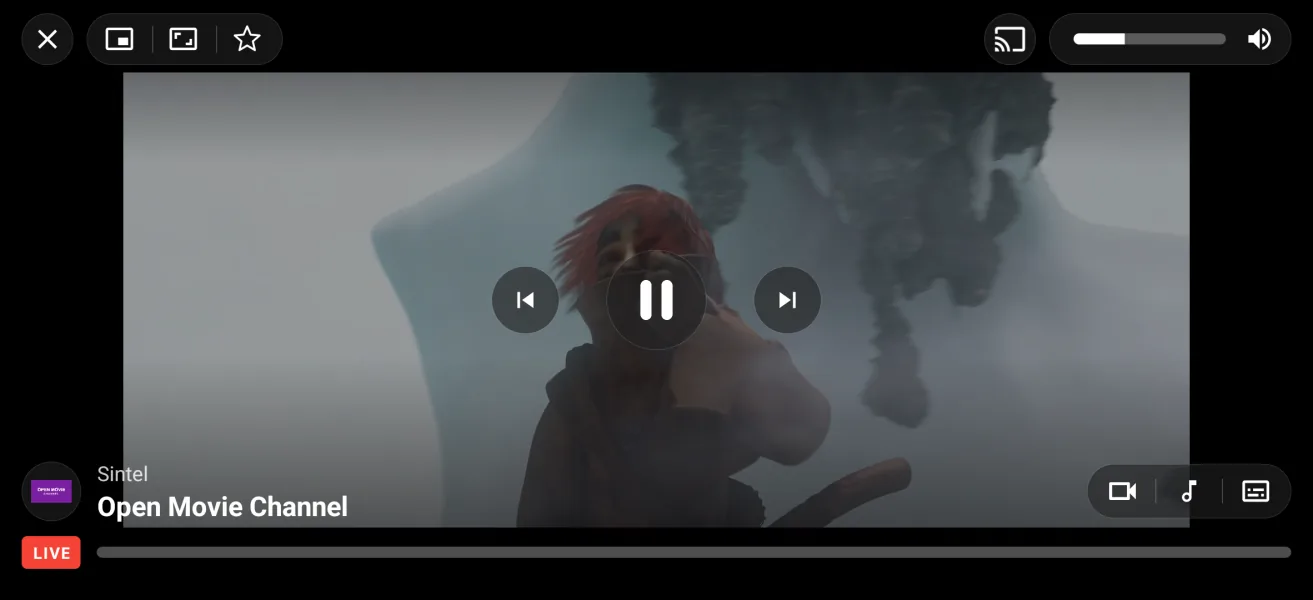
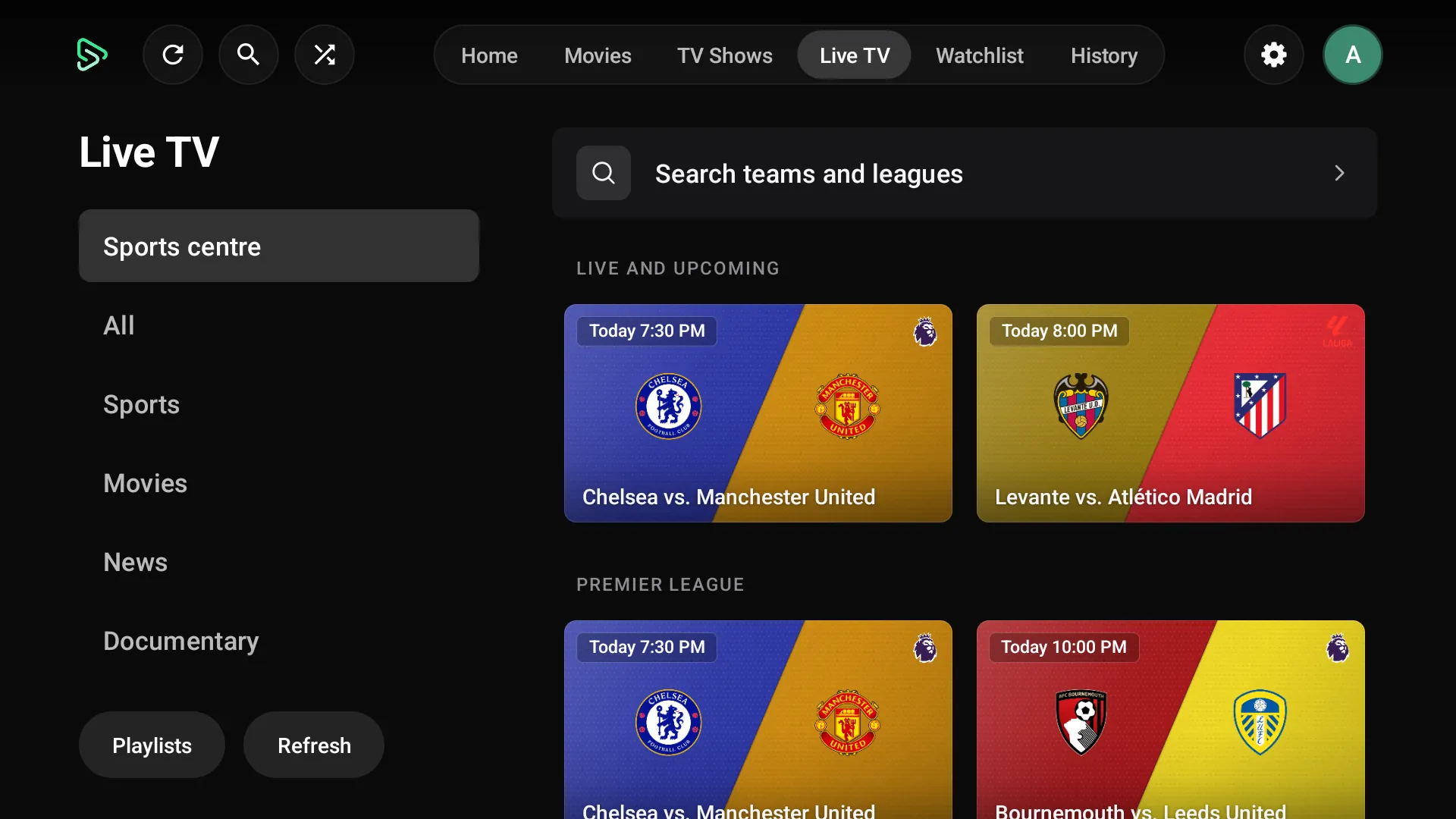
- Live TV and sports
- Admin panel
- Tracker mode
- Builder
Short answer
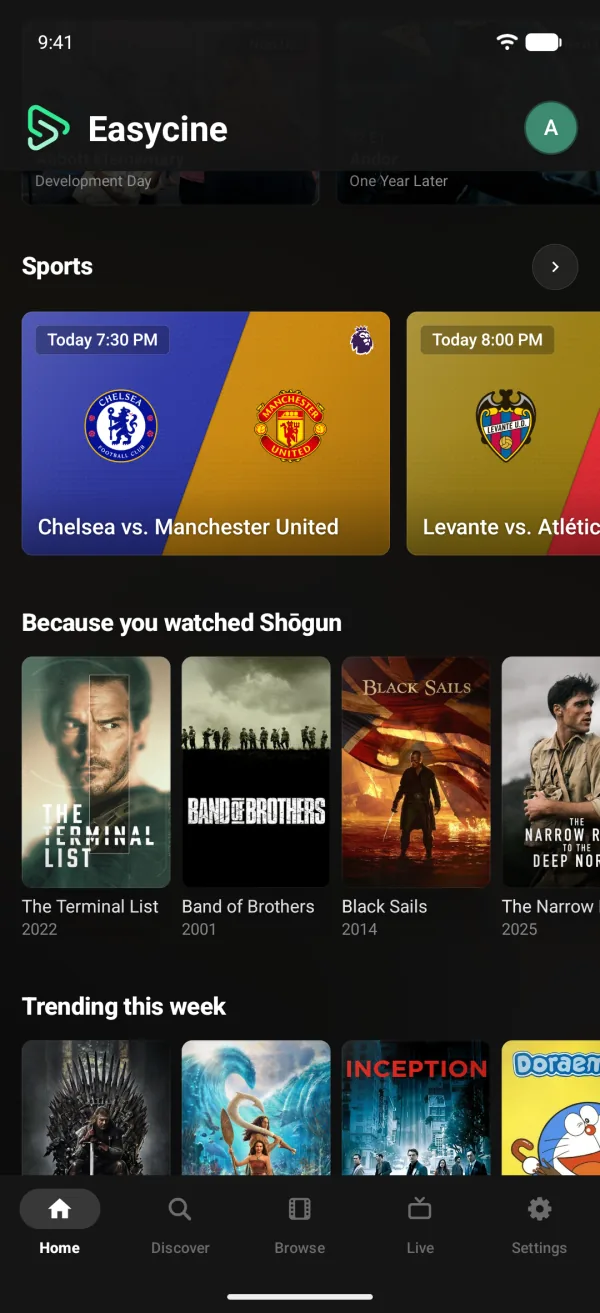
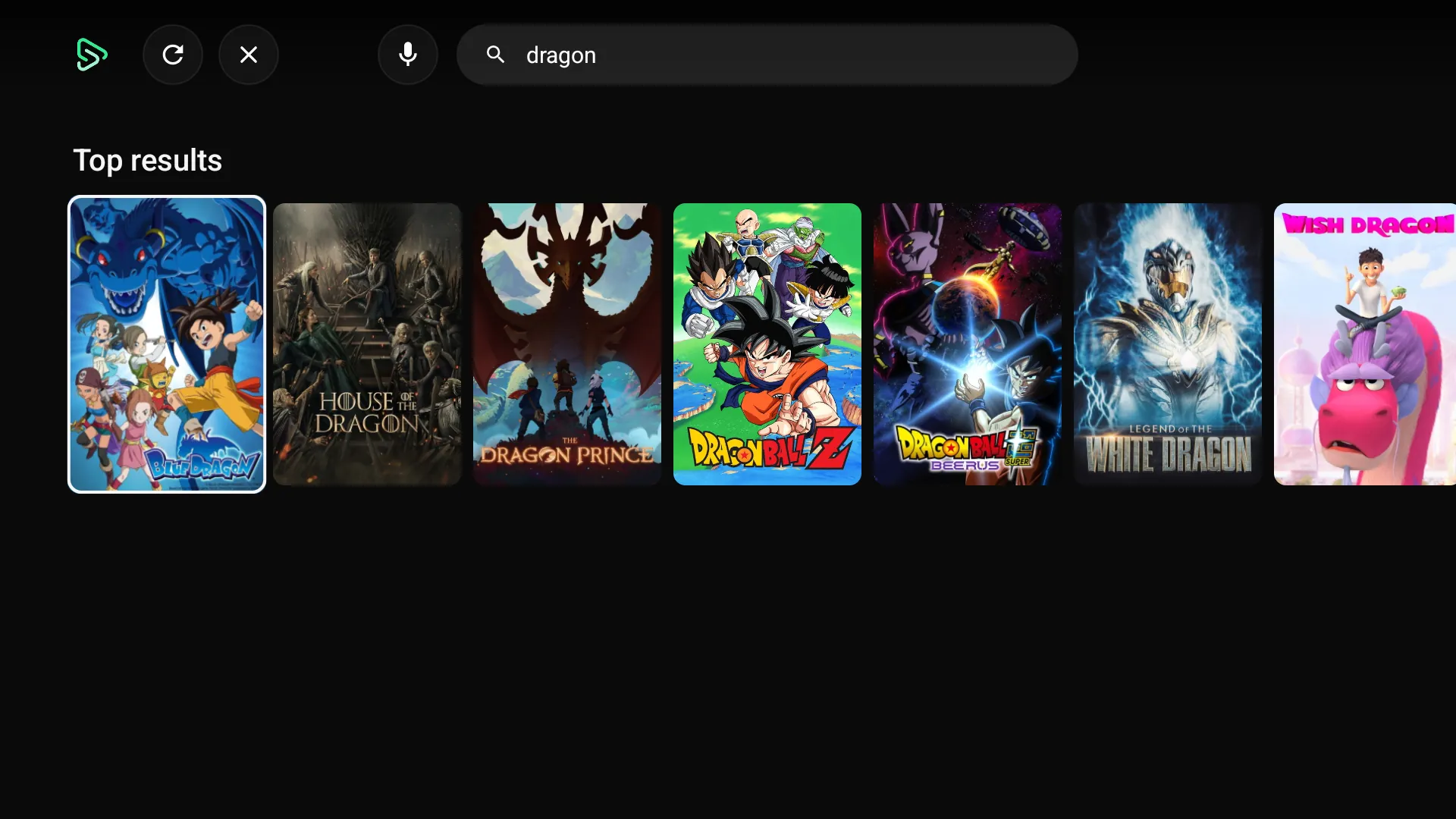
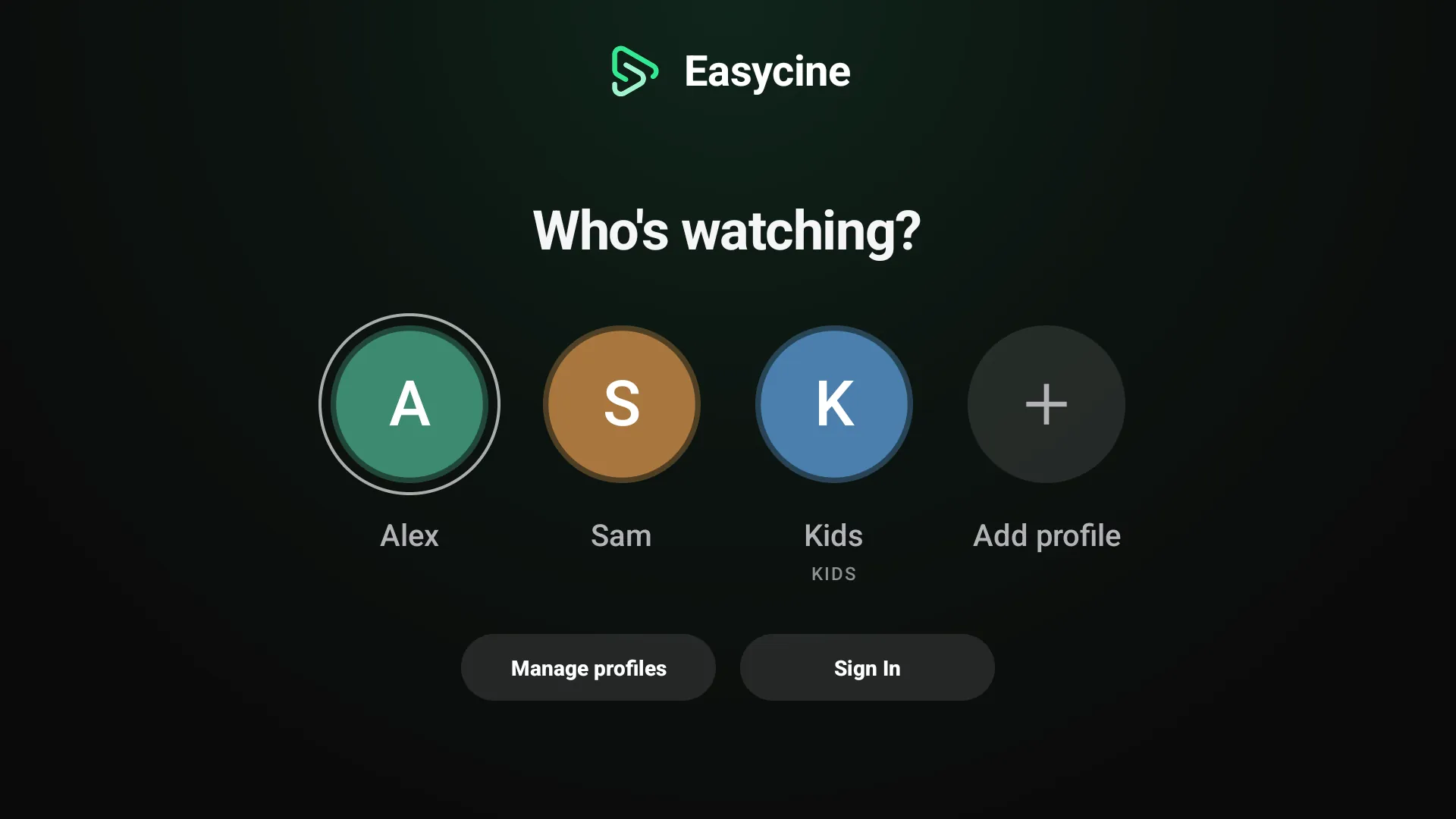
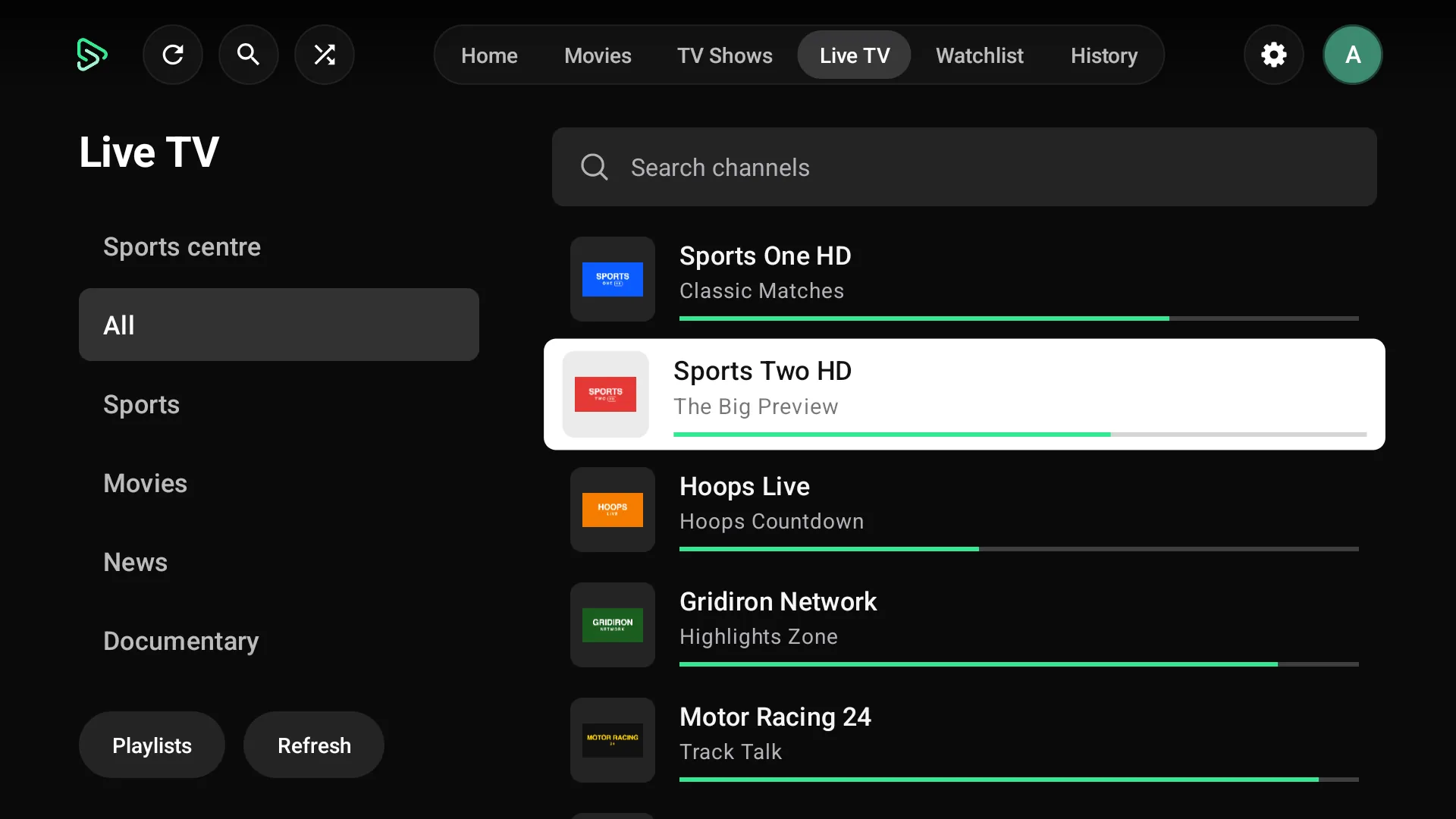
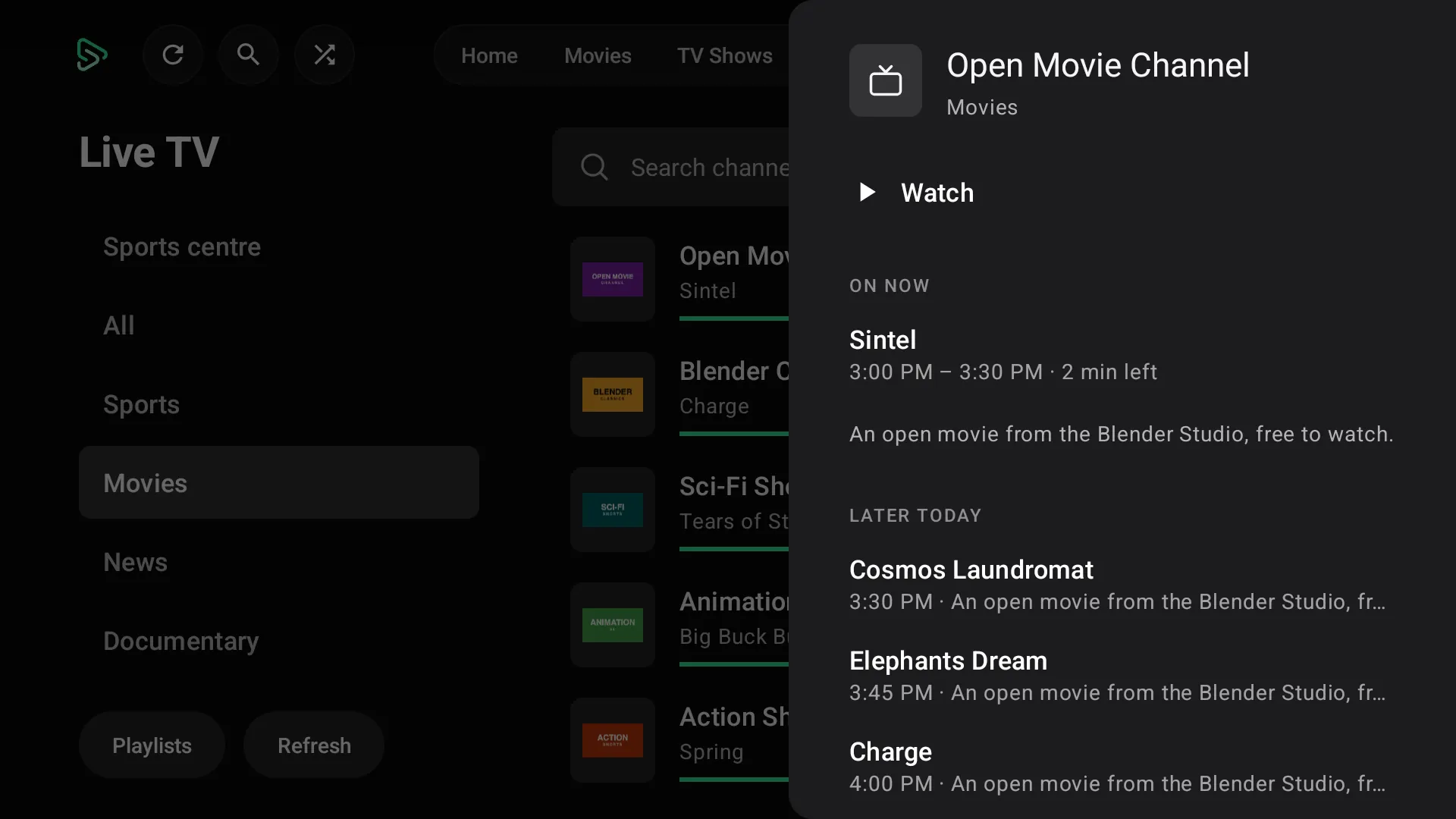
These are real screenshots of the current EasyCine package: the Netflix-style phone app, the Android TV app, Live TV and sports on both, the admin panel that runs them, Tracker mode (watch tracker) and the Builder. Every one comes from the shipping code, with demo data and open-licence films.
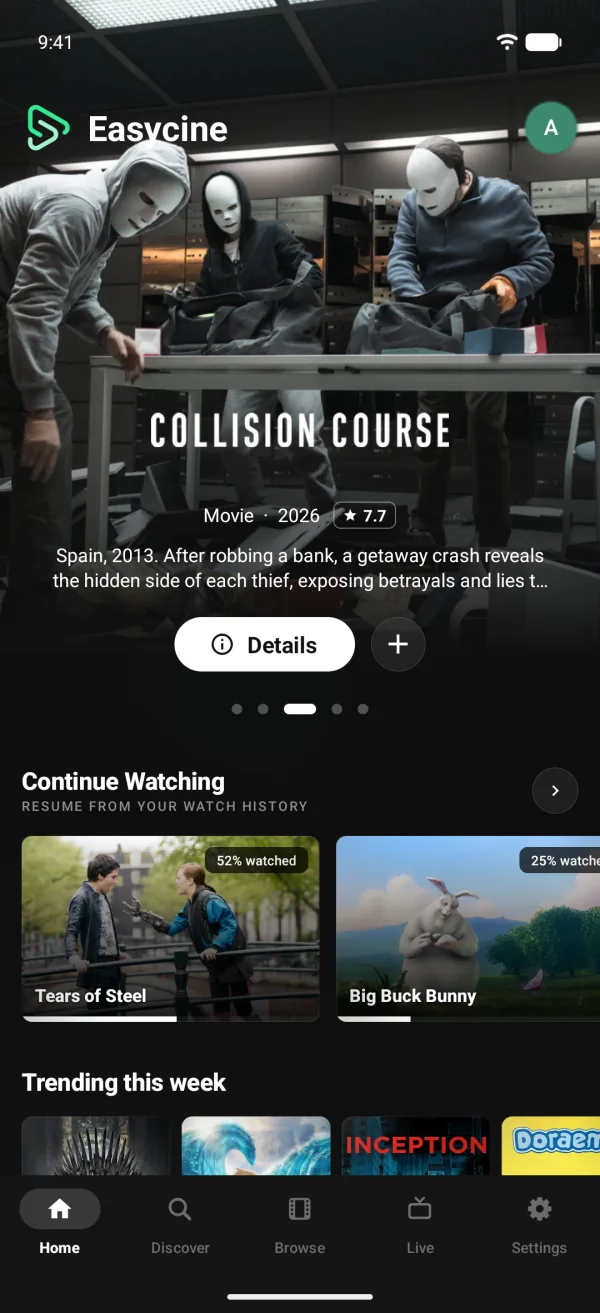
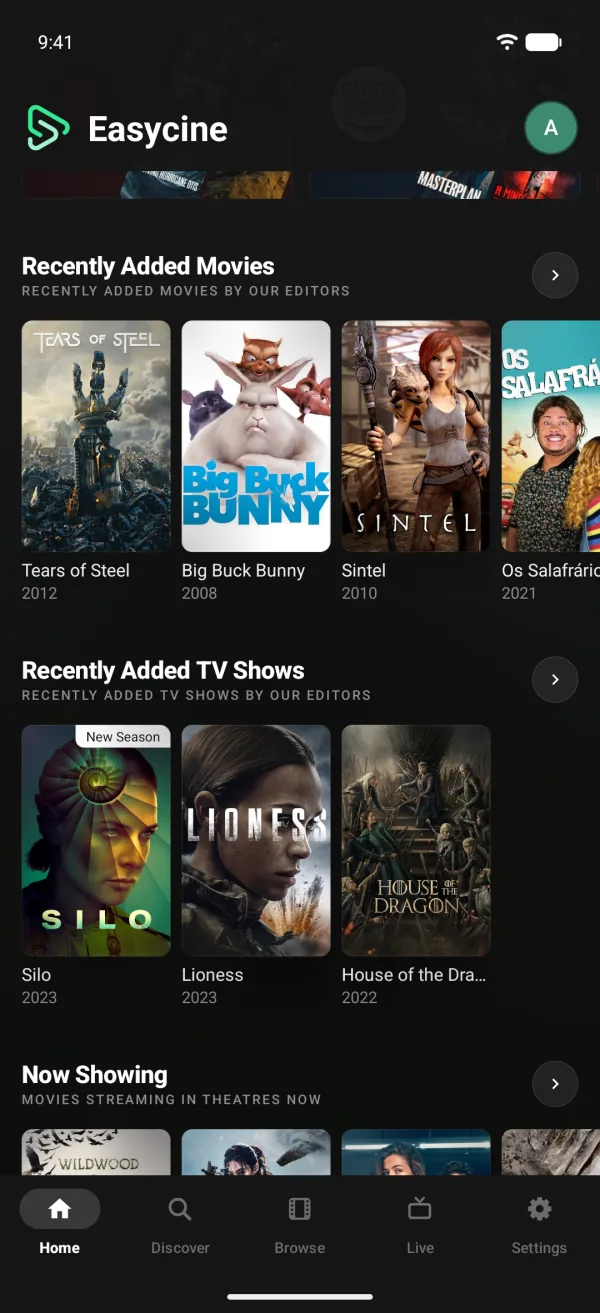
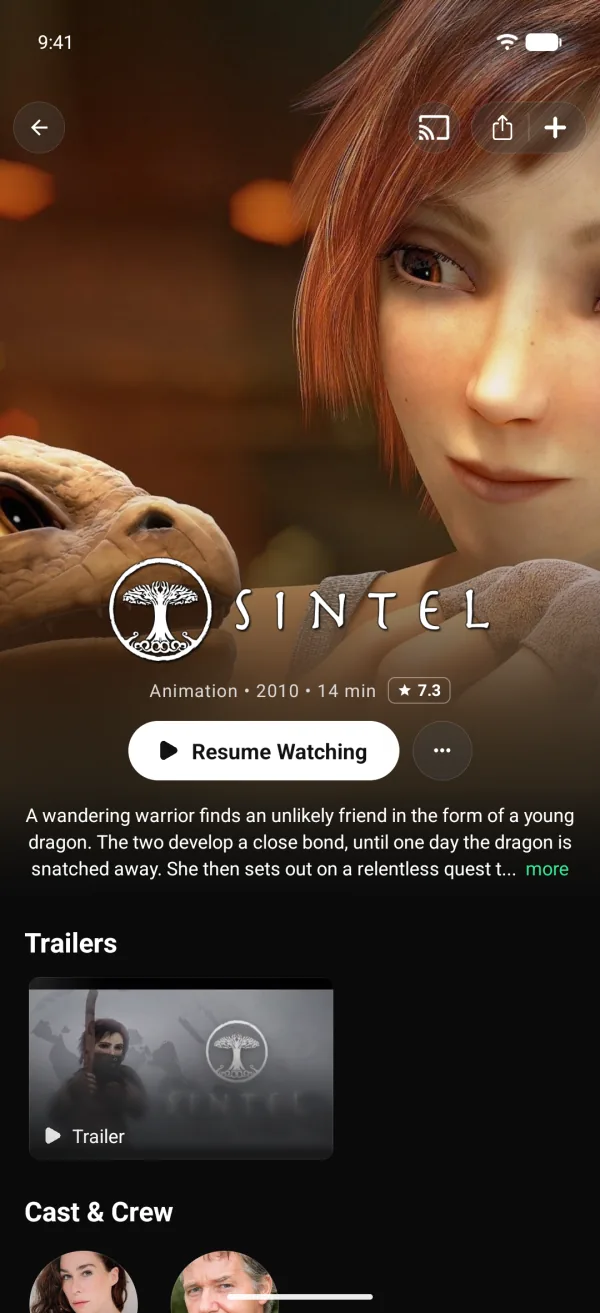
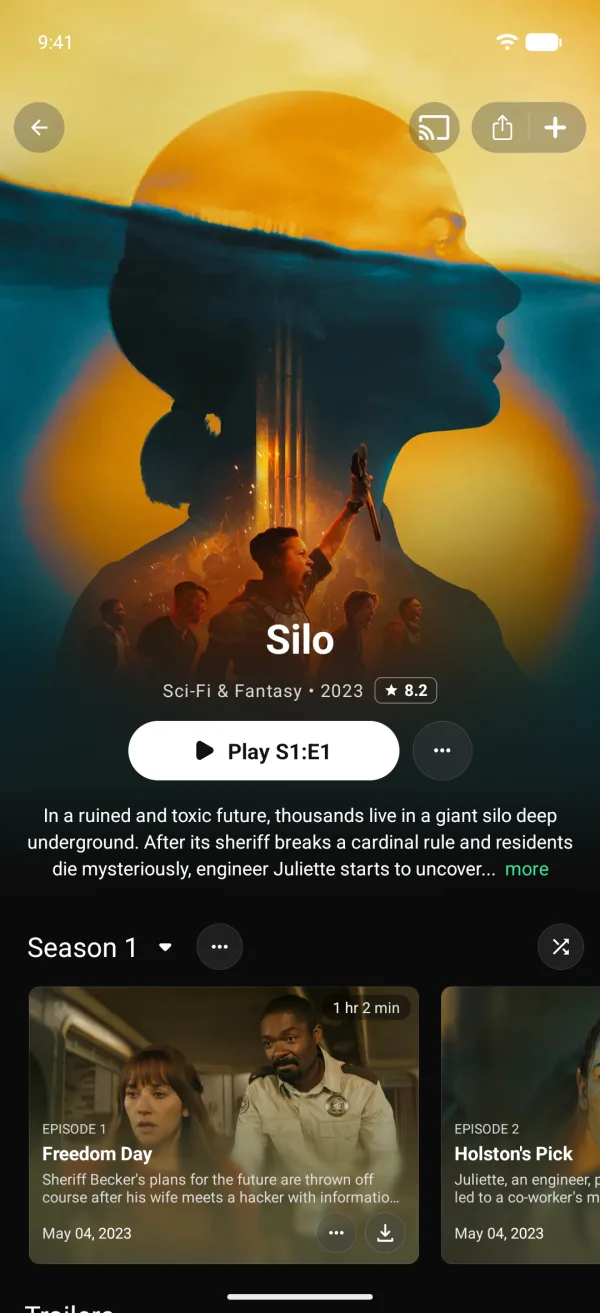
Phone app
A Netflix-style app for Android phones.
Live TV and sports
Live channels and a sports centre.
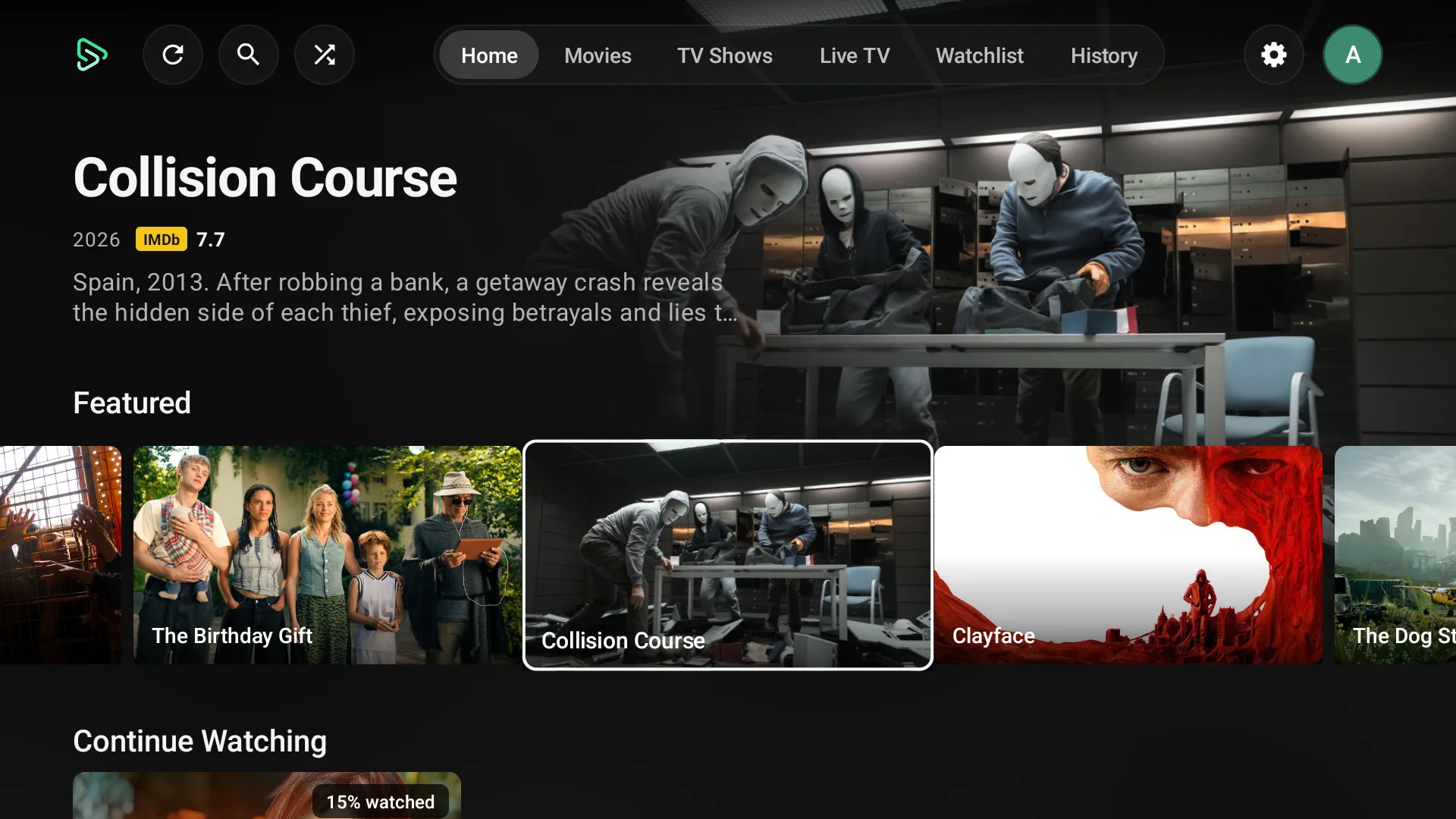
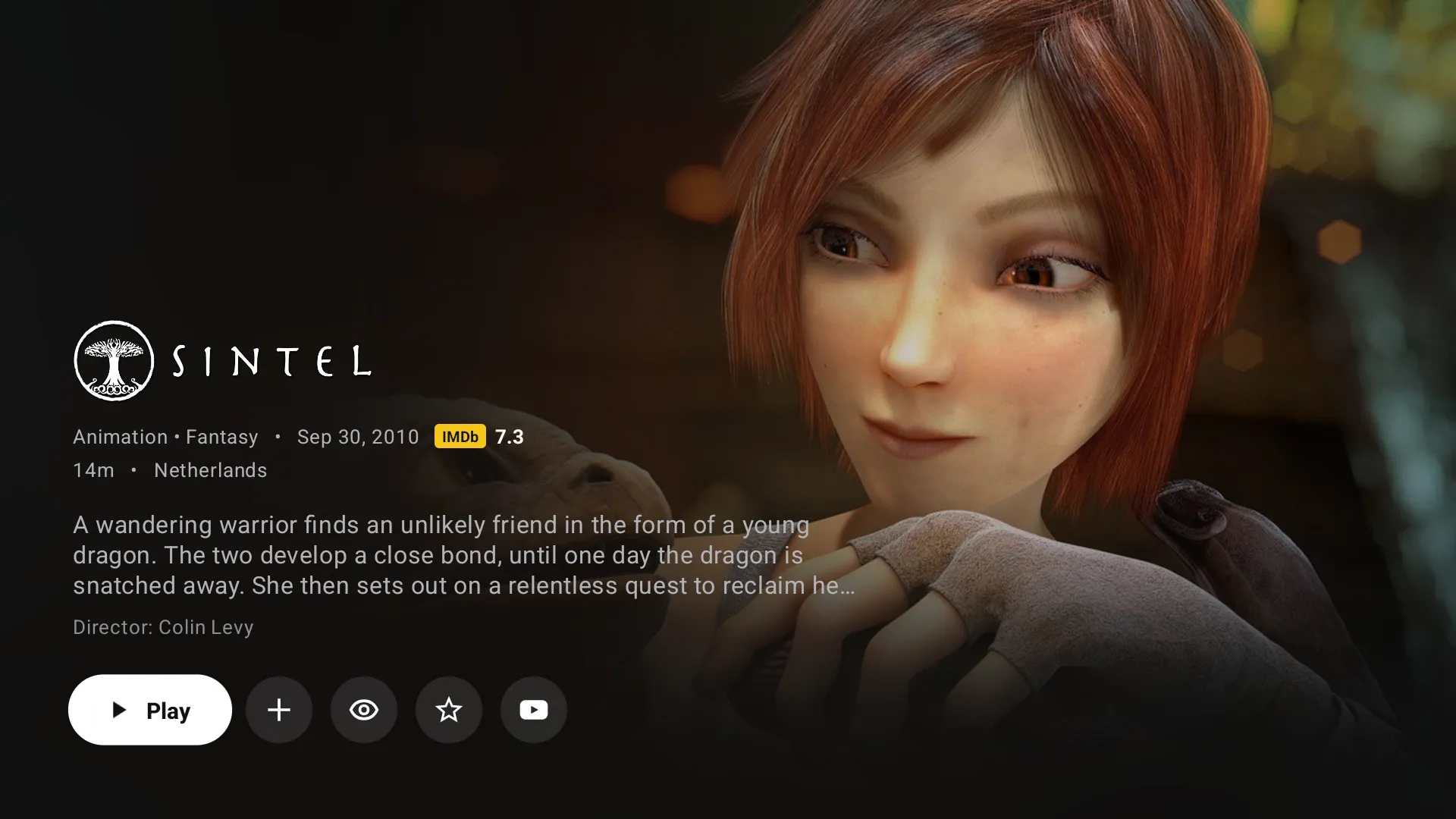
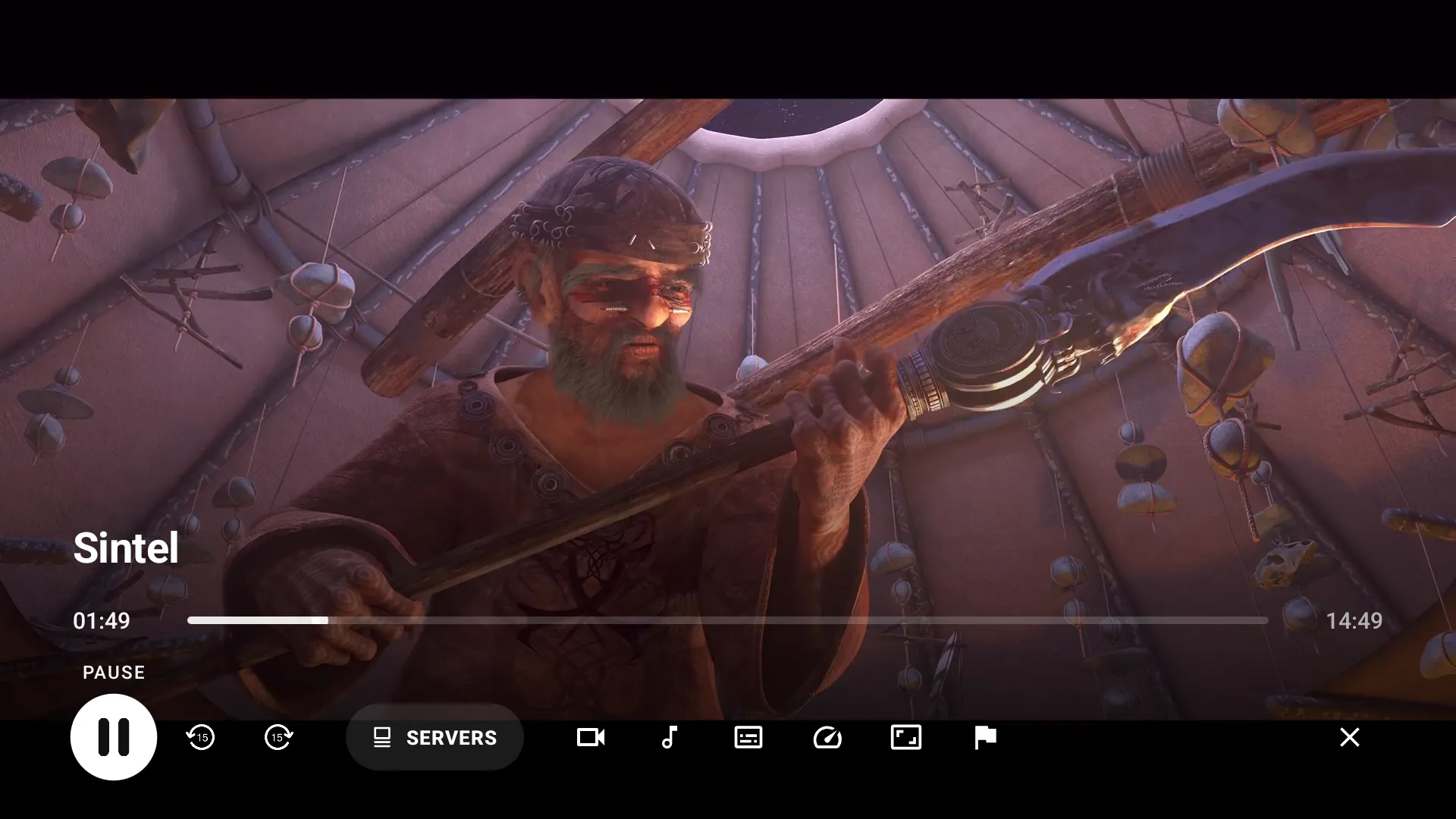
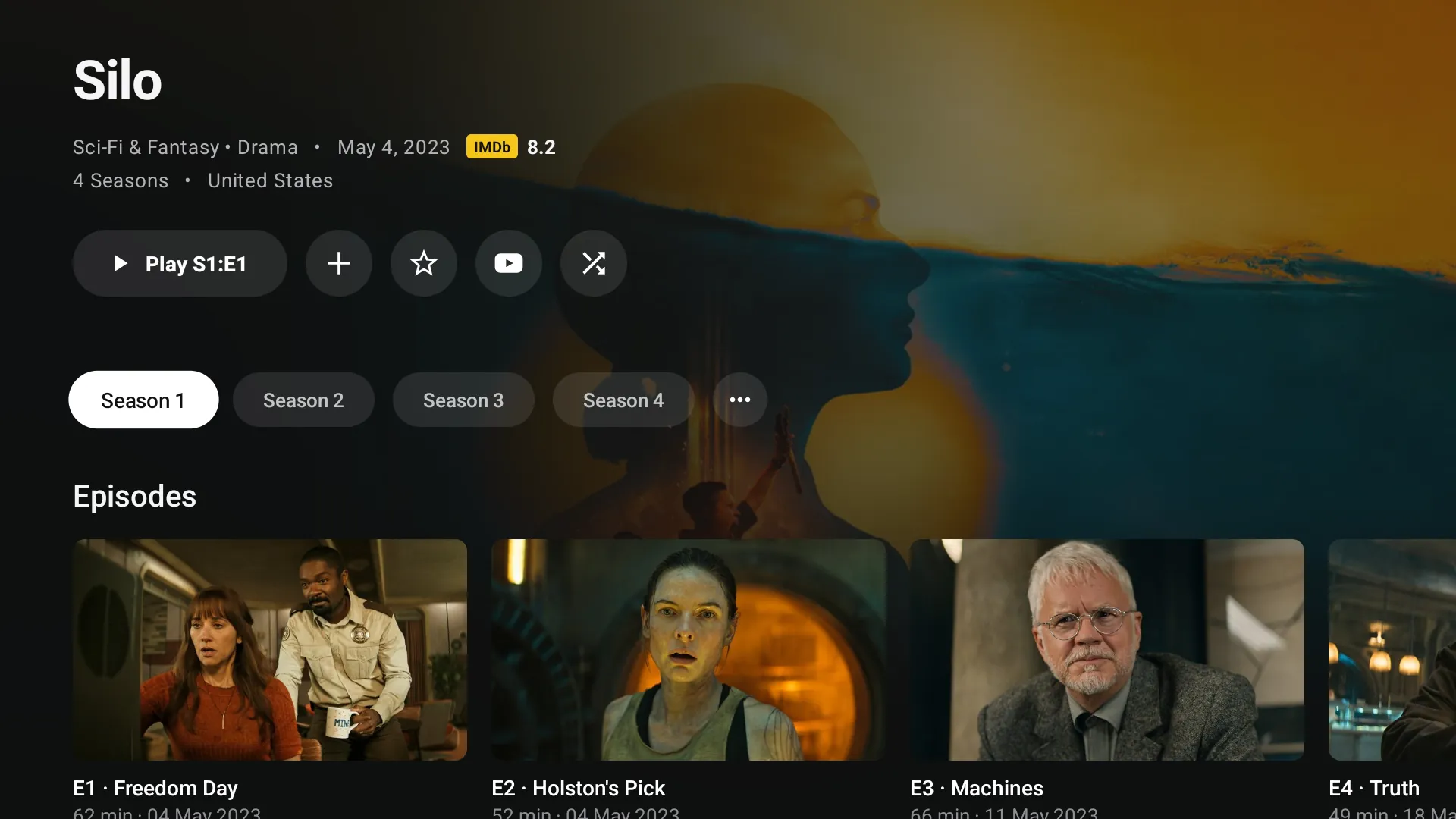
Android TV app
The same service on the big screen.
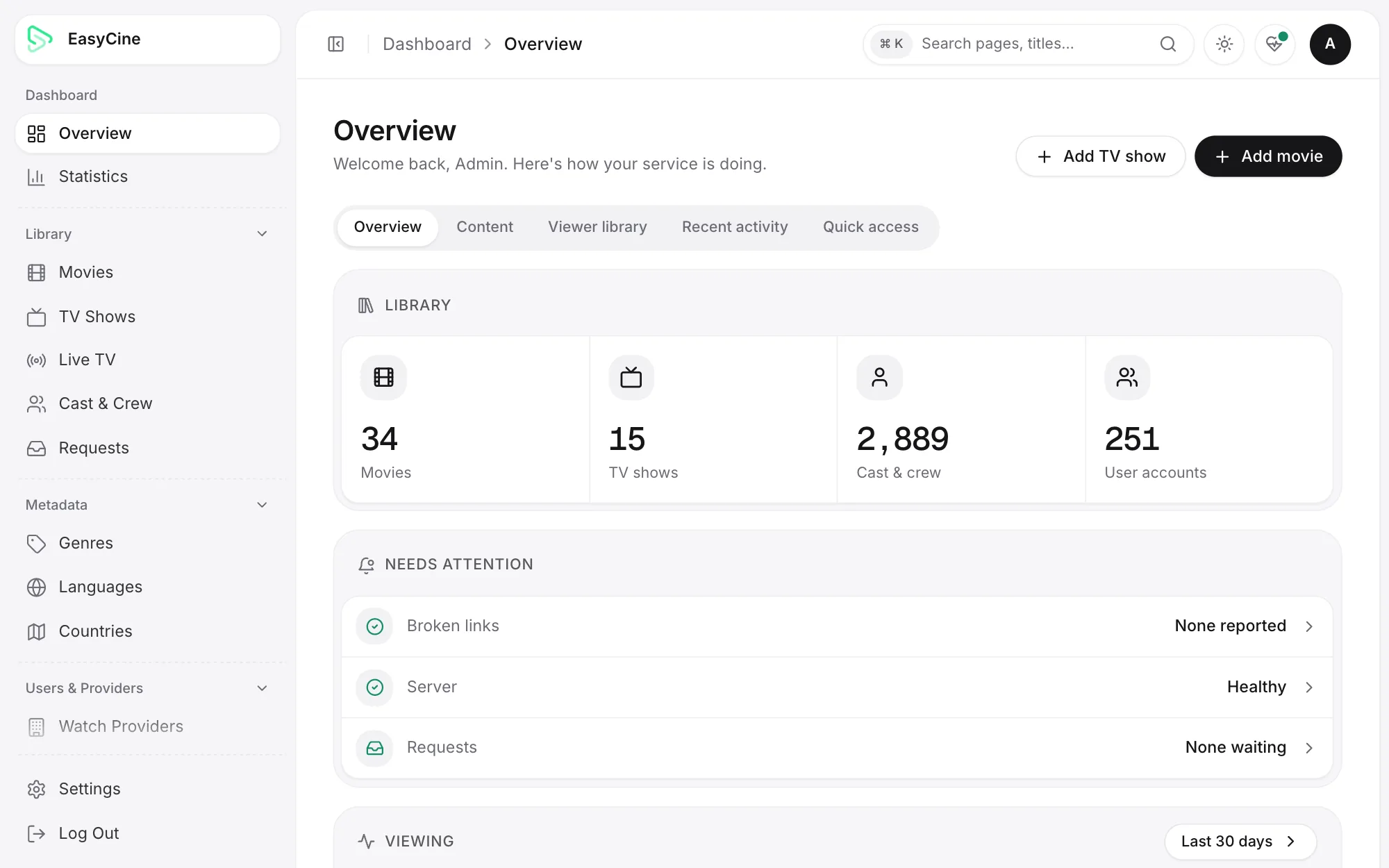
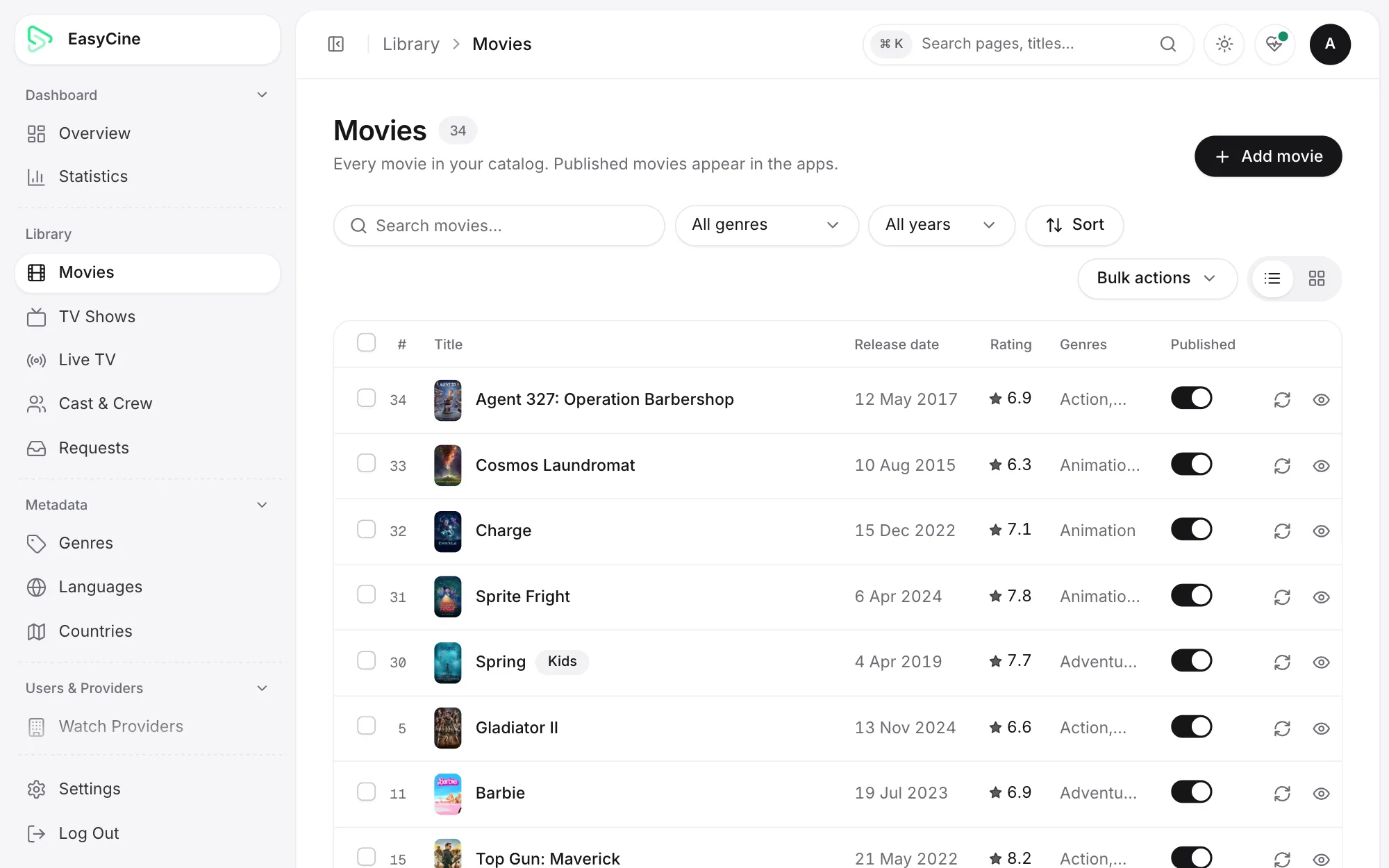
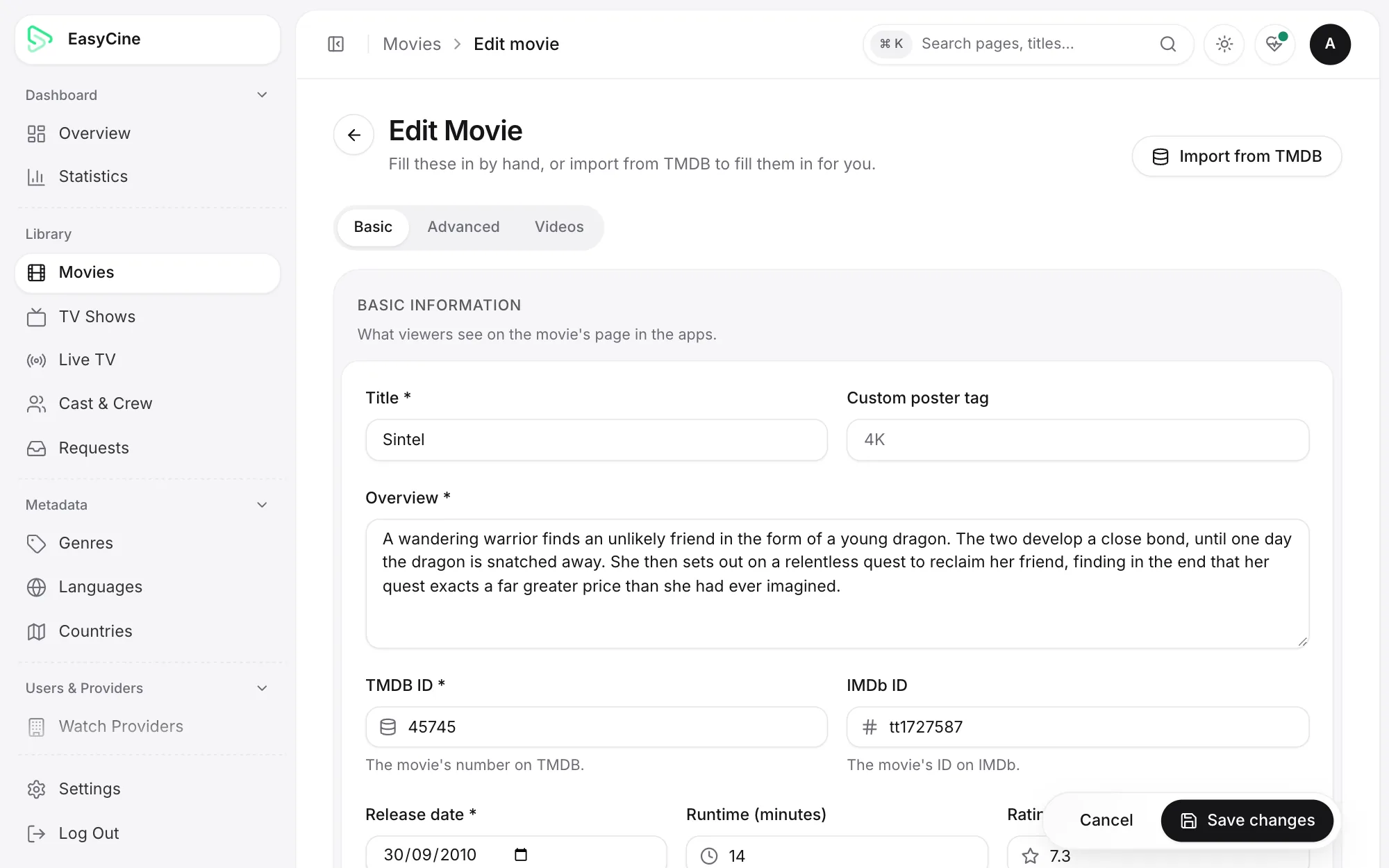
Admin panel
The web panel that runs it.
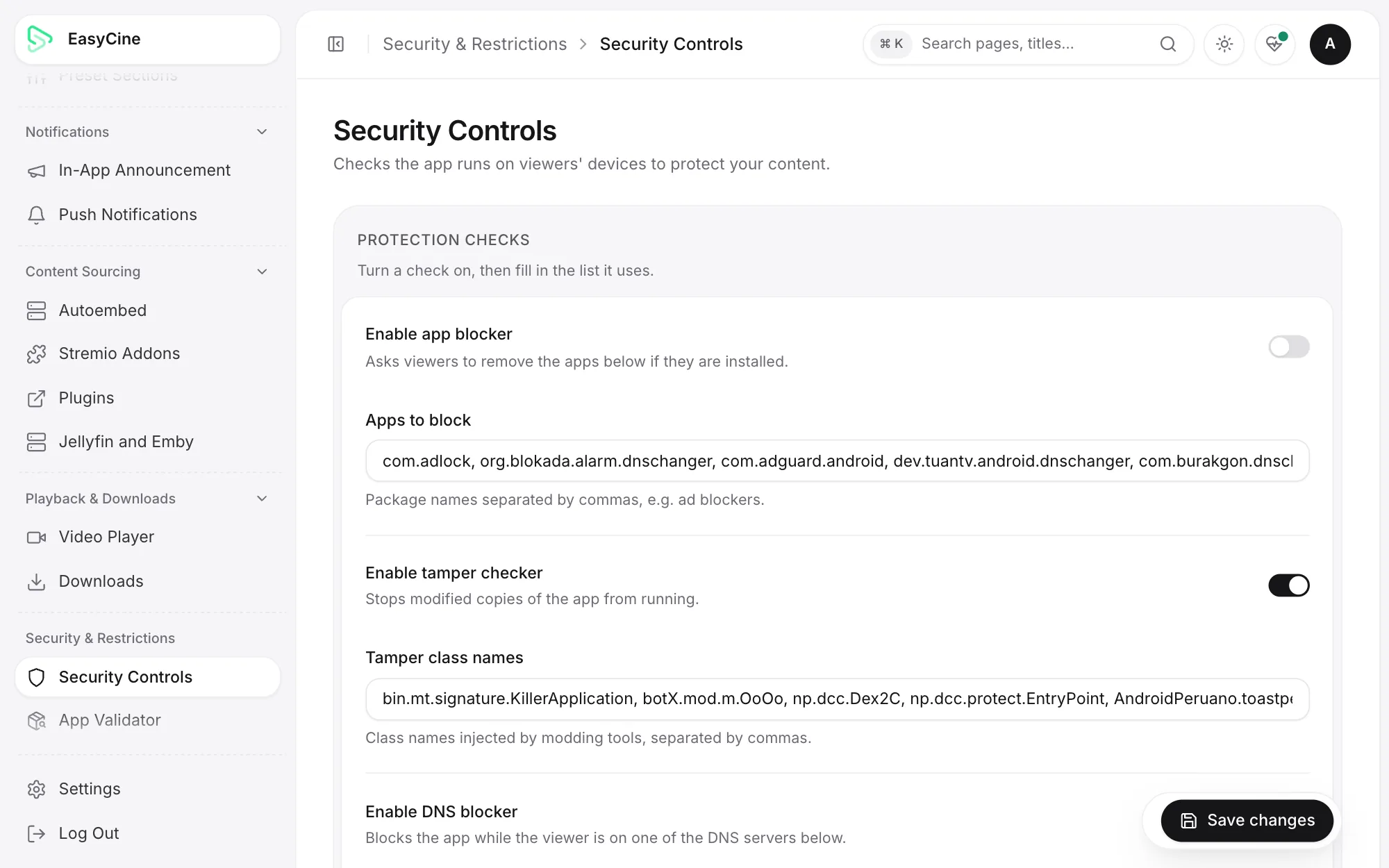
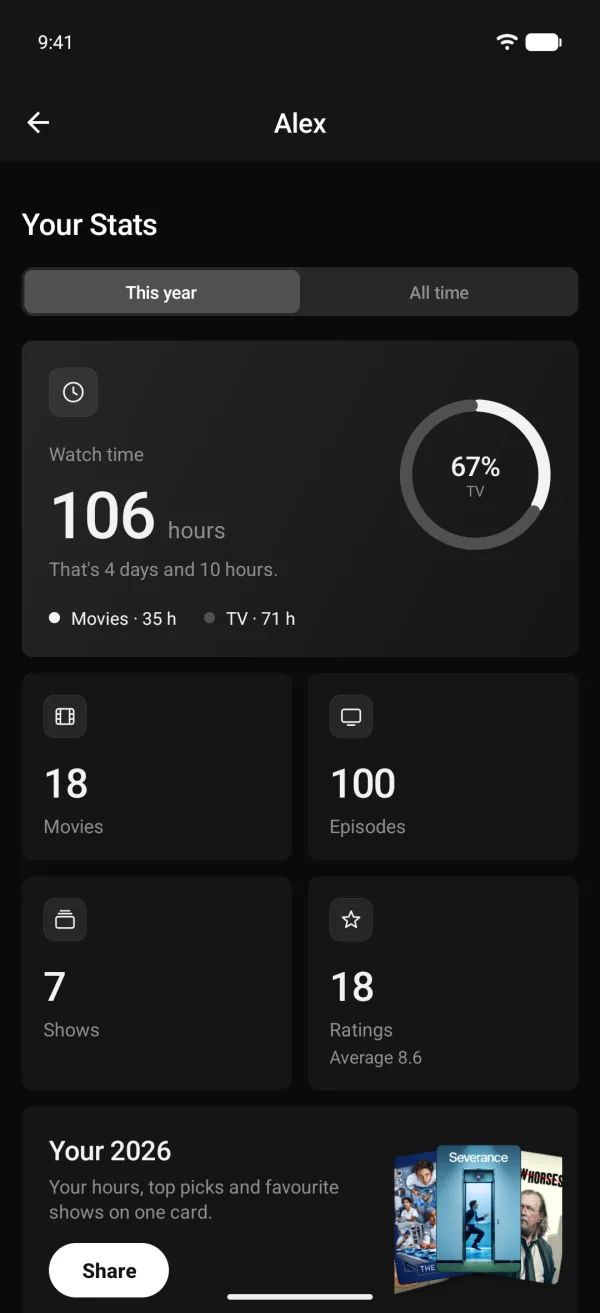
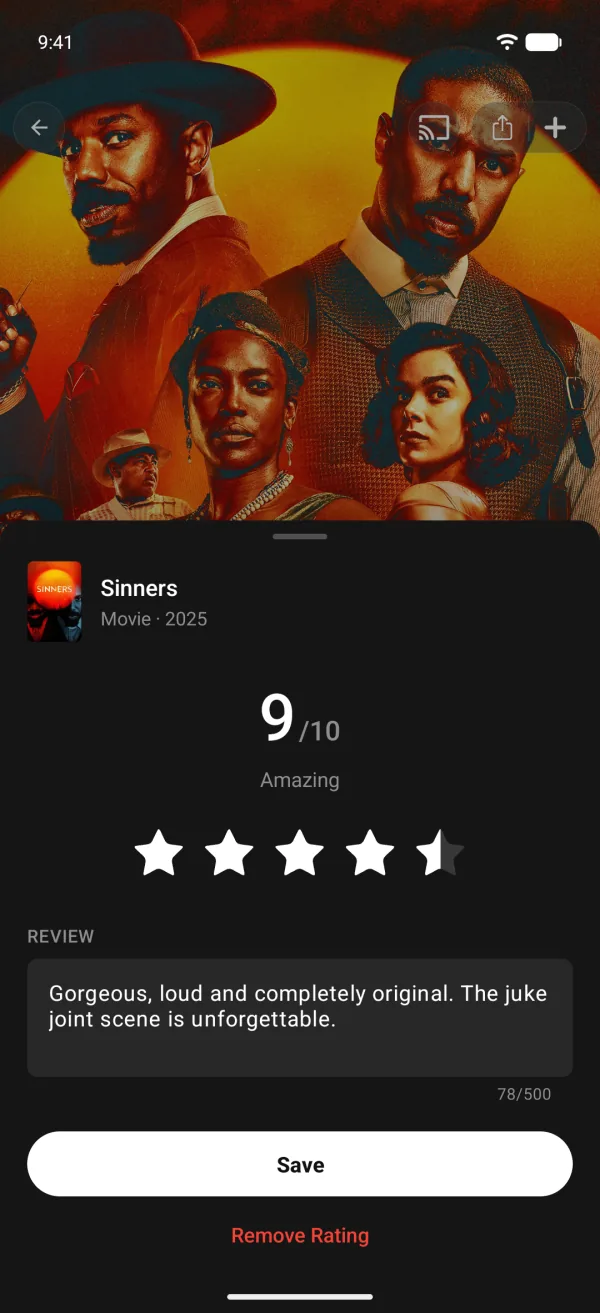
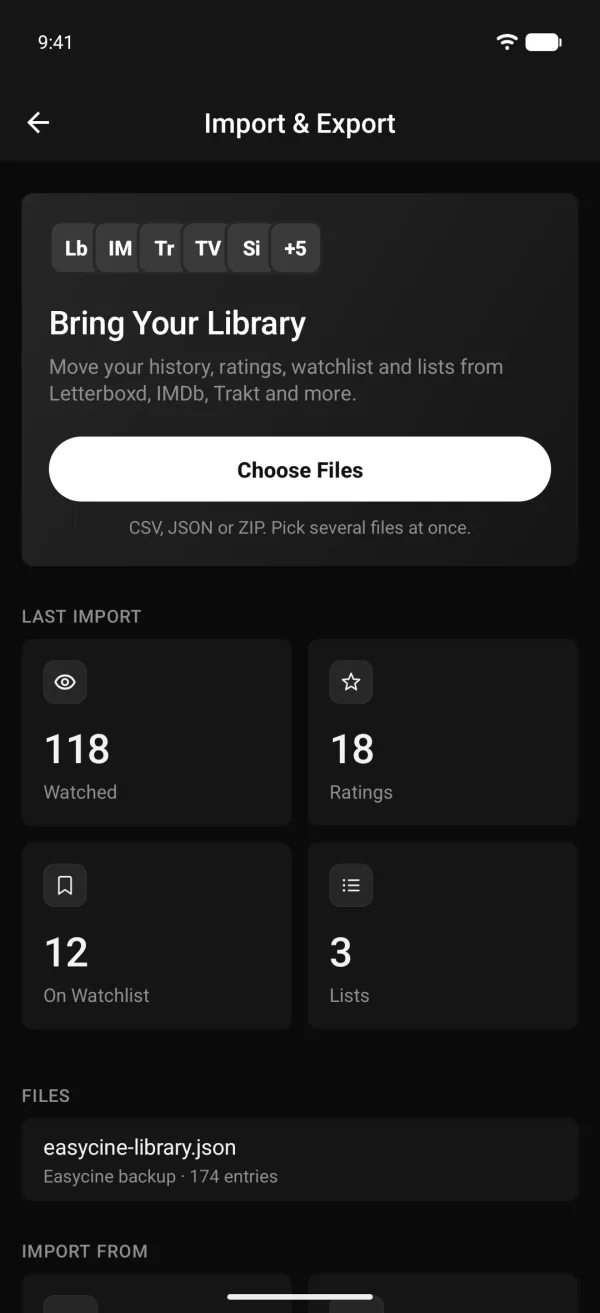
Tracker mode (watch tracker)
Also included: a watch tracker.
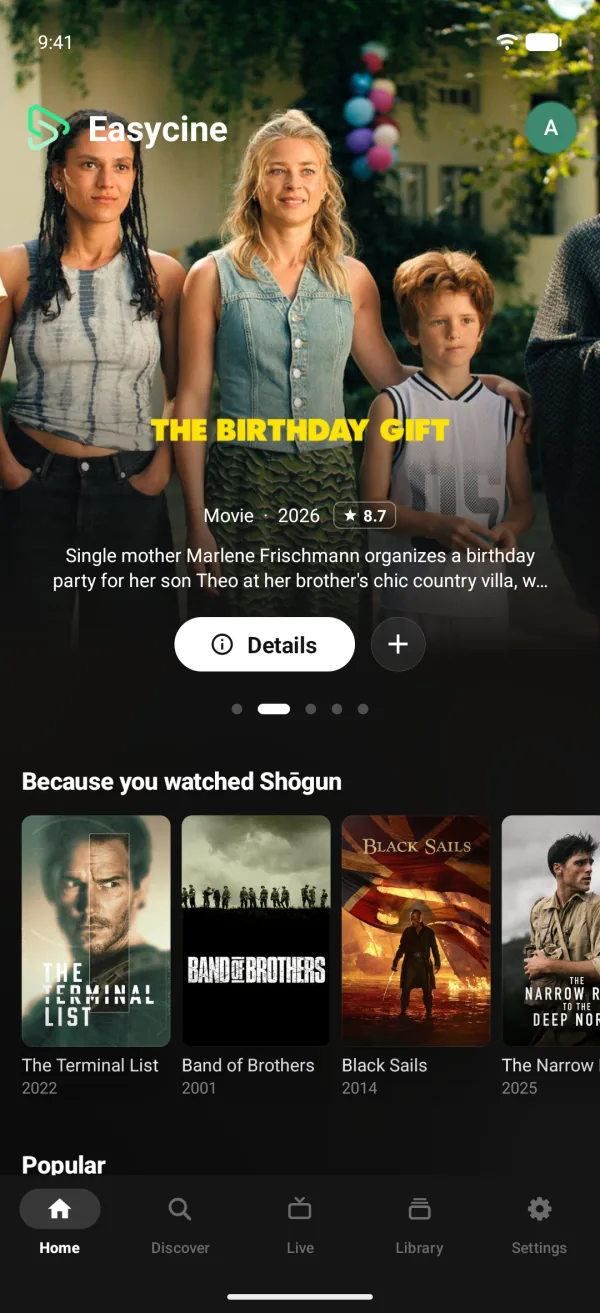
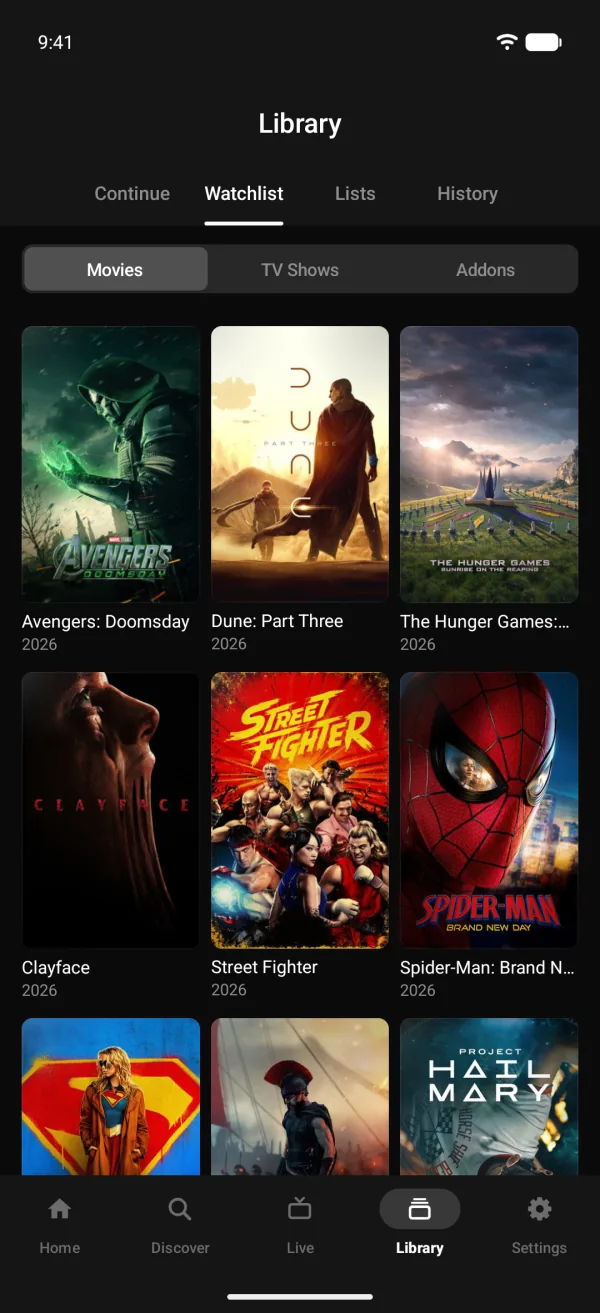
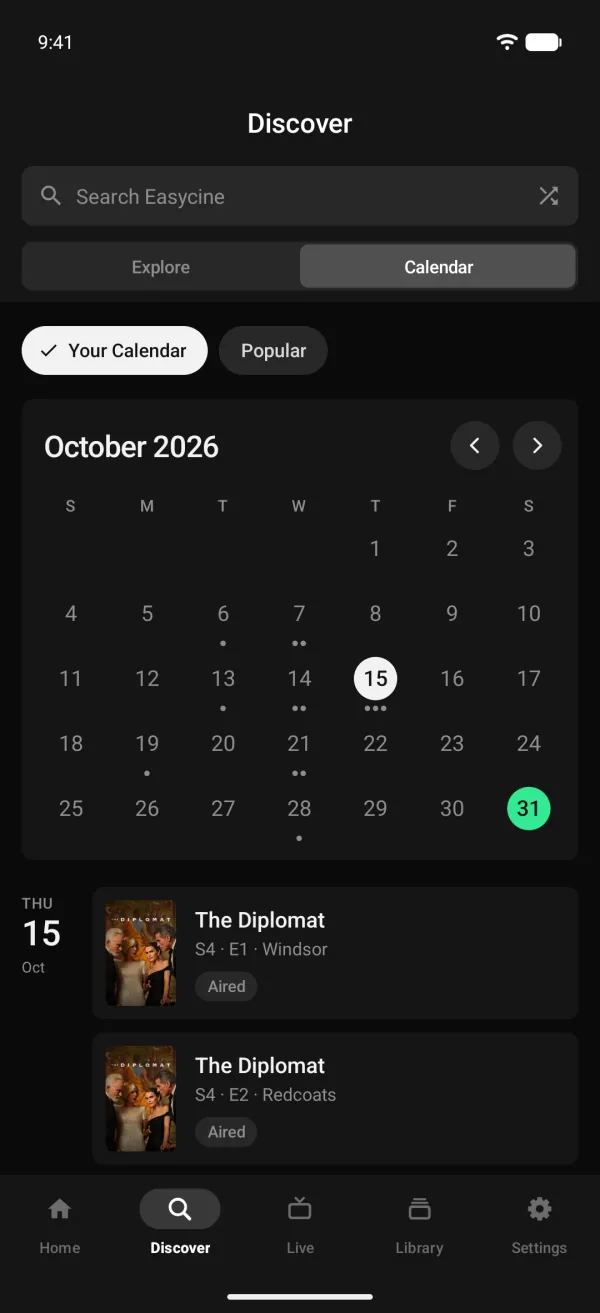
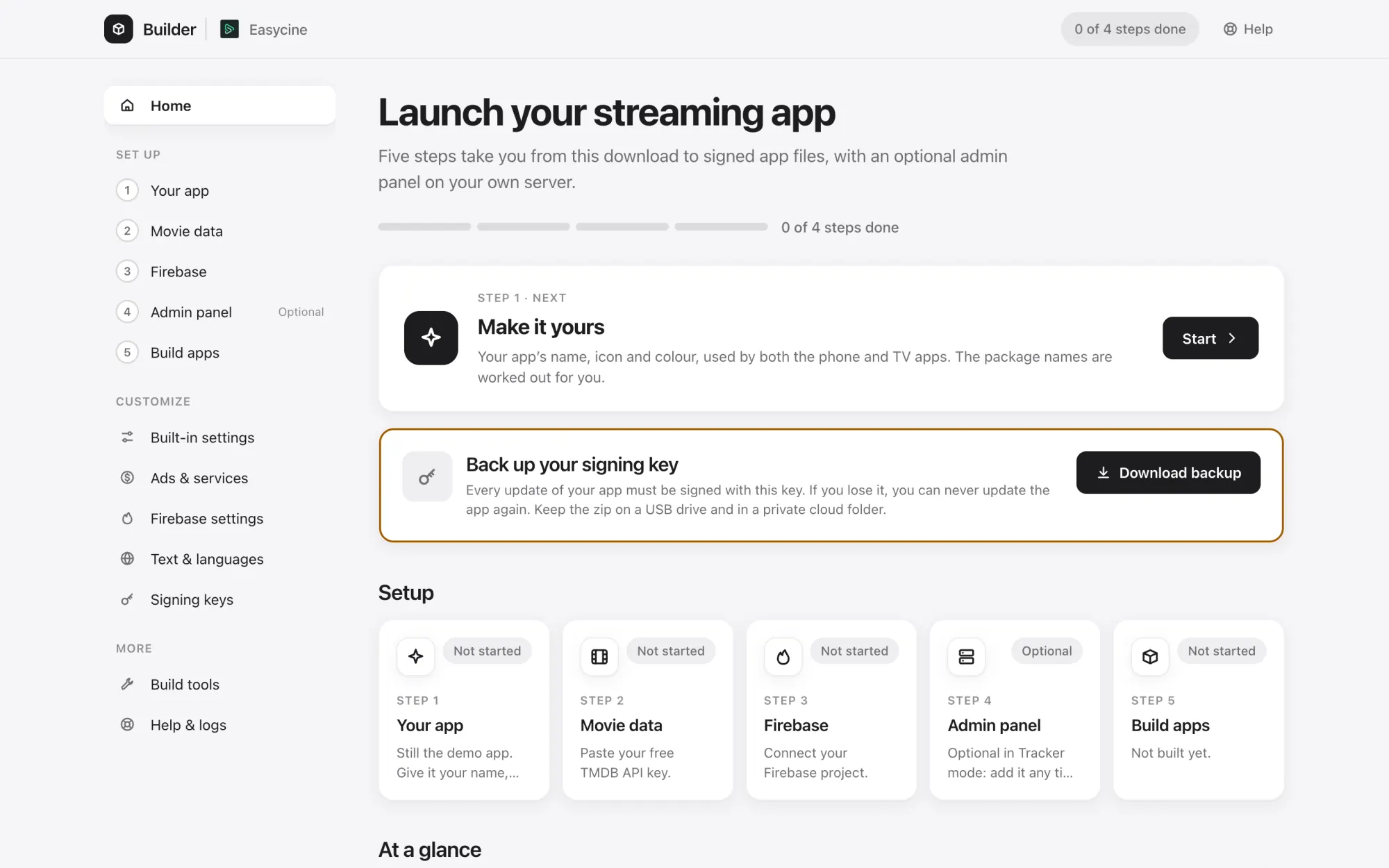
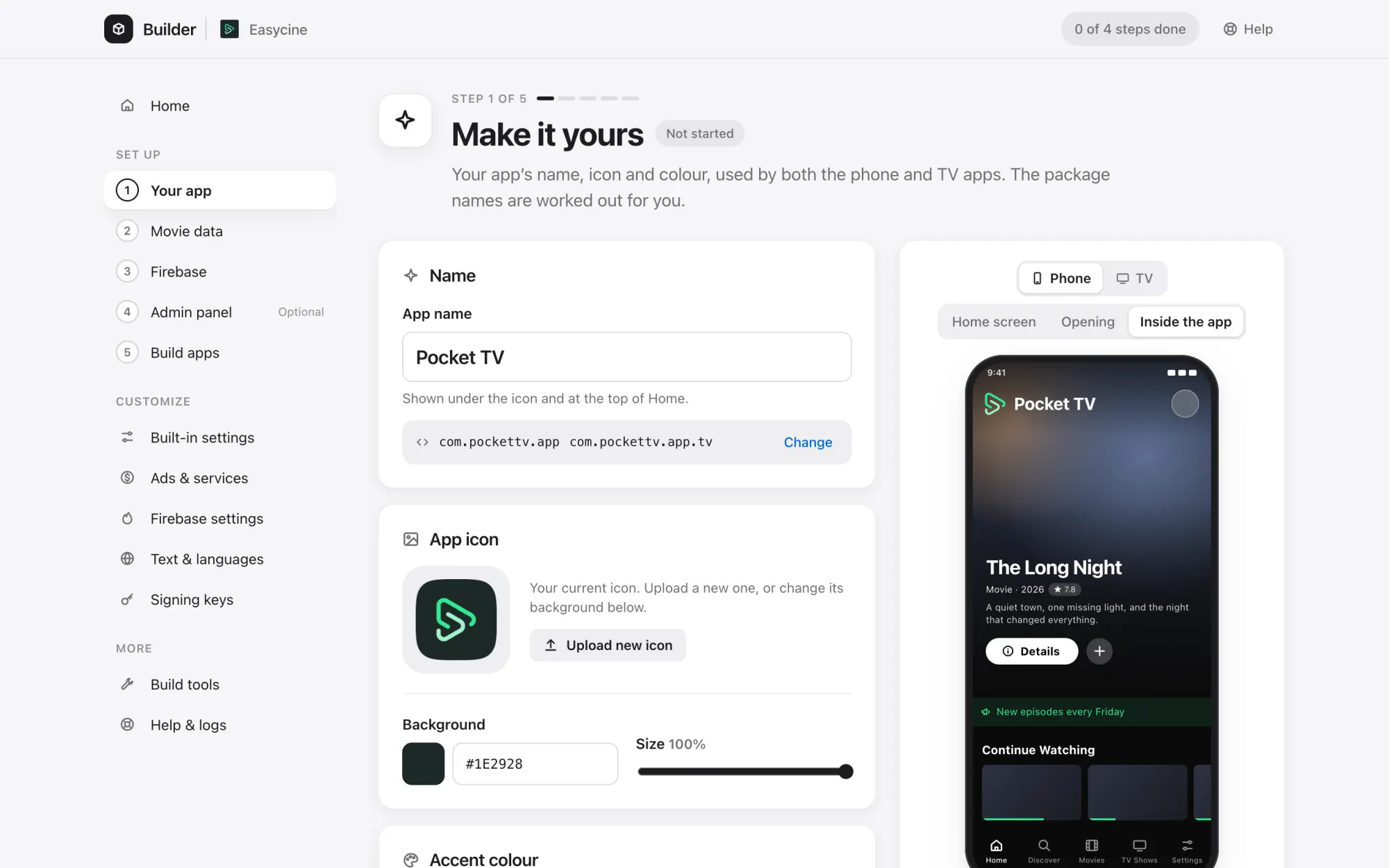
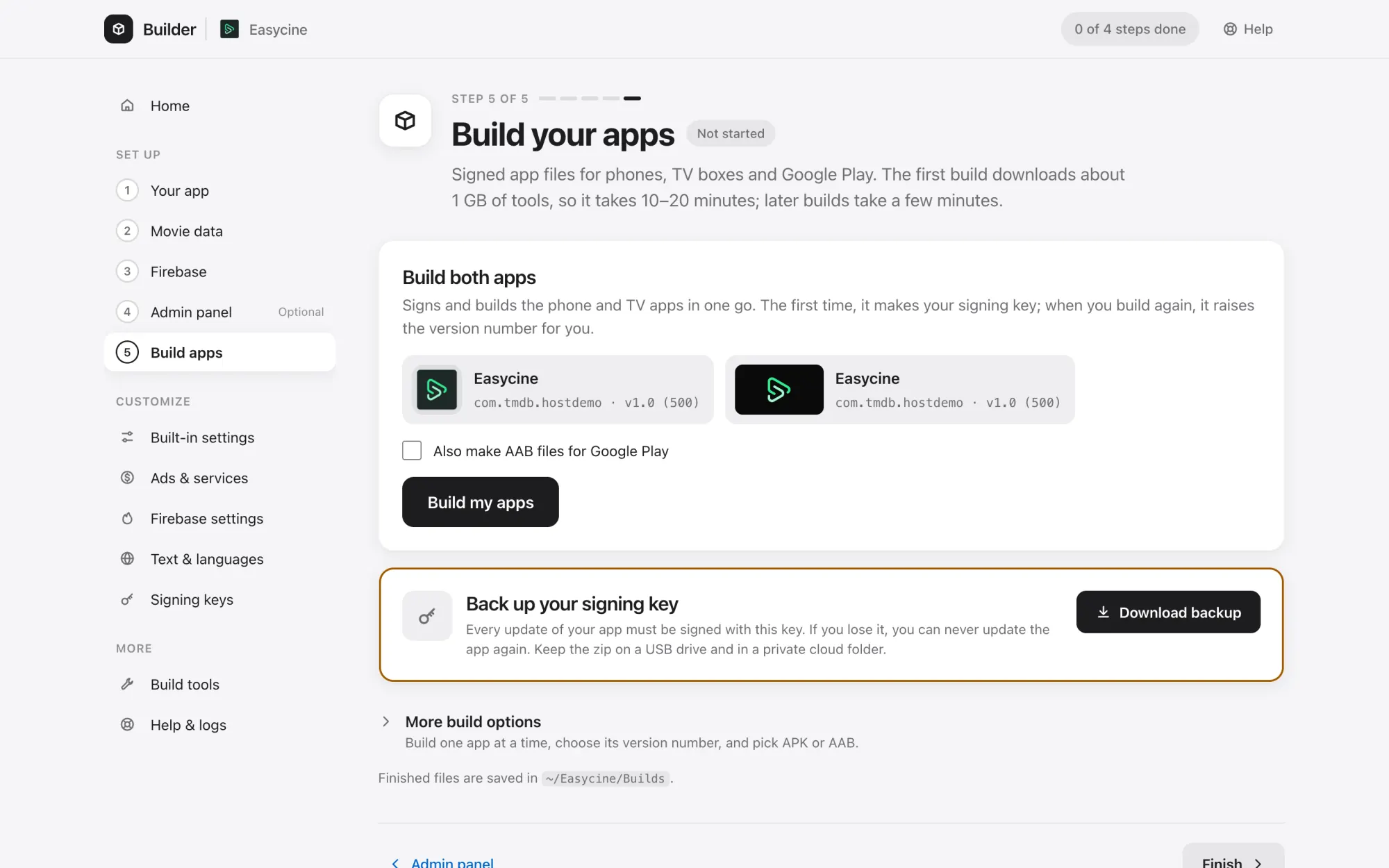
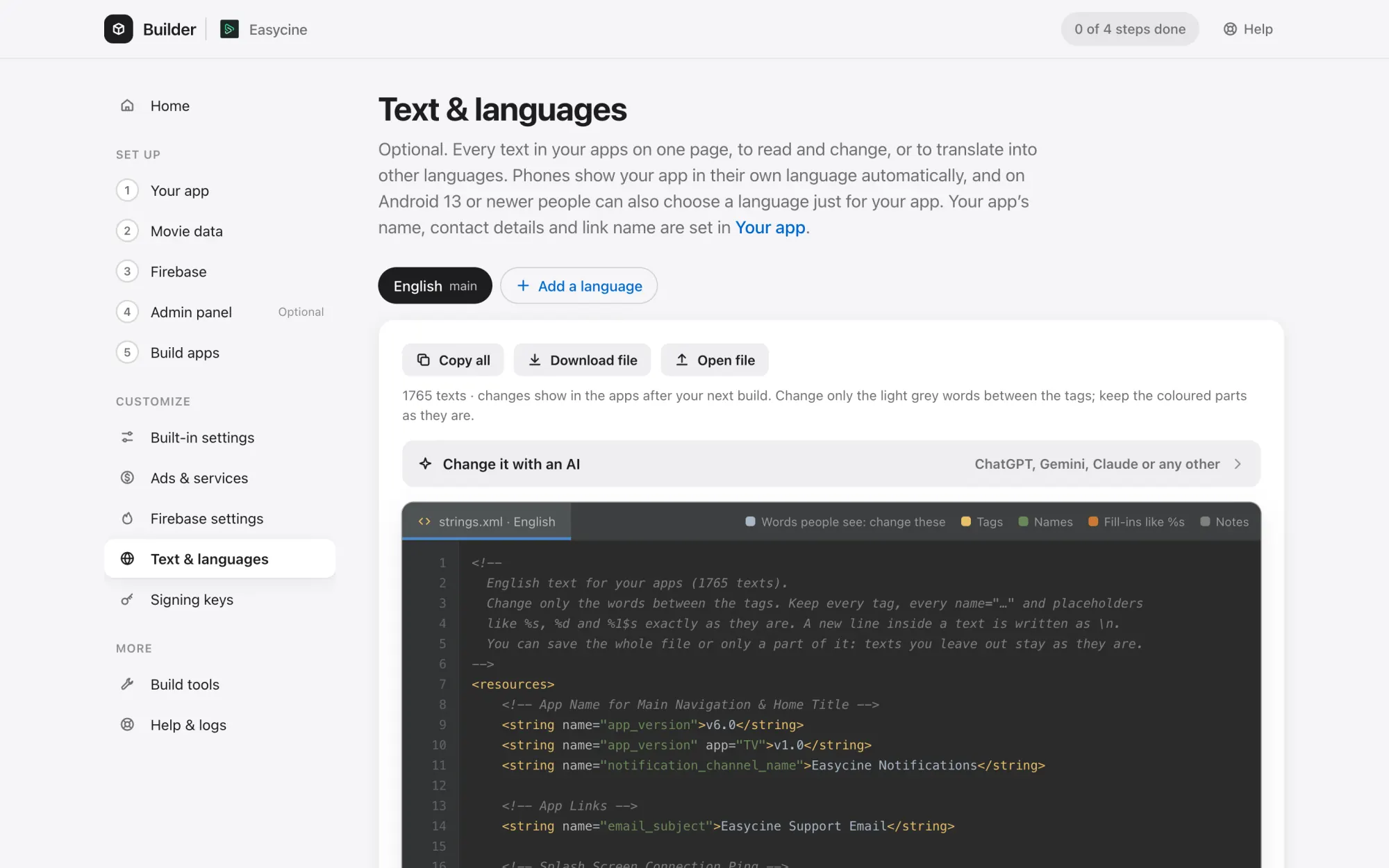
Builder
Set it up without code.
Screenshot questions.
Are these real screenshots?
Yes. Each one is taken from the current phone app, Android TV app, admin panel or Builder, on an Android emulator or in a browser, with no mockups.
What content is shown?
Demo data: open-licence films from the Blender Studio, fictional live channels playing test streams, and placeholder keys. The apps ship with no content or sources of their own.
Can I try it myself?
Yes. The live demo has the phone and TV apps to install and a demo admin panel to sign in to.