Skip to content
New in v6.0The Android TV app is here

Screenshots

Every screen, as it ships. Phone, Android TV, admin panel and Builder.

Real screenshots from the current version, with demo data, fictional channels and open-licence films from the Blender Studio.

  • Phone app
  • Android TV app
  • Live TV and sports
  • Admin panel
  • Tracker mode
  • Builder

Short answer

These are real screenshots of the current EasyCine package: the Netflix-style phone app, the Android TV app, Live TV and sports on both, the admin panel that runs them, Tracker mode (watch tracker) and the Builder. Every one comes from the shipping code, with demo data and open-licence films.

Phone app

A Netflix-style app for Android phones.
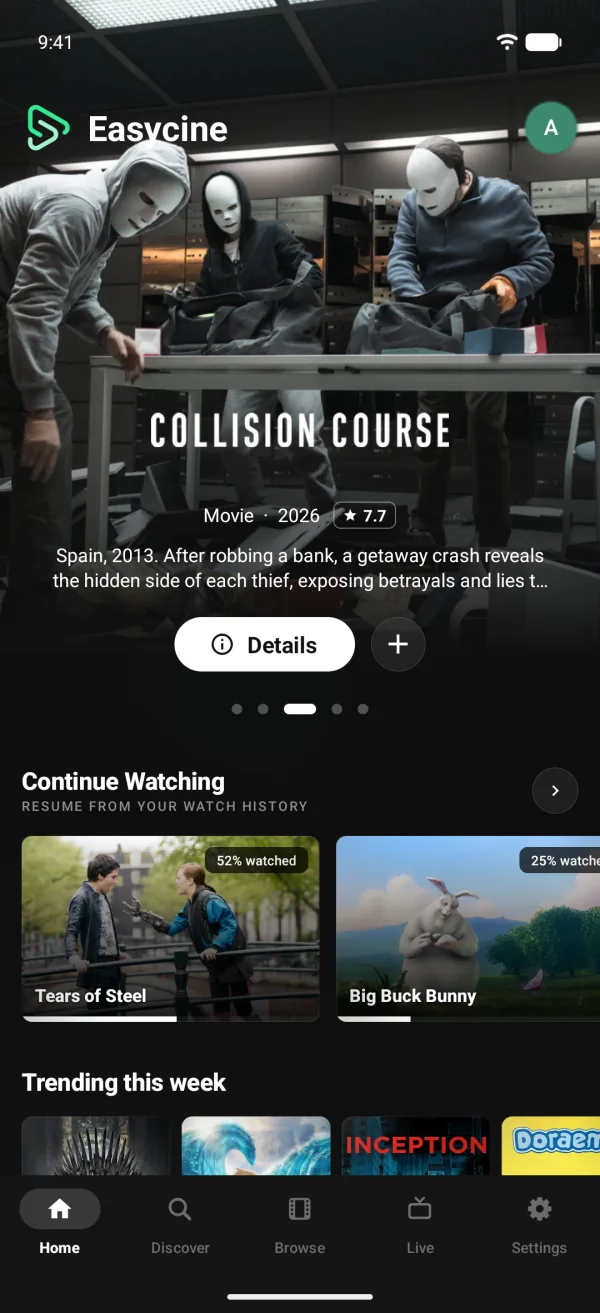
Home screen of a Netflix-style Android streaming app with a featured slider and Continue Watching
Home: featured slider, Continue Watching and rows.
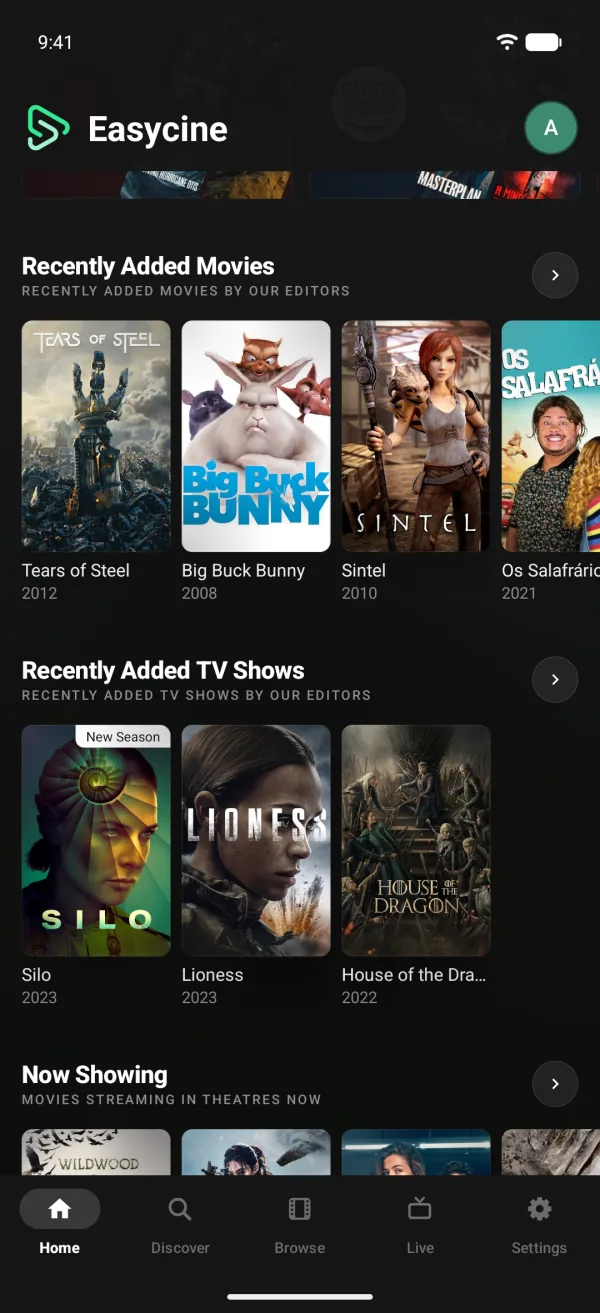
Android movie app Home rows with recently added movies and TV shows from the admin panel
Rows you build in the admin panel.
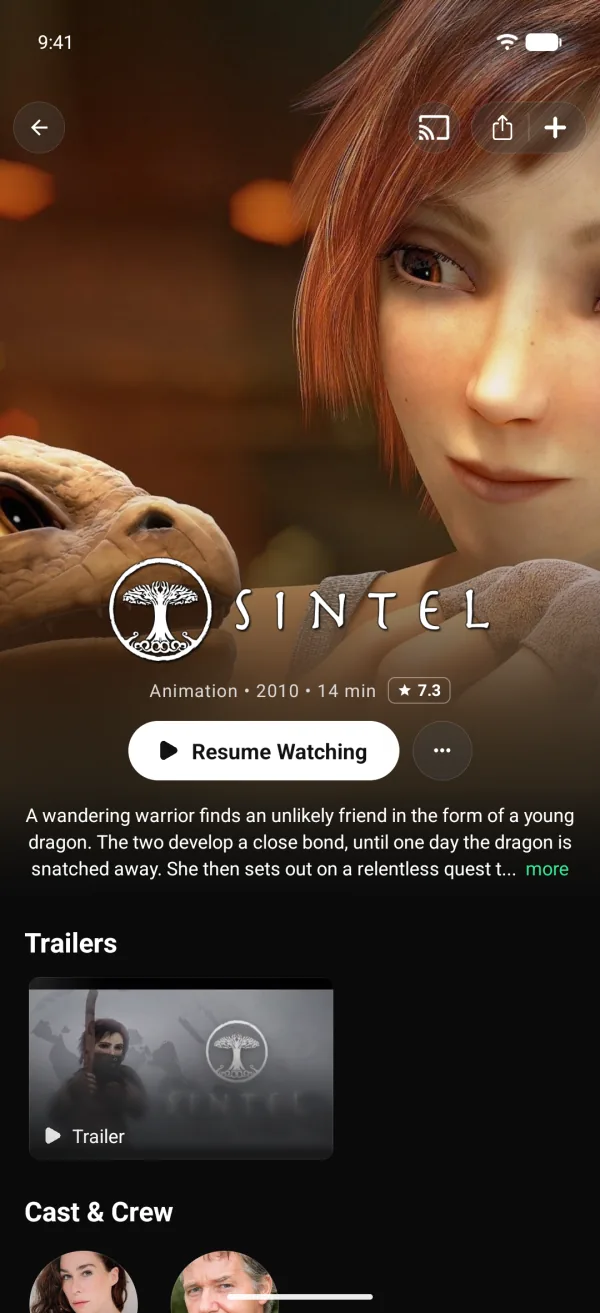
Movie details page in an Android streaming app with Resume Watching, trailers and cast
A movie page with Resume Watching and trailers.
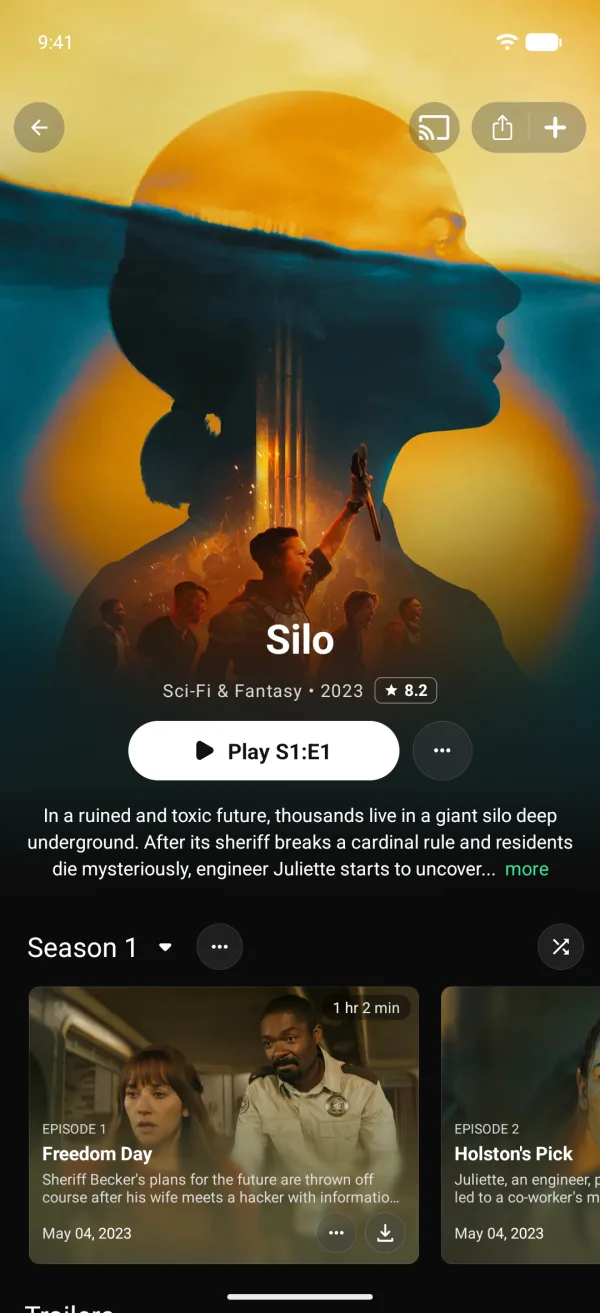
TV show page in an Android streaming app with seasons and episode cards
A show page with seasons and episodes.
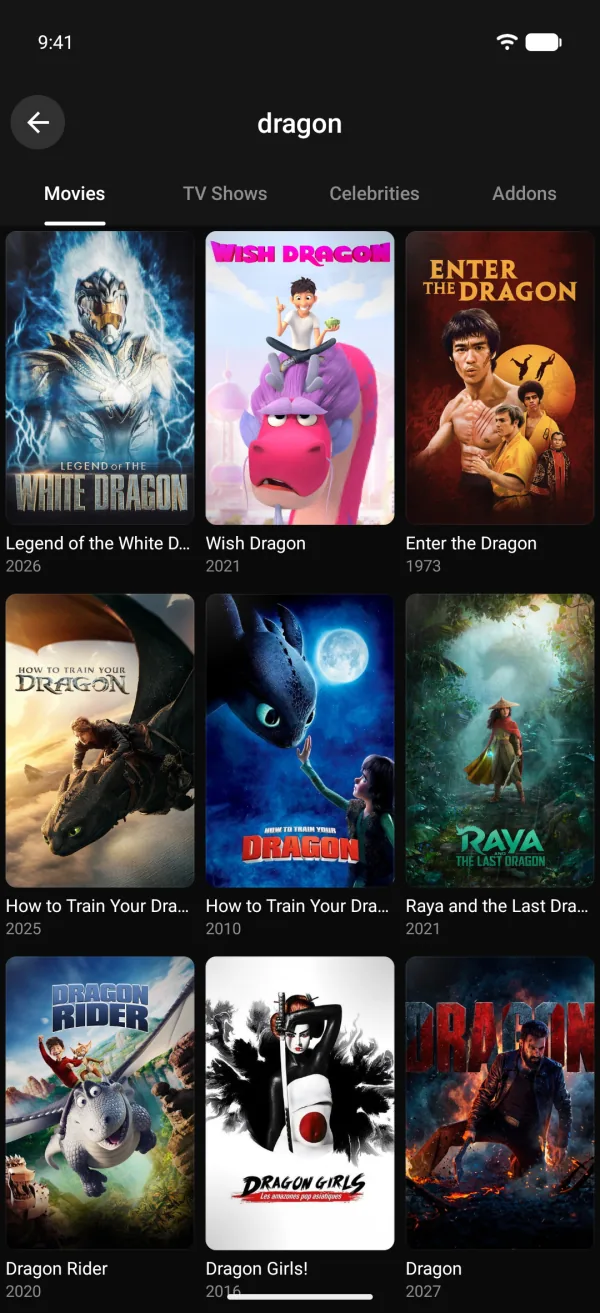
Search results grid for movies in an Android streaming app
Search across movies, shows, people and addons.
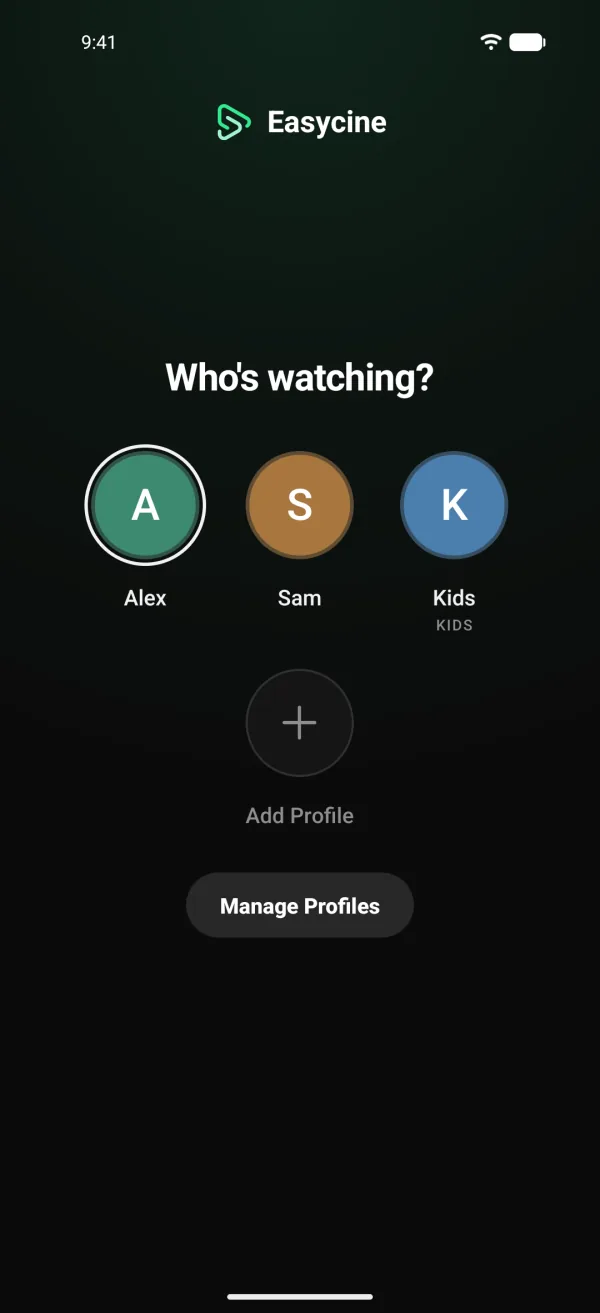
Who's watching profile picker with a Kids profile in an Android streaming app
Up to five profiles, with Kids profiles.
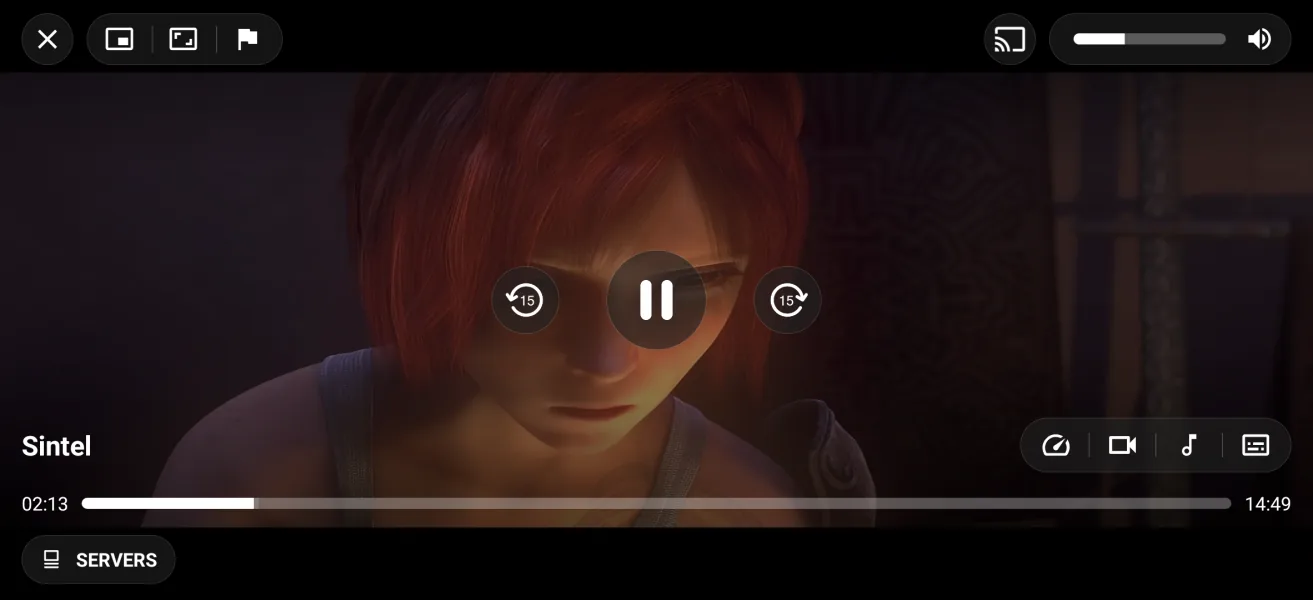
Android video player playing an open movie with skip, servers, audio and subtitle controls
The player, with servers, audio and subtitles.
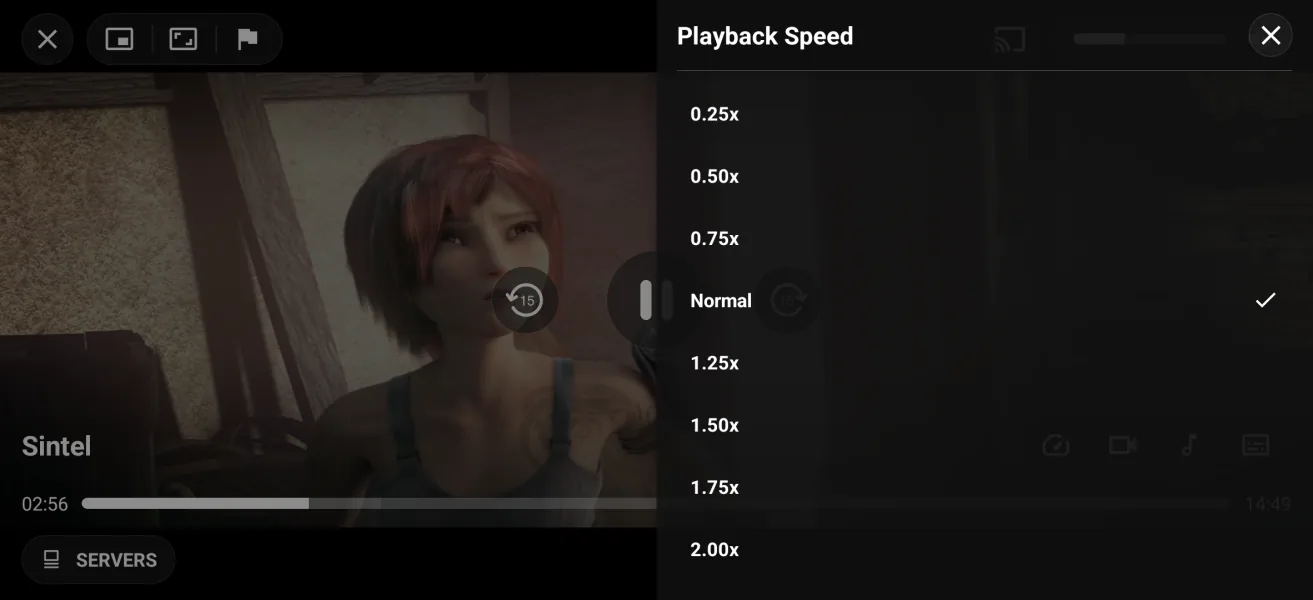
Playback speed menu in an Android streaming app's video player
Playback speed and other player options.

Live TV and sports

Live channels and a sports centre.
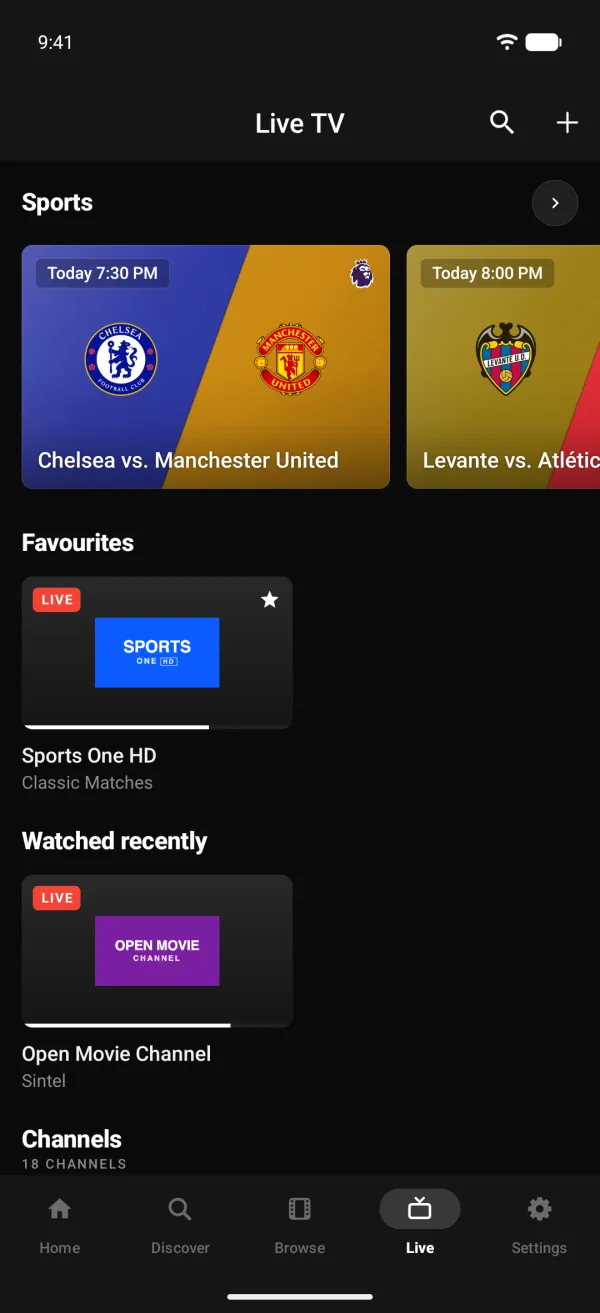
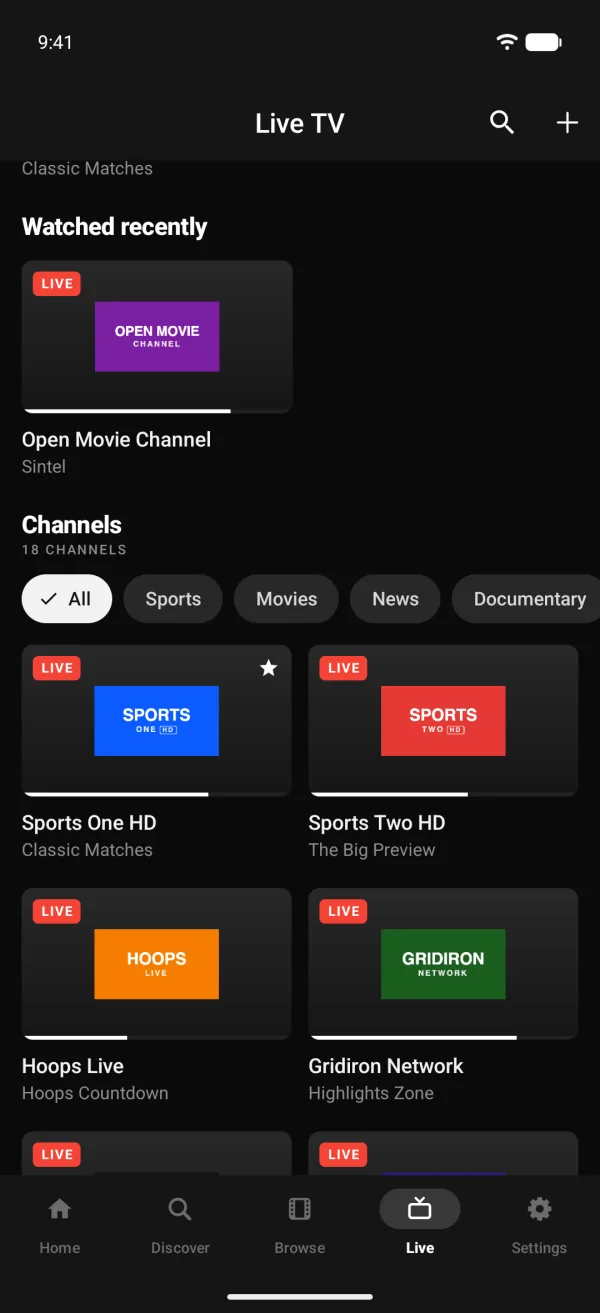
Live TV tab of an Android IPTV app with sports, favourite channels and recently watched
The Live tab with Sports, Favourites and Watched recently.
IPTV channel grid in an Android app with channel groups and the show on now
Channel groups from M3U playlists and Xtream logins.
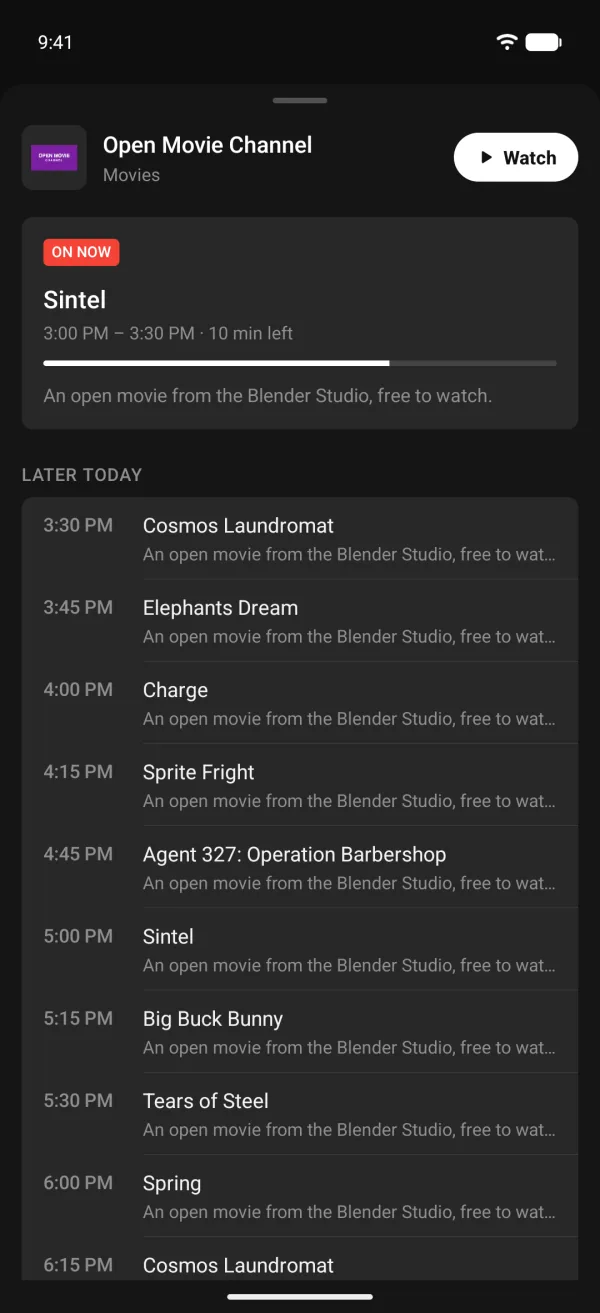
Electronic programme guide for one live channel in an Android app
Each channel's TV guide.
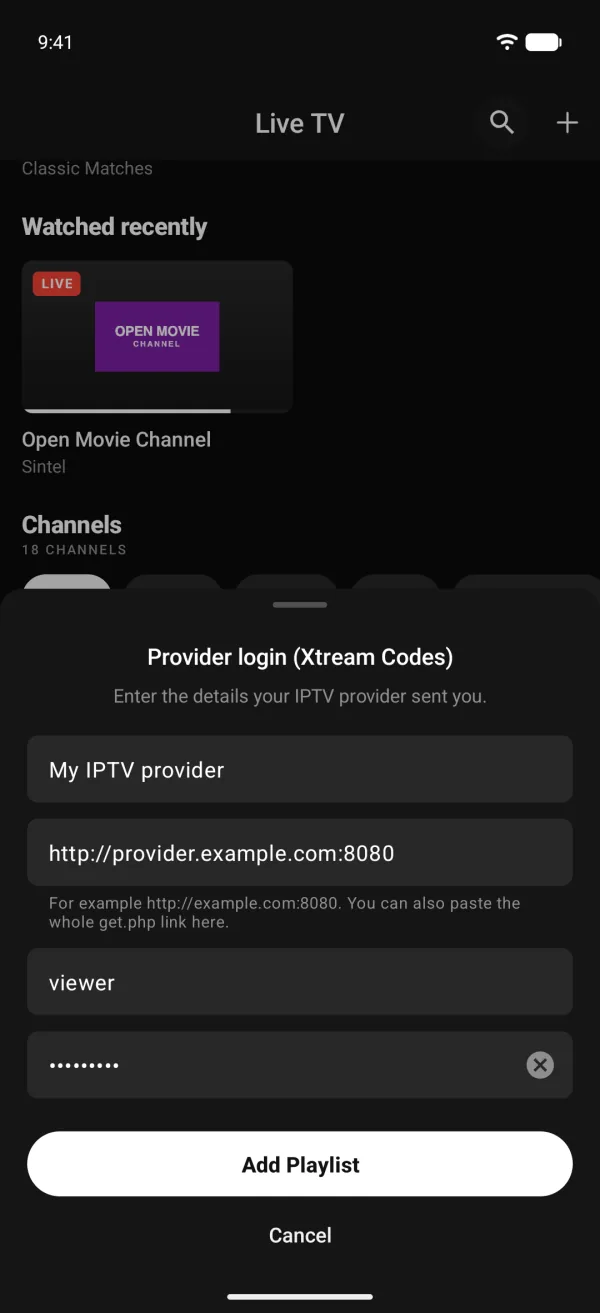
Xtream Codes provider login form in an Android IPTV app
Adding an Xtream Codes login.
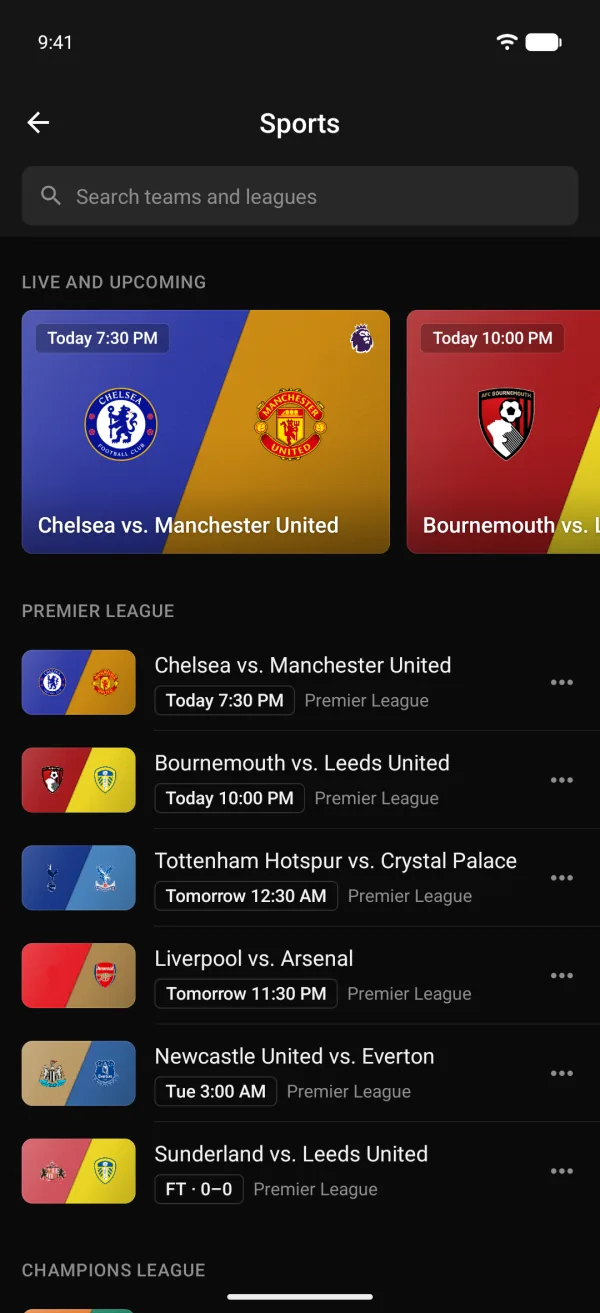
Upcoming and live football matches in an Android sports app
Matches for the leagues a viewer follows.
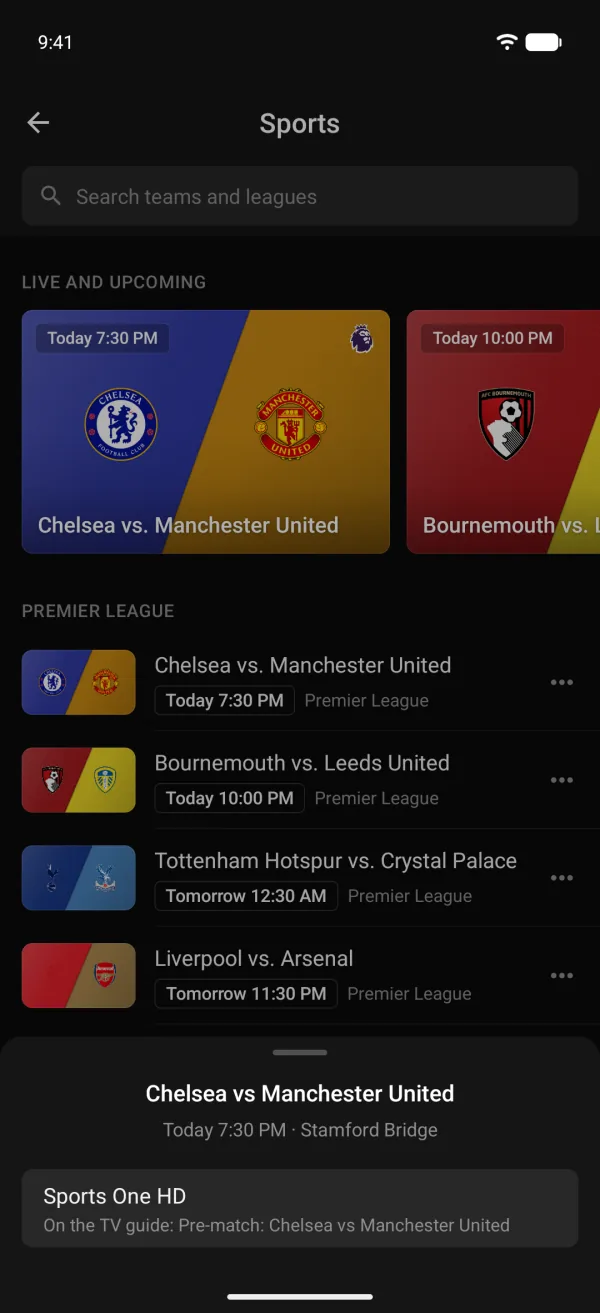
Sports match sheet showing which live channel has the game
Watch on: the channel that shows the match.
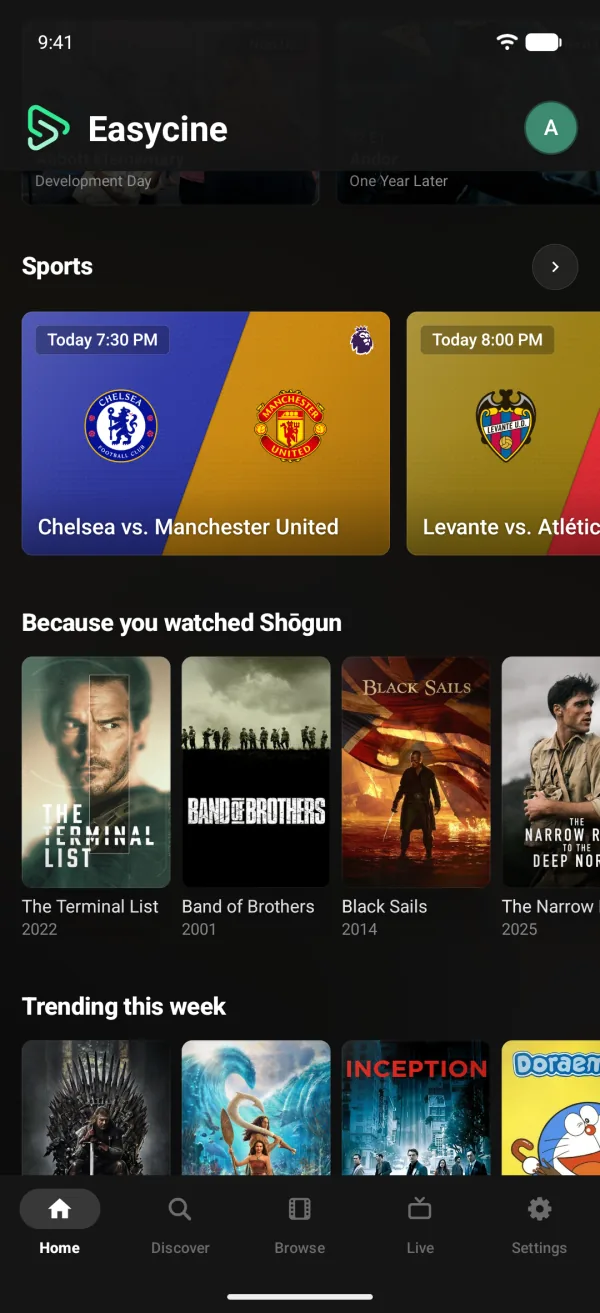
Sports row of upcoming matches on an Android streaming app's Home screen
A Sports row on Home.
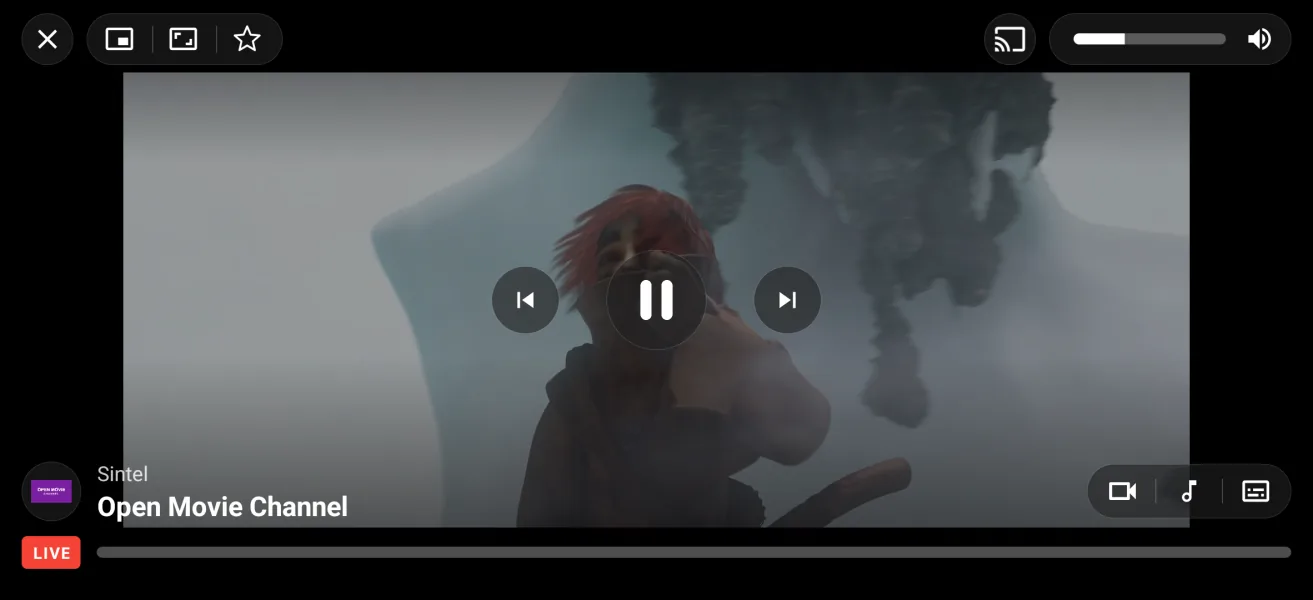
Live TV channel playing on an Android phone with a LIVE badge and channel buttons
The live player.

Android TV app

The same service on the big screen.
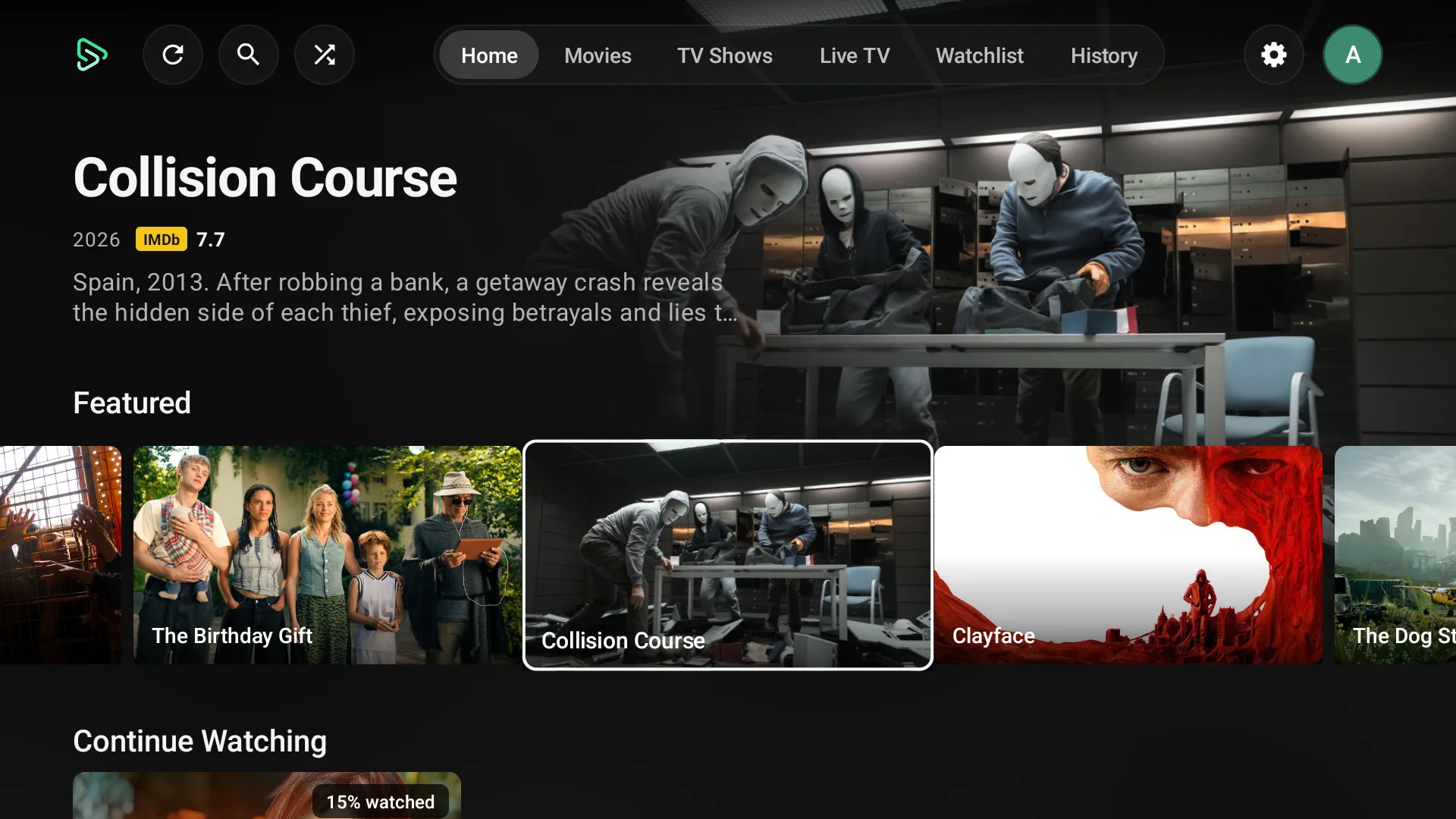
Android TV streaming app Home screen with a featured row and Continue Watching
Home on Android TV.
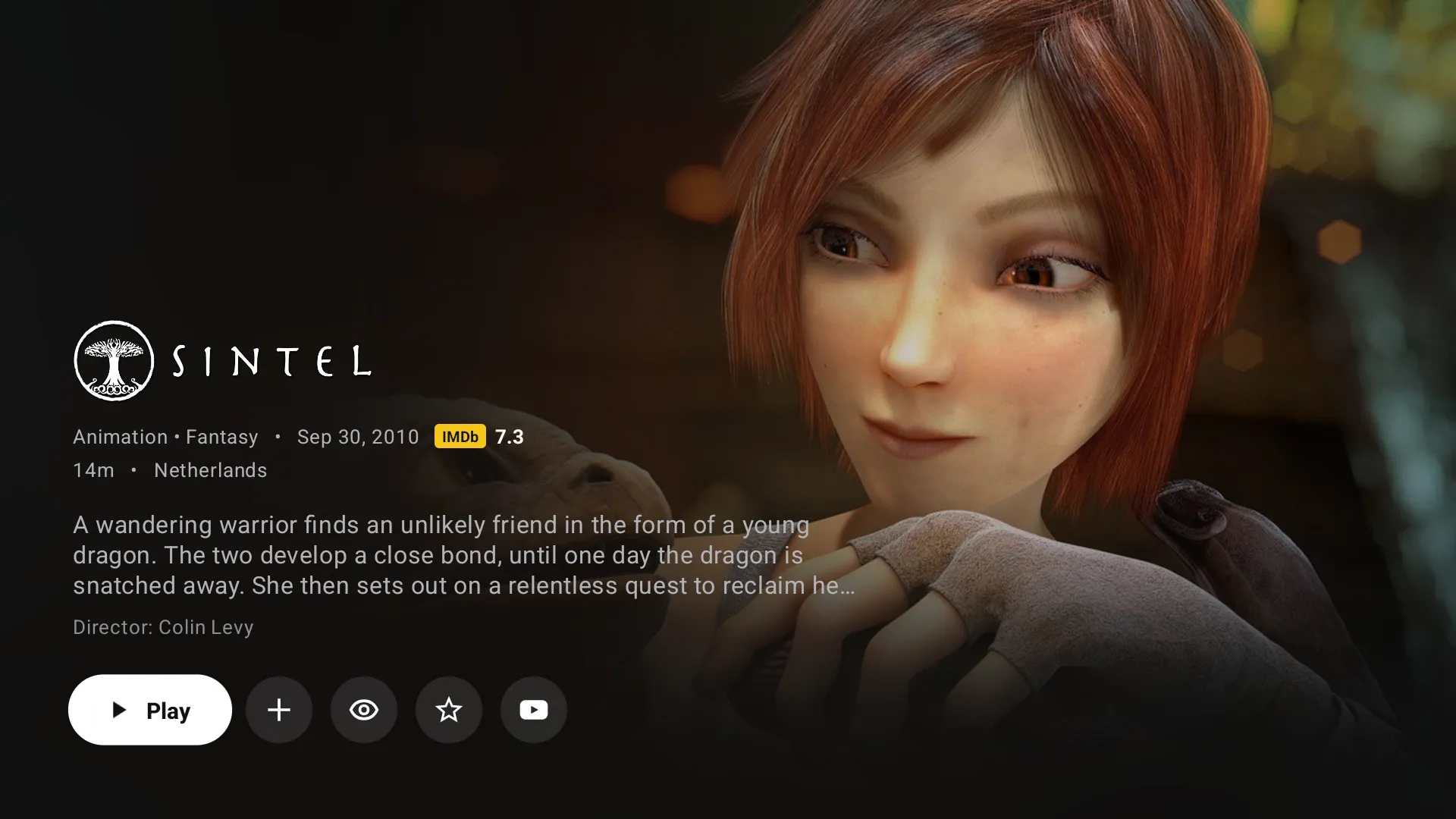
Movie details screen in an Android TV app with Play, watchlist and trailer buttons
A movie page on TV.
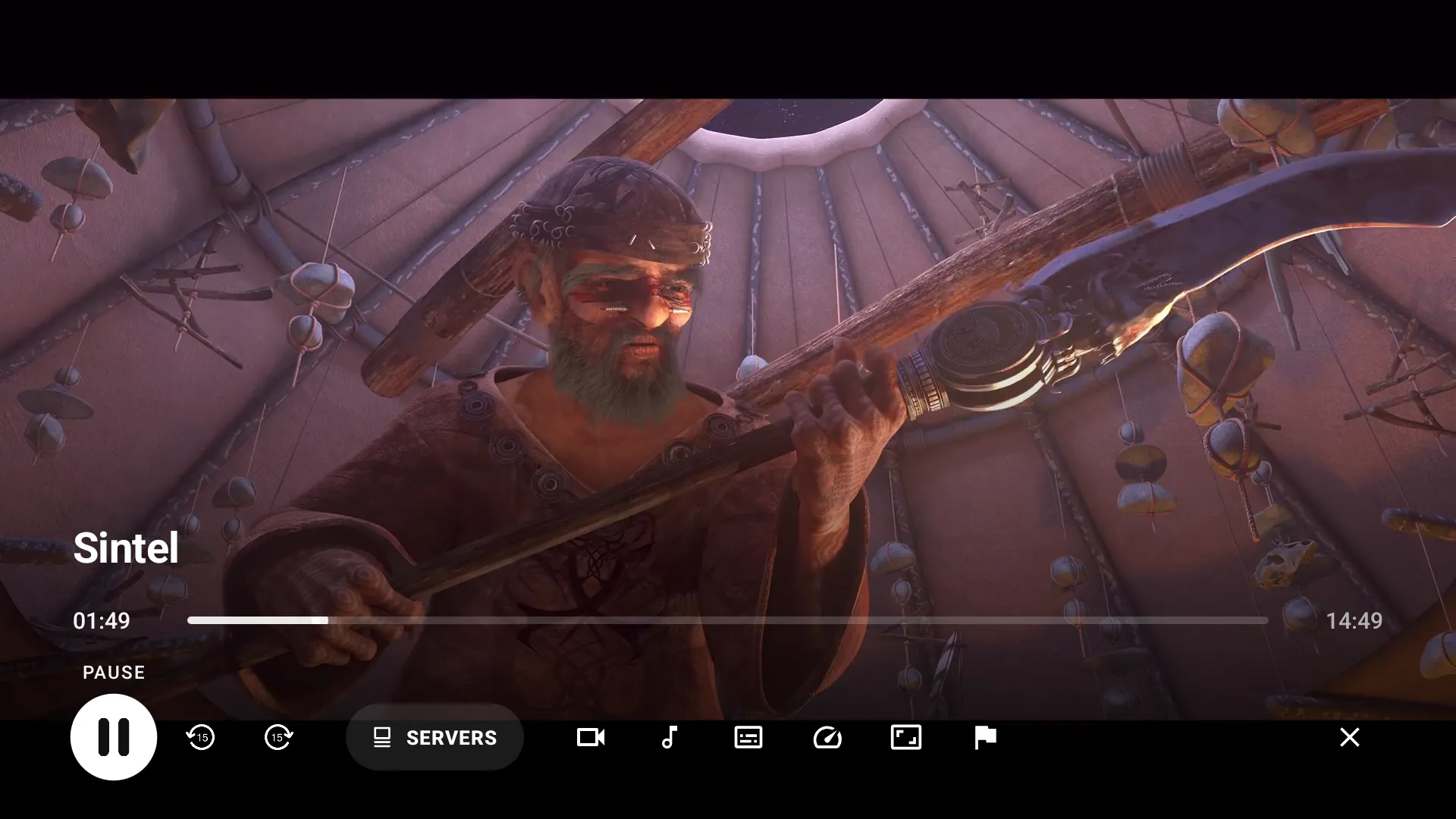
Android TV video player with a progress bar, servers and audio controls
The TV player.
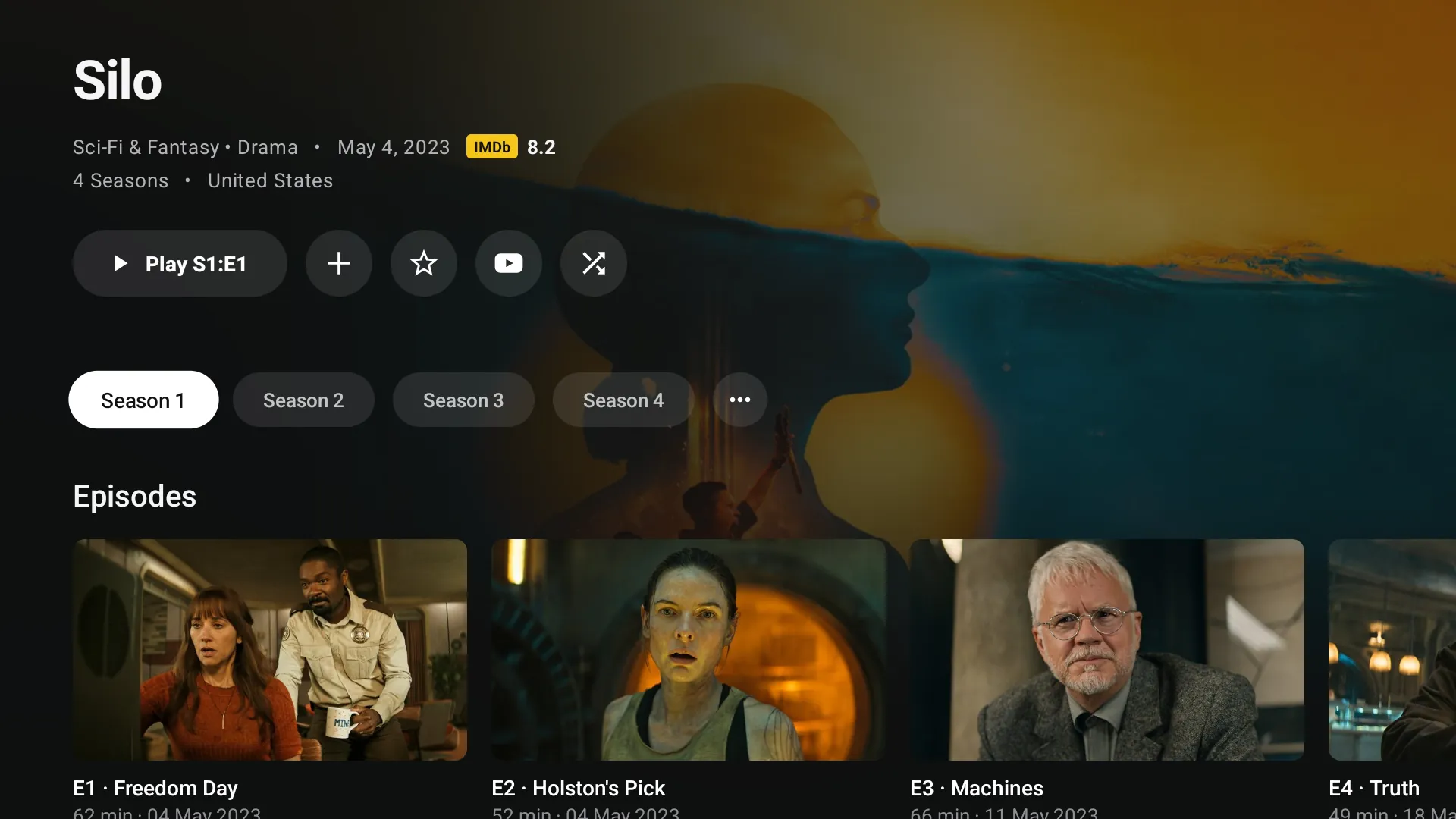
TV show seasons and episodes on an Android TV streaming app
Seasons and episodes for the remote.
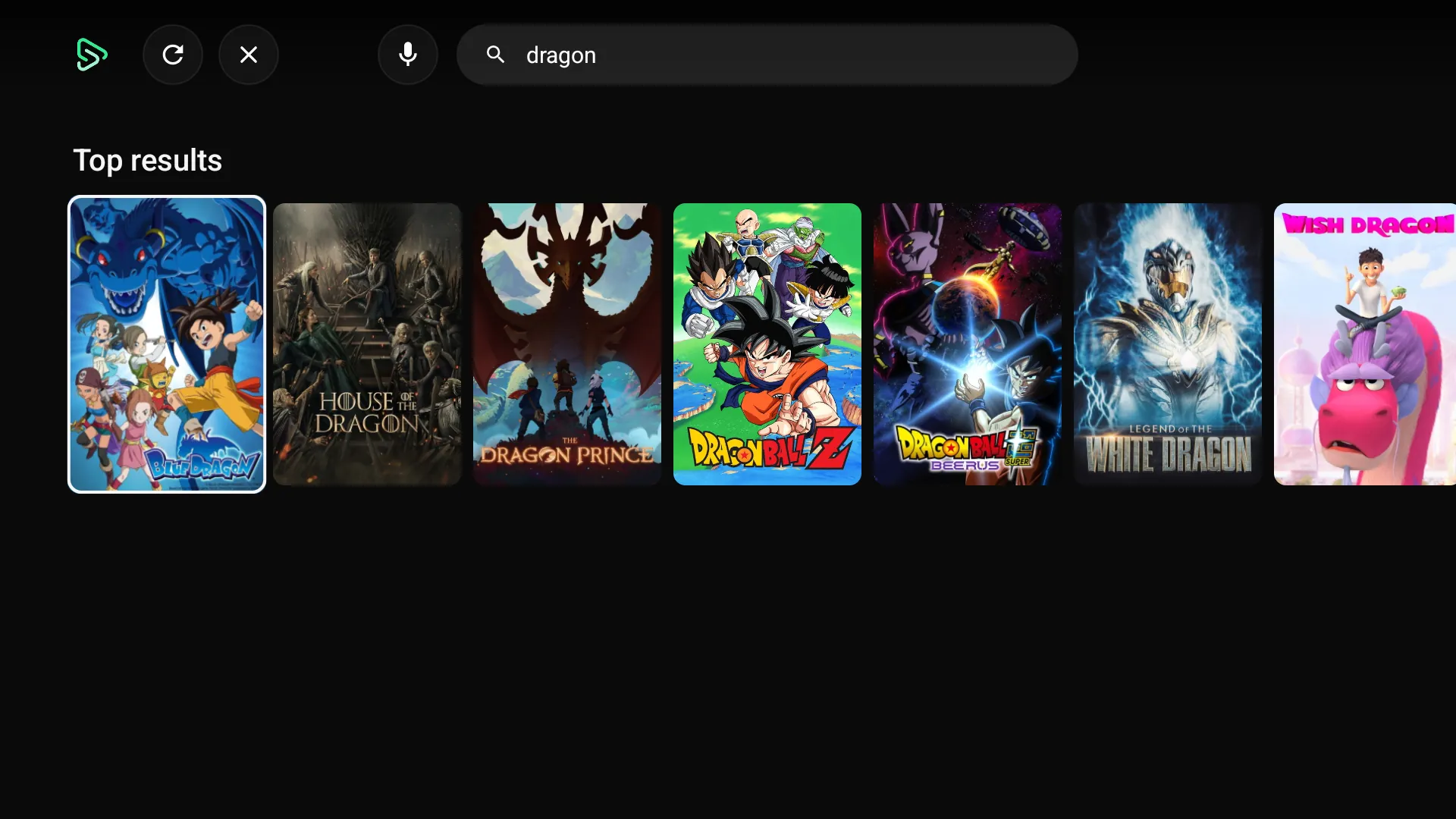
Search results on an Android TV streaming app
Search with the remote or voice.
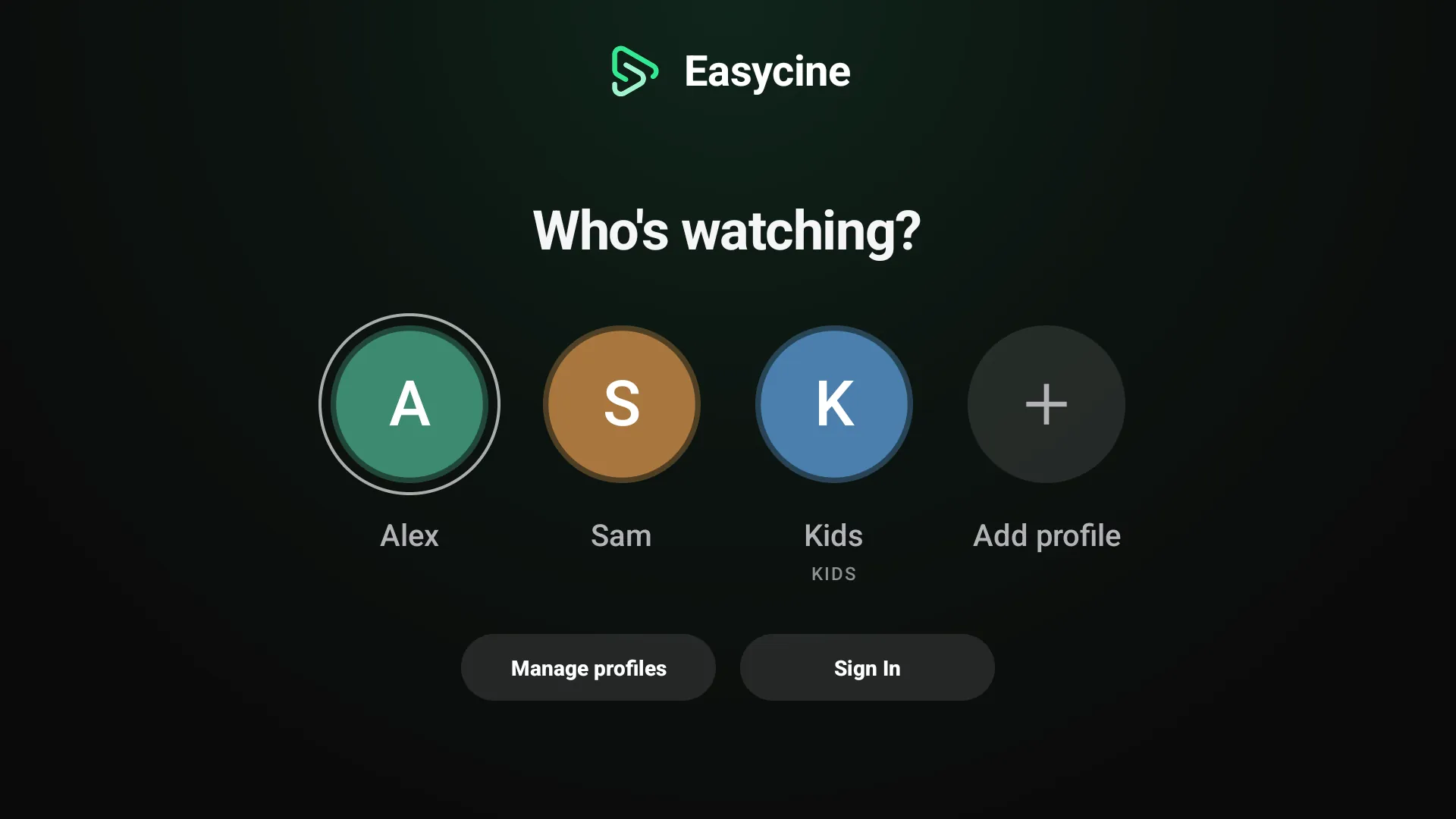
Who's watching profile picker on an Android TV app
Profiles on TV.
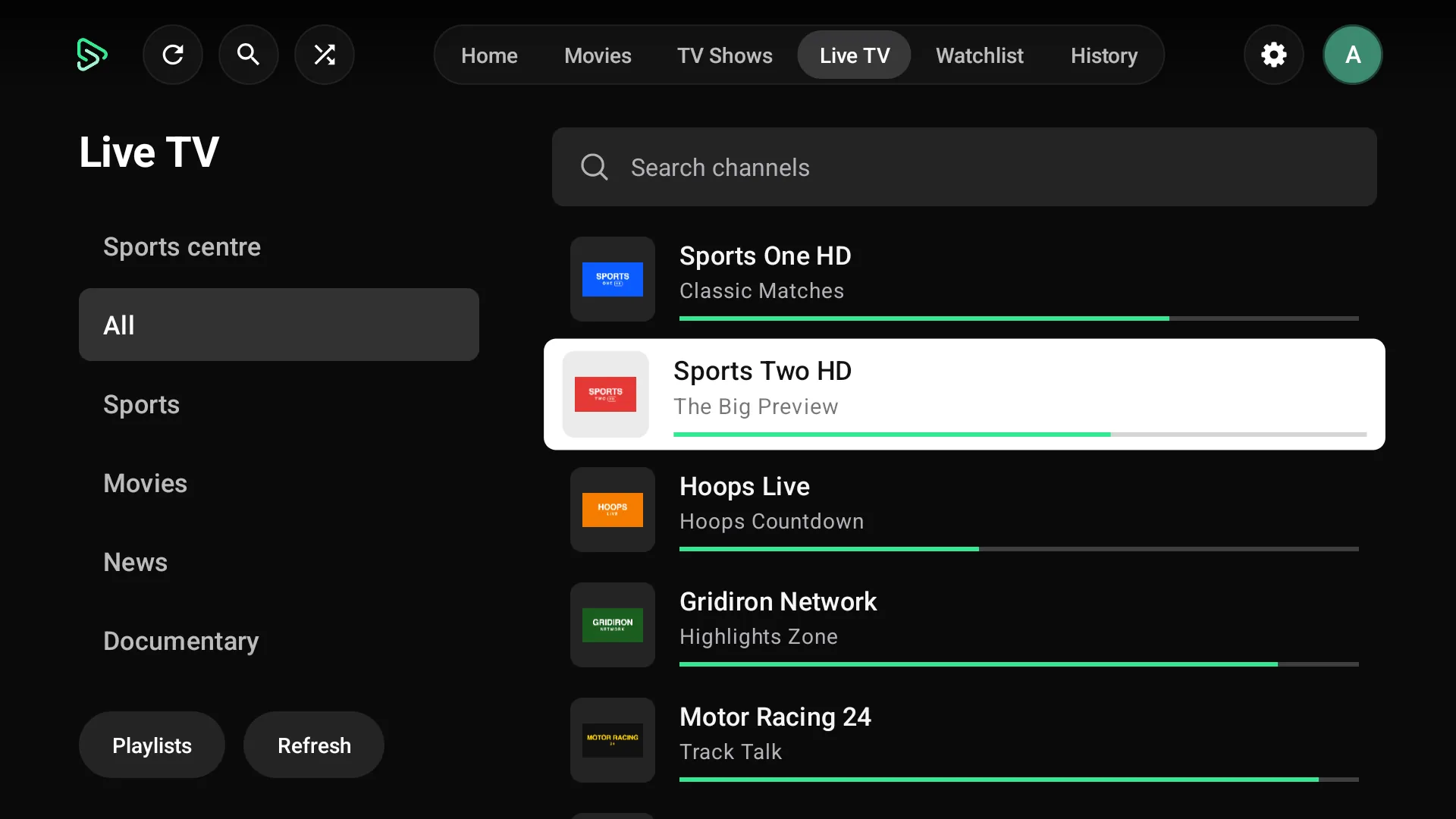
Live TV channel list with groups on an Android TV IPTV app
Live TV on Android TV.
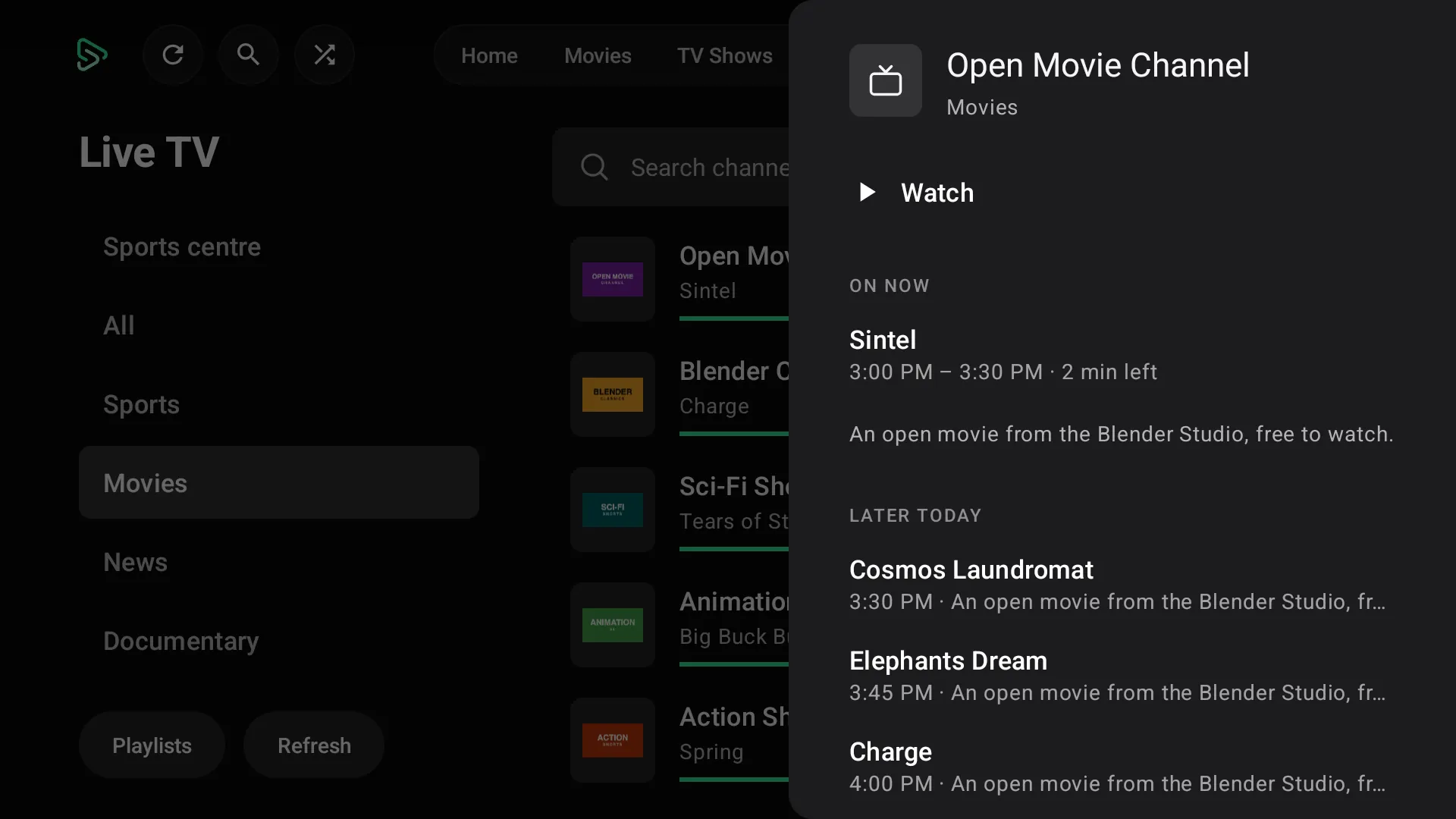
TV guide side panel for a live channel on Android TV
A channel's guide on TV.
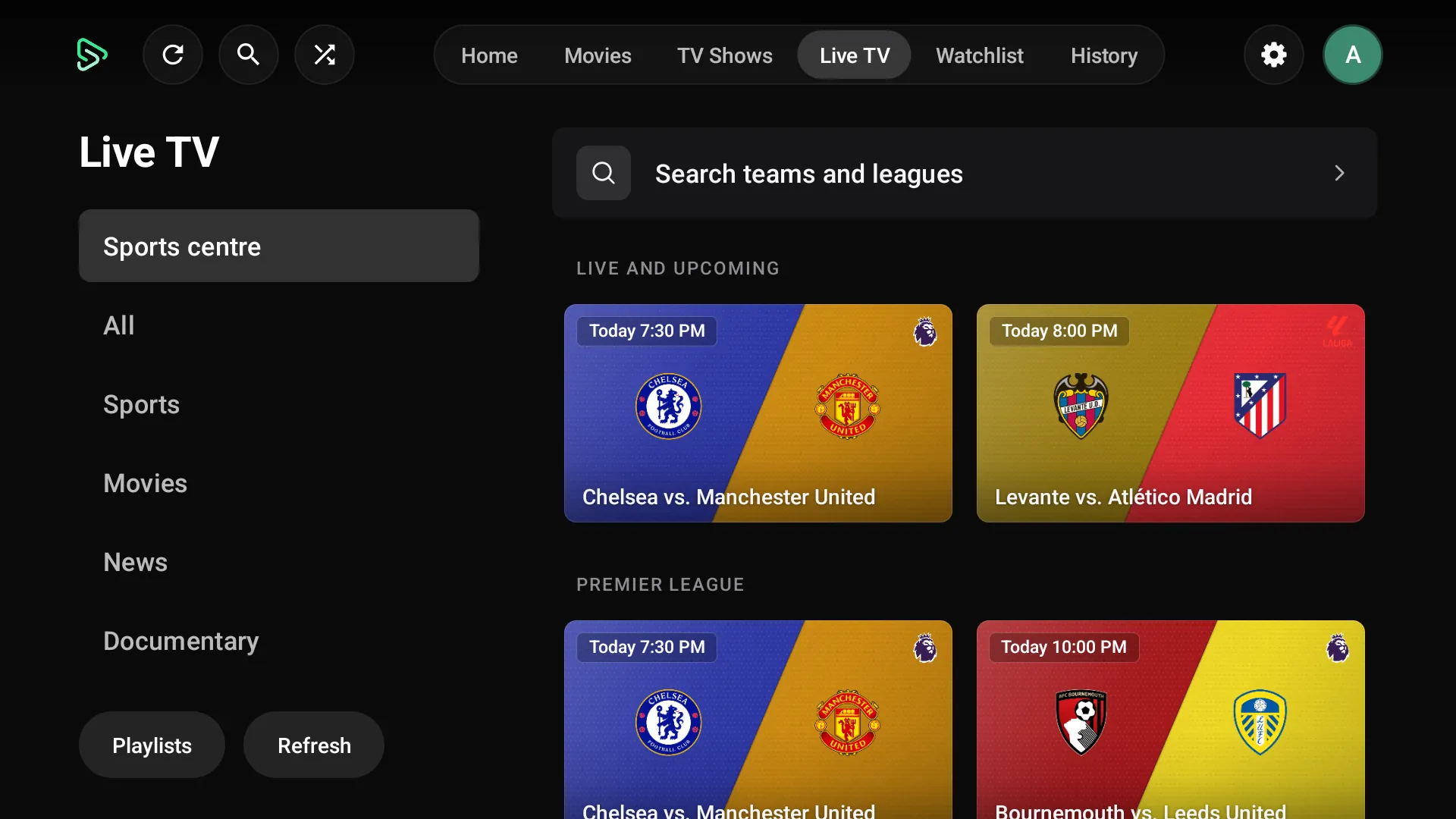
Sports centre with upcoming football matches on an Android TV app
The Sports centre on TV.

Admin panel

The web panel that runs it.
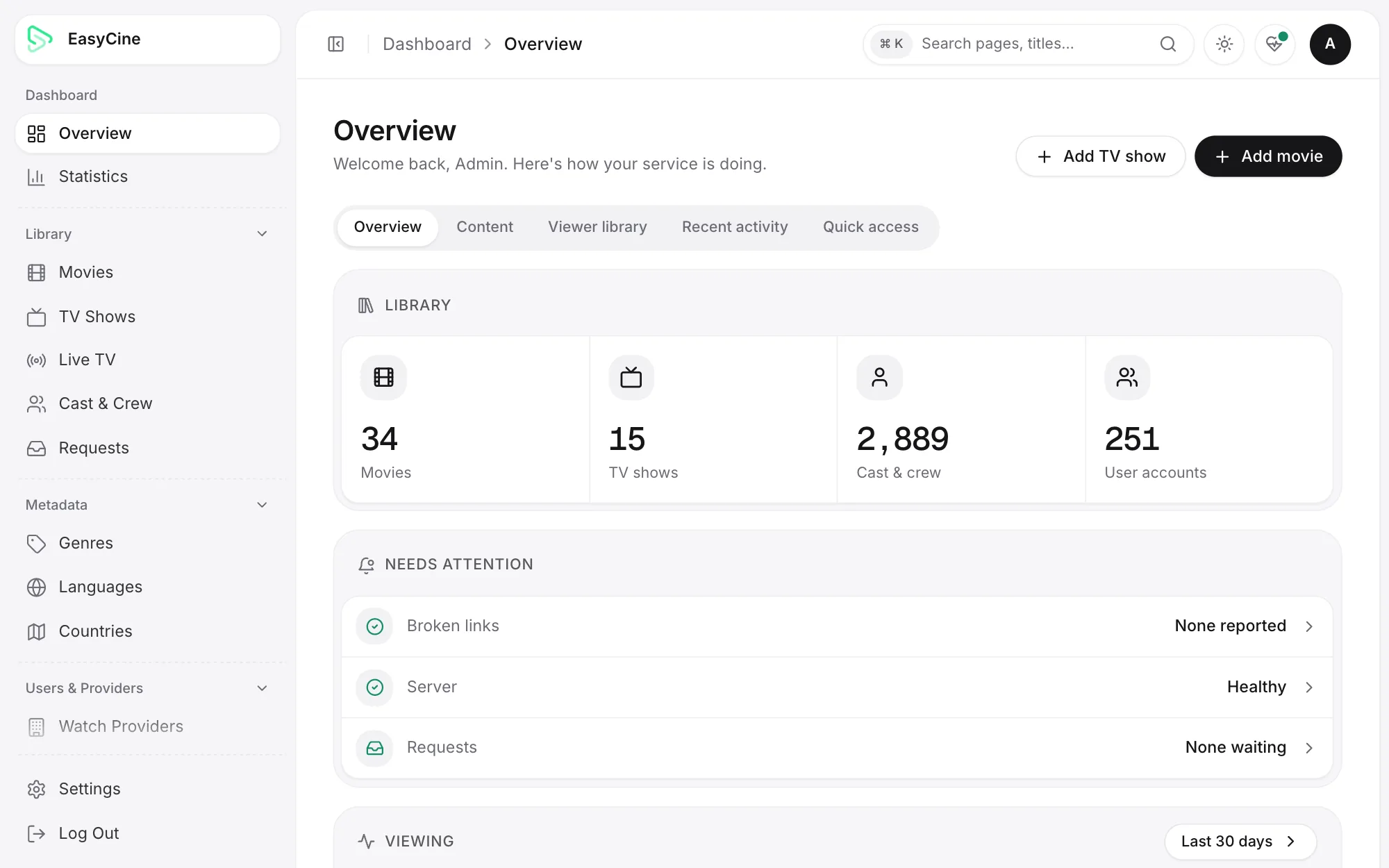
admin.yourbrand.com
Streaming admin panel dashboard with viewers, plays and catalogue totals
Overview of viewers, plays and the catalogue.
admin.yourbrand.com
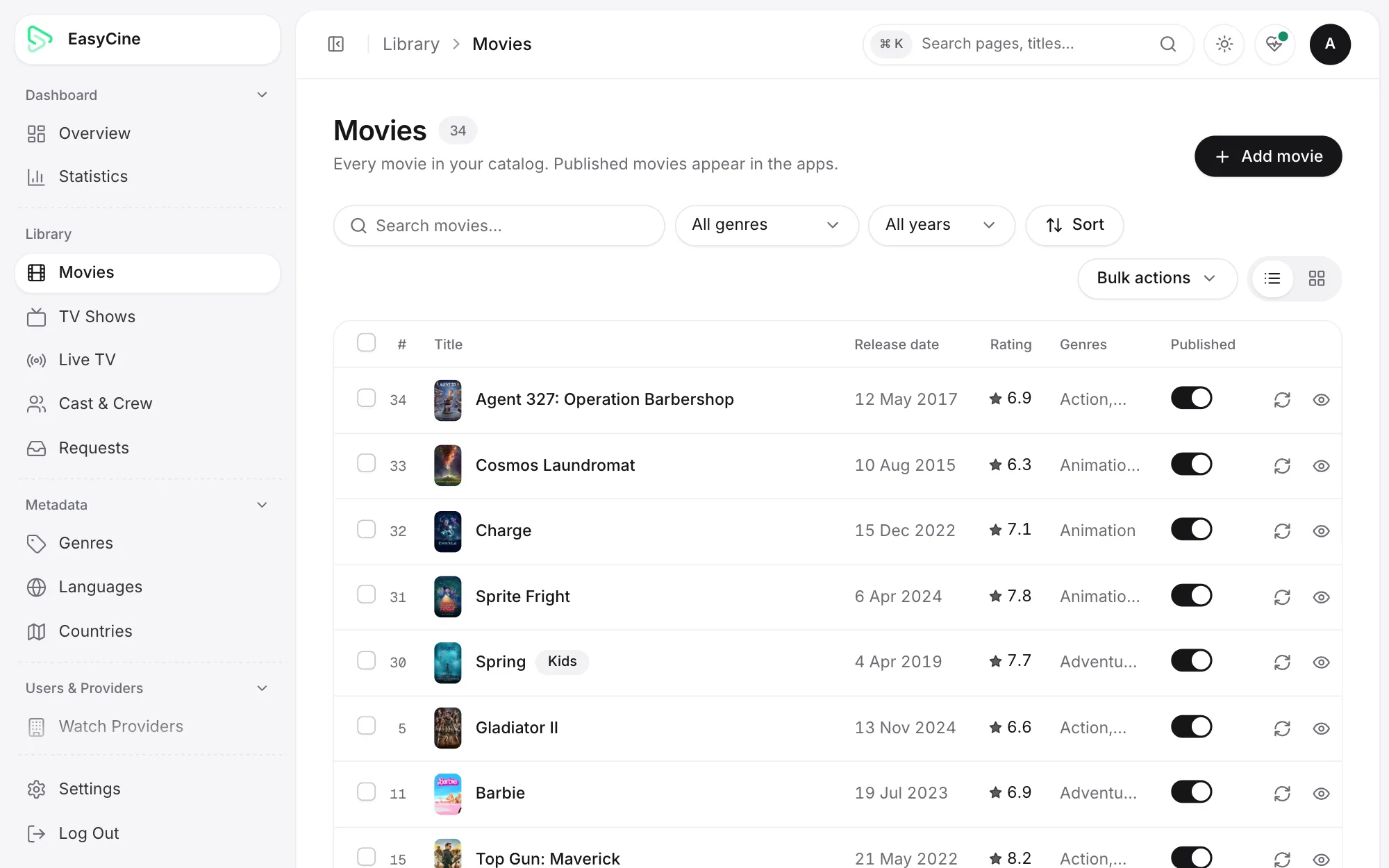
Admin panel movie list with posters, ratings and publish switches
The movie catalogue.
admin.yourbrand.com
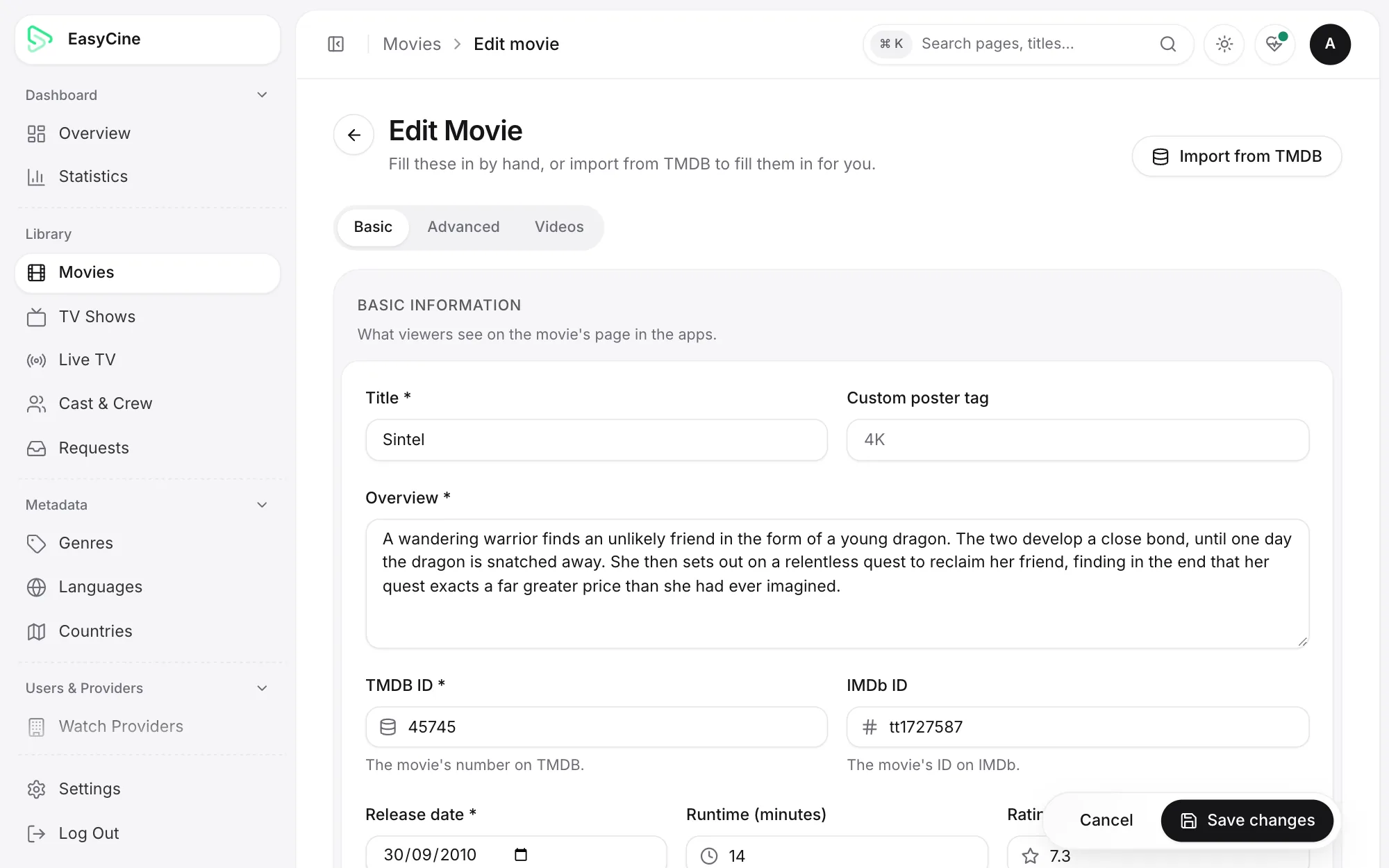
Admin panel movie editor filled in from TMDB with title, overview and IDs
Editing a movie imported from TMDB.
admin.yourbrand.com
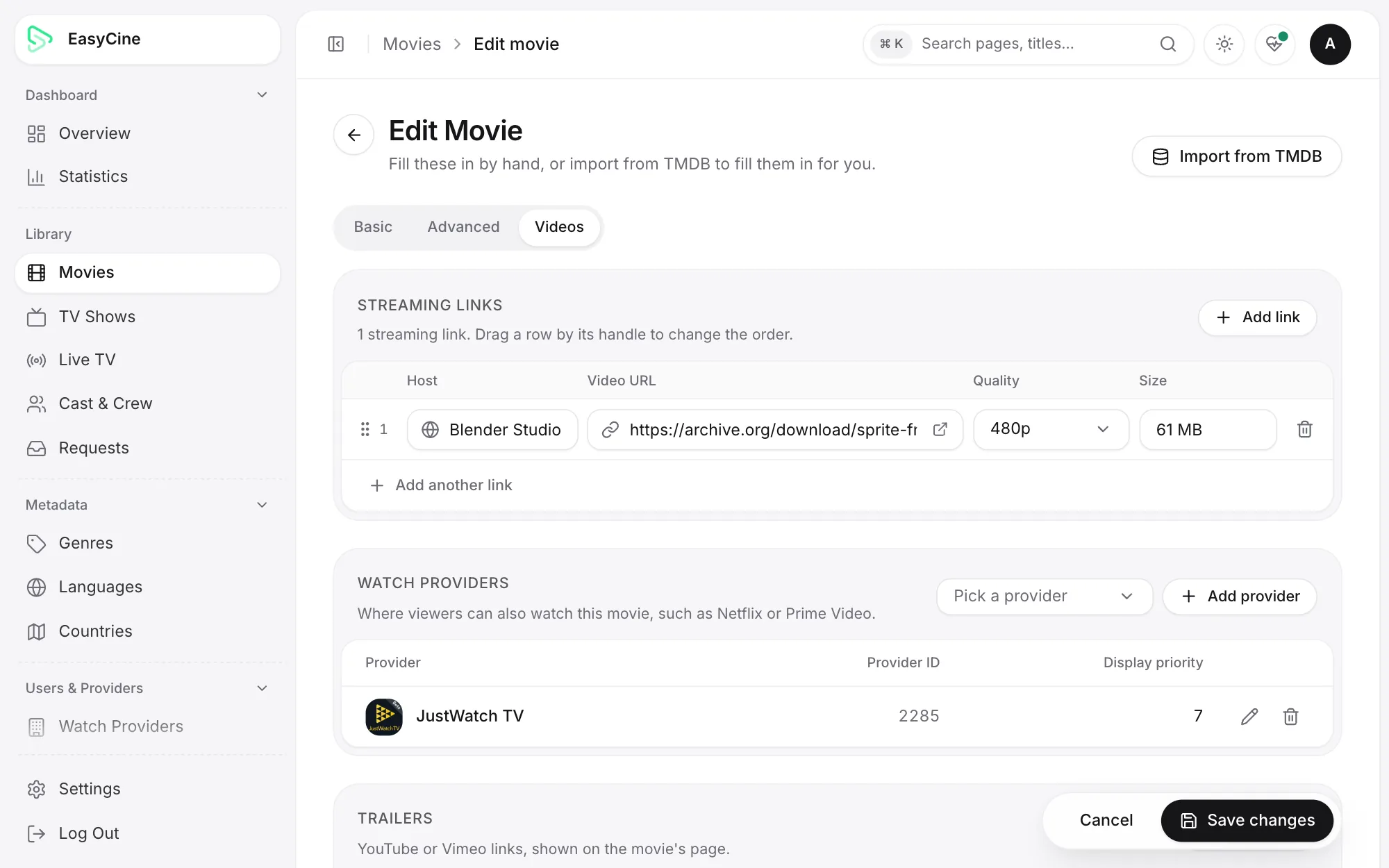
Admin panel streaming links for a movie with quality and size
A movie's streaming and download links.
admin.yourbrand.com
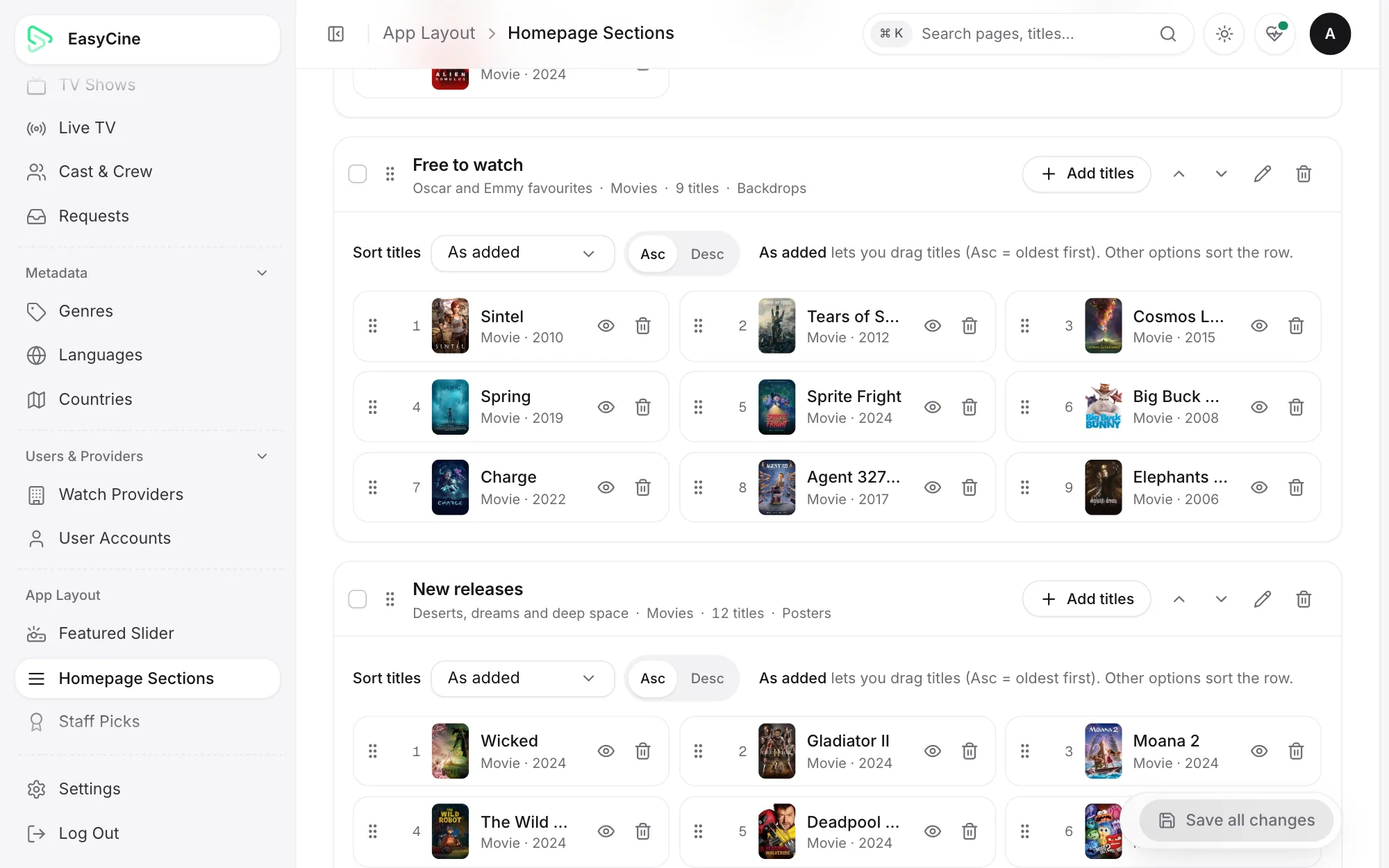
Admin panel Homepage Sections editor for the app's Home rows
Home rows you build and order.
admin.yourbrand.com
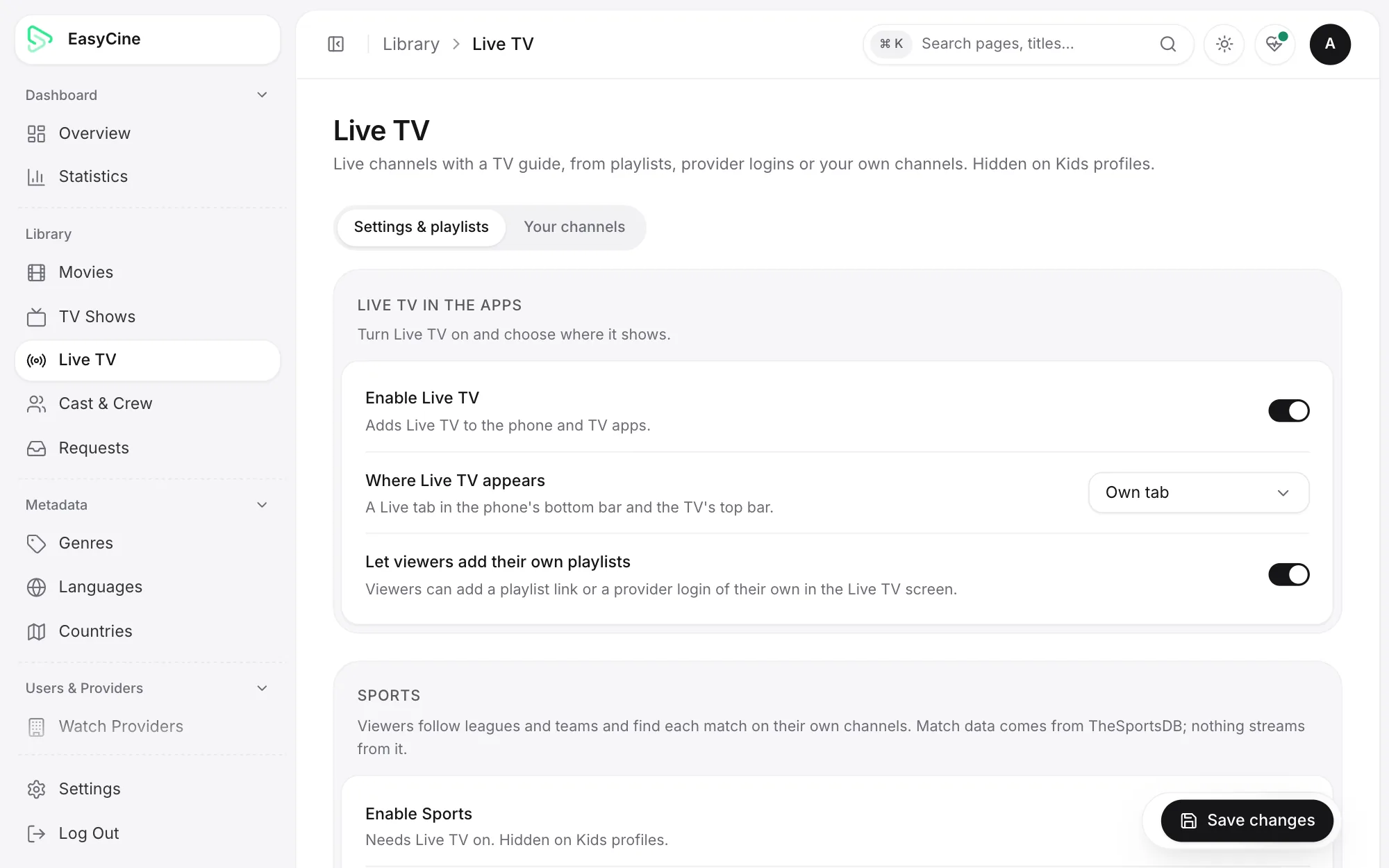
Admin panel Live TV settings for an IPTV app
Live TV settings.
admin.yourbrand.com
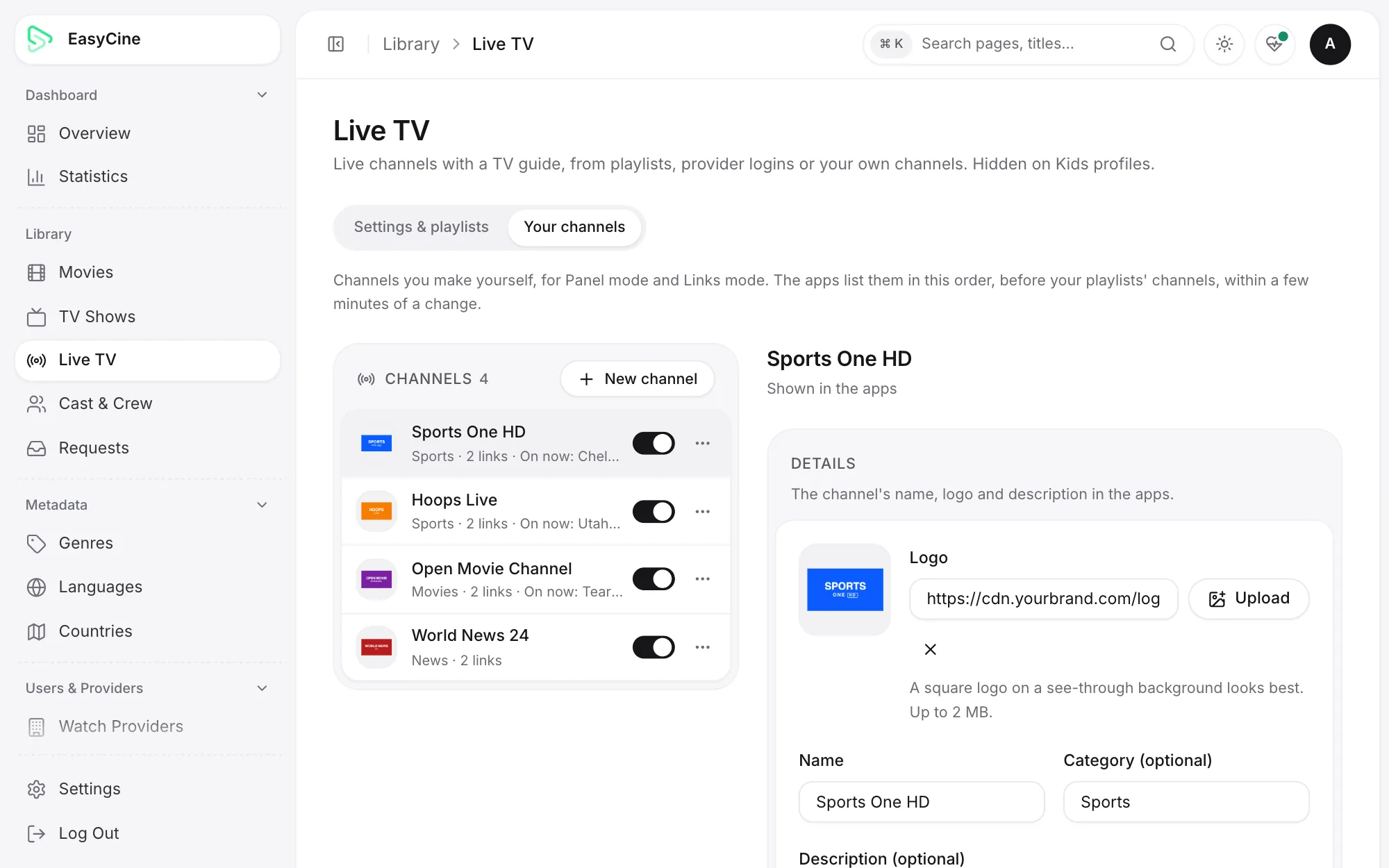
Admin panel list of custom live TV channels
Your own live channels.
admin.yourbrand.com
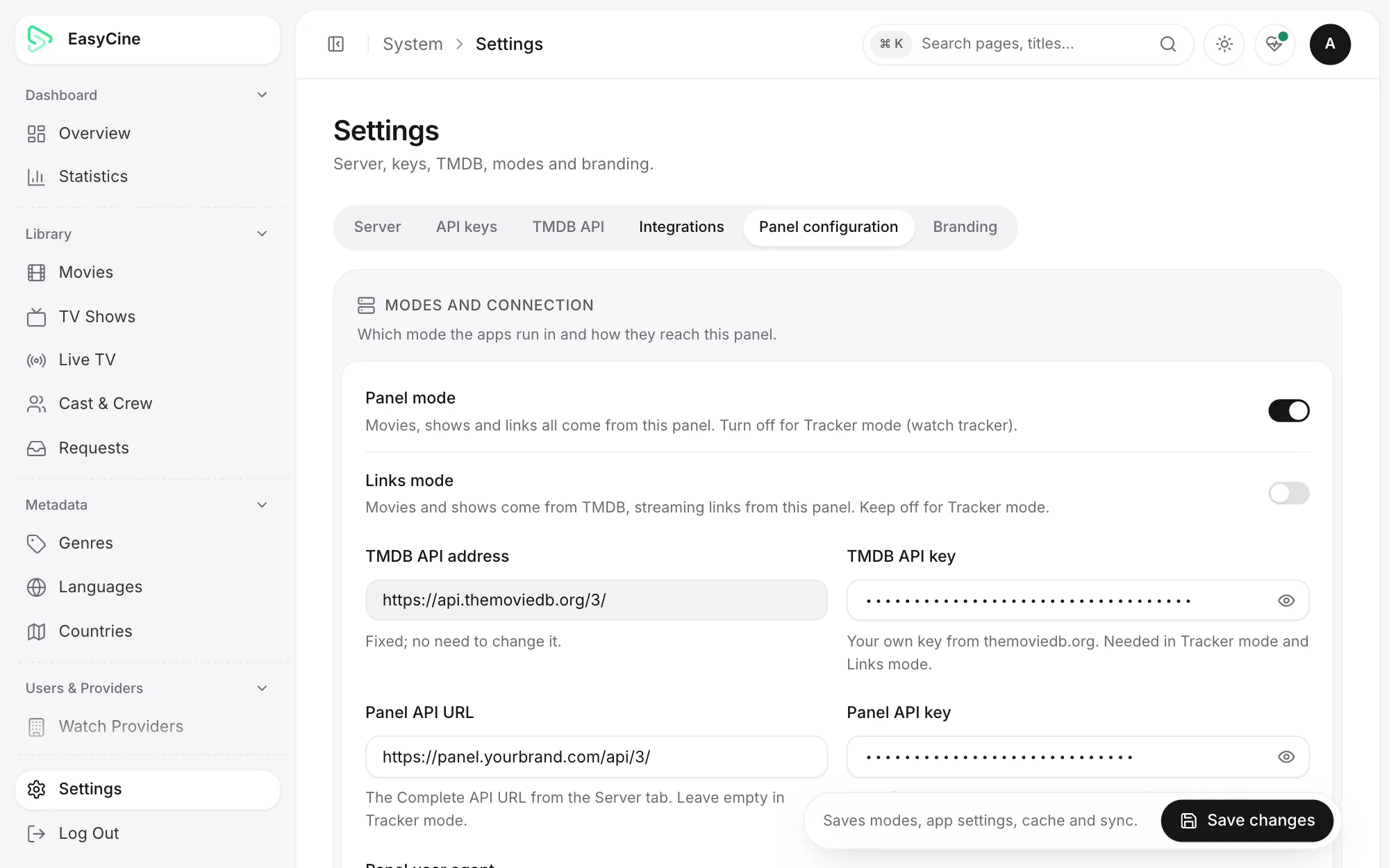
Admin panel configuration with Panel mode and Links mode switches
Switch modes without a new app build.
admin.yourbrand.com
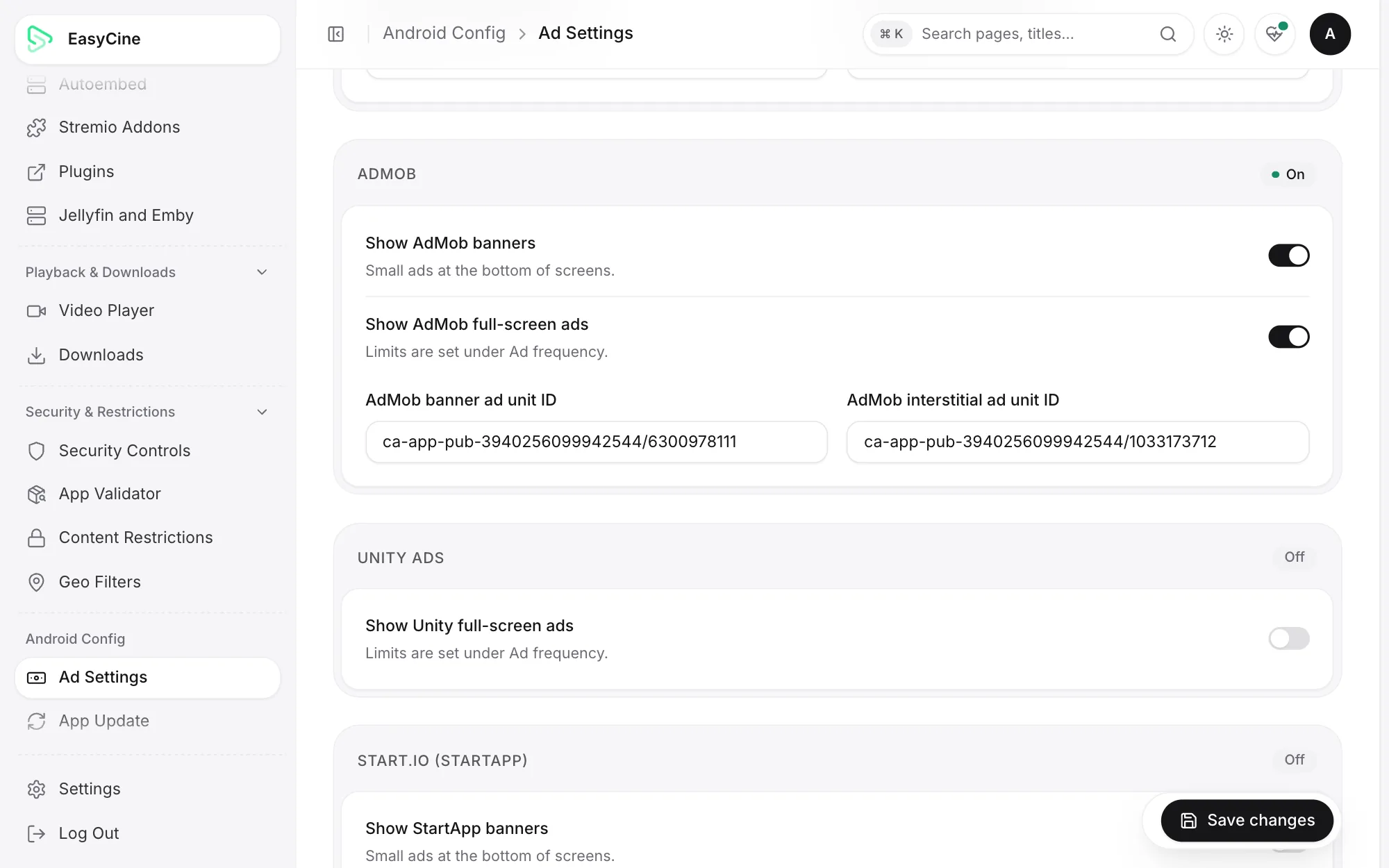
Admin panel ads settings with AdMob banner and interstitial units
Ad networks and placements.
admin.yourbrand.com
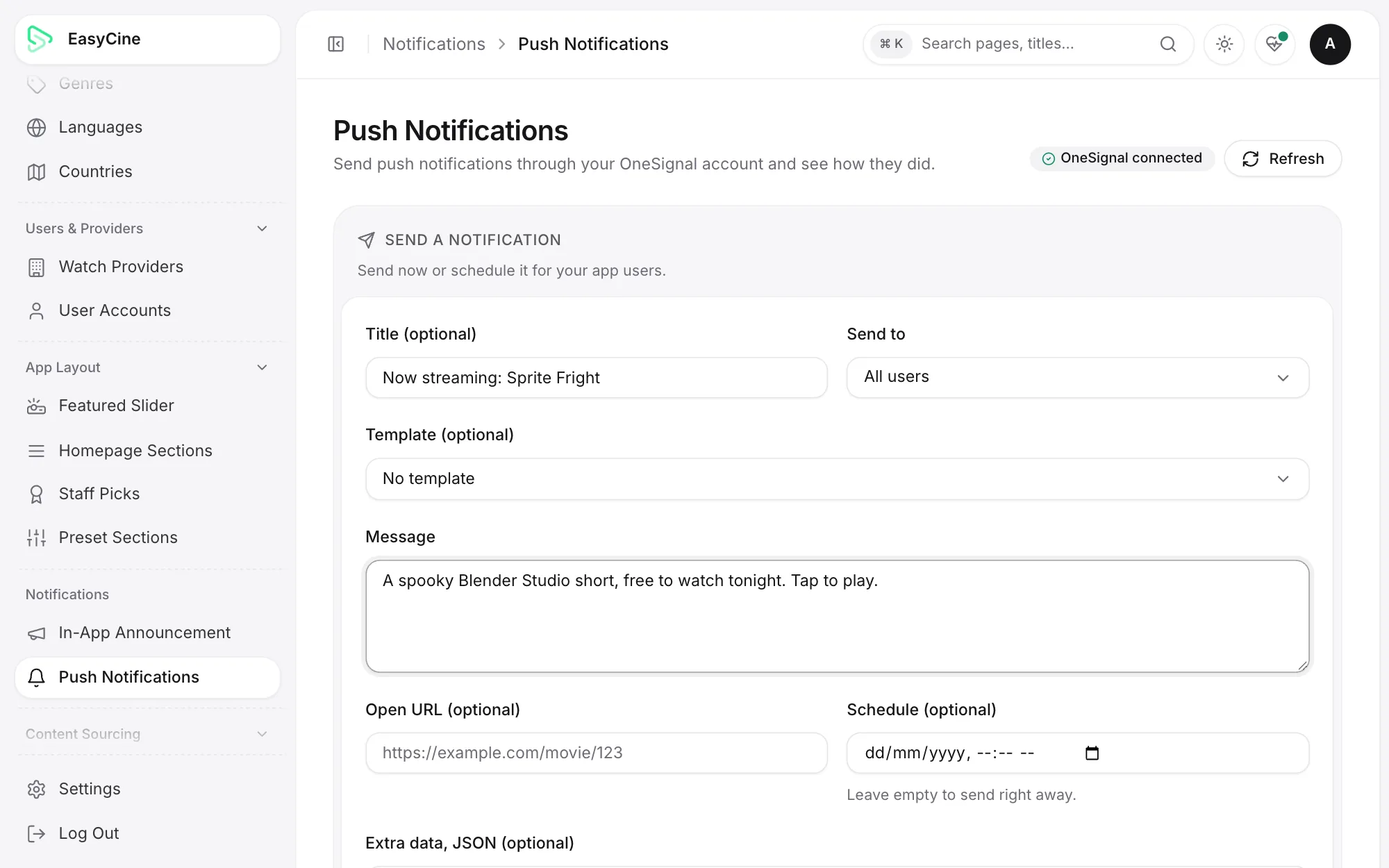
Admin panel push notifications page with OneSignal send history
Push notifications with OneSignal.
admin.yourbrand.com
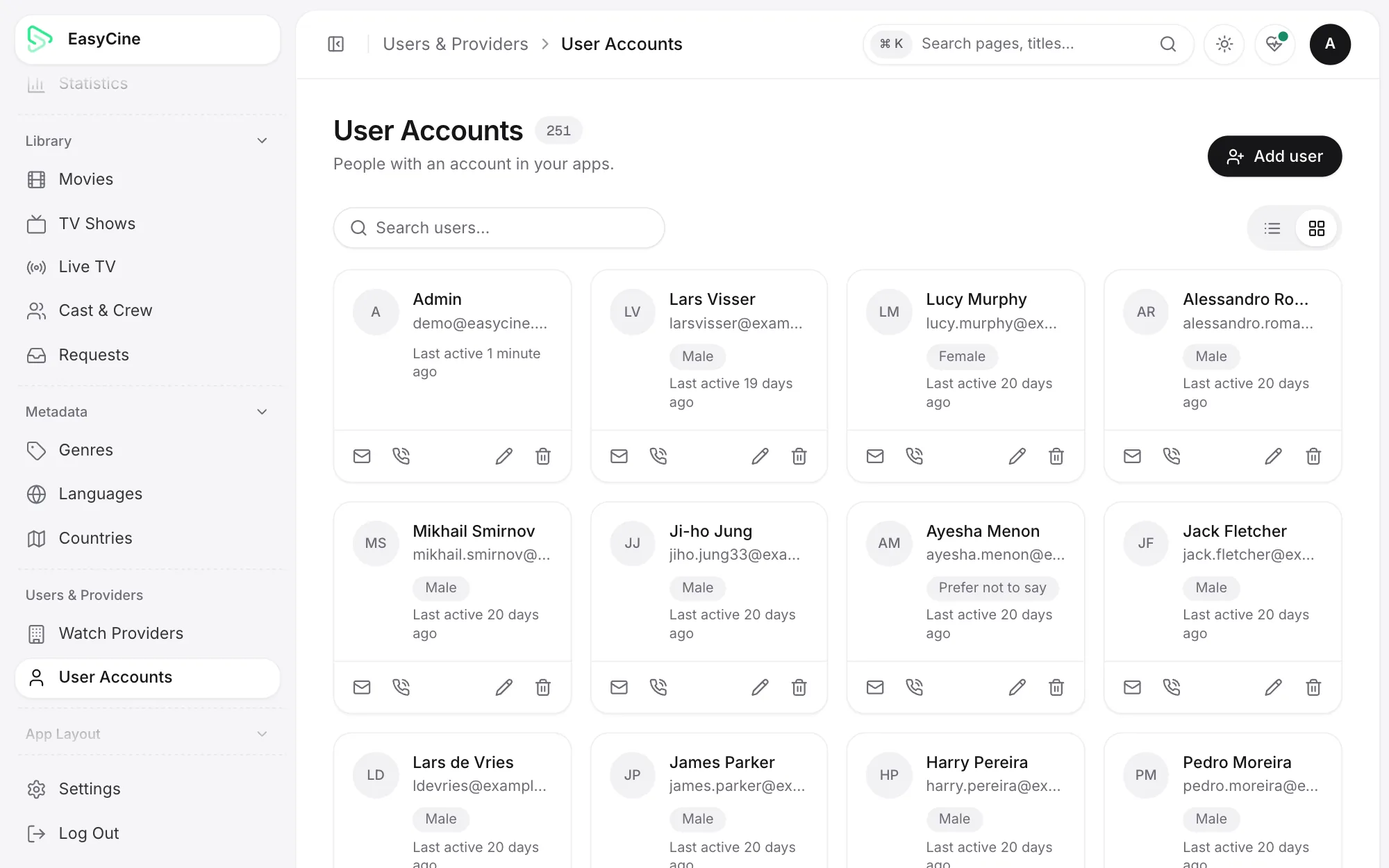
Admin panel list of viewer accounts for an Android streaming app
Viewer accounts.
admin.yourbrand.com
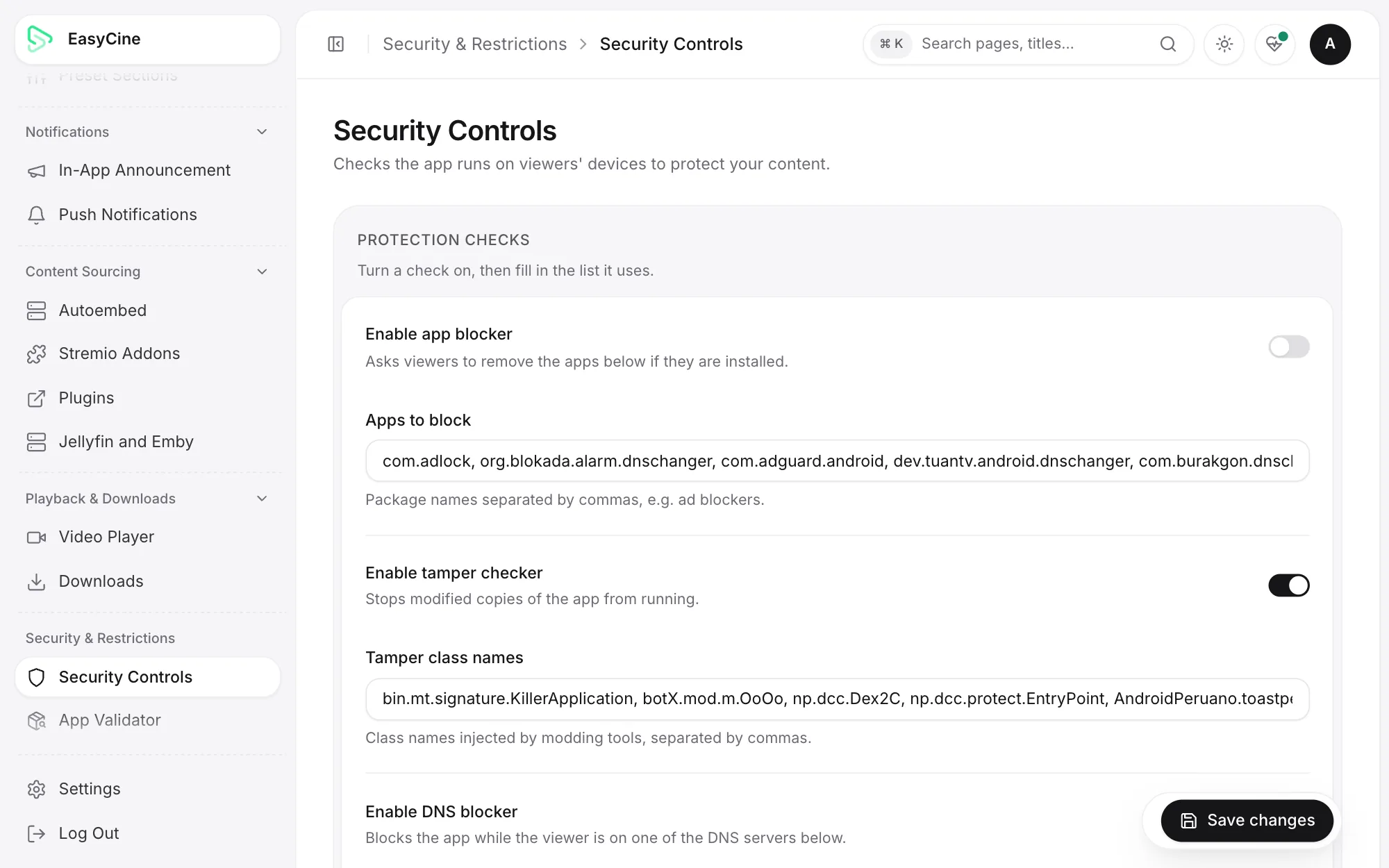
Admin panel security controls for an Android streaming app
Security controls.

Tracker mode (watch tracker)

Also included: a watch tracker.
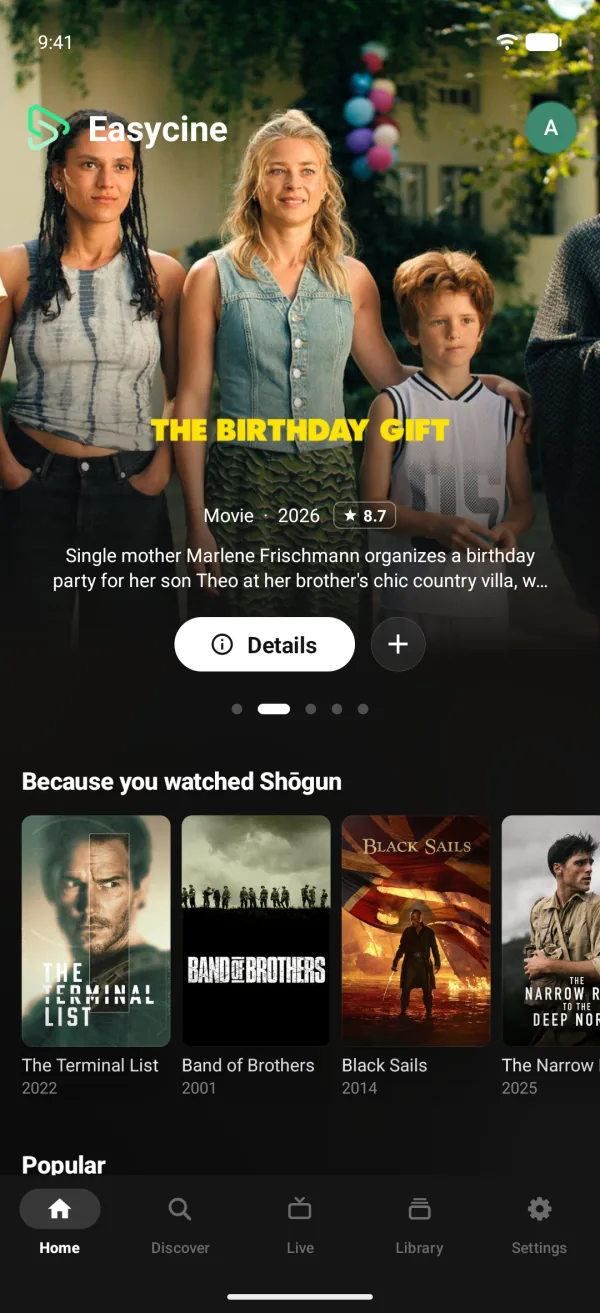
Watch tracker app Home screen with recommendations from watch history
Home with Because you watched.
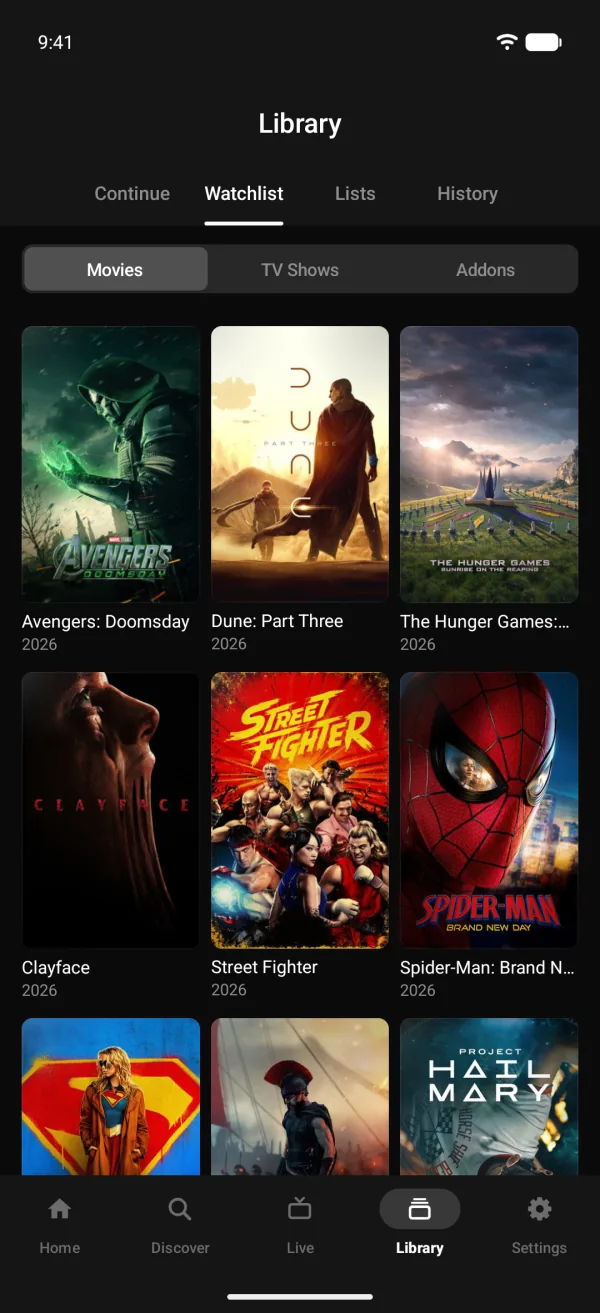
Watchlist of upcoming movies in a watch tracker Android app
The watchlist.
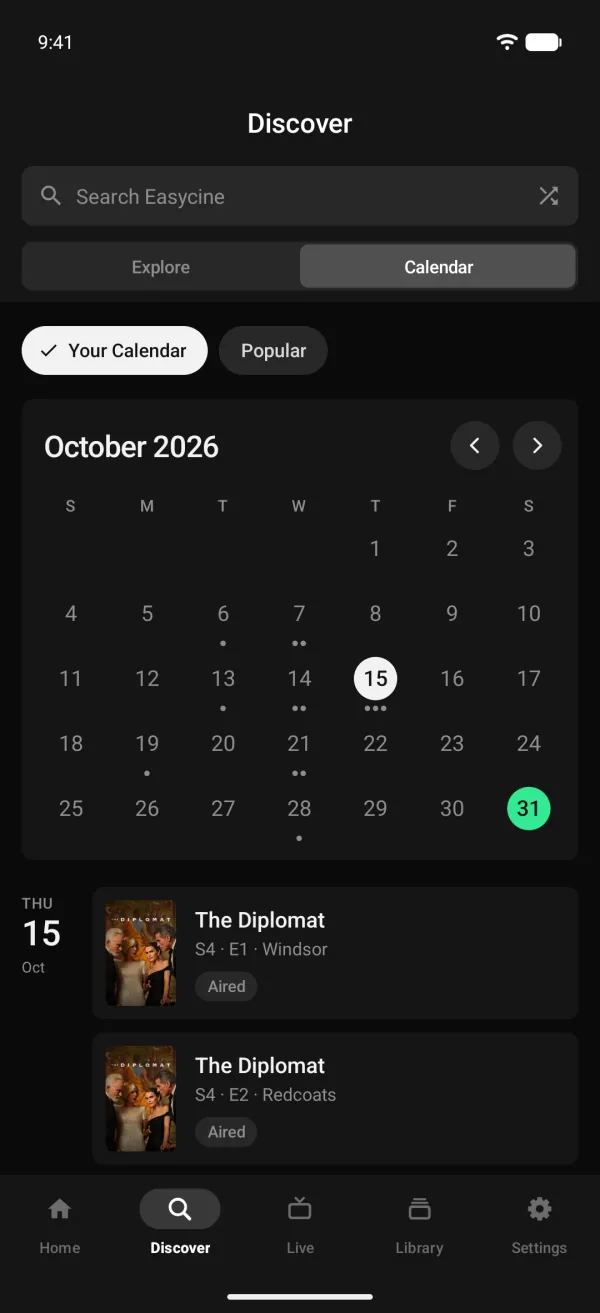
Release calendar for followed TV shows in a watch tracker app
A calendar of new episodes and releases.
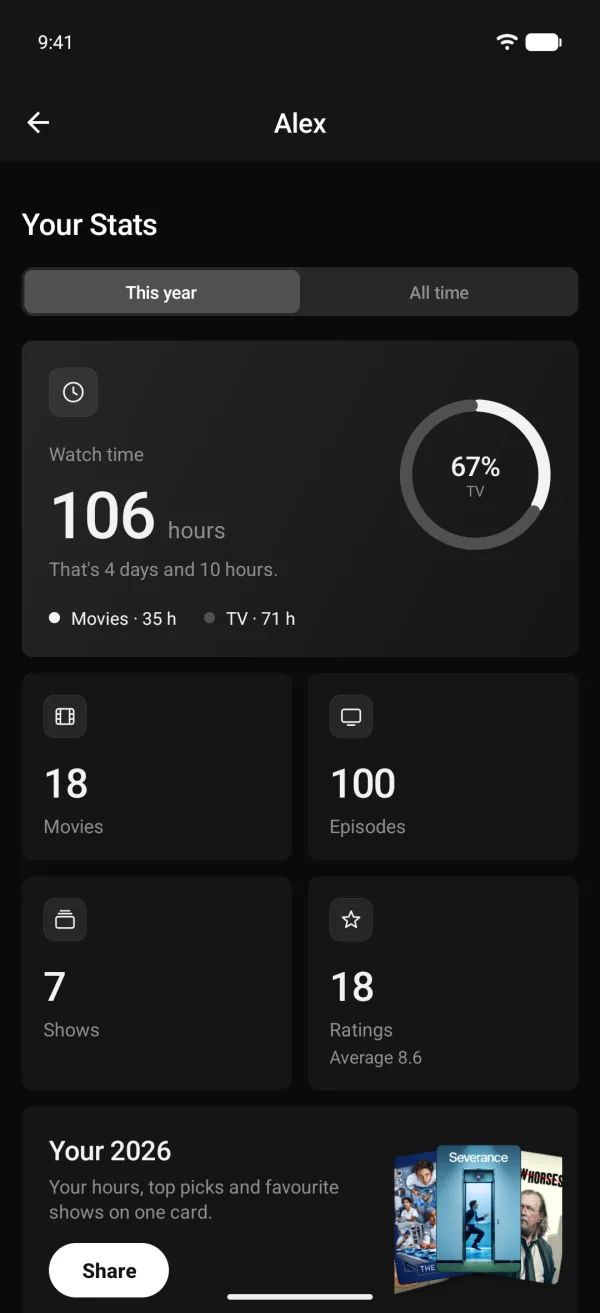
Watch time stats with movies, episodes and ratings in a tracker app
Watch stats.
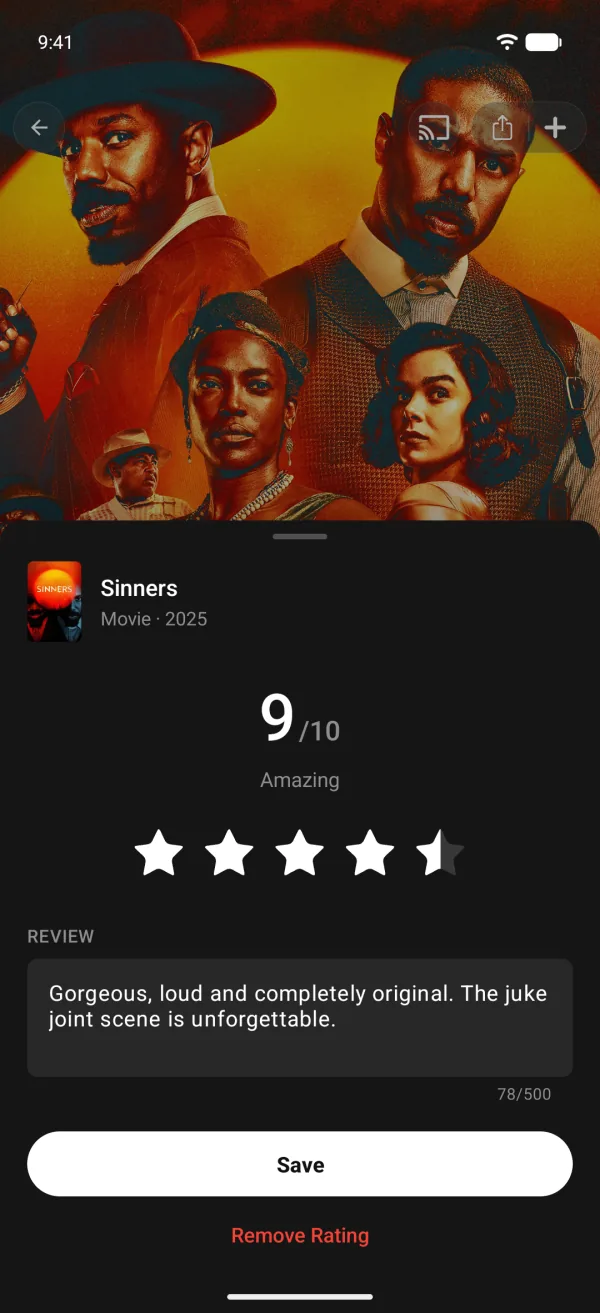
Rating sheet with a 9 out of 10 score and a written review
Ratings and reviews.
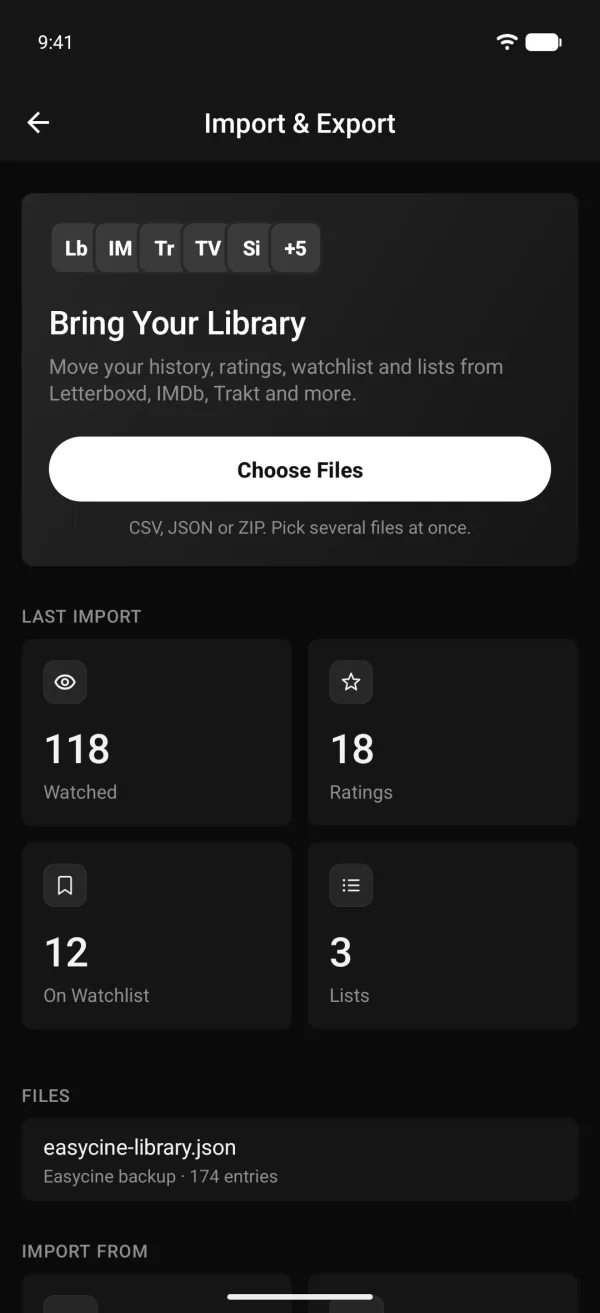
Import library from Letterboxd, IMDb and Trakt in a watch tracker app
Import from Letterboxd, IMDb, Trakt and more.

Builder

Set it up without code.
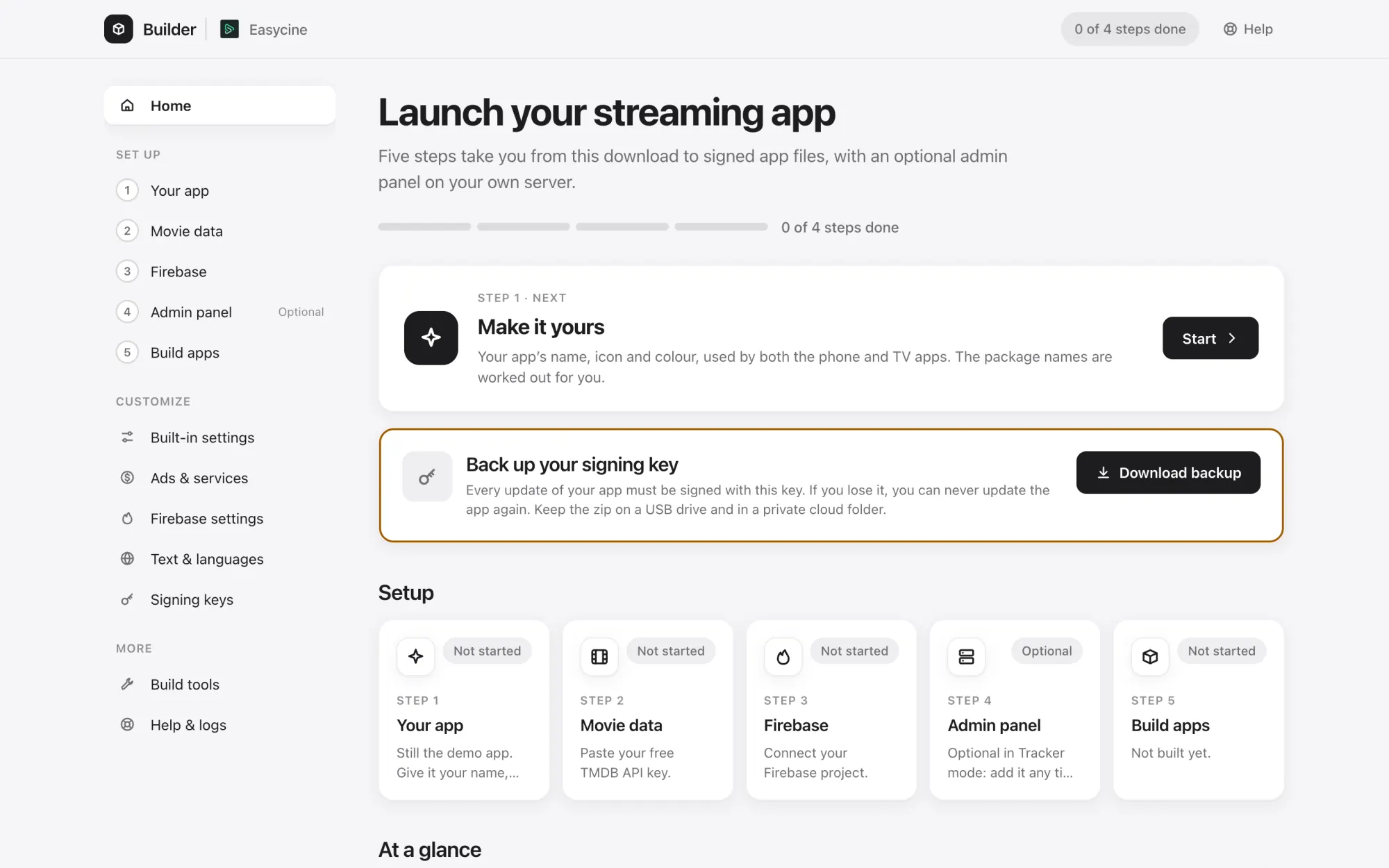
EasyCine Builder
EasyCine Builder home screen with setup progress and the next step
The Builder's home: progress and the next step.
EasyCine Builder
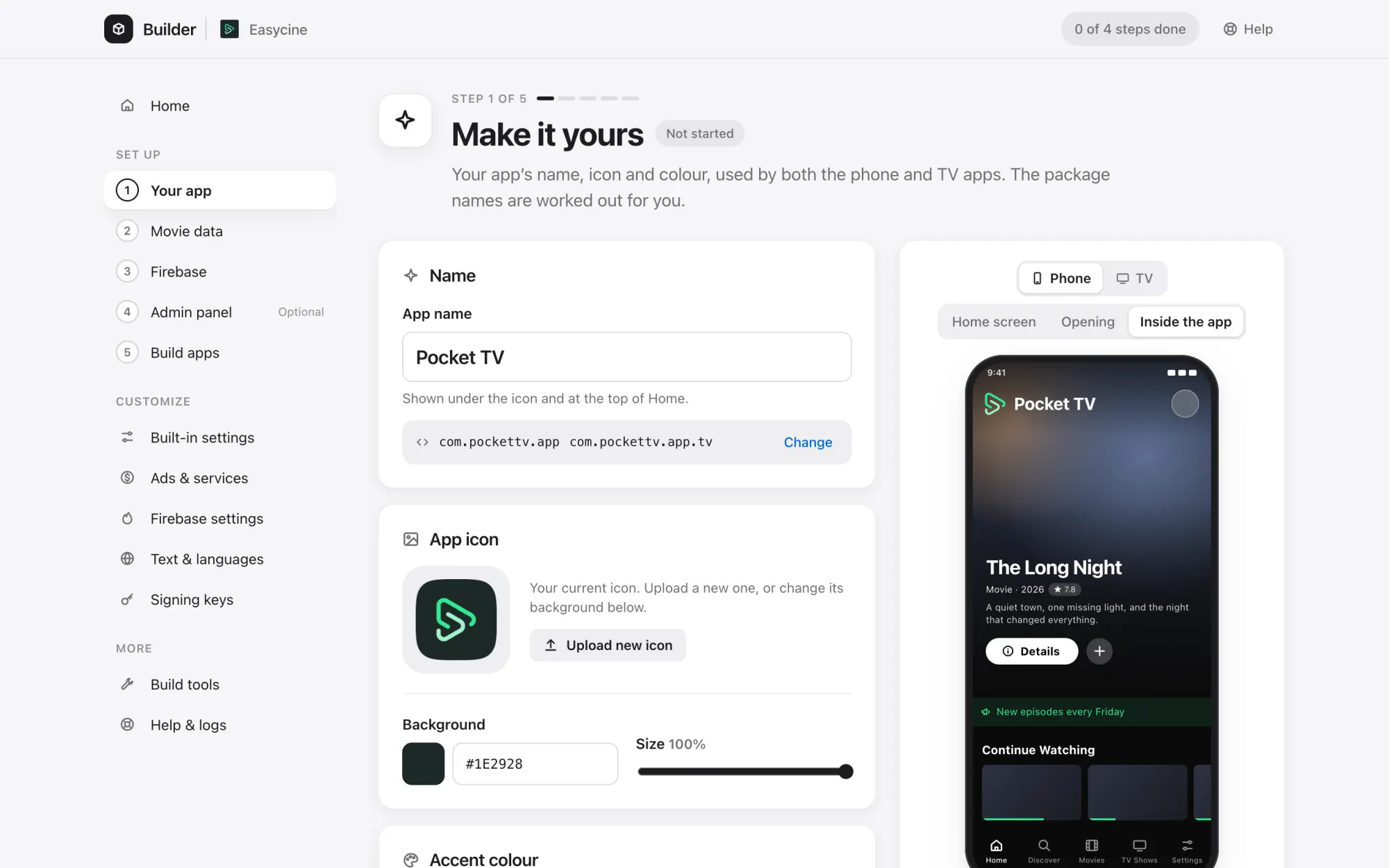
Builder rebrand screen with app name, colours and icon preview
Your app's name, colours and icon.
EasyCine Builder
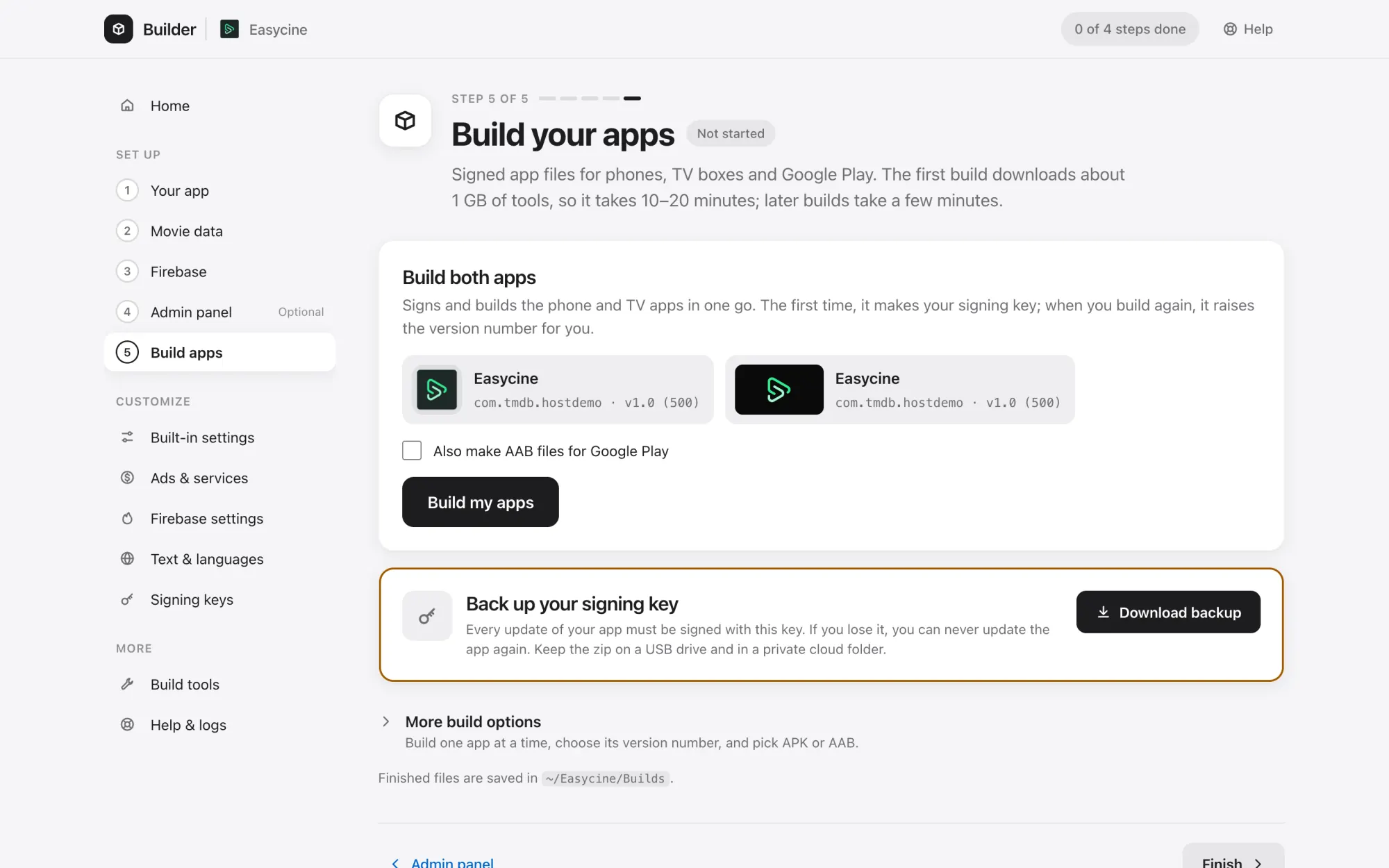
Builder screen that builds signed APK and AAB files
Build signed APK and AAB files.
EasyCine Builder
Builder text and languages editor for app translations
Edit texts and add languages.

Screenshot questions.

Are these real screenshots?

Yes. Each one is taken from the current phone app, Android TV app, admin panel or Builder, on an Android emulator or in a browser, with no mockups.

What content is shown?

Demo data: open-licence films from the Blender Studio, fictional live channels playing test streams, and placeholder keys. The apps ship with no content or sources of their own.

Can I try it myself?

Yes. The live demo has the phone and TV apps to install and a demo admin panel to sign in to.

Launch your streaming service. Under your brand, on Google Play.

Try the demoBuy