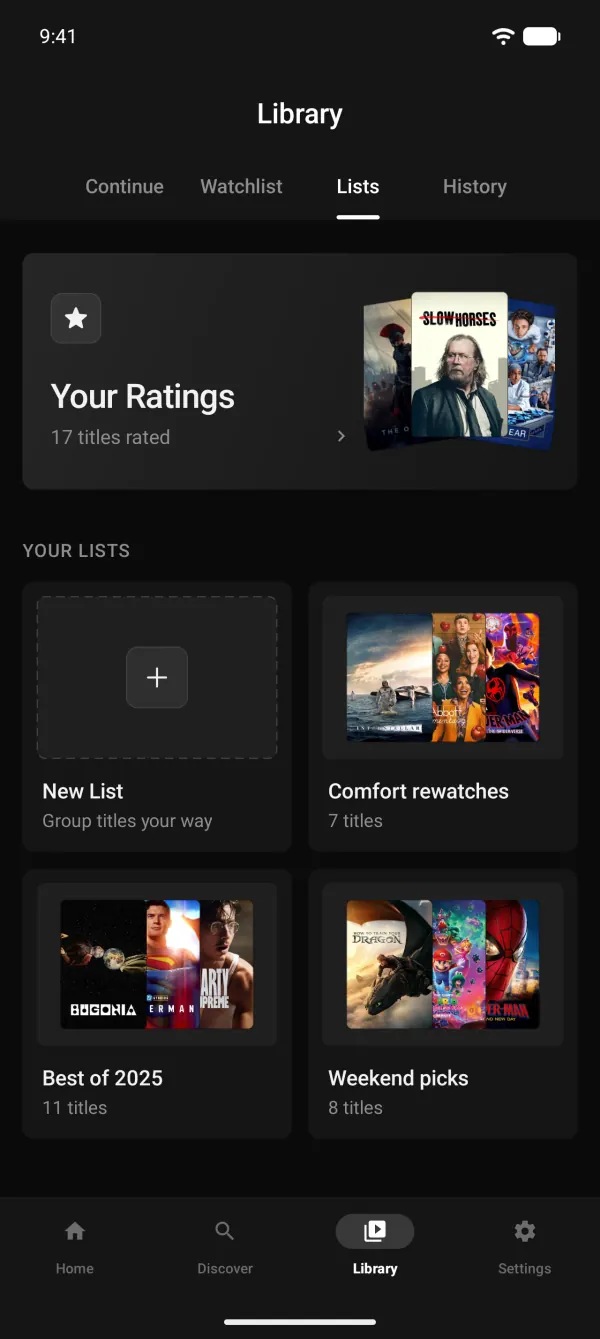
Library
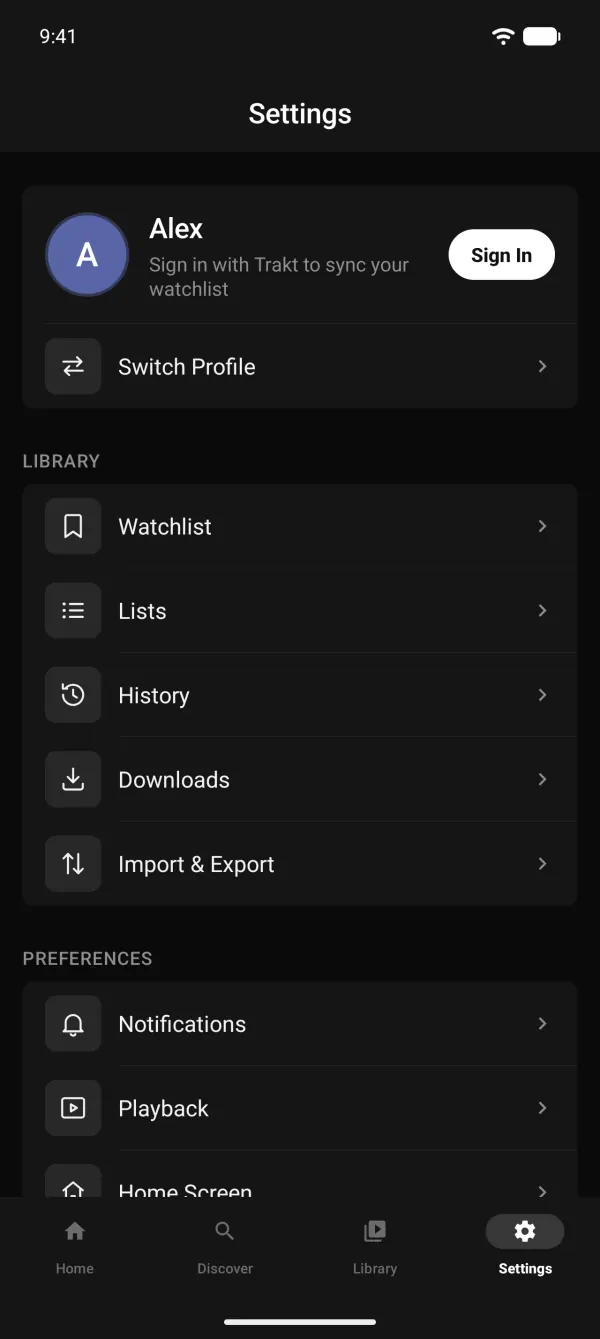
Everything they watch. In one Library tab.
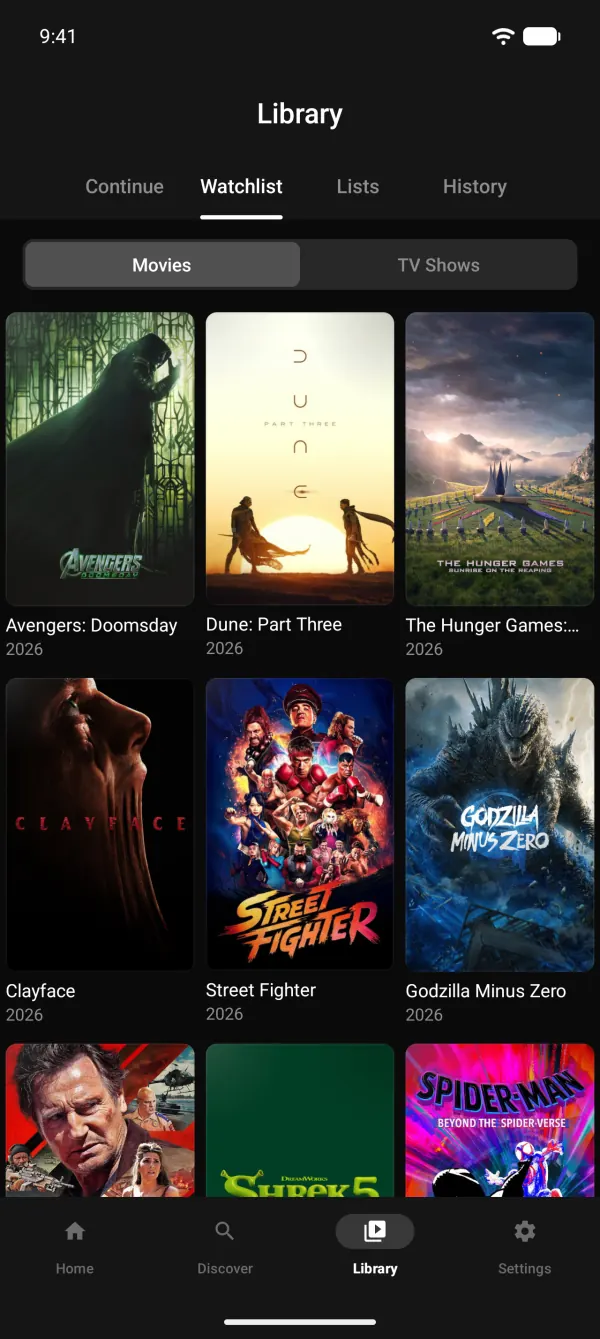
- Continue, Watchlist, Lists, History
- Watchlist without sign-in
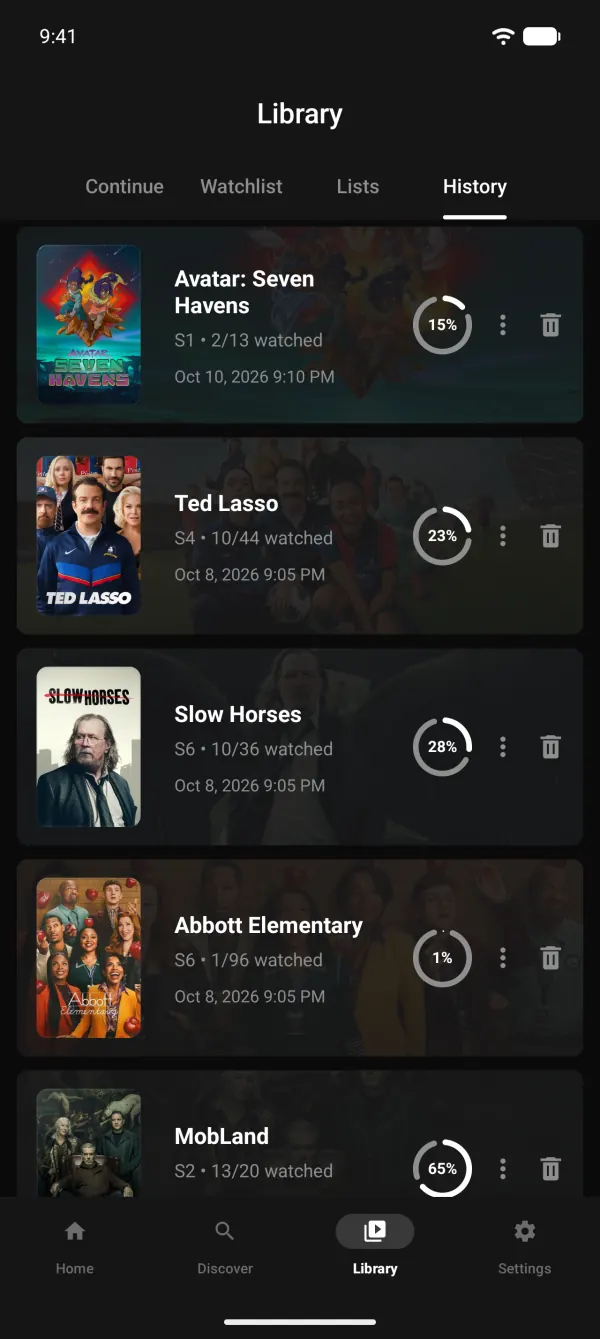
- Mark episodes and seasons
Like TV Time or Letterboxd, under your brand: viewers track what they watch and see where to watch next.
Library tab
Continue, Watchlist, Lists and History in one tab.
TrackerWatchlist without sign-in
Saved on the device for each profile.
TrackerMark as watched
Movies, single episodes, whole seasons or up to here.
Continue watching
Resume where each profile stopped.
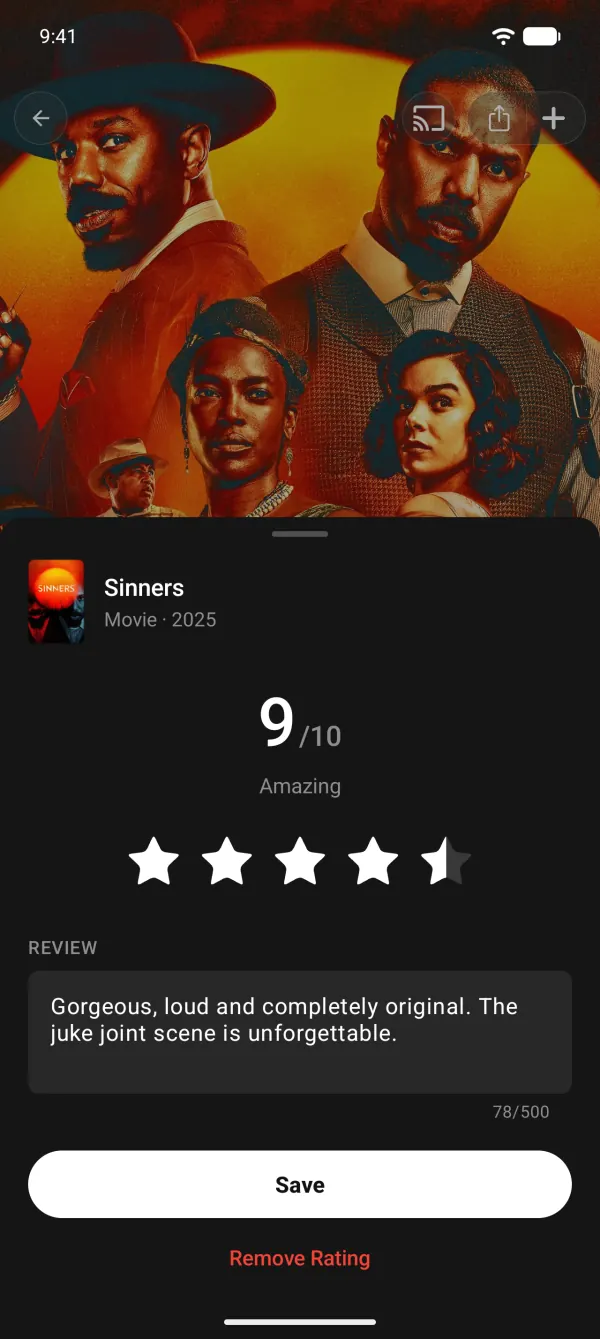
Ratings and reviews
Rate 1 to 10 and add a short review.
Custom lists
Up to 1,000 titles per list.
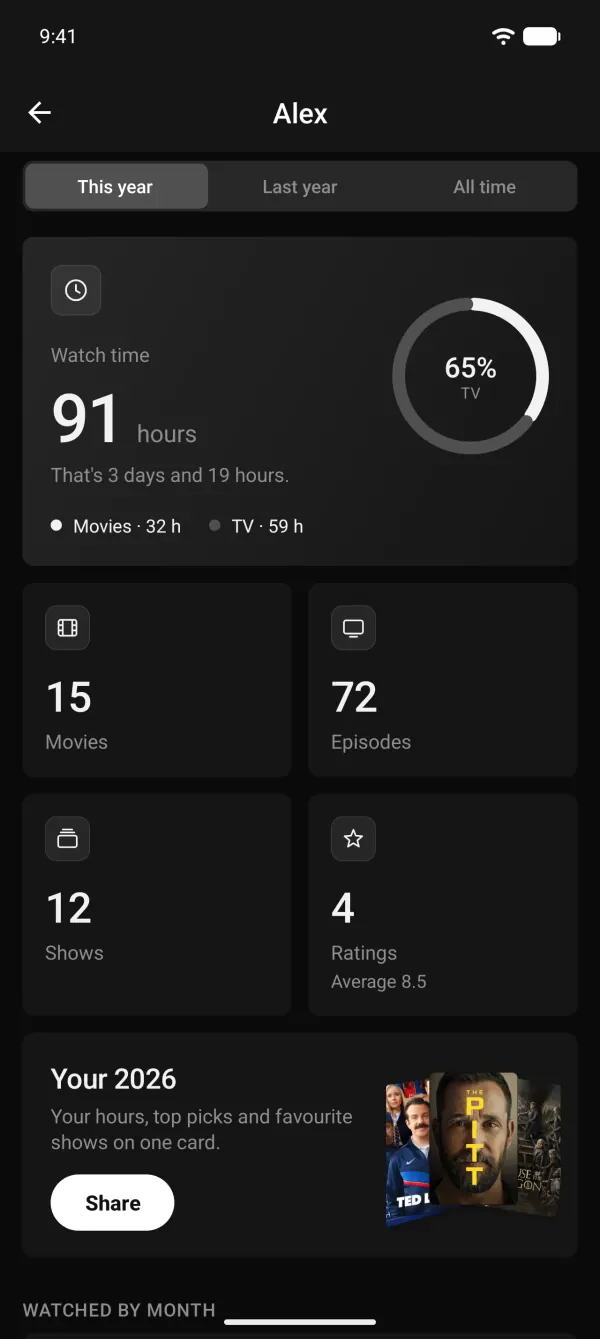
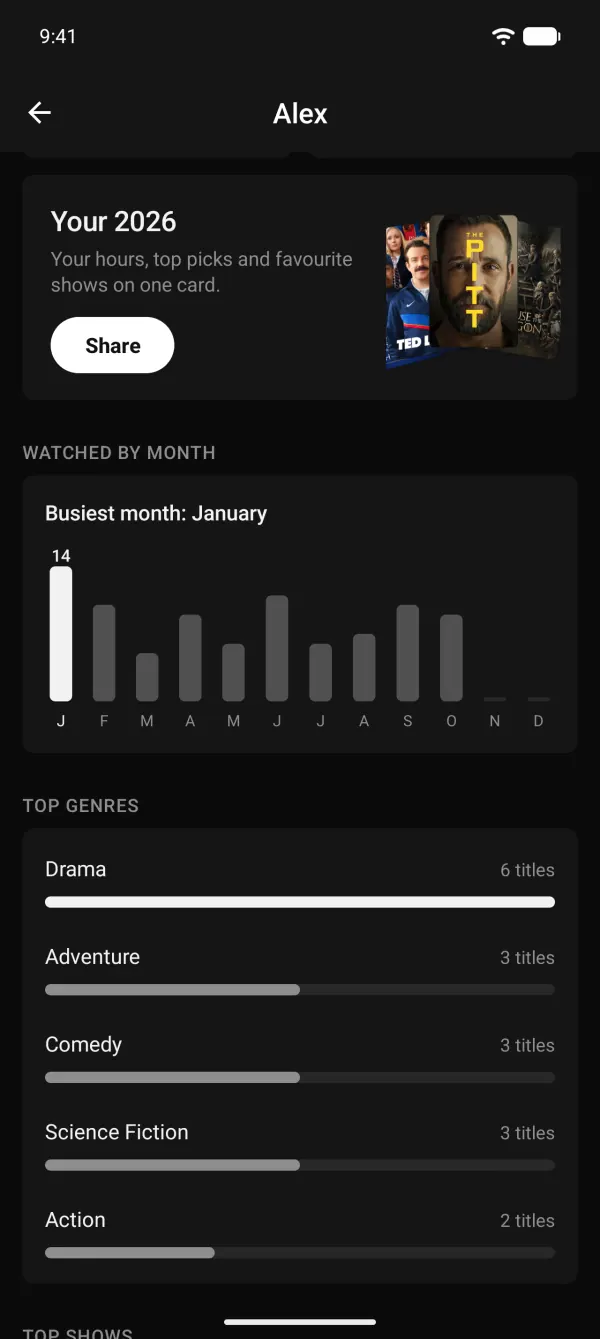
Stats
Time watched, top genres and more, by year.
Year in review
A shareable card of each viewer's year.
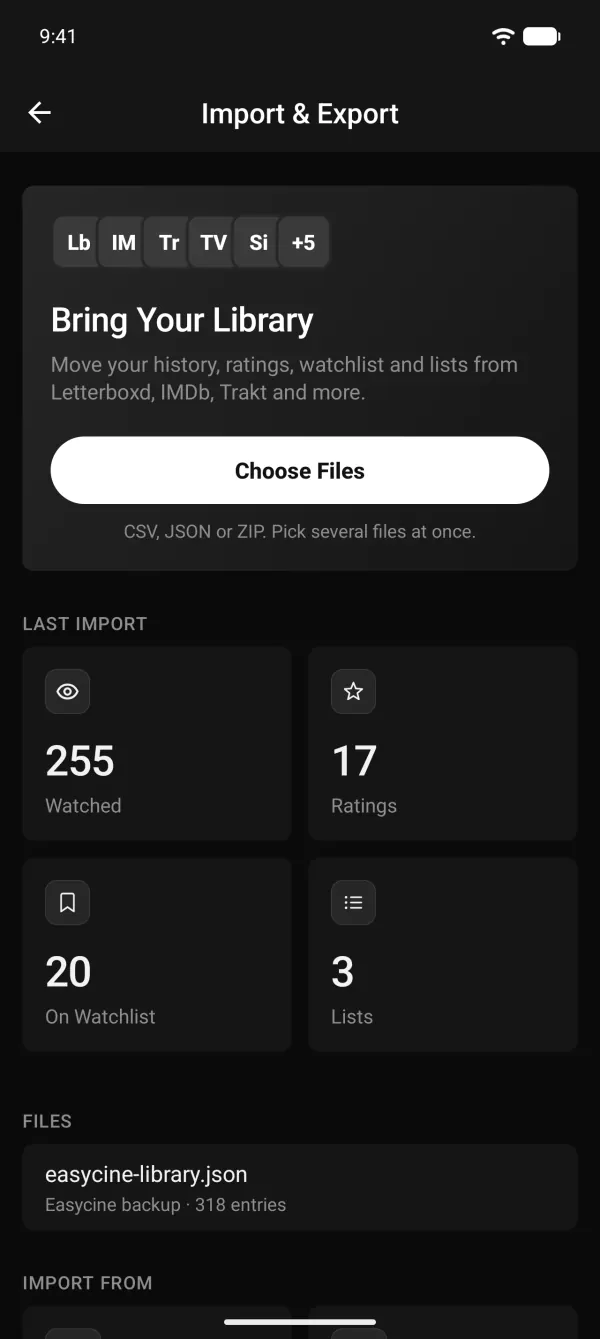
Import history
From Letterboxd, IMDb, Trakt, TV Time, Simkl, Netflix and more.
Export and backup
Full backup or CSV, anytime.
Trakt sync
Watchlist, history, ratings and scrobbling.
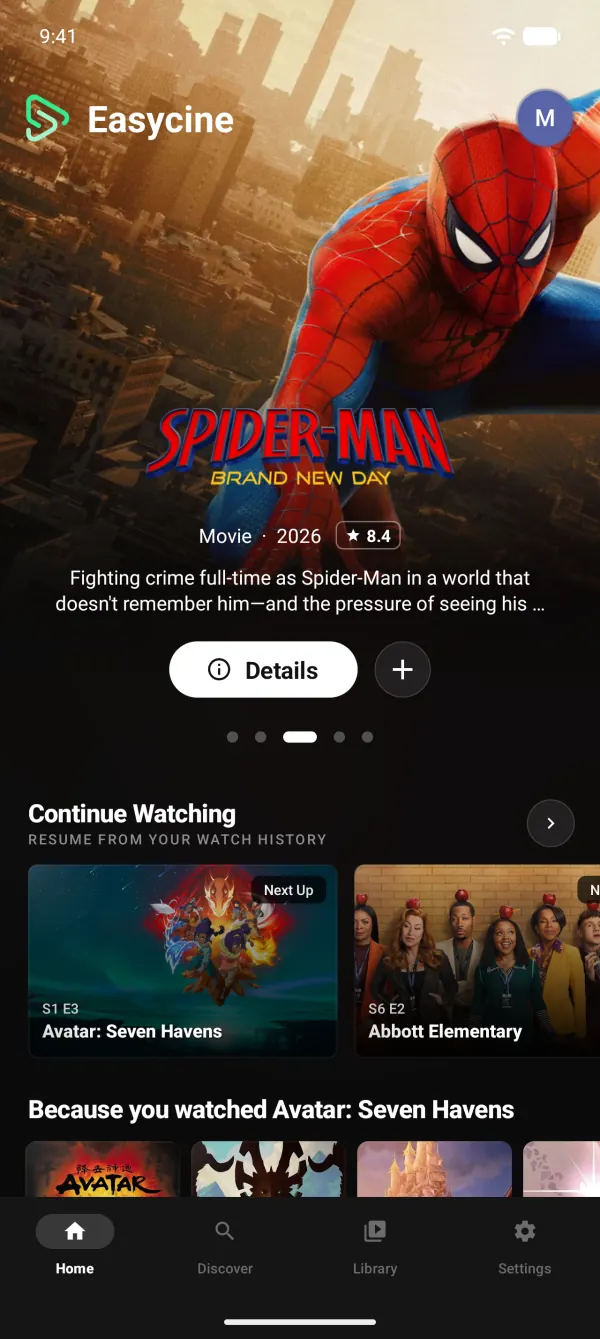
Featured slider
Big artwork at the top of Home, curated or automatic.
Home rows you control
Reorder or hide rows remotely, no app update.
Personal Home
Viewers reorder rows, pick styles and add their lists.
Top 10 rows
Ranked rows with large numbers.
Streaming-service rows
Browse by channel, like Netflix or Prime Video.
Because you watched
Suggestions based on what each profile watched.
TrackerLinksStaff picks
Your hand-picked rows from the panel.
TrackerLinksCountry-first content
Local titles first, with a Worldwide section.
TrackerLinksDiscover and Explore
Trending charts and genre browsing.
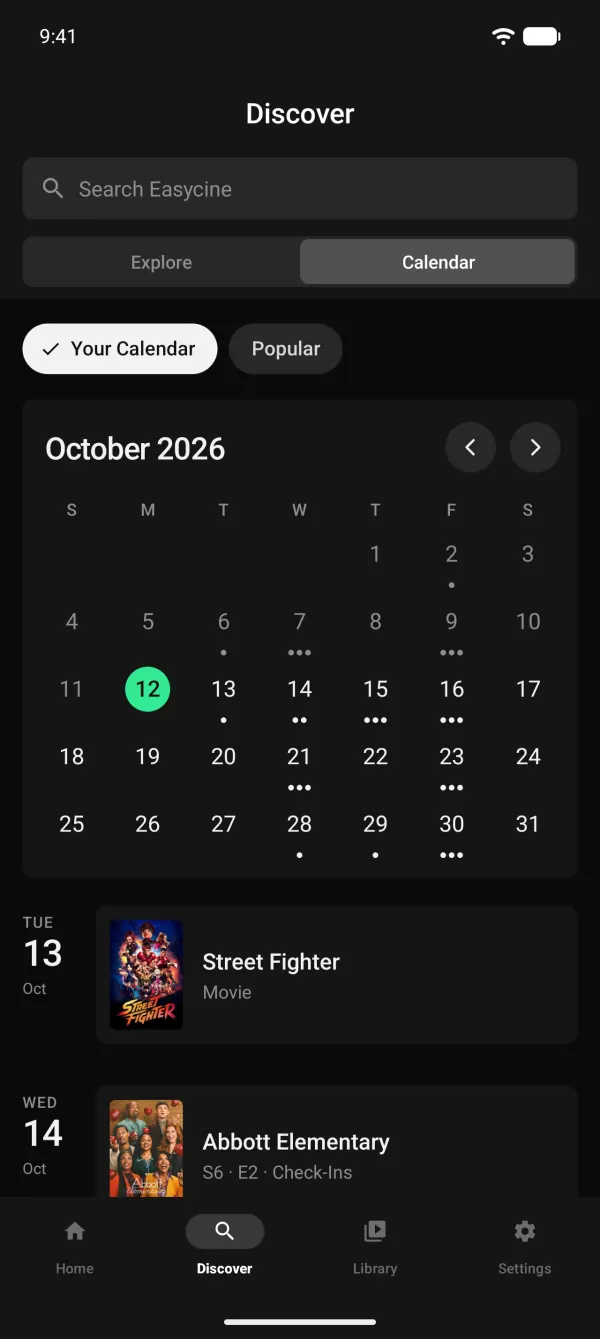
Release calendar
Upcoming episodes and movies by month.
TrackerLinksMovies and shows grids
Full grids to browse by genre and channel.
Announcement banner
Show news on Home from the panel.
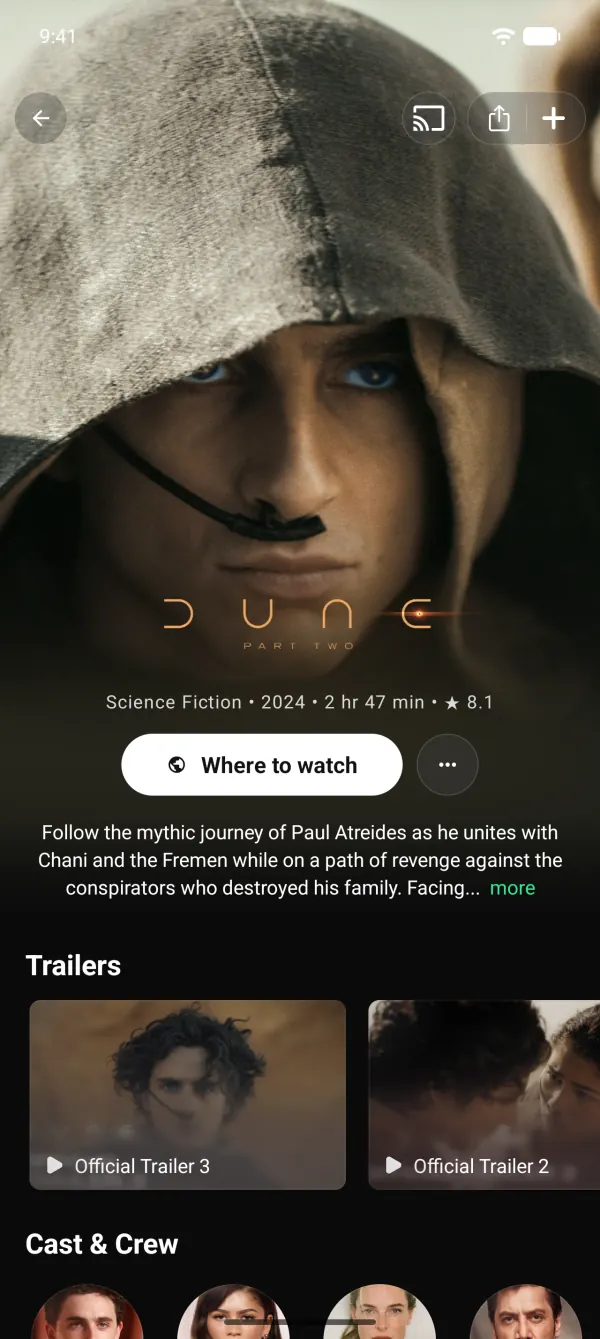
Trailers
Watch trailers right from the title page.
Cast and crew
Person pages with full filmography.
More like this
Related titles on every page.
Collections
Film series grouped together.
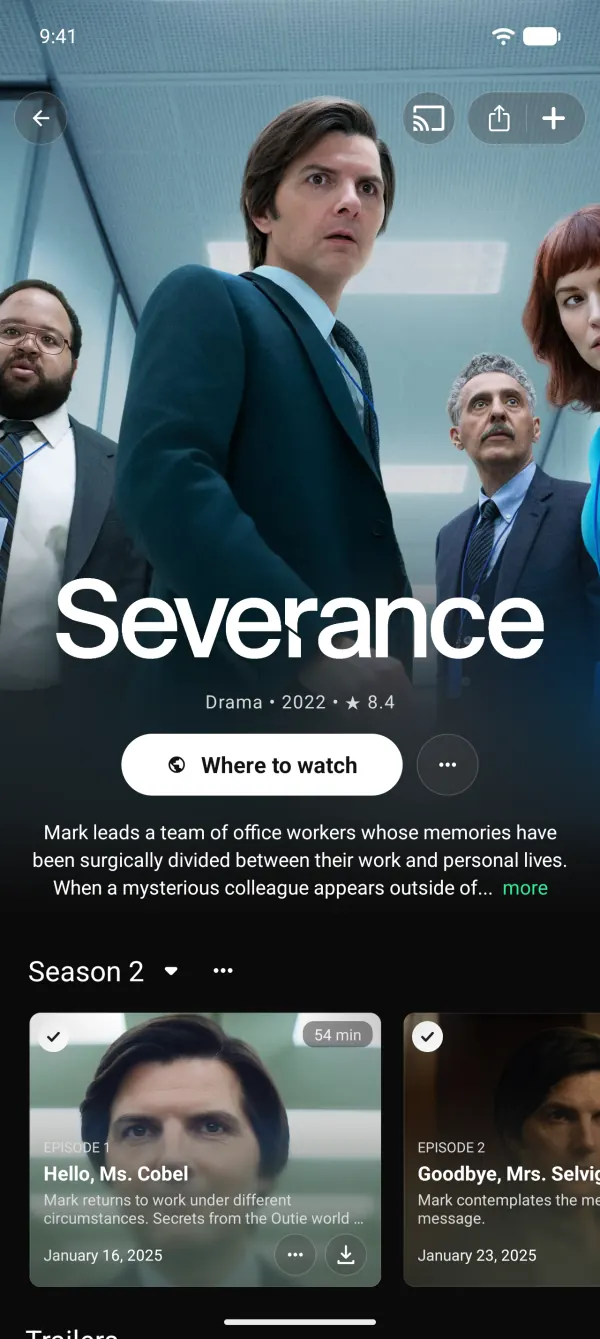
Seasons and episodes
Episode lists with stills and air dates.
Title facts
Status, runtime, budget, revenue and language.
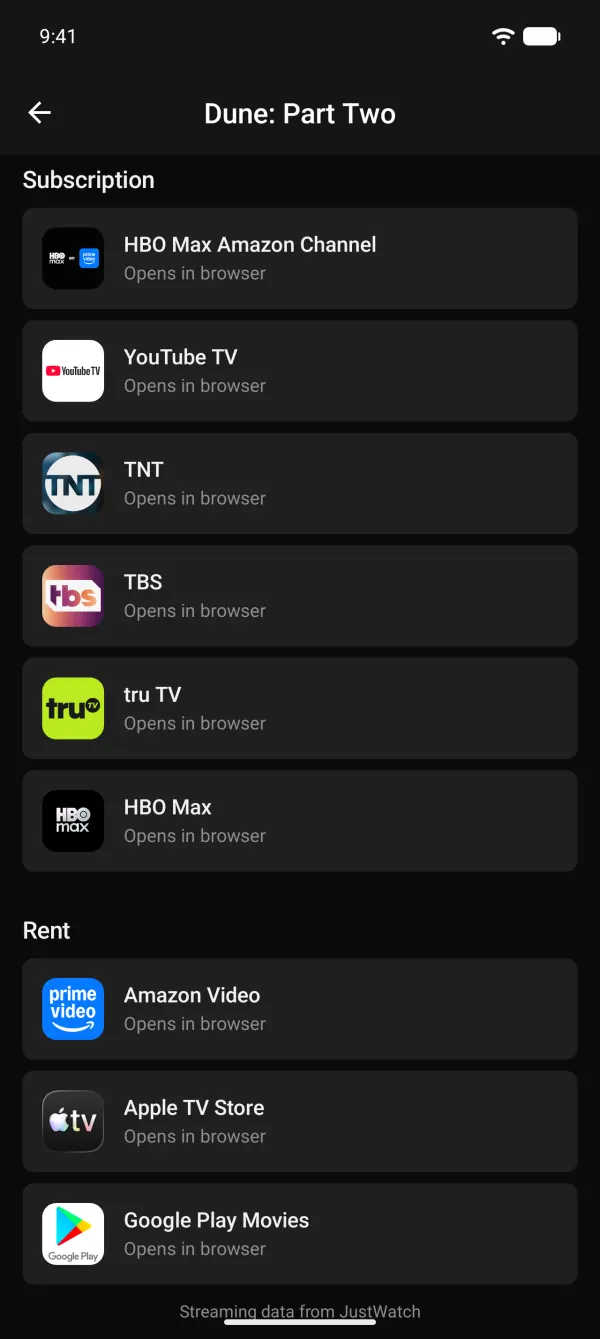
Where to watch
Stream, rent or buy options per country.
TrackerLinksShare links
Share any title with a link.
Watchlist with Upcoming
An Upcoming row shows what's next.
History
Everything watched, newest first.
Ratings and lists
Rate and list titles with the remote.
Stats
The same stats as the phone app.
Mark watched
Episodes and seasons from the remote.
Push notifications
Announcements through OneSignal.
New episode reminders
A daily on-device check, no server needed.
TrackerLinksRelease reminders
When a watchlist movie comes out.
TrackerLinksAdMob
Banners and full-screen ads.
AppLovin MAX
Banners and full-screen ads.
Unity Ads
Full-screen ads.
Start.io
Banners and full-screen ads.
Frequency caps
Interval, per-screen and per-session limits.
VAST video ads
Pre-roll in the player on phone and TV.
Consent
Google's consent form for EU and UK viewers.
Tracker mode tracks titles and shows where to watch them; it doesn't stream anything. Follow Google Play's policies for your listing.
No. Tracker mode runs on the TMDB catalogue without a panel. Add one later for staff picks.
The watchlist works without signing in and is saved on the device. Viewers can turn on Trakt sync or back up to a file.
Yes: Letterboxd, IMDb, Trakt, TV Time, Simkl, TMDB, Netflix, Showly and CSV files.
With ads: AdMob, AppLovin MAX, Unity Ads and Start.io banners and full-screen ads, with frequency caps.
Yes. Switch to Links or Panel mode in the panel when you have licensed content; the apps follow without an update.