Skip to content
New in v6.0The Android TV app is here

Launch your own streaming service. Phone, TV and admin panel.

Netflix-style apps for Android phones and TVs, plus the admin panel that runs them. Set up without code.

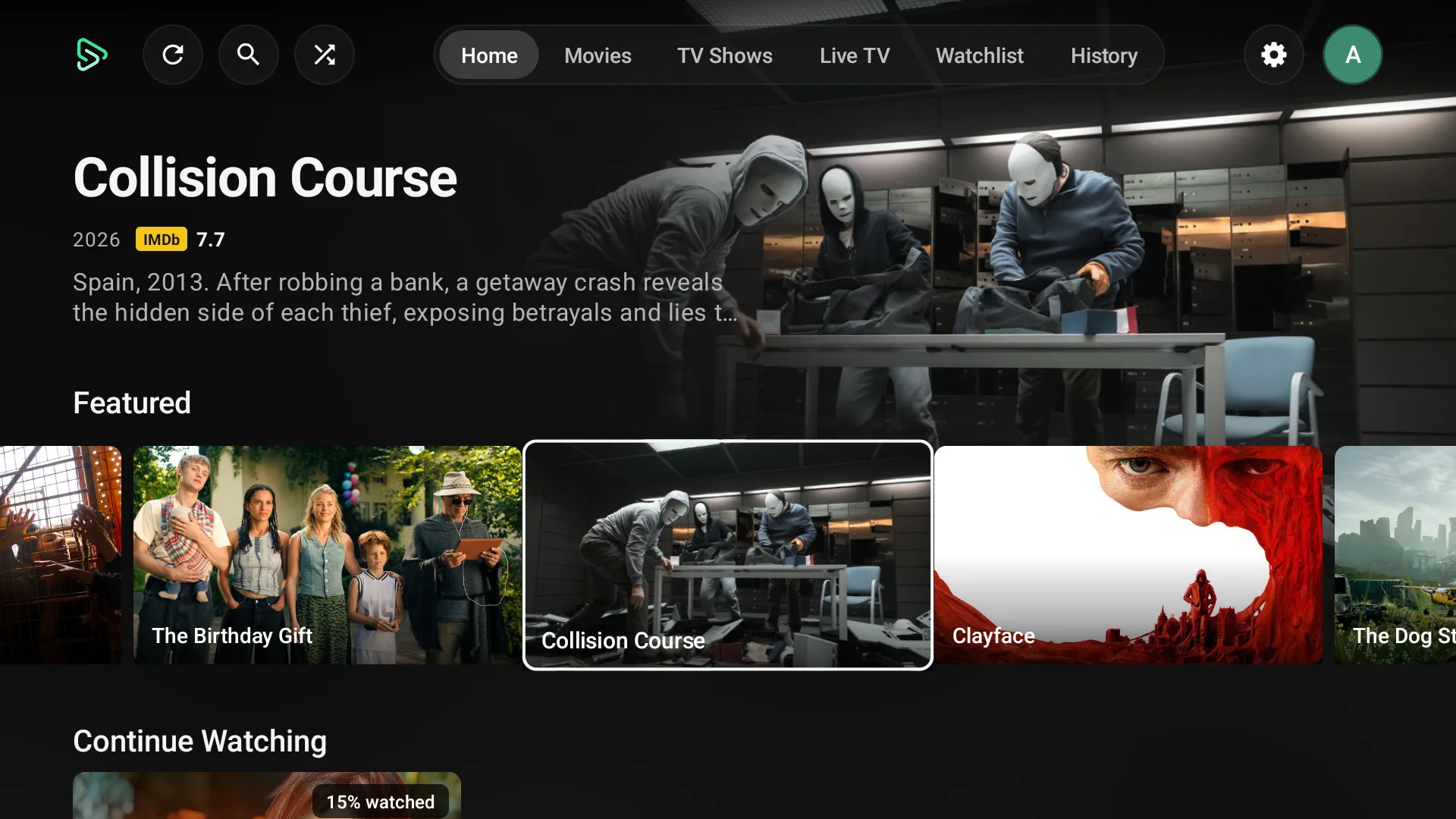
EasyCine Android TV app: Home with featured titles and rows
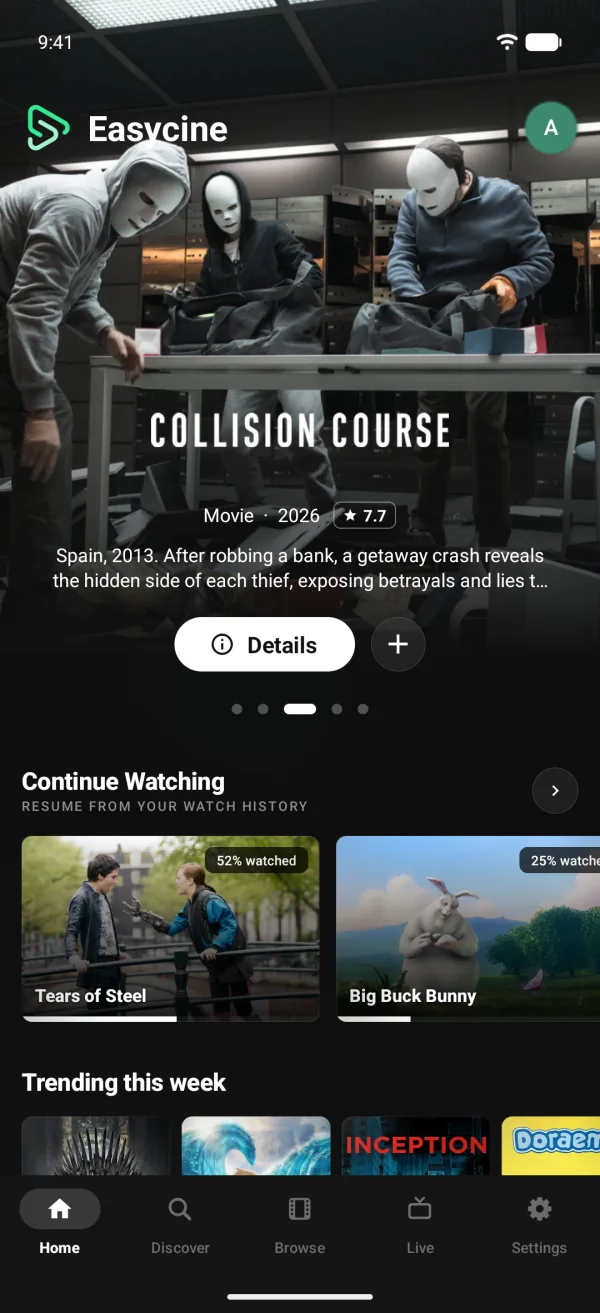
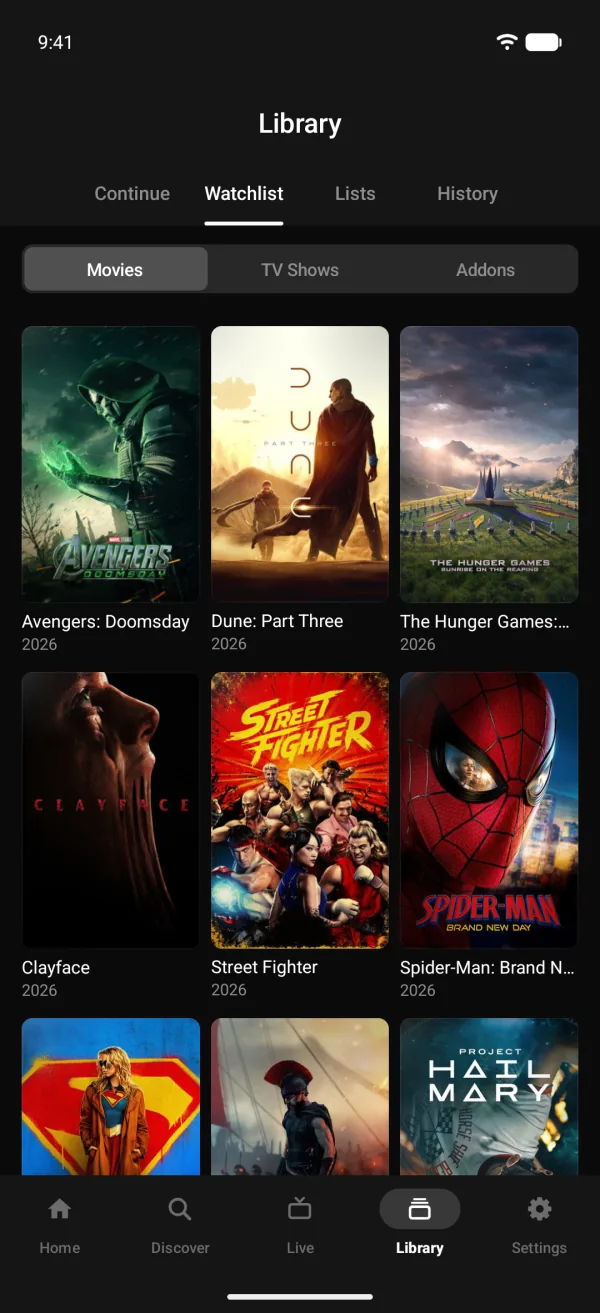
EasyCine phone app: Home screen with featured titles and Continue Watching
Android TV appPhone app
What you receive

All of it, as source code. Yours to rebrand and publish.

Works with

  • TMDB
  • Firebase
  • Chromecast
  • Media3
  • Google Play
  • OneSignal
  • AdMob
  • Trakt
The platform

Everything to run a streaming service. Four parts, one source code.

Phone app

Built for binge watchers. Everything viewers expect, natively.

  • Netflix-style Home and rows
  • Player, subtitles and downloads
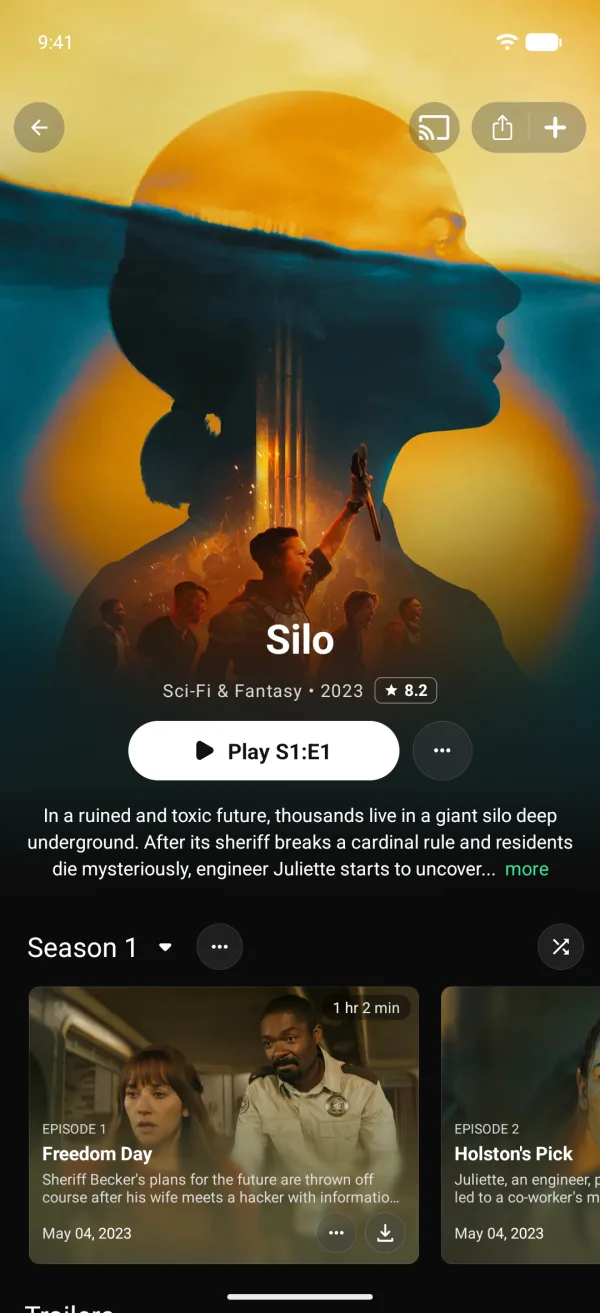
  • Profiles, Kids and Chromecast
Android TV

Made for the big screen. Every screen works with a remote.

  • Cinematic Home and player
  • Voice search and QR sign-in
  • Same panel, same catalogue
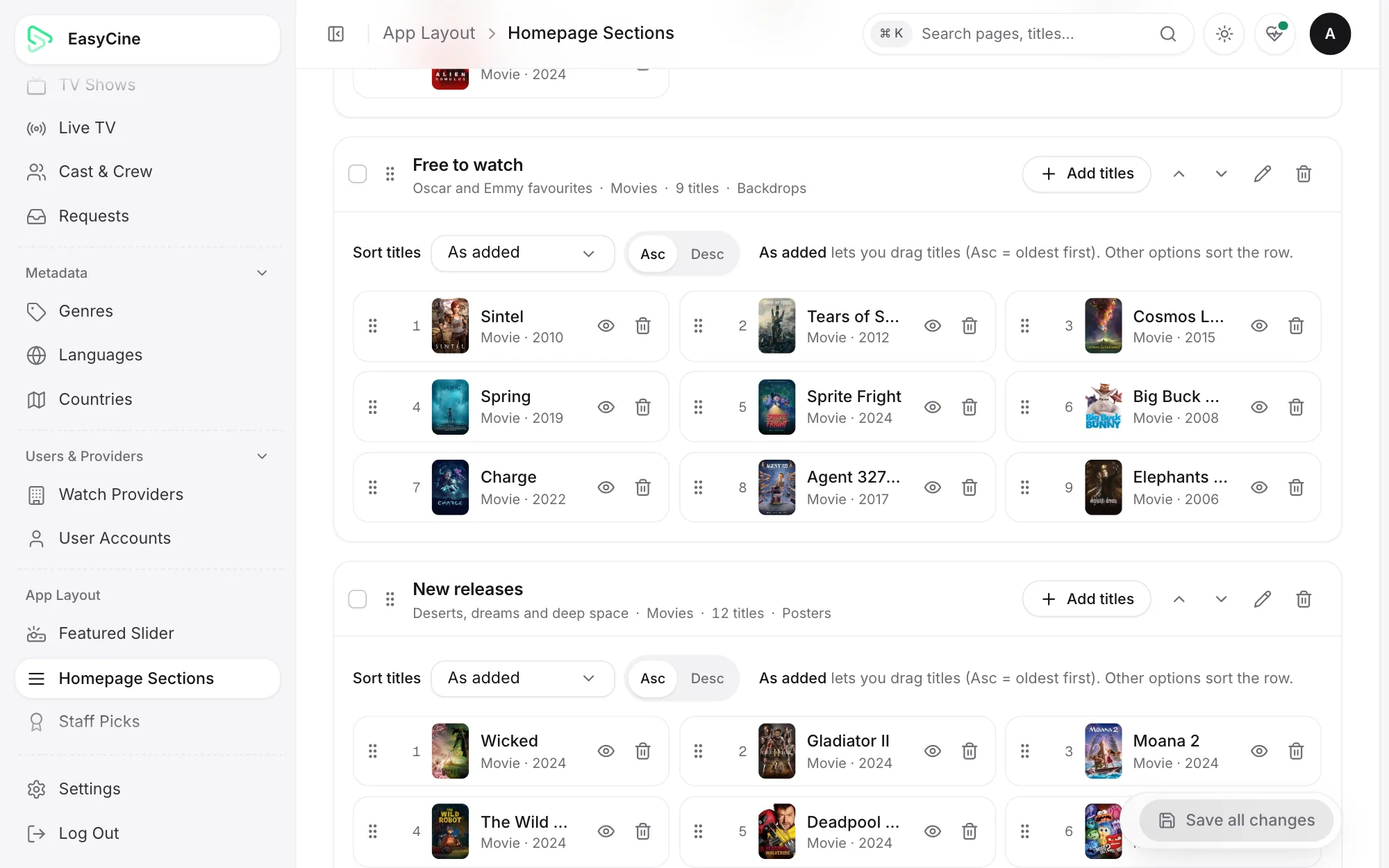
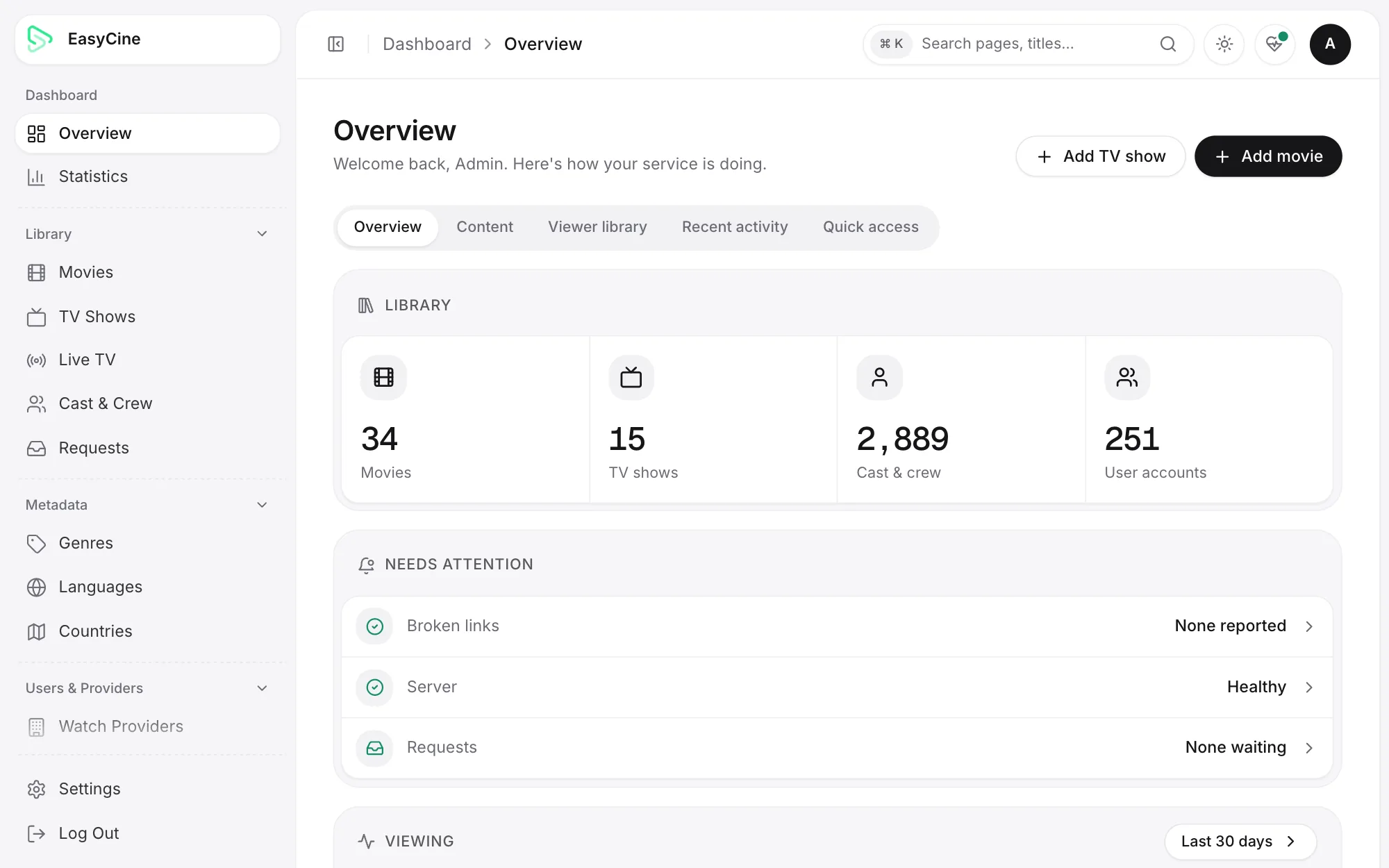
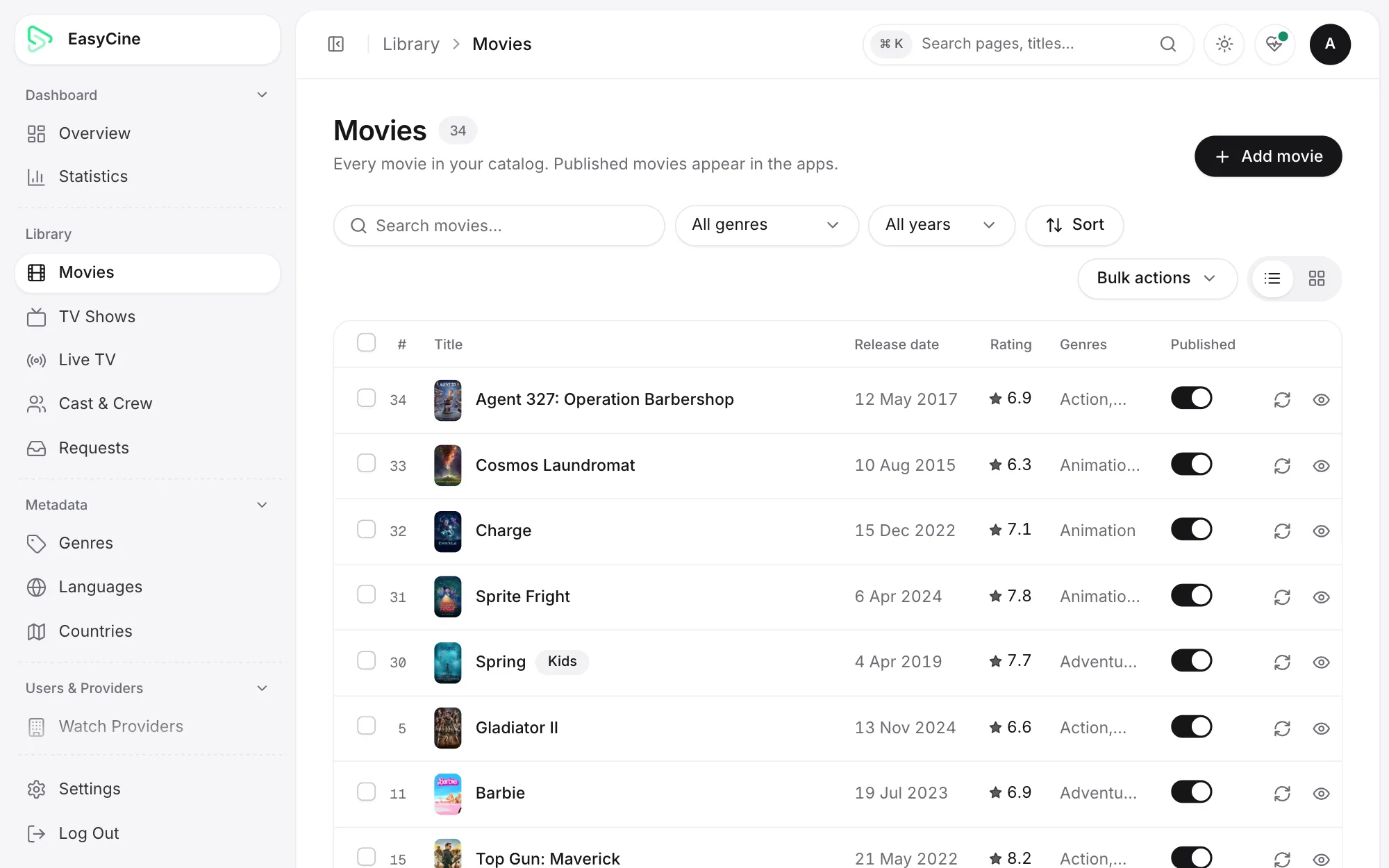
Admin Panel

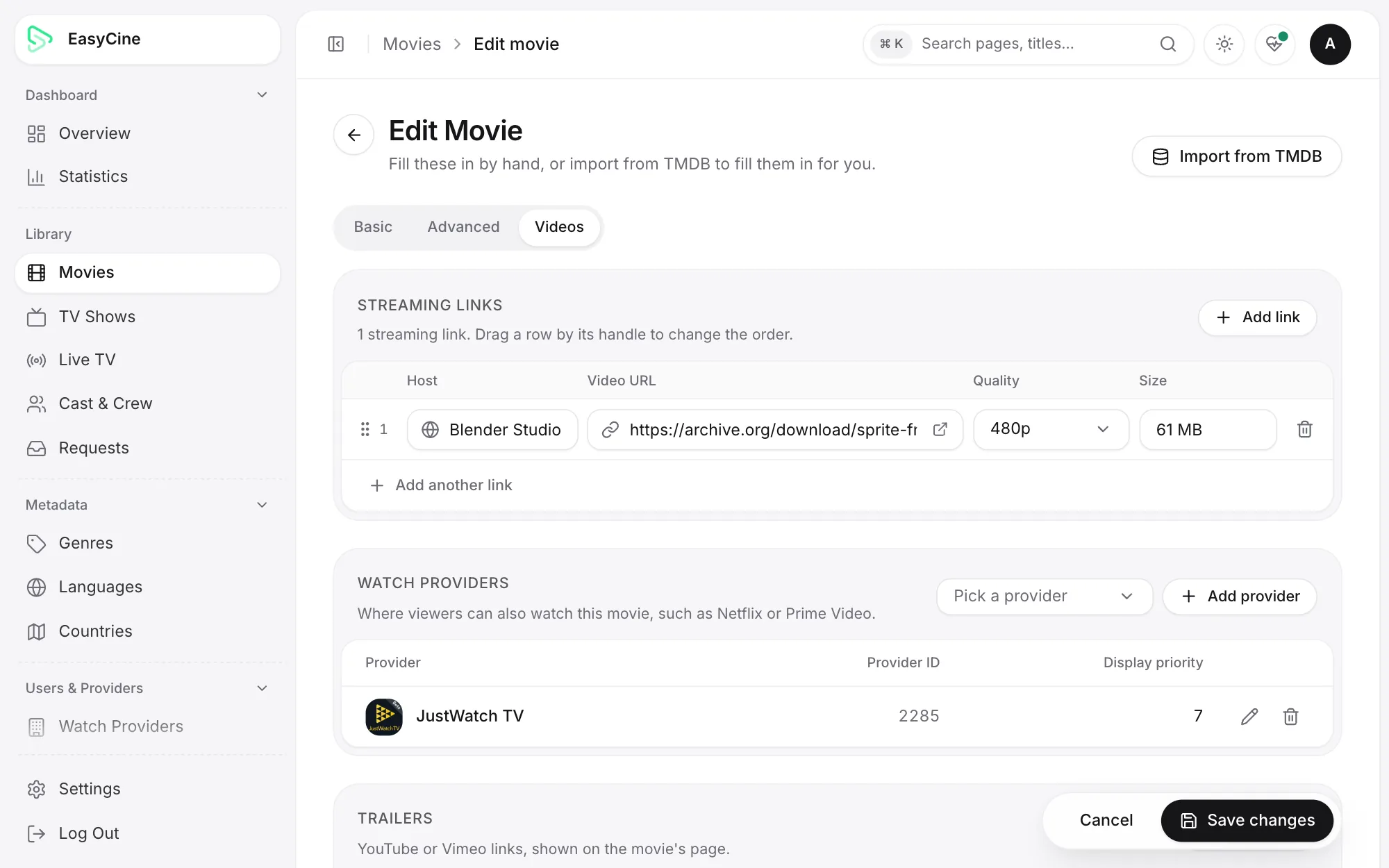
Run the whole service. Titles, streams, layout, viewers and ads.

  • Add titles from TMDB in one step
  • Streaming links per title and episode
  • Home rows, ads and push
admin.yourbrand.com
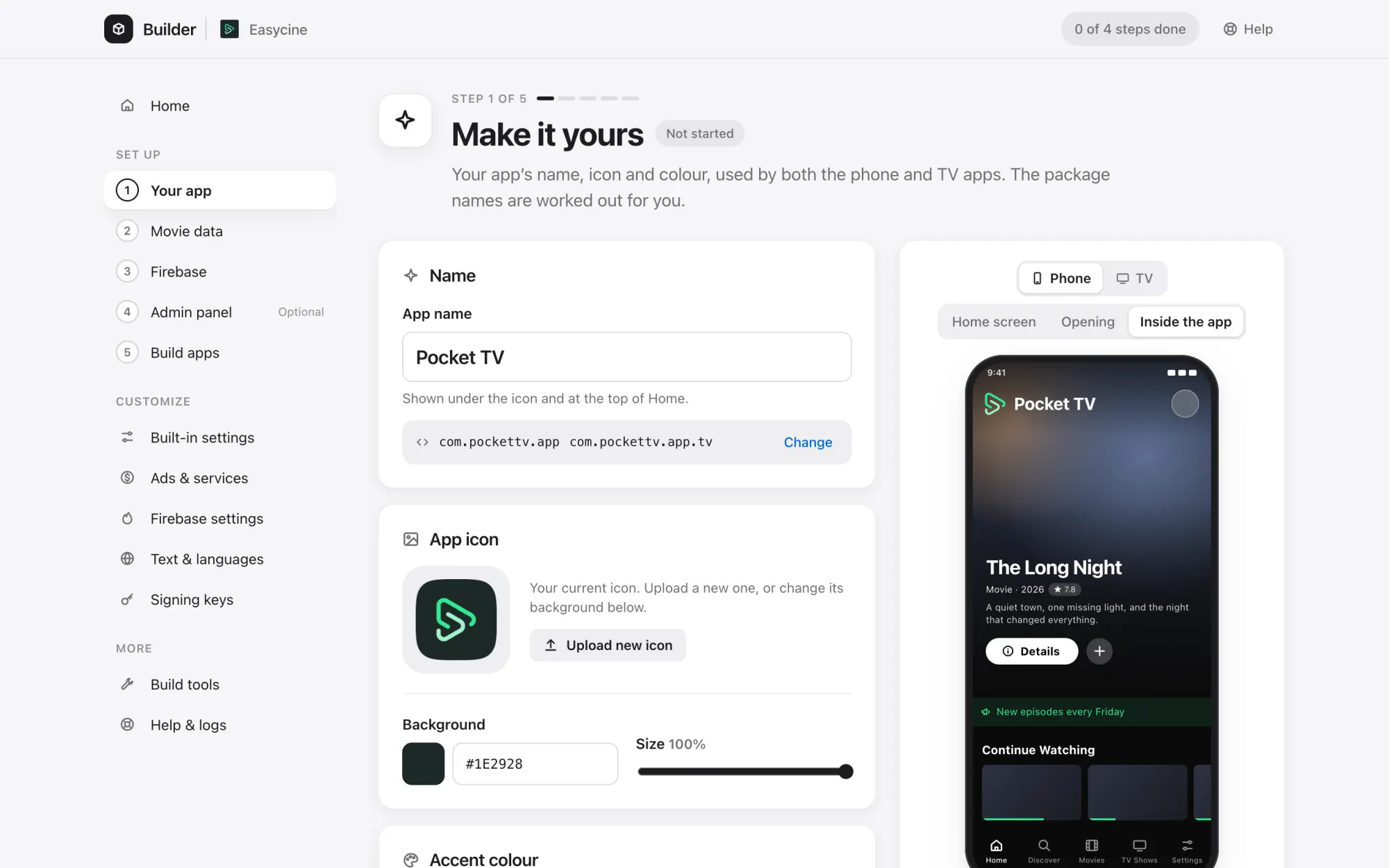
Builder

Set up without code. Rebrand, connect and build in five steps.

  • Name, icon and colours
  • Firebase and server setup
  • Signed APK and AAB
EasyCine Builder
For your viewers

Everything a streaming app needs. Already built.

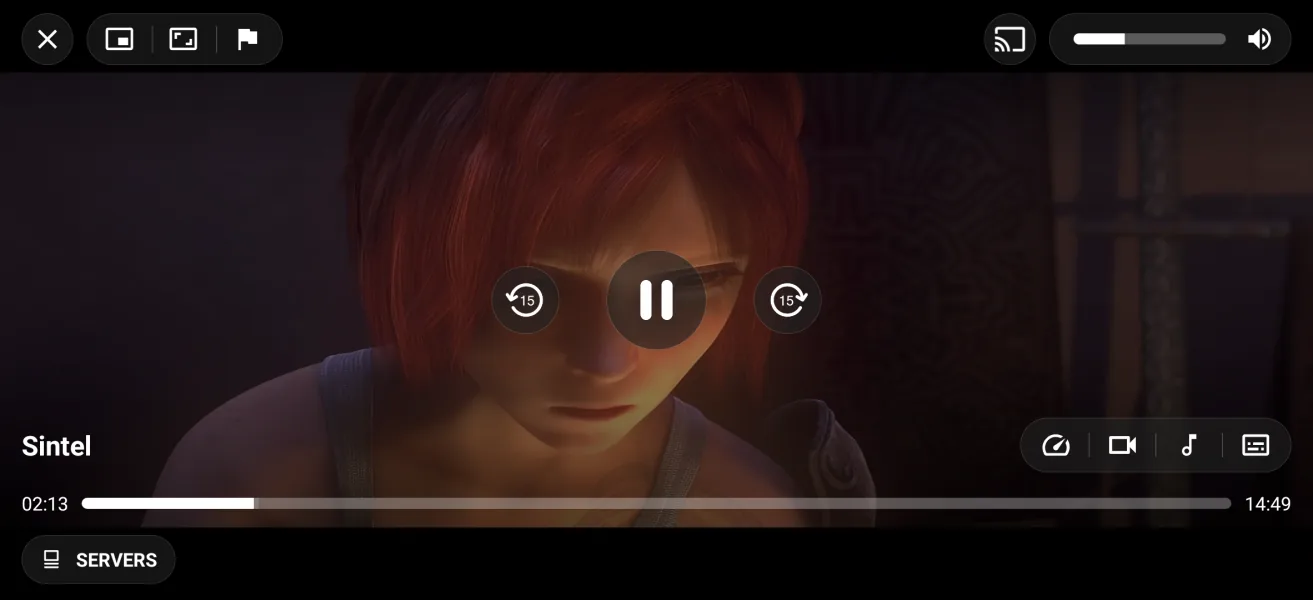
A Media3 player, offline downloads, profiles and casting, ready under your name and colours.

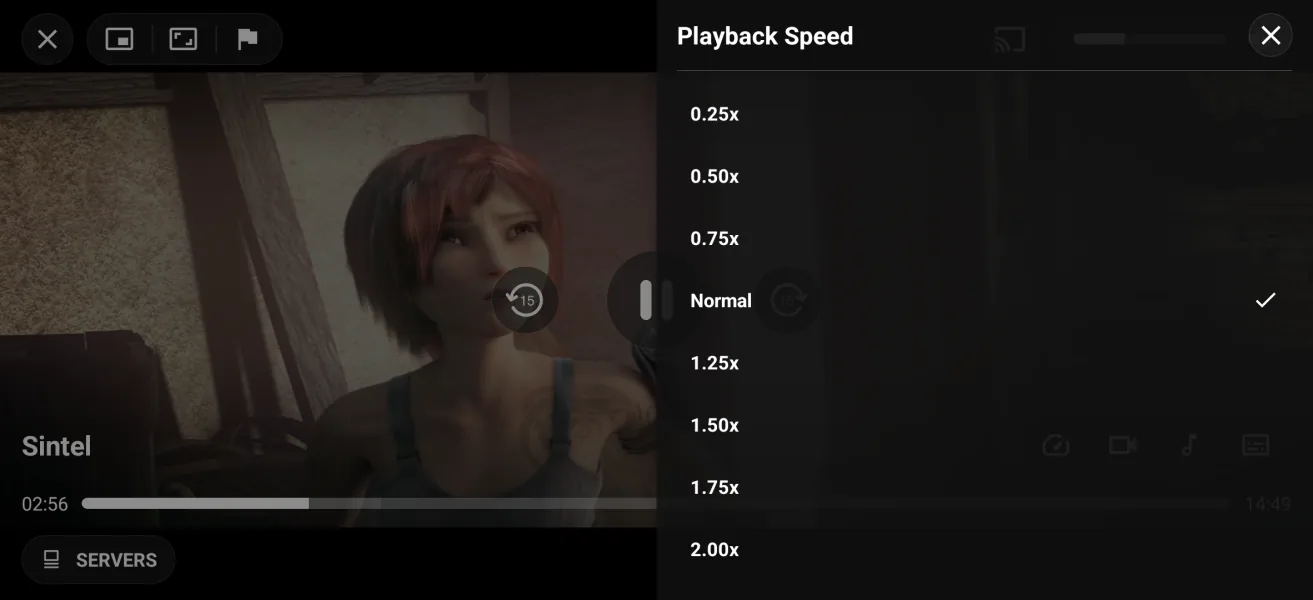
  • Media3 playerHLS and DASH, subtitles, speed and quality
  • DownloadsWatch offline, with pause and resume
  • ChromecastCast with a remote screen
  • Profiles and KidsUp to five, with a parental PIN
  • Continue watchingResume and auto-play the next episode
  • Push notificationsBring viewers back with OneSignal
  • Protected streamsShort-lived links that can't be shared
  • Ads built inBanners, full-screen and VAST
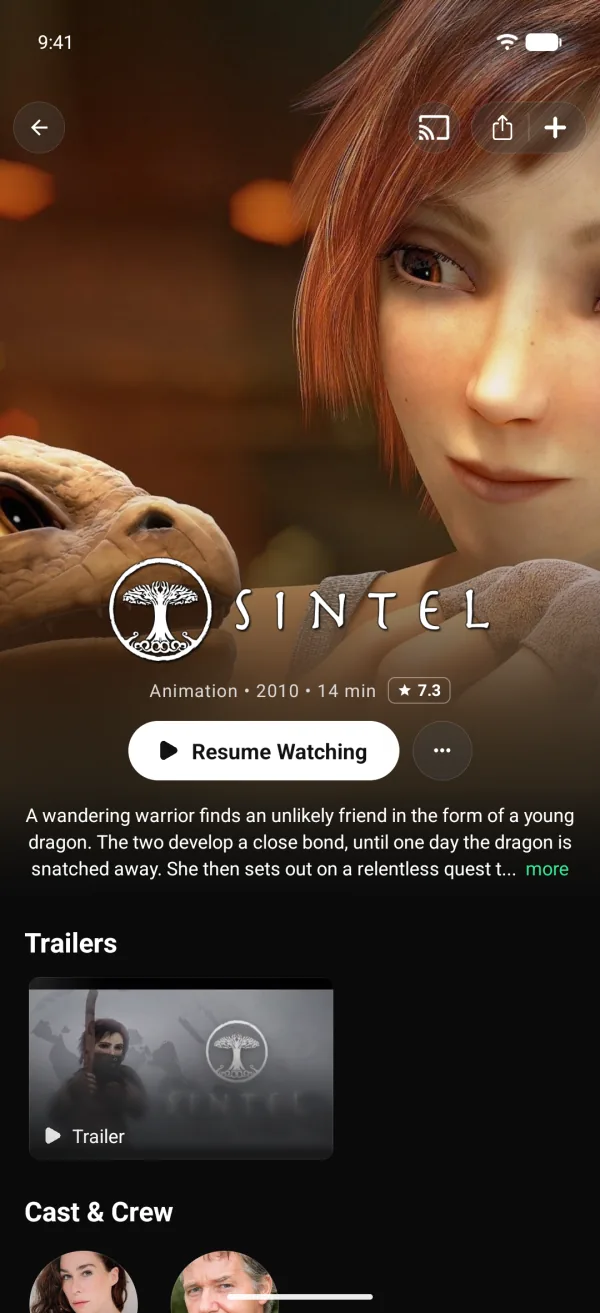
EasyCine phone app: the player showing an open movie
Path to launch

Three steps to Google Play. No Android Studio needed.

01 · Build

Builder

Brand both apps, connect Firebase and TMDB, then build signed APK and AAB files. No code.

signed APK and AAB

02 · Publish

Phone and TV apps

Upload them with your Google Play account. Viewers install them under your name.

  • Phone app
  • Android TV app

titles, links, layout, ads, push

03 · Run

Admin Panel

Add titles and links, shape Home, run ads and push. Changes go live in both apps.

Firebase Remote ConfigAfter launchSwitch features and modes in installed apps, with no app update.

Monetisation

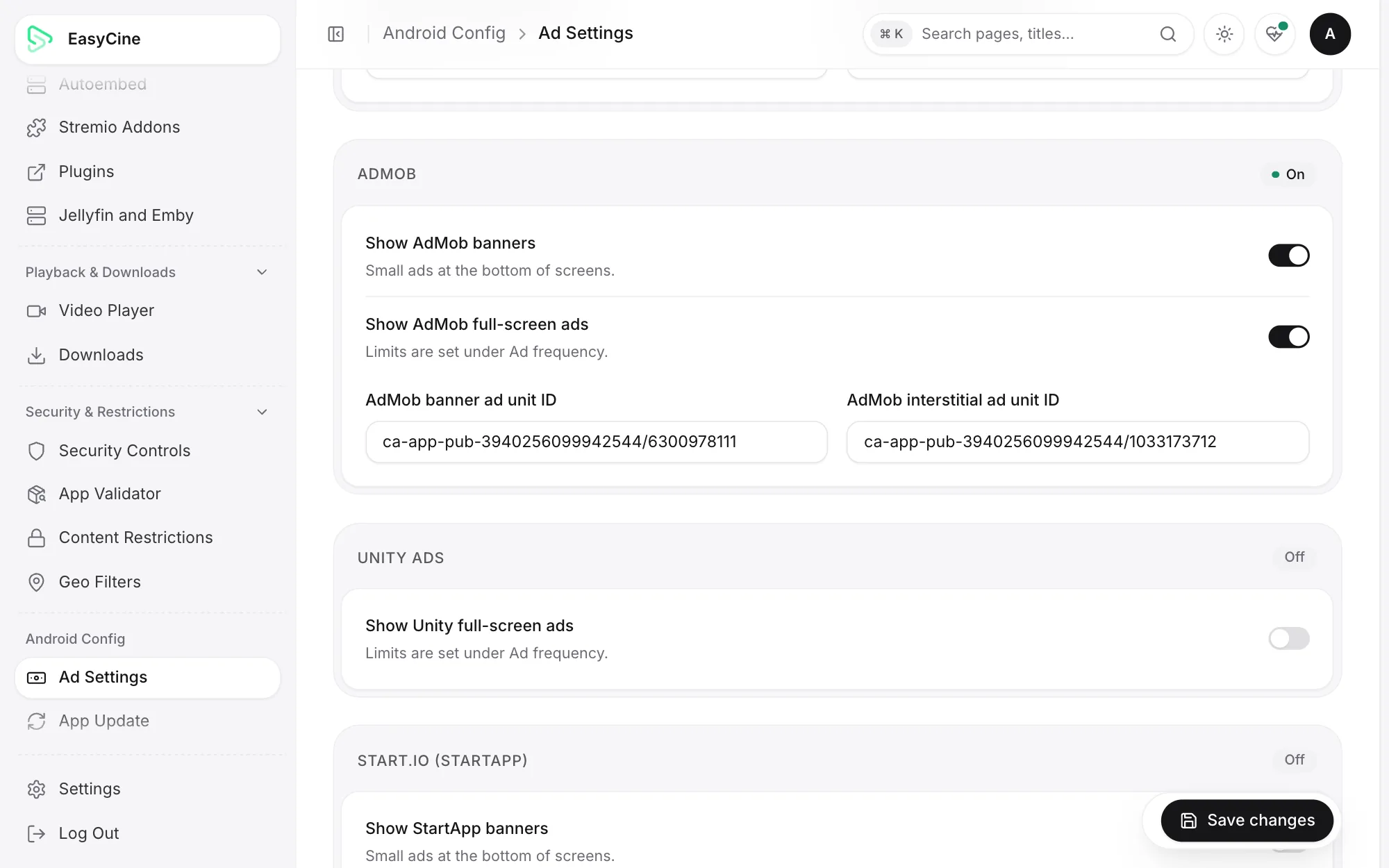
Earn from ads. Five networks, built in.

Turn networks, ad units and frequency caps on from your settings, with no app update.

  • AdMob
  • AppLovin MAX
  • Unity Ads
  • Start.io
  • VAST
Estimate your revenue
admin.yourbrand.com
Three modes

One app, three ways to run it. Switch from your panel. No app update.

Content mode

PanelLinksTracker

Apps follow the next time they open

admin.yourbrand.com
Your streaming service

Panel mode Your catalogue, your streams.

You add the titles and streams. Viewers see only your catalogue.

Catalogue and artwork
Your panel
Playback
Your licensed links
Viewer sign-in
Panel accounts
Admin panel
Required

Best forStudios and media houses

Also included

Tracker mode (watch tracker) No streams or panel needed.

Viewers track what they watch and see where to stream it, on the TMDB catalogue.

Catalogue and artwork
TMDB
Playback
Optional, your own sources
Viewer sign-in
Trakt sync
Admin panel
Optional

Best forA watch tracker on Google Play

Bring your own streams. Your links, addons or plugins.

Add only content you're licensed to stream.

Addons

https://…/manifest.jsonInstall
  • CinemetaCatalogues and metadata
  • OpenSubtitles v3Subtitles
Your own linksPer title, from the panel
Stremio addonsCatalogues, streams, subtitles
Nuvio-compatible pluginsJavaScript plugins in the app
Embed serversYour ordered list of hosts
Torrent playbackBuilt-in engine, off by default
TraktWatchlist, history, ratings
TMDBPosters, details, episodes
JustWatchWhere-to-watch data
OneSignalPush notifications
ChromecastCast from the phone
FirebaseRemote settings and sign-in
AdMob, AppLovin, Unity, Start.ioBanners and full-screen ads
Why trust it

Proof, not promises. Everything here is real and public.

172
features, all listed
14
releases since launch
8–17
Android versions, on phones, tablets and TVs
55
languages through the Builder

Licence terms

One-time price, no royalties or monthly fees.

  • One brand per licenceOne app on Google Play and one admin panel.
  • Free updates through v6.xEvery release in the current major version.
  • Full source codeJava apps, React and Laravel panel. No locked parts.
  • Sales are finalYou get the full code, so try the demo first.
Read the terms

What happens after you pay

From your order to the full source code.

  1. Order your planPay on Telegram or by email, and we confirm your licence.
  2. Get the full packageA download link within 24 hours, active for 30 days.
  3. Set up with our help12 months of support on Telegram and email, setup included.
Questions first?TelegramEmail

Simple, one-time pricing. No royalties. No monthly fees.

Compare plans
Launch offer

Mobile

Phone app and admin panel

$1,999Regular price $2,499one-time

Save $500
  • Phone app source code
  • Admin Panel source code
  • Builder for Windows, macOS and Linux
  • Step-by-step docs
  • Free updates through v6.x
  • 12 months of support
  • One brand per licence
Best value

Complete

Phone, Android TV and admin panel

$2,999Regular value $3,698one-time

Save $699Regular prices: Mobile $2,499 + TV add-on $1,199
  • Phone app source code
  • Android TV app source code
  • Admin Panel source code
  • Builder for Windows, macOS and Linux
  • Step-by-step docs
  • Free updates through v6.x
  • 12 months of support
  • One brand per licence

Agency

Several brands or client apps

Let's talk

  • Phone app source code
  • Android TV app source code
  • Admin Panel source code
  • Builder for Windows, macOS and Linux
  • Step-by-step docs
  • Free updates through v6.x
  • 12 months of support
  • Licences for several brands

Already own Mobile? Add the Android TV app for $1,199.

Get the TV add-on
  • Try the live demo first
  • One-time payment, no royalties
  • Full source code
  • Free updates through v6.x
  • 12 months of support

Questions, answered.

More answers on the pricing page
What exactly do I get?

Full source code for the phone app and the admin panel, plus the Builder and the docs. The Complete plan adds the Android TV app. You can change anything and publish under your own brand.

Do I need to know how to code?

No. The Builder renames the apps, applies your icon and colours, connects Firebase, installs the panel on your server and builds signed APK and AAB files. Developers can do the same by hand in Android Studio, following the docs.

What are the three modes?

Tracker mode is a watch tracker on the TMDB catalogue. Links mode adds your licensed streams to TMDB titles. Panel mode runs your own catalogue and viewer accounts. You switch in the panel and the apps follow without an update.

Does it come with movies or streams?

No. EasyCine ships with no content and no sources. You add streams you're licensed to use: your own links, Stremio addons, Nuvio-compatible plugins or embed servers. Movie and show details come from TMDB.

Can I publish it on Google Play?

Yes. Tracker mode is made for Google Play: it tracks titles and shows where to watch them. In Links and Panel mode you need the rights to everything your app streams.

What do I need to run it?

A Google Play developer account, a Firebase project and a TMDB API key. For Links and Panel mode you also need a server or hosting with PHP 8.2 and MySQL for the panel. The setup guide lists every account and cost.

What about updates and support?

Every update in v6.x is free, and owners get the next major version at a discount. Support by Telegram and email is included for 12 months.

Can I try it before I buy?

Yes. Install the demo phone app and sign in to the live demo admin panel before you buy.

Launch your streaming service. Under your brand, on Google Play.

Try the demoBuy