Skip to content
New in v6.0The Android TV app is here

Setup guide

From purchase to Google Play. Two ways to get there.

No code

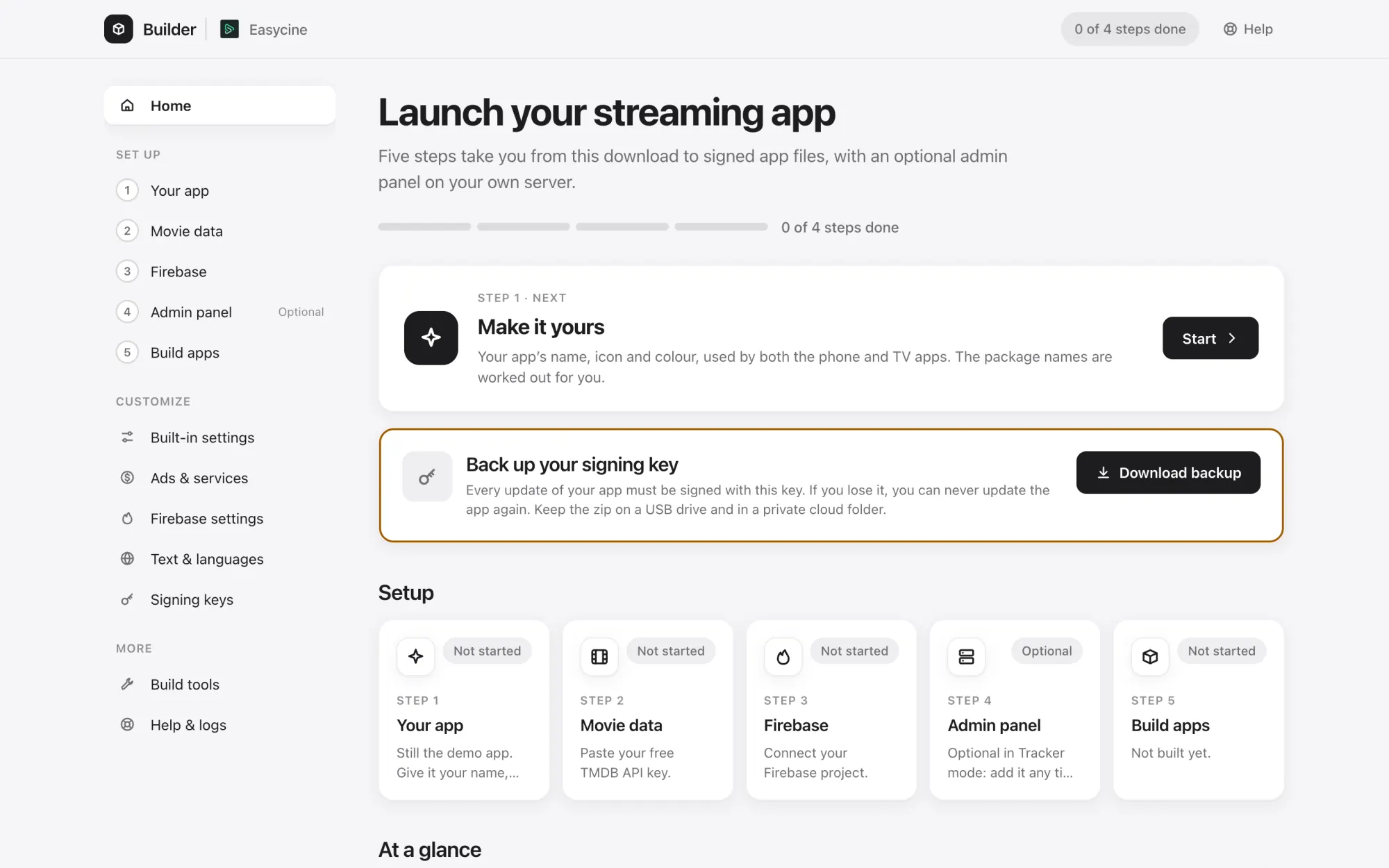
With the Builder Double-click, then follow five steps.

  1. 1Your app: name, icon and colours
  2. 2Movie data: your TMDB key
  3. 3Firebase: set up in one click
  4. 4Admin panel: installed over SSH
  5. 5Build apps: signed APK and AAB
Builder details
EasyCine Builder
For developers

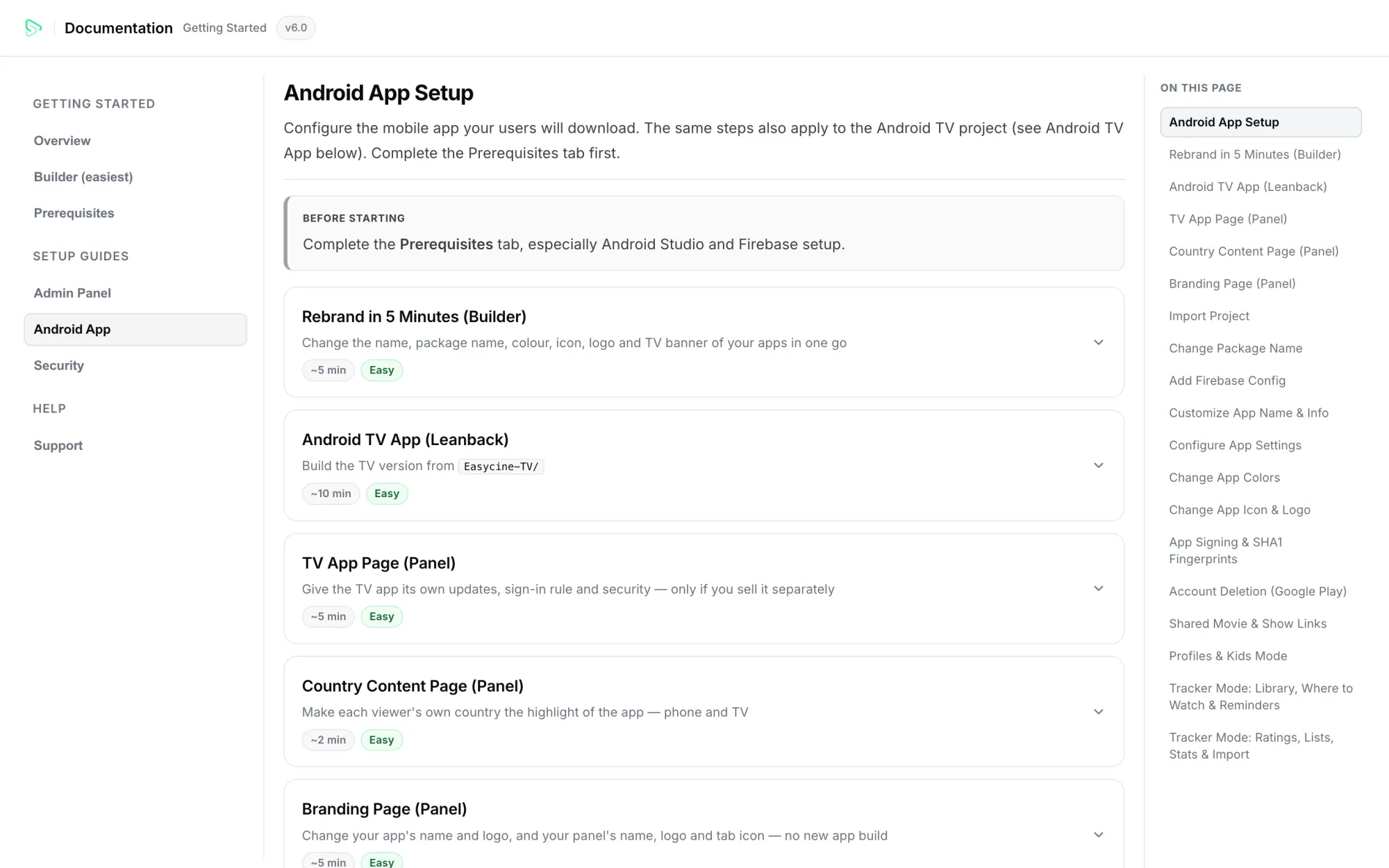
With Android Studio Follow the docs to do each step by hand.

  1. 1Import the phone and TV projects
  2. 2Set your package and app name
  3. 3Add your google-services.json
  4. 4Edit AppConfig, colours and icons
  5. 5Sign and build the release
docs

What you'll need. Accounts you create once.

  • Google Play developer accountTo publish your apps.Required
  • Firebase projectRemote settings, sign-in and analytics.Required
  • TMDB API keyMovie and show data.Required
  • Hosting for the panelPHP 8.2 and MySQL or MariaDB.Links and Panel mode
  • Trakt API appFor Trakt sync in Tracker mode.Optional
  • OneSignalPush notifications.Optional
  • Ad network accountsAdMob, AppLovin, Unity or Start.io.Optional

What support covers. For 12 months after purchase.

  • Questions about setup and settings
  • Help when something doesn't work as documented
  • Every update through v6.x

Custom features and content licensing aren't included.

Setup questions.

How long does setup take?

Plan a few days. The Builder steps take an afternoon; most of the waiting is for account checks and Google Play review.

What computer do I need?

Any recent Windows, macOS or Linux computer with a few gigabytes free for the Android tools the Builder downloads.

Can you help me set it up?

Yes. Support covers setup questions for 12 months. Message us before you buy if you'd like help with installation.

What do I need to run it?

A Google Play developer account, a Firebase project and a TMDB API key. For Links and Panel mode you also need a server or hosting with PHP 8.2 and MySQL for the panel. The setup guide lists every account and cost.

Do I need to know how to code?

No. The Builder renames the apps, applies your icon and colours, connects Firebase, installs the panel on your server and builds signed APK and AAB files. Developers can do the same by hand in Android Studio, following the docs.

Launch your streaming service. Under your brand, on Google Play.

Try the demoBuy