Step 1
Make it yours. Name, icon, colours and package, with a live preview.
- Live preview of real screens
- Your own package name
- Undo any change
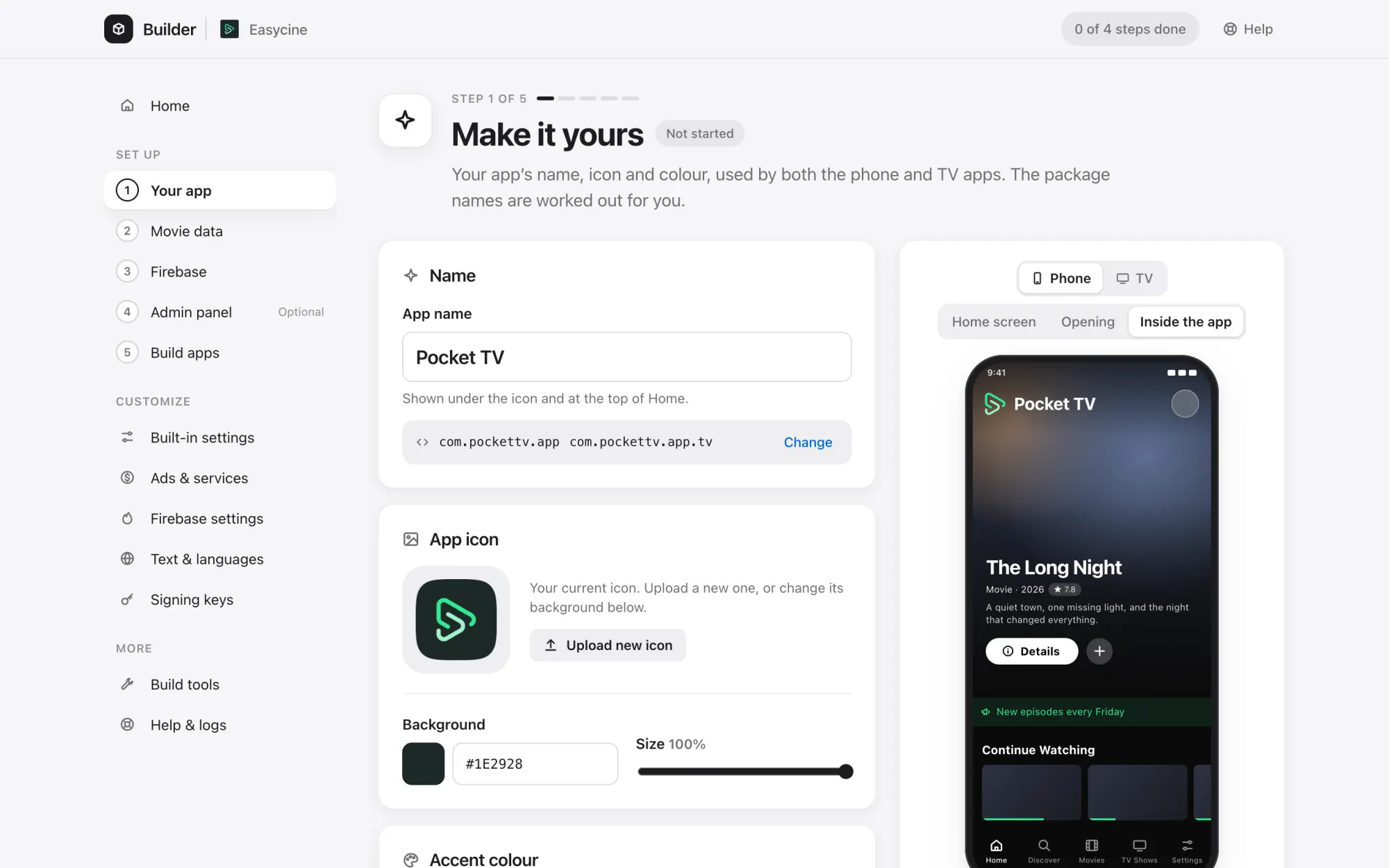
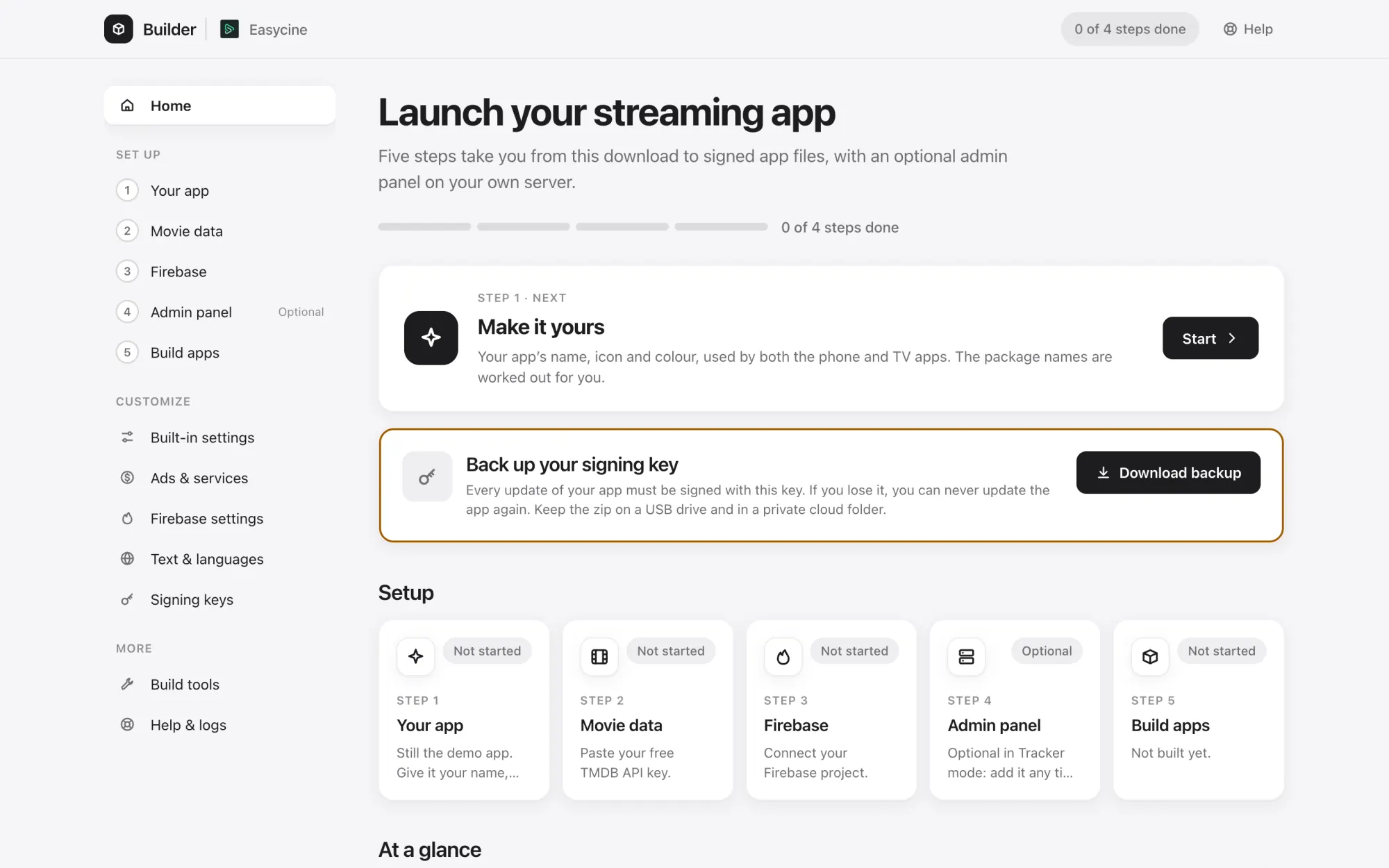
A zero-install tool for Windows, macOS and Linux that does the technical setup for you.
Rename the app
Your app name everywhere it appears.
Icon, logo and colours
With a live preview of the real screens.
TV banner
Upload one or let the Builder make it.
Your package name
Moves the code to your own app ID.
Live preview
See splash, Home and TV bar before you build.
Backups and undo
Every change can be rolled back.
TMDB key check
Confirms your movie data works.
Firebase in one click
Registers apps, adds fingerprints, writes the config.
Remote Config editor
A friendly editor for every app setting.
Choose a mode
Pick Tracker, Links or Panel mode.
Server install over SSH
Web server, database, PHP, free SSL and cron.
Panel updates
Update the panel to a new version in one click.
Zips for any host
Ready-to-upload files for shared hosting.
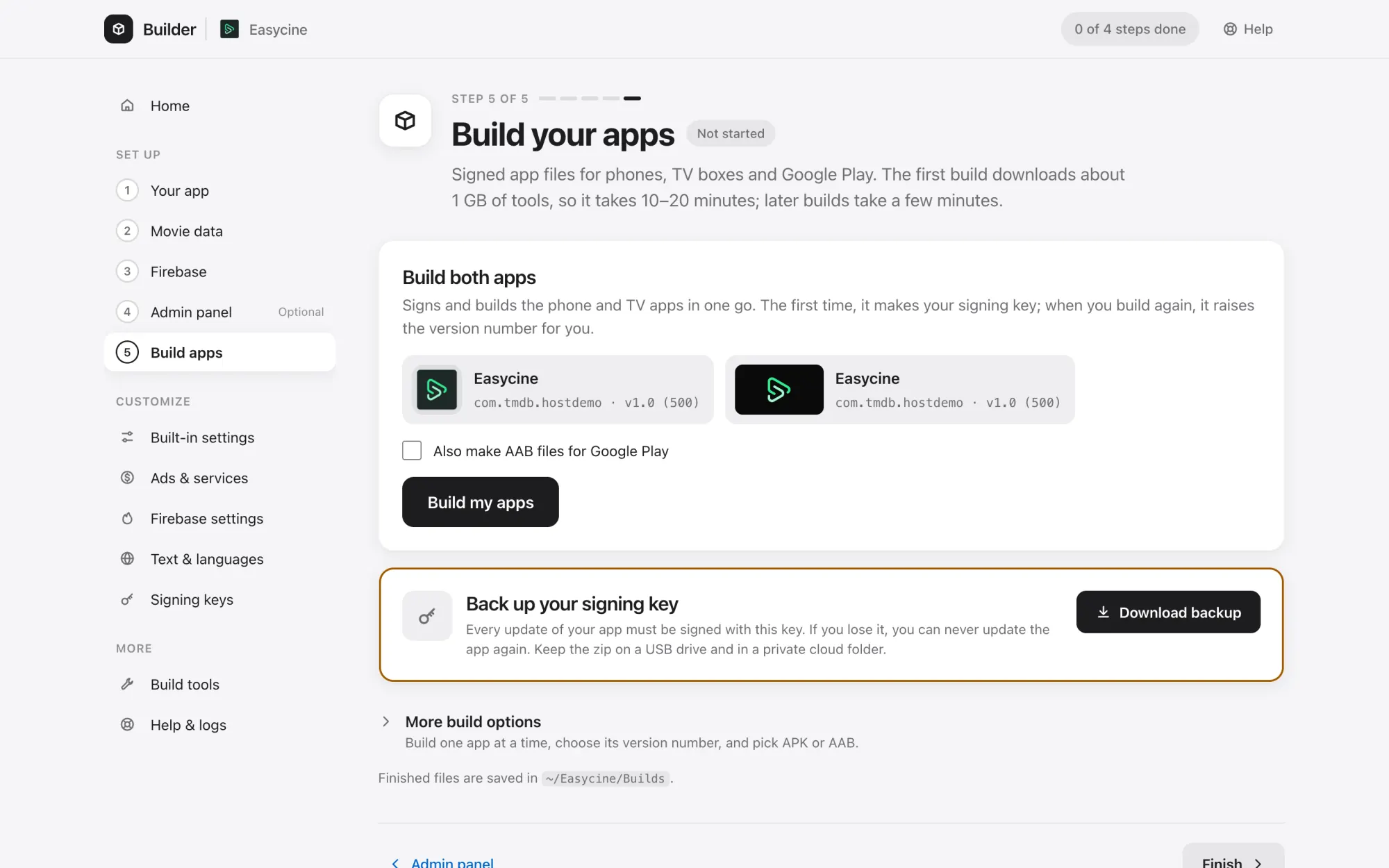
Signed APK and AAB
Ready for Google Play.
No Android Studio
Downloads the JDK and Android SDK for you.
Signing keys
Create, import and back up, shared by both apps.
Versions
Version name and code for each release.
Tamper protection
Locks the build to your signing key.
Built-in settings
Every app option without opening code.
Ads and services
Ad units, OneSignal, Trakt and VAST.
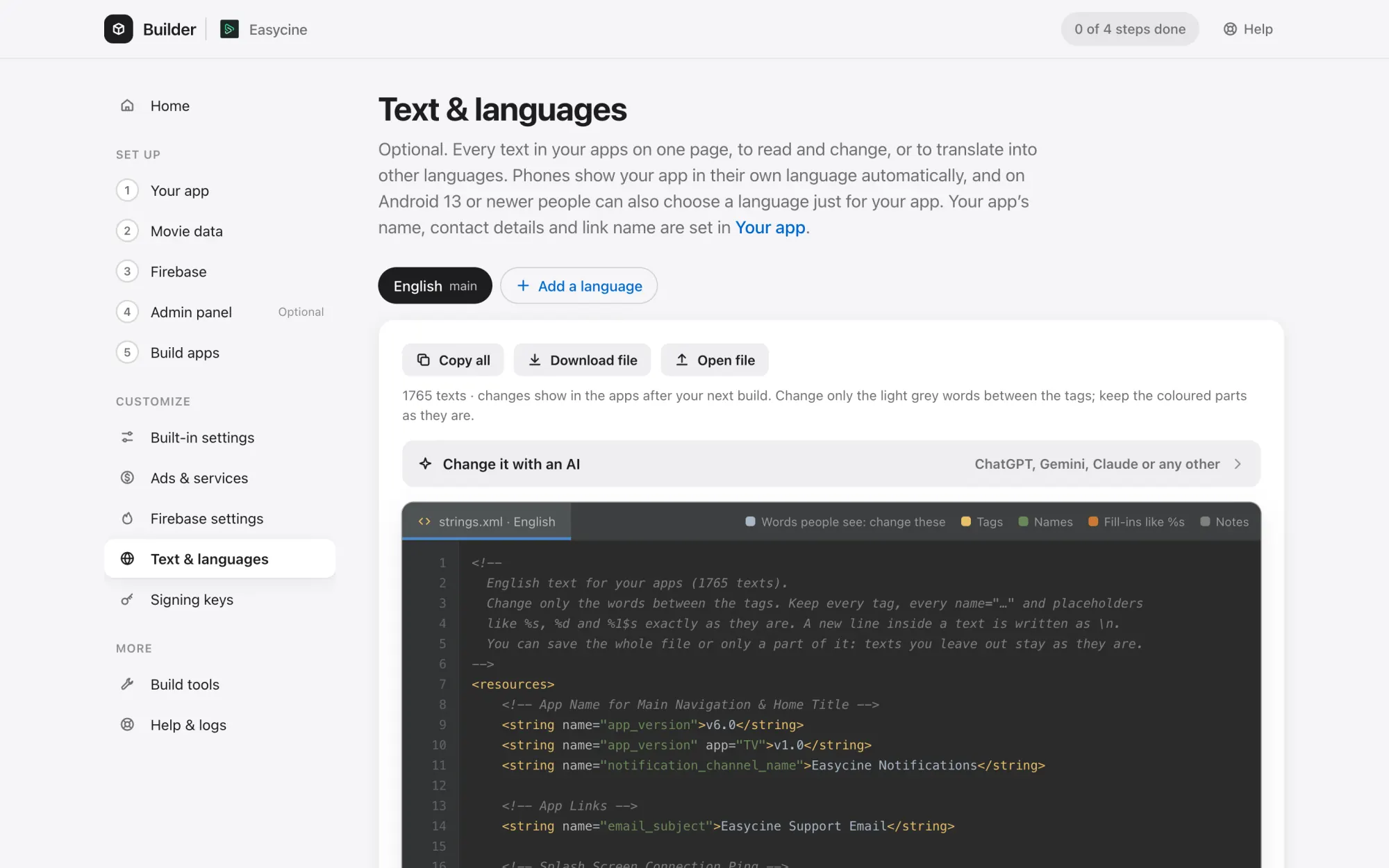
Text and 55 languages
Edit any text and add translations.
Carry-over
Move your setup to a new version.
Support report
One click, with passwords and keys masked.
Windows, macOS, Linux
Double-click to start, nothing to install.
No. Double-click the launcher for your system. The Builder downloads what it needs, like the JDK and Android SDK, the first time you build.
Windows, macOS (Intel and Apple silicon) and Linux.
On your computer, outside the project folder. Support reports mask passwords and keys.
Yes. The docs cover the manual path, and the Builder and Android Studio work on the same project.
Carry-over moves your settings, branding and keys into the new version.