Home
A cinematic Home. Hero artwork and rows you control.
- Top 10 and Continue rows
- View-all grids with filters
- Home editor with the D-pad
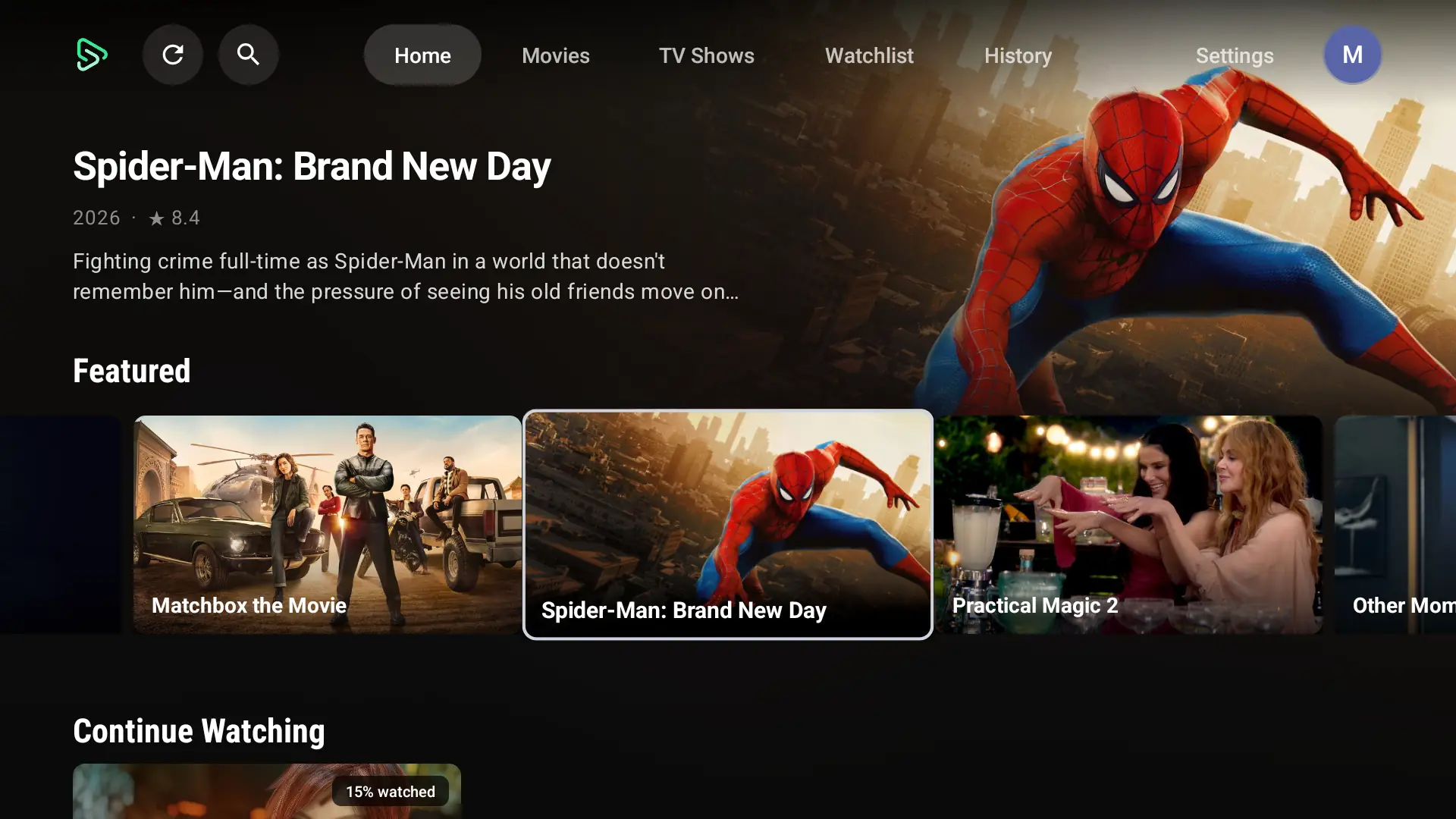
A native Leanback app with the same catalogue, modes and admin panel as the phone app.
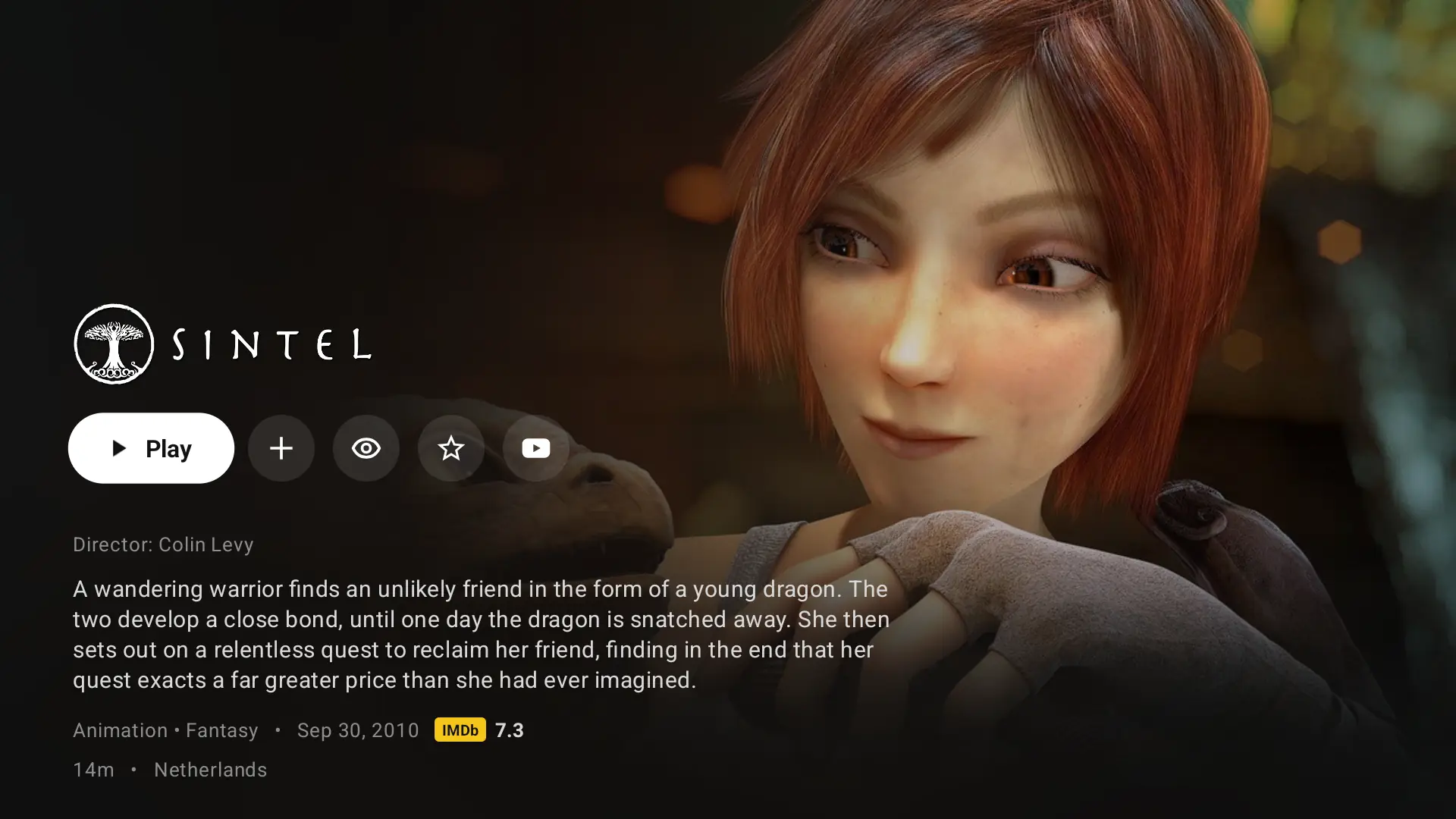
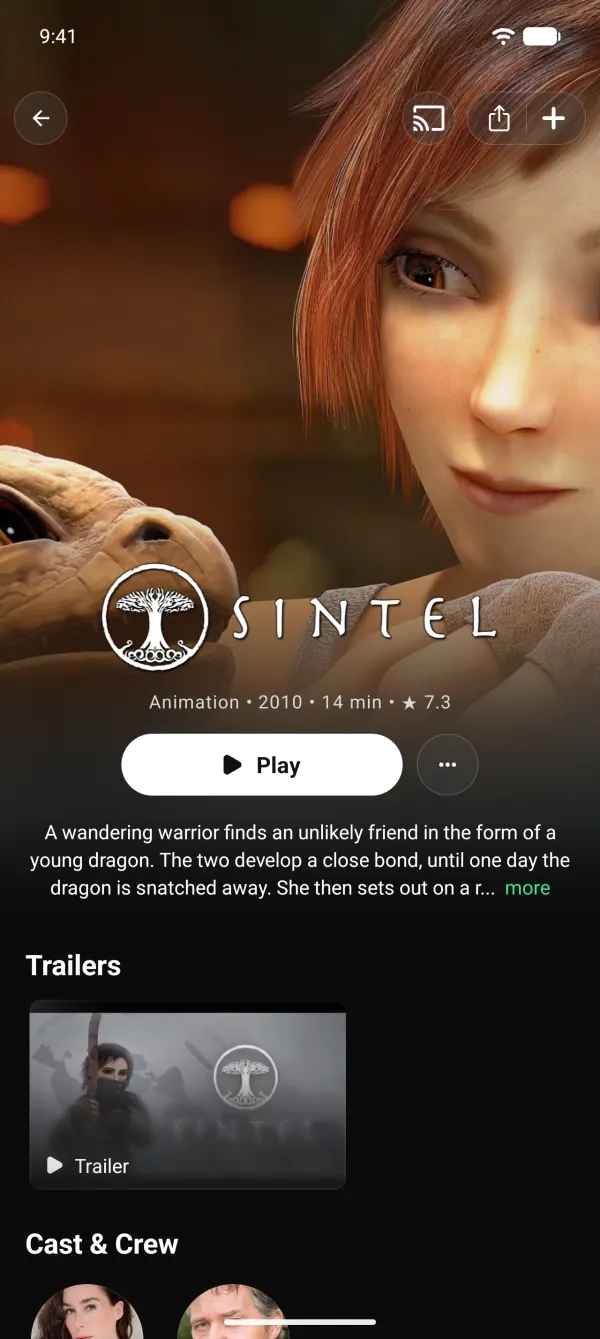
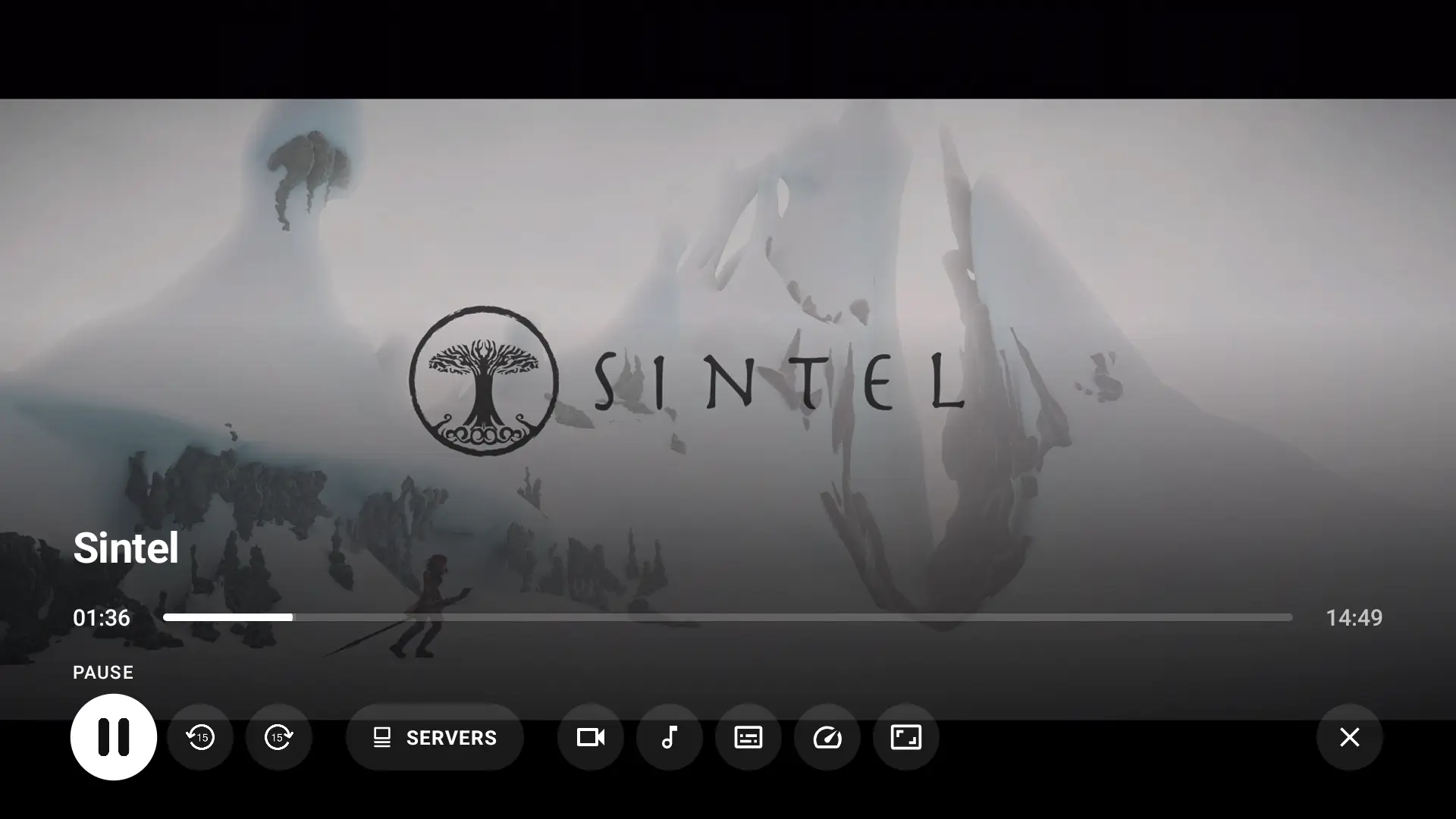
Launcher banner
A proper Android TV home-screen banner.
Top bar
Home, Movies, Shows, Search, My List and more.
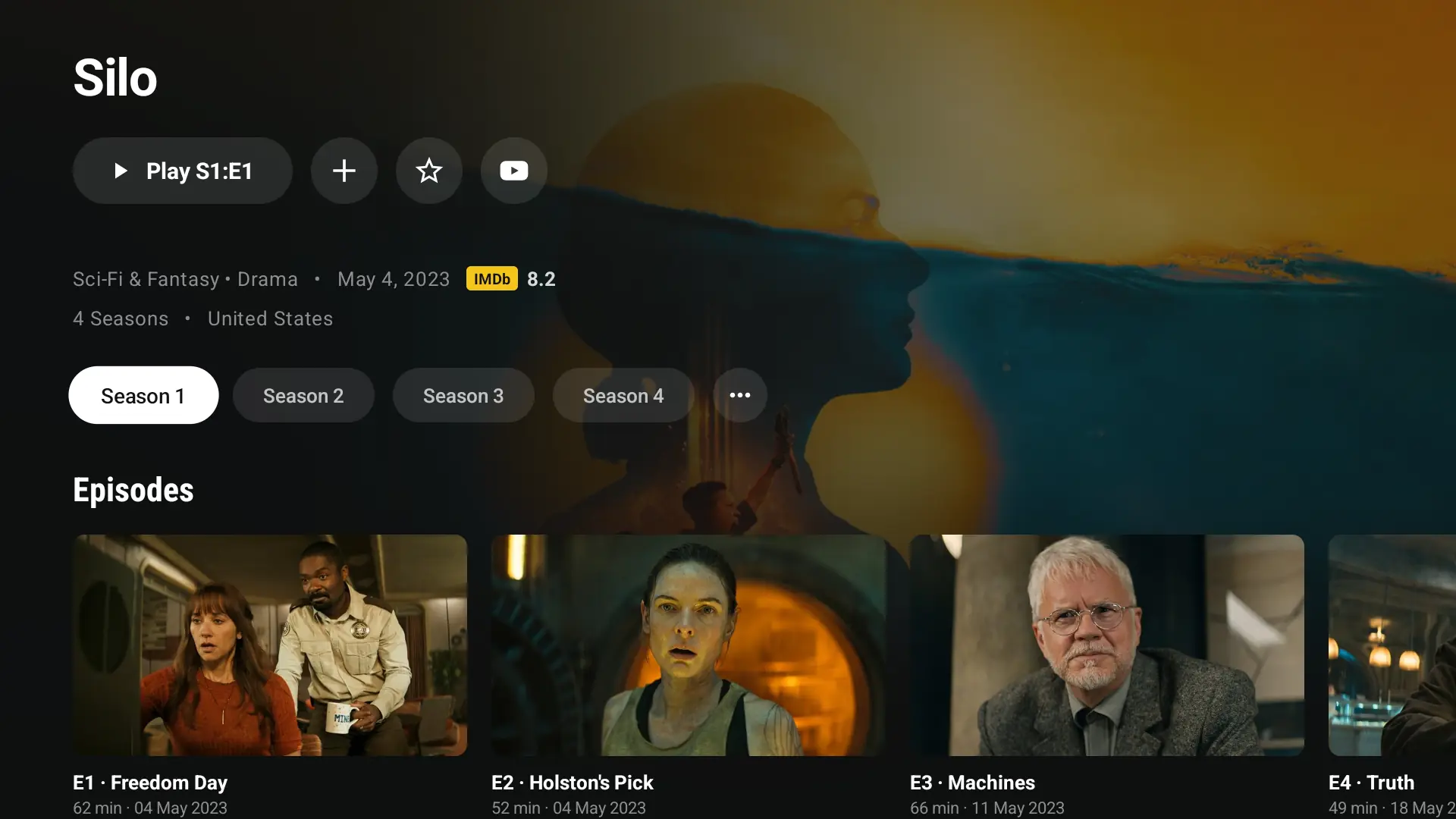
Hero and rows
Cinematic backdrop with Top 10 and Continue rows.
View-all grids
Full grids with filters for every row.
Home editor
Reorder rows with the D-pad.
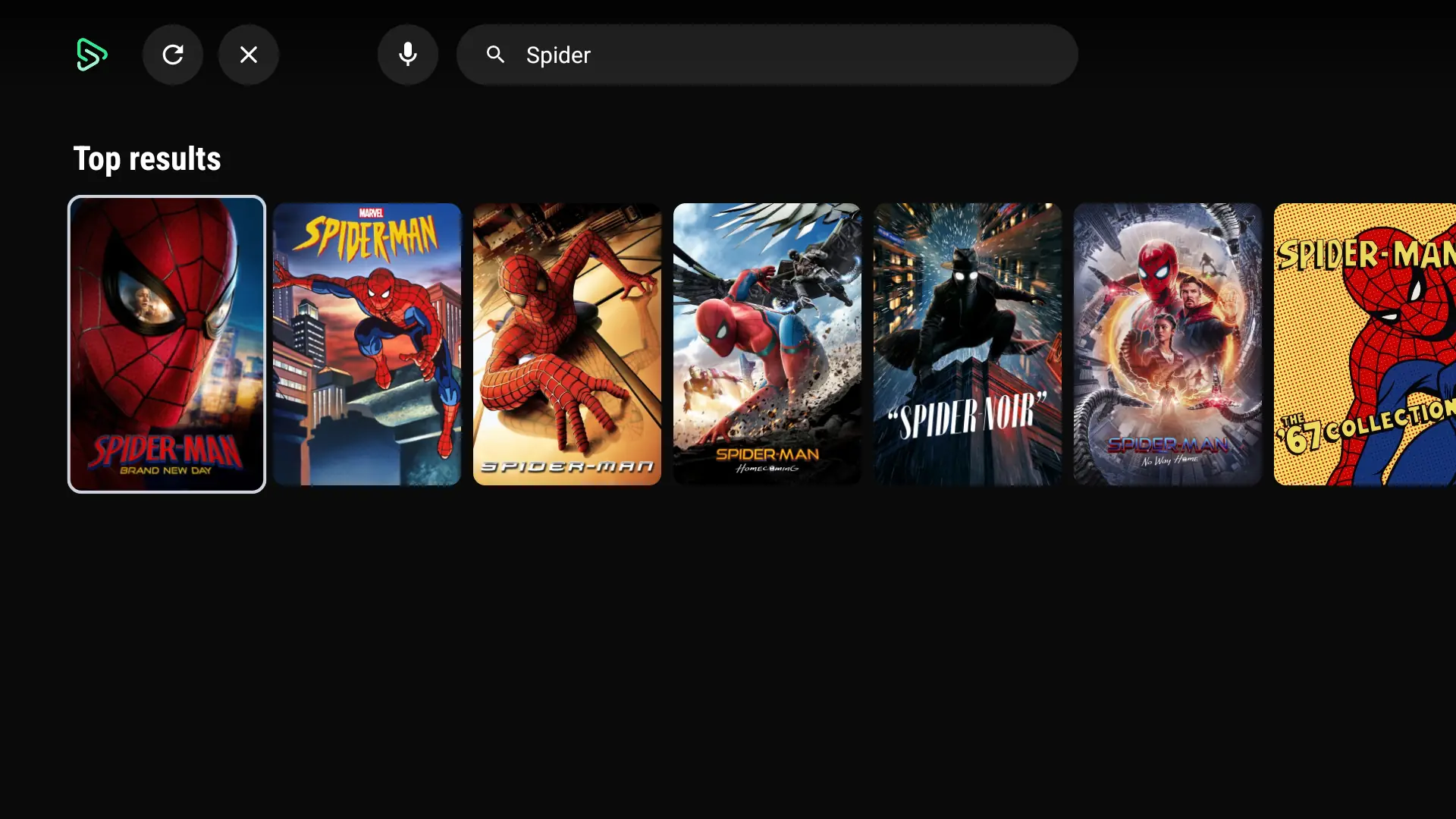
Voice search
Speak a title instead of typing it.
Recent searches
Quick picks on the search screen.
Where to watch on TV
Opens Netflix, Prime Video and others, or shows a QR code.
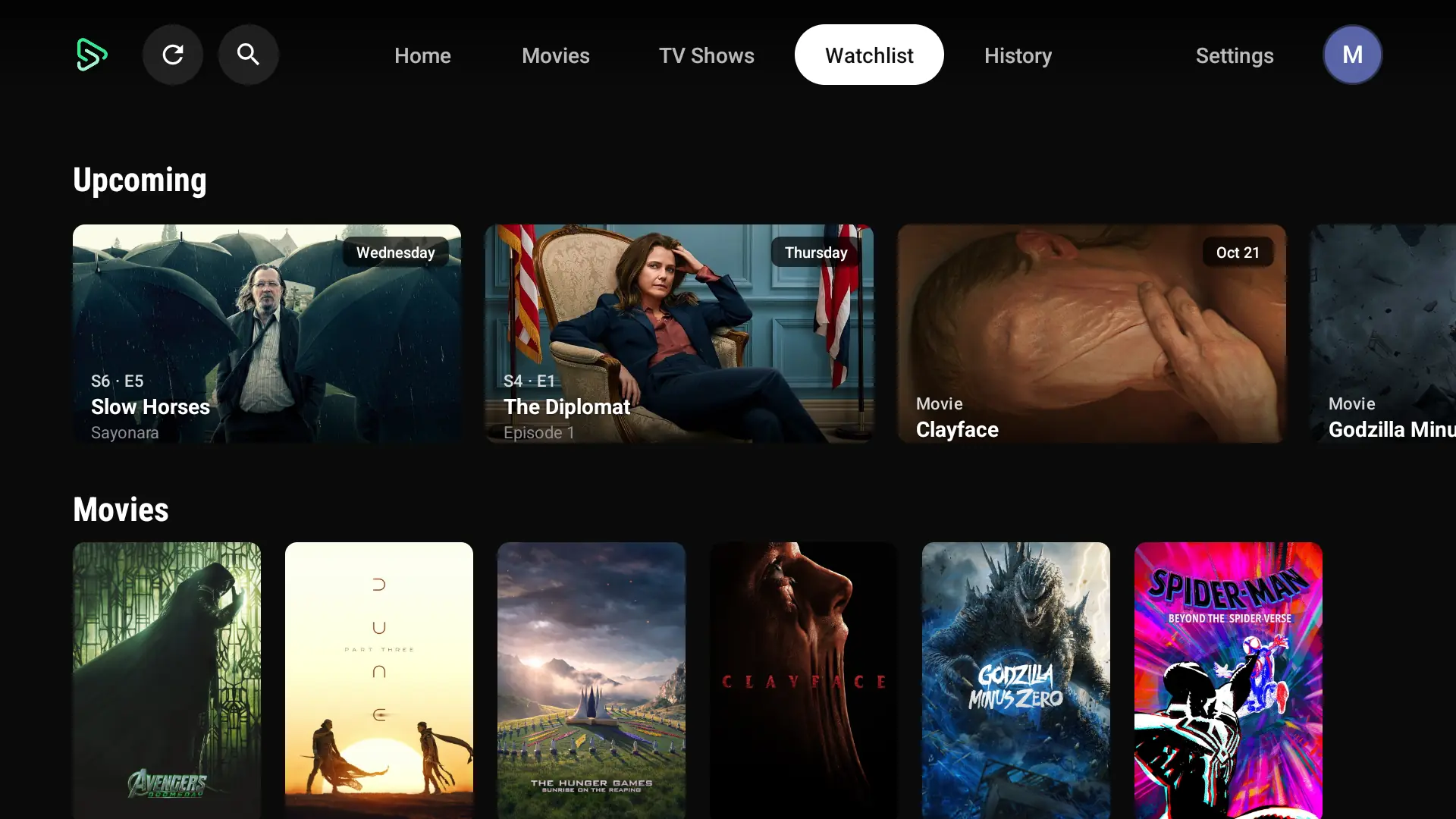
TrackerLinksWatchlist with Upcoming
An Upcoming row shows what's next.
History
Everything watched, newest first.
Ratings and lists
Rate and list titles with the remote.
Stats
The same stats as the phone app.
Mark watched
Episodes and seasons from the remote.
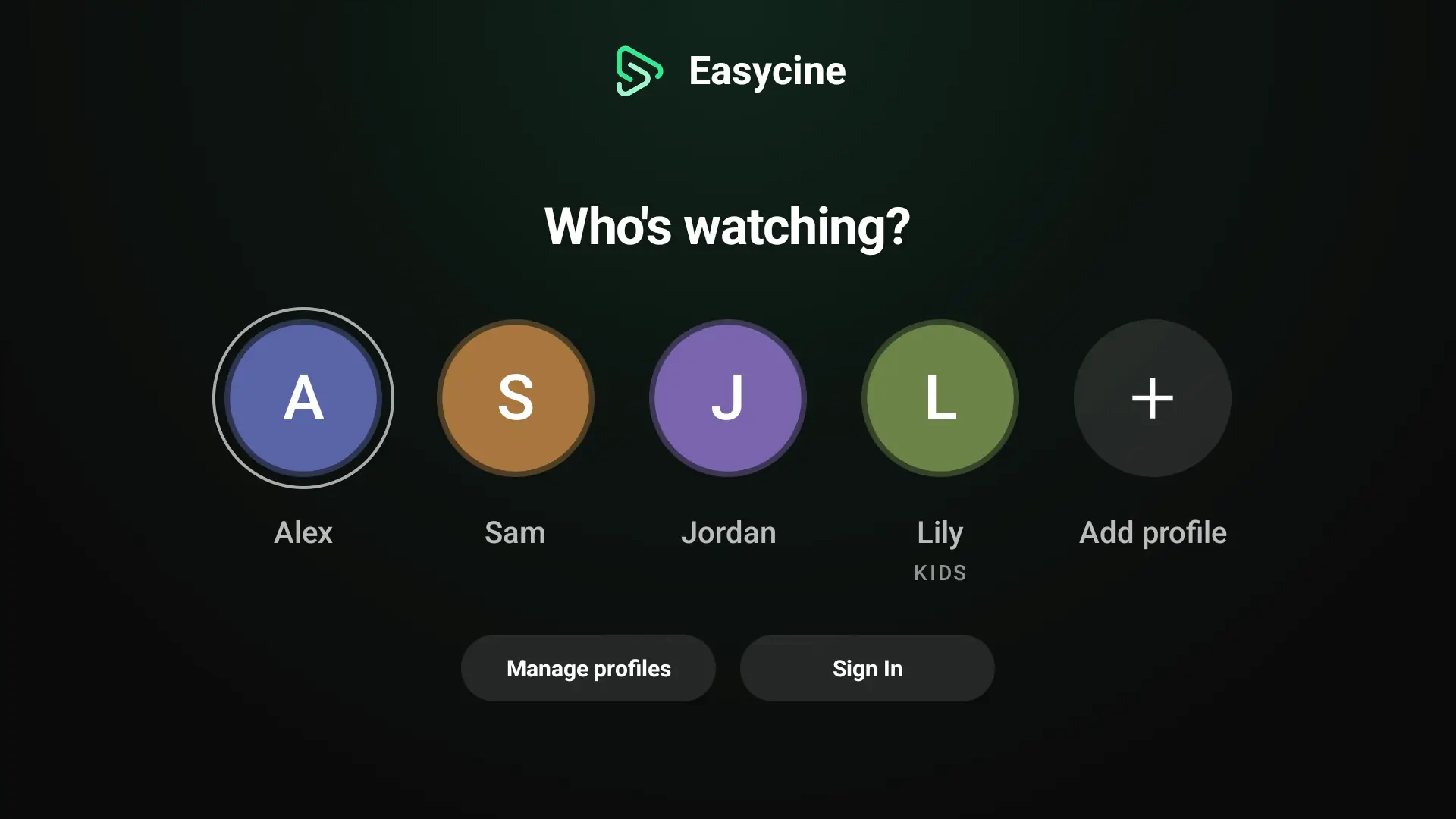
Profiles and Kids
Up to 5 profiles, including Kids.
PIN by remote
Enter the PIN with the number keys.
QR sign-in
Sign in by scanning a code with the phone.
LinksPanelTrakt device code
Connect Trakt with a short code.
TrackerAudio passthrough
AC3, E-AC3 and Atmos to the receiver.
TrueHD and DTS
Software decoding when the TV can't.
Addons and plugins
The same sources as the phone app, as rows.
External players
Hand off to your preferred TV player.
Video ads
VAST pre-roll ads on TV.
Separate TV settings
Its own updates and login rules from the panel.
Android TV and Google TV devices running Android 8 or later: smart TVs, streaming sticks and set-top boxes.
No. It shares the admin panel, modes and Firebase project with the phone app. The panel's TV App page adds separate update and login rules.
In Links and Panel mode they scan a QR code with the phone app, or use email. In Tracker mode they connect Trakt with a short code.
Yes, VAST video ads before playback. Banner and full-screen ads are phone-only.
It's included in the Complete plan, or as the TV add-on for $1,199 if you already own Mobile.
Yes. It rebrands and builds the phone and TV apps together, with one signing key.