Home
A Home you control. Rows, slider and channels, from your panel.
- Featured slider
- Top 10 and channel rows
- Viewers can edit their Home
A Java and XML Android app with everything viewers expect from a streaming app, for Android 8 and up.
Featured slider
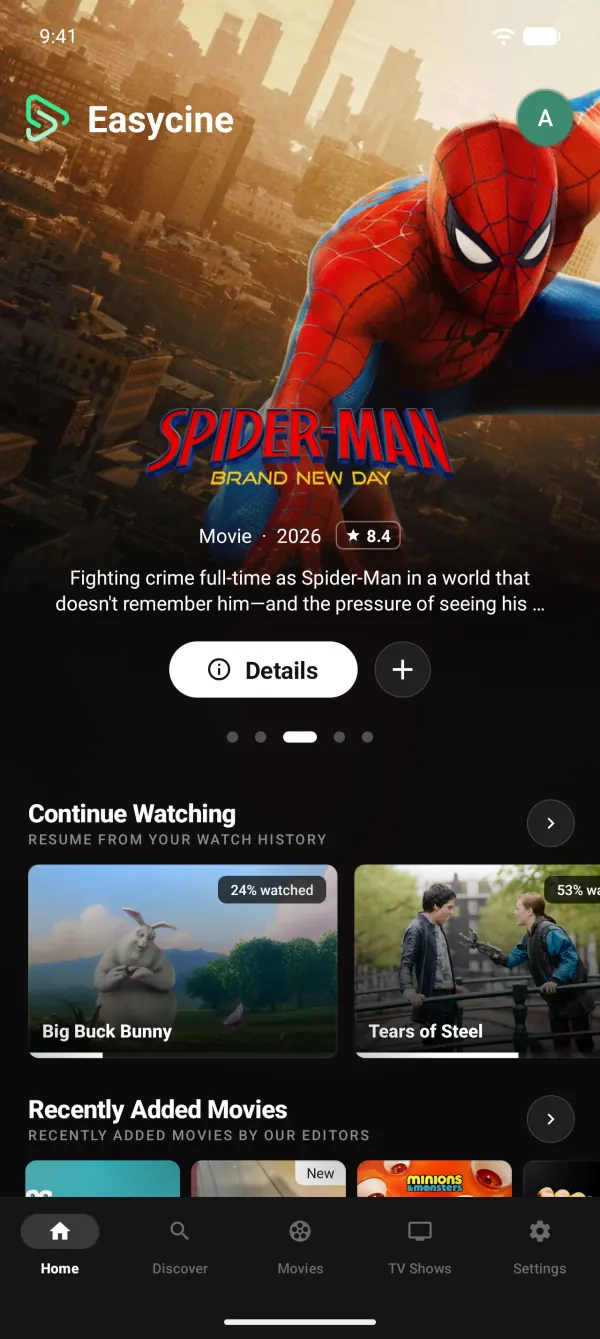
Big artwork at the top of Home, curated or automatic.
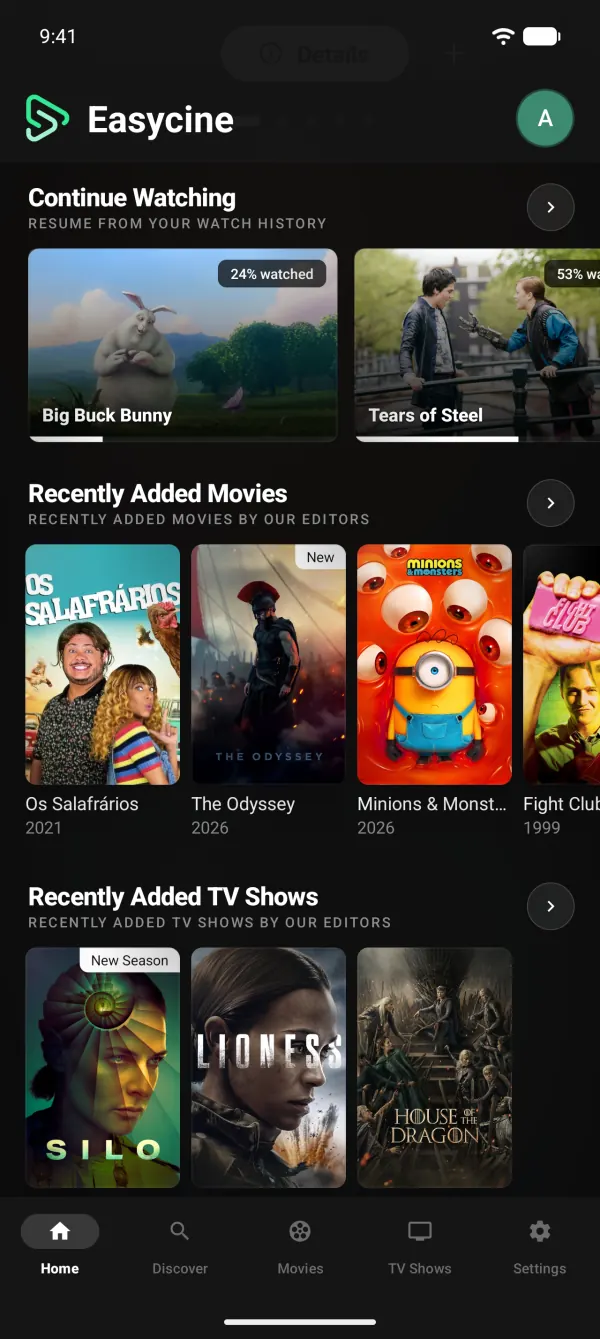
Home rows you control
Reorder or hide rows remotely, no app update.
Personal Home
Viewers reorder rows, pick styles and add their lists.
Top 10 rows
Ranked rows with large numbers.
Streaming-service rows
Browse by channel, like Netflix or Prime Video.
Because you watched
Suggestions based on what each profile watched.
TrackerLinksStaff picks
Your hand-picked rows from the panel.
TrackerLinksCountry-first content
Local titles first, with a Worldwide section.
TrackerLinksDiscover and Explore
Trending charts and genre browsing.
Release calendar
Upcoming episodes and movies by month.
TrackerLinksMovies and shows grids
Full grids to browse by genre and channel.
Announcement banner
Show news on Home from the panel.
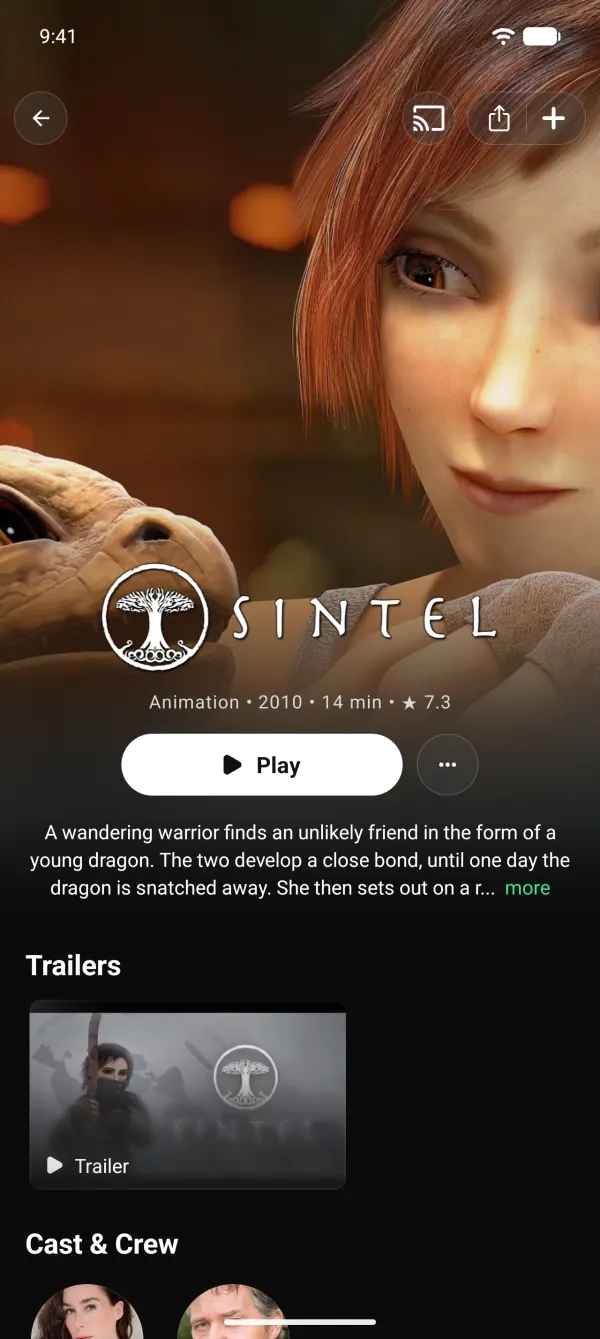
Trailers
Watch trailers right from the title page.
Cast and crew
Person pages with full filmography.
More like this
Related titles on every page.
Collections
Film series grouped together.
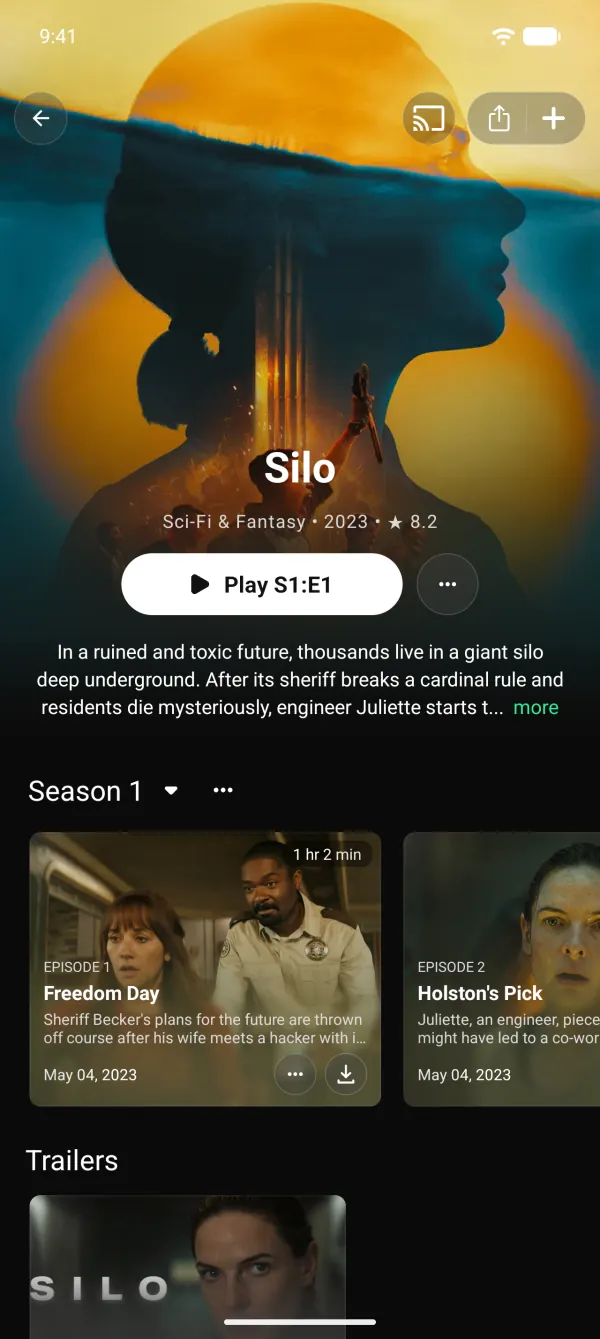
Seasons and episodes
Episode lists with stills and air dates.
Title facts
Status, runtime, budget, revenue and language.
Where to watch
Stream, rent or buy options per country.
TrackerLinksShare links
Share any title with a link.
Instant search
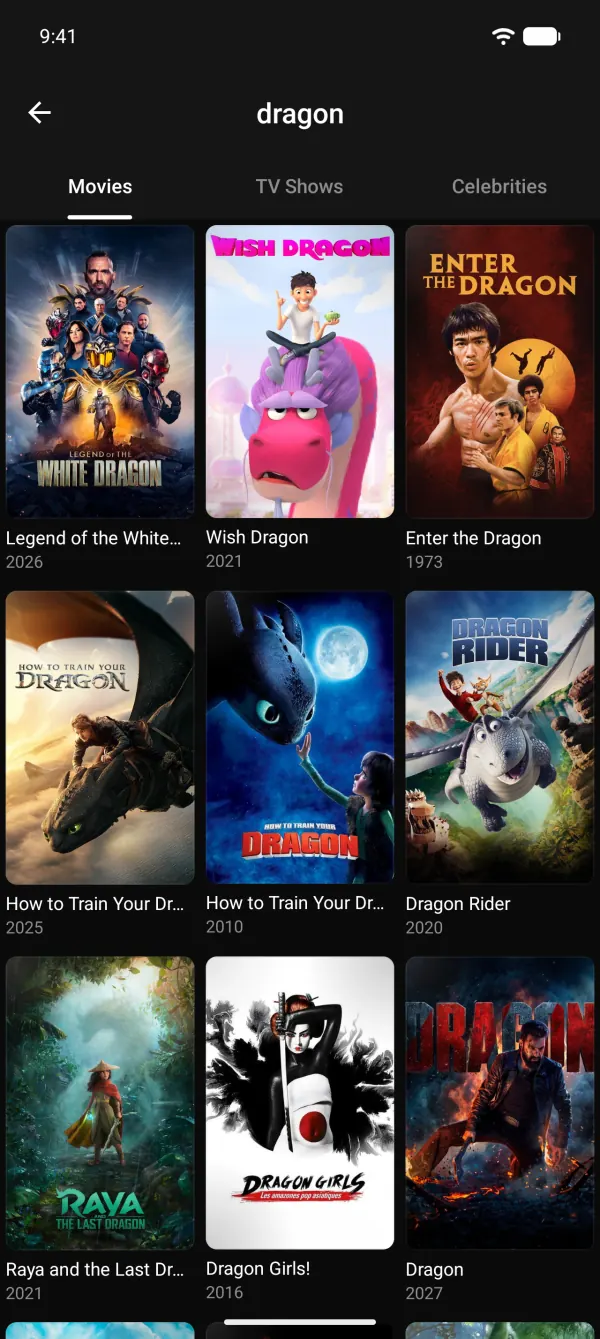
Movies, shows and people as you type.
Addon search
Search the catalogues of installed addons.
Filters
Genre, year, language, region, channel and sort.
Recent searches
Pick up where you left off.
Kid-safe search
Kids profiles only find kid-safe titles.
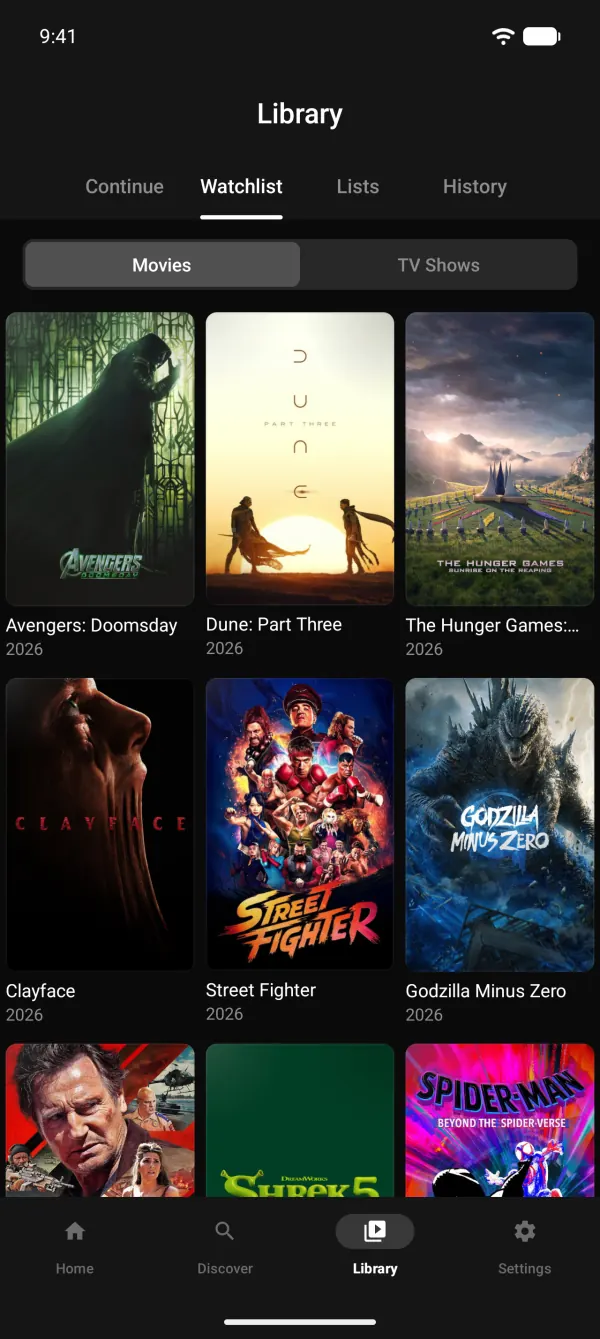
Library tab
Continue, Watchlist, Lists and History in one tab.
TrackerWatchlist without sign-in
Saved on the device for each profile.
TrackerMark as watched
Movies, single episodes, whole seasons or up to here.
Continue watching
Resume where each profile stopped.
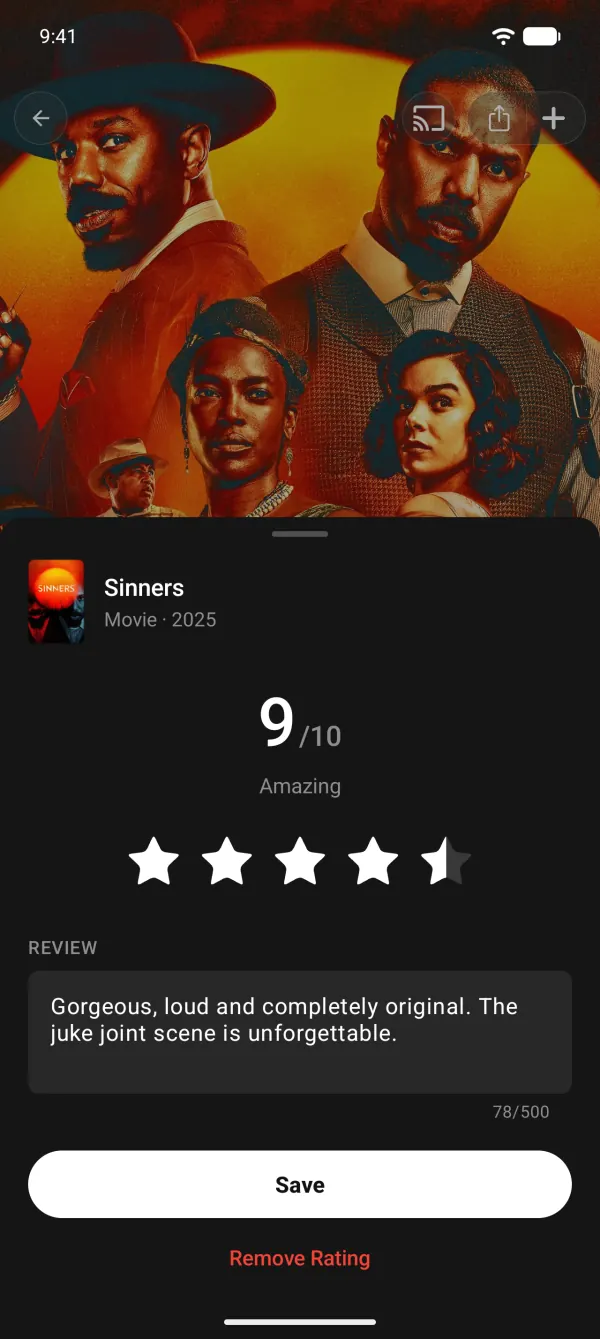
Ratings and reviews
Rate 1 to 10 and add a short review.
Custom lists
Up to 1,000 titles per list.
Stats
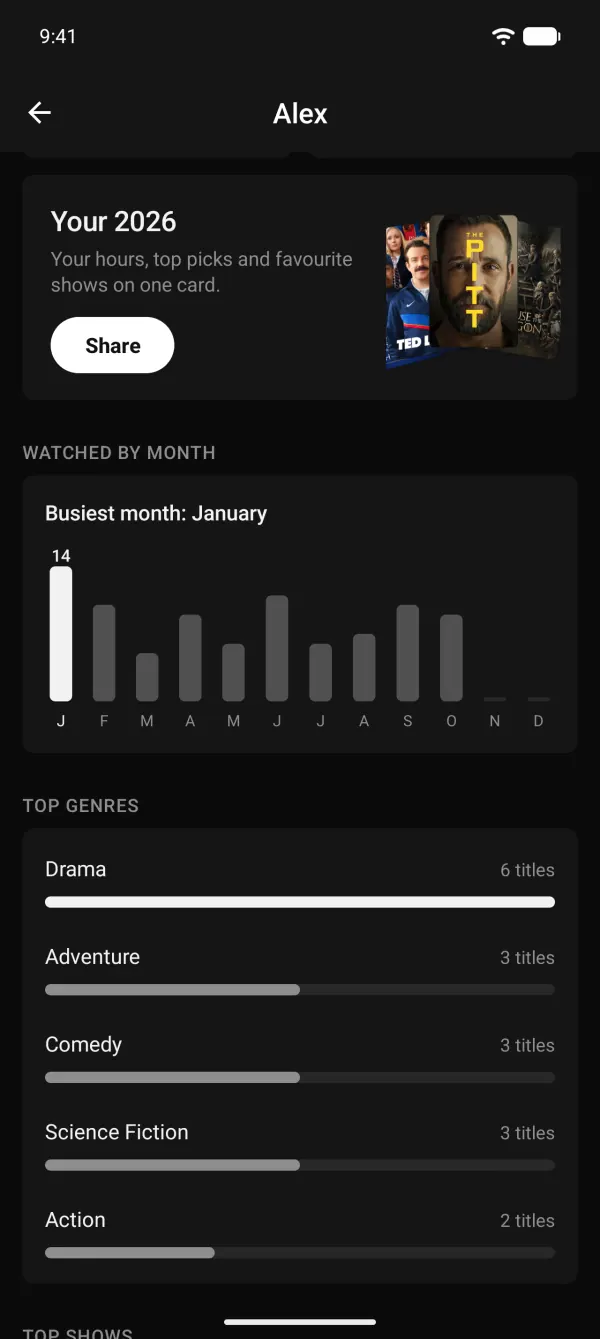
Time watched, top genres and more, by year.
Year in review
A shareable card of each viewer's year.
Import history
From Letterboxd, IMDb, Trakt, TV Time, Simkl, Netflix and more.
Export and backup
Full backup or CSV, anytime.
Trakt sync
Watchlist, history, ratings and scrobbling.
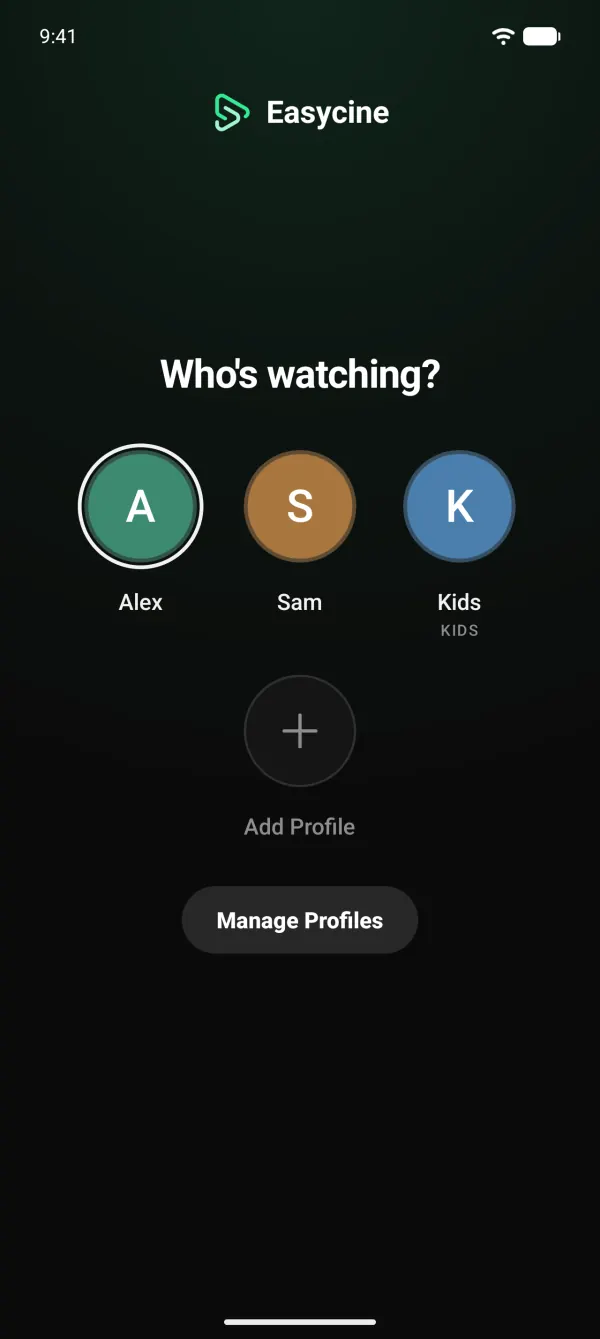
Up to 5 profiles
Each with its own library and Home.
Kids profiles
Only kid-safe titles, grown-up tools hidden.
Parental PIN
A 4-digit PIN guards grown-up profiles.
Profile lock
Lock any single profile.
Fingerprint and face unlock
Unlock a profile without the PIN.
Viewer accounts
Email or Google sign-in through your panel.
LinksPanelTrakt sign-in
Viewers sync with their own Trakt account.
TrackerLink a TV
Scan the TV's QR code to sign it in.
LinksPanelAccount deletion
In the app and on the web, as Play requires.
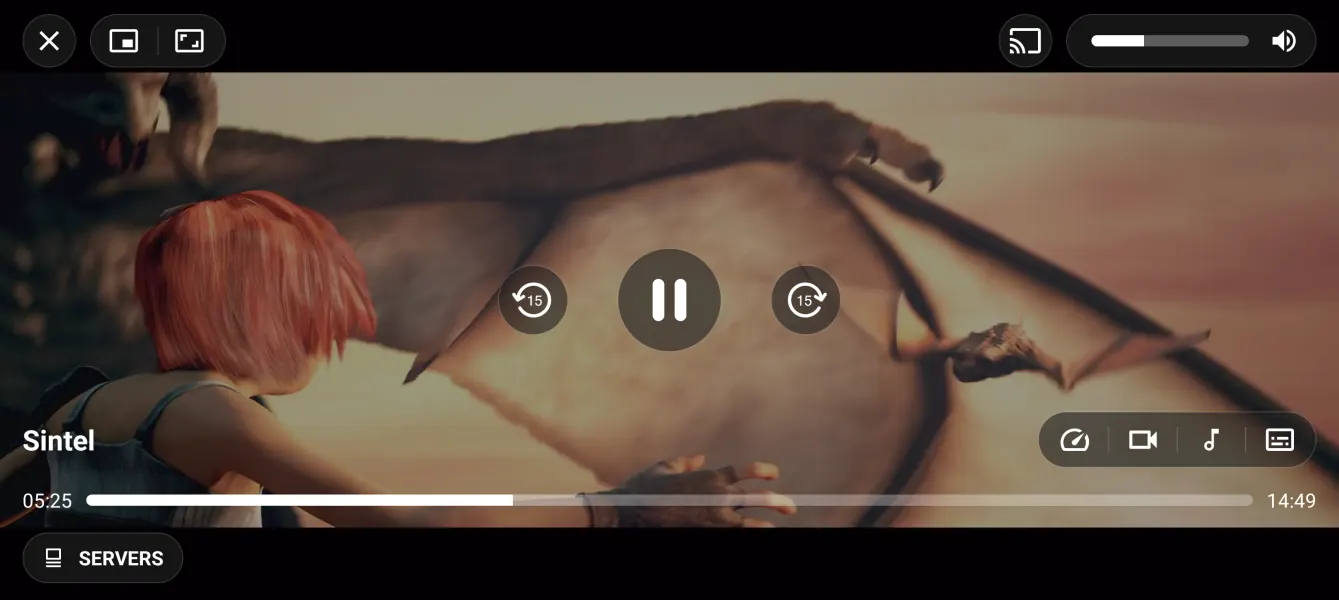
LinksPanelMedia3 player
HLS, DASH and SmoothStreaming.
FFmpeg decoders
Plays formats the device can't, with a decoder choice.
Subtitles
SRT, VTT, ASS and TTML, with caption styling.
Audio tracks
Two preferred audio and subtitle languages.
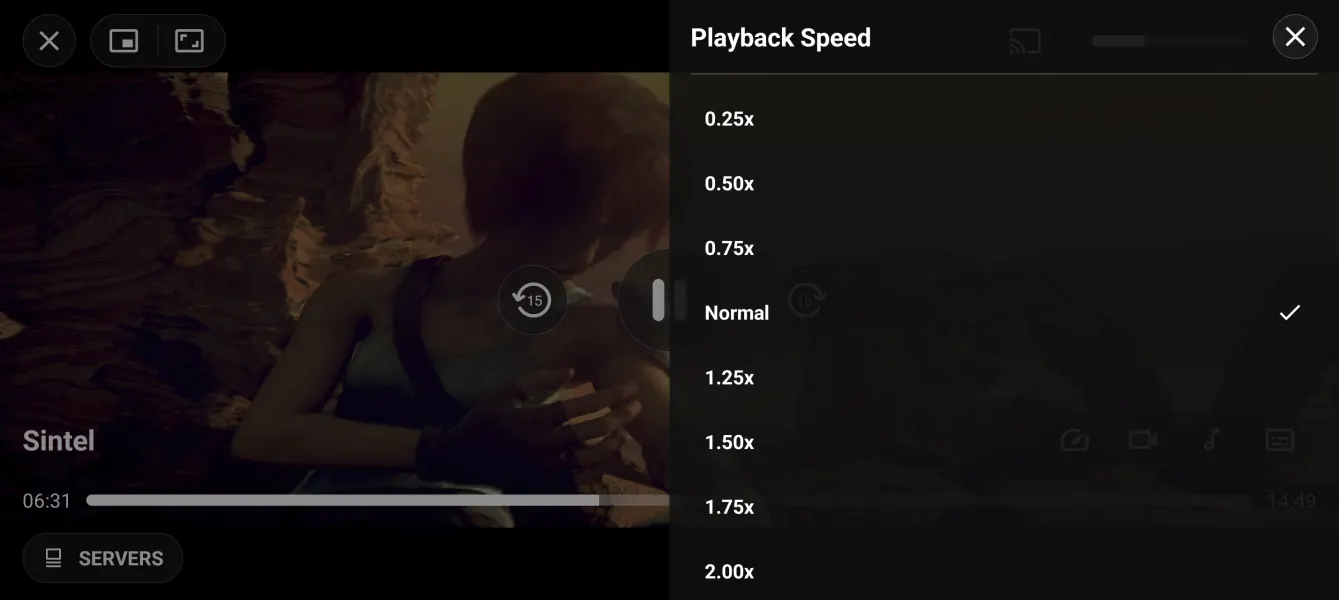
Speed and quality
0.25× to 2× and manual quality.
Picture-in-picture
Keep watching while using other apps.
Up next
Auto-play the next episode.
One-tap play
Picks the best link and moves on if one fails.
Resume
Every title picks up where it stopped.
External players
Hand off to MX Player, VLC and others.
Downloads
Background downloads with pause and resume.
Offline playback
Watch downloads in the app, no connection.
Downloader apps
Optional hand-off to ADM or 1DM.
Chromecast
Cast with a remote screen and mini player.
Cast relay
Casts downloads, subtitles and streams that need headers.
Push notifications
Announcements through OneSignal.
New episode reminders
A daily on-device check, no server needed.
TrackerLinksRelease reminders
When a watchlist movie comes out.
TrackerLinksContent language and region
Any TMDB language and country.
Right-to-left layouts
Ready for Arabic, Hebrew and Persian.
DNS fallback
Switches to secure DNS when DNS is blocked.
Update prompts
Optional or forced updates from the panel.
Adaptive grids
One to eight columns on phones and tablets.
Yes. Java and XML, built in Android Studio or with the Builder. It isn't a web view.
Android 8 and newer, up to Android 17, on phones and tablets.
Change the name, icon, colours and package name in the Builder with a live preview, or by hand in Android Studio.
Yes. It ships in English and the Builder adds any of 55 languages. Right-to-left layouts are supported.
Yes. Tracker mode is made for Google Play: it tracks titles and shows where to watch them. In Links and Panel mode you need the rights to everything your app streams.
No. EasyCine ships with no content and no sources. You add streams you're licensed to use: your own links, Stremio addons, Nuvio-compatible plugins or embed servers. Movie and show details come from TMDB.